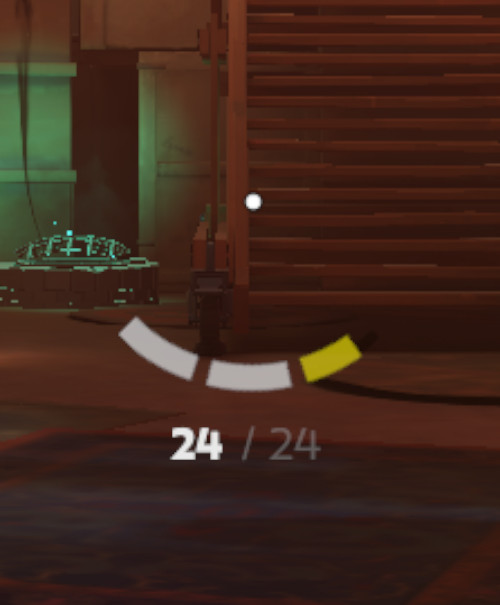
3D model coming soon
In-game UI
Replaced by this mod (1)
 rtcp
rtcp
Description
inspired by Suiaki_Kalin
Files




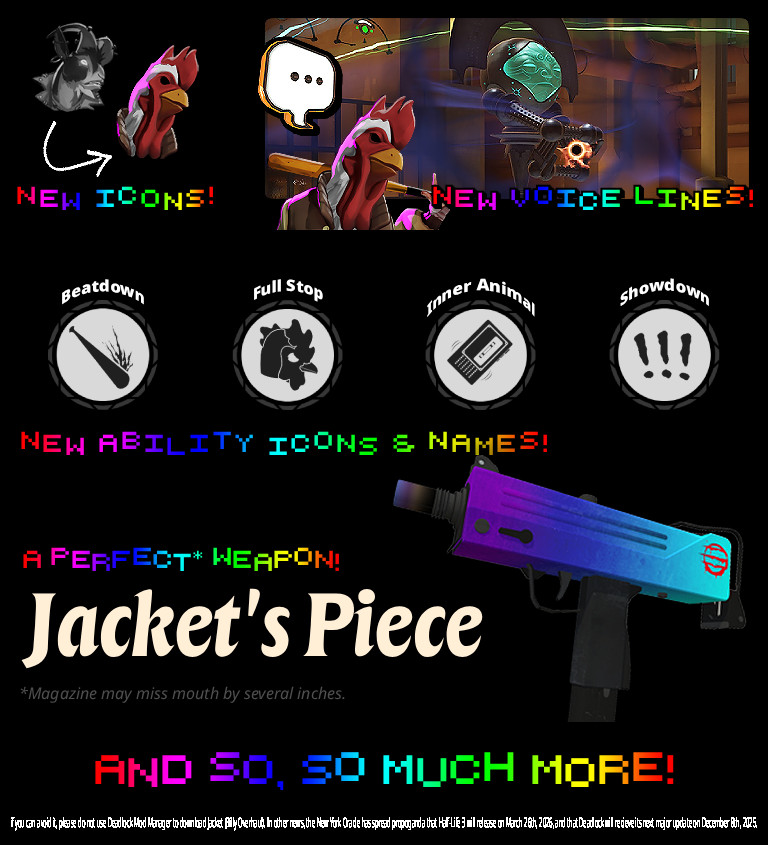
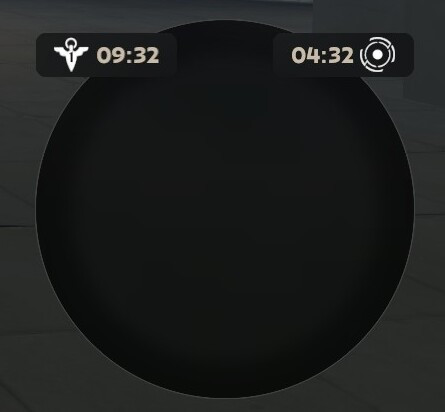
![Top Bar Plus [Beta]](https://assets.skintel.gg/upstream/gamebanana/a0c59bd1eed304e1ed21899b4d6e78f1969c6839668649ddfd5518d023811391.jpg)
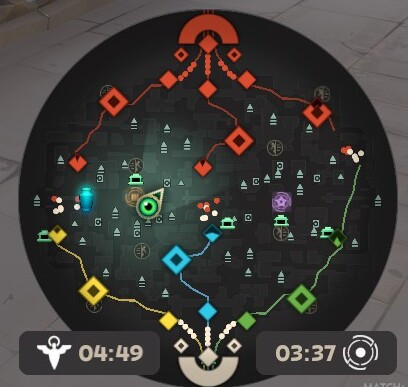
![Top Bar Plus [Beta] image 2](https://assets.skintel.gg/upstream/gamebanana/29674b96150aa66b8d6018424419c8a78007235d8d328d00b4e7883ad7a43575.jpg)
![Top Bar Plus [Beta] image 3](https://assets.skintel.gg/upstream/gamebanana/5c66ea0fed88b2849a06ac464bfac8ee1a0c81bda4ddb1555532d43fdd497ffa.jpg)
![Top Bar Plus [Beta] image 4](https://assets.skintel.gg/upstream/gamebanana/4d036ffd43a30d28a373be9c675648905e44a5677ab6eef84e4ca5fc9a379b0e.jpg)
![Top Bar Plus [Beta] image 5](https://assets.skintel.gg/upstream/gamebanana/8e0484c084c0e4be8f50fb6bff9dd607e15034752078118eff637d9193c330f5.jpg)




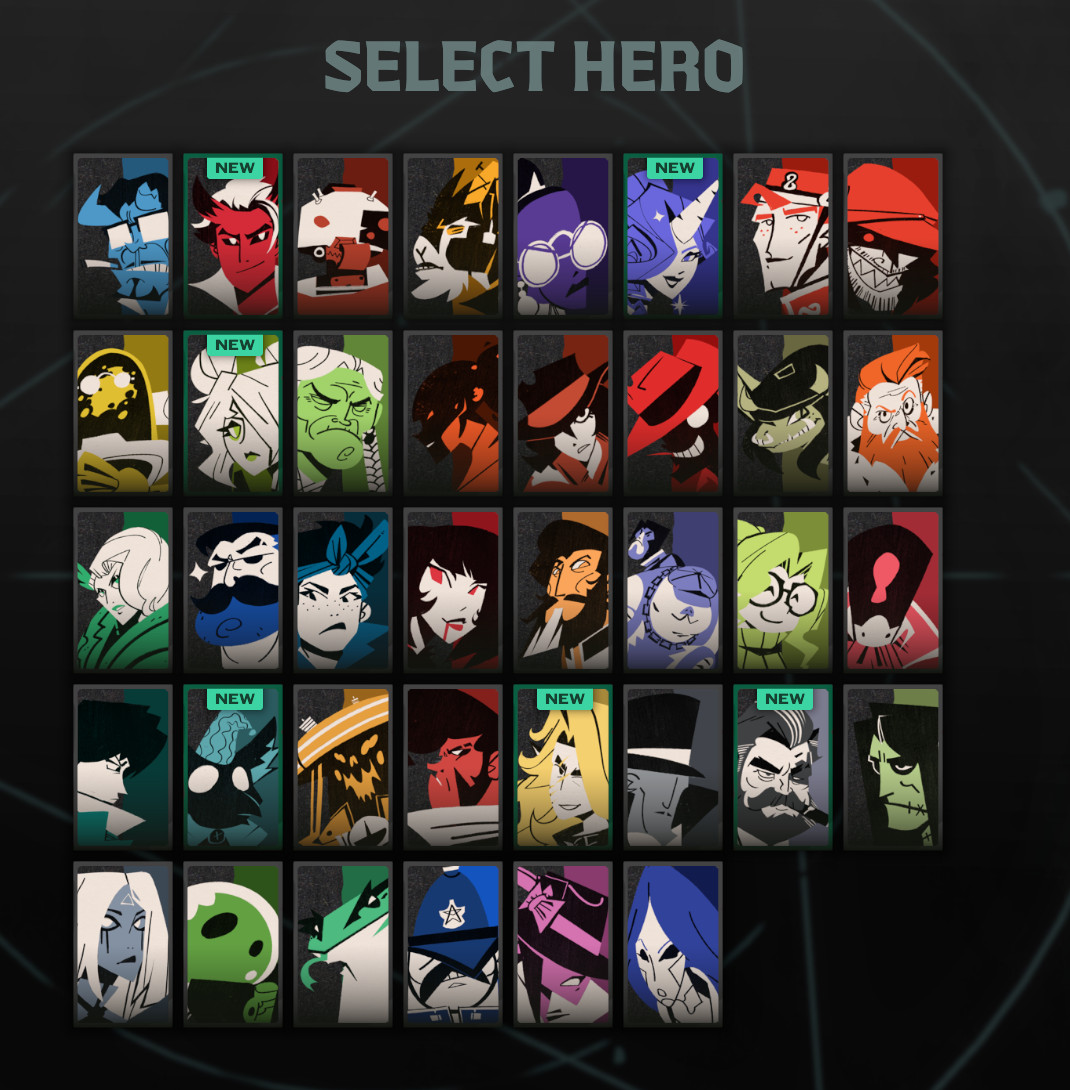
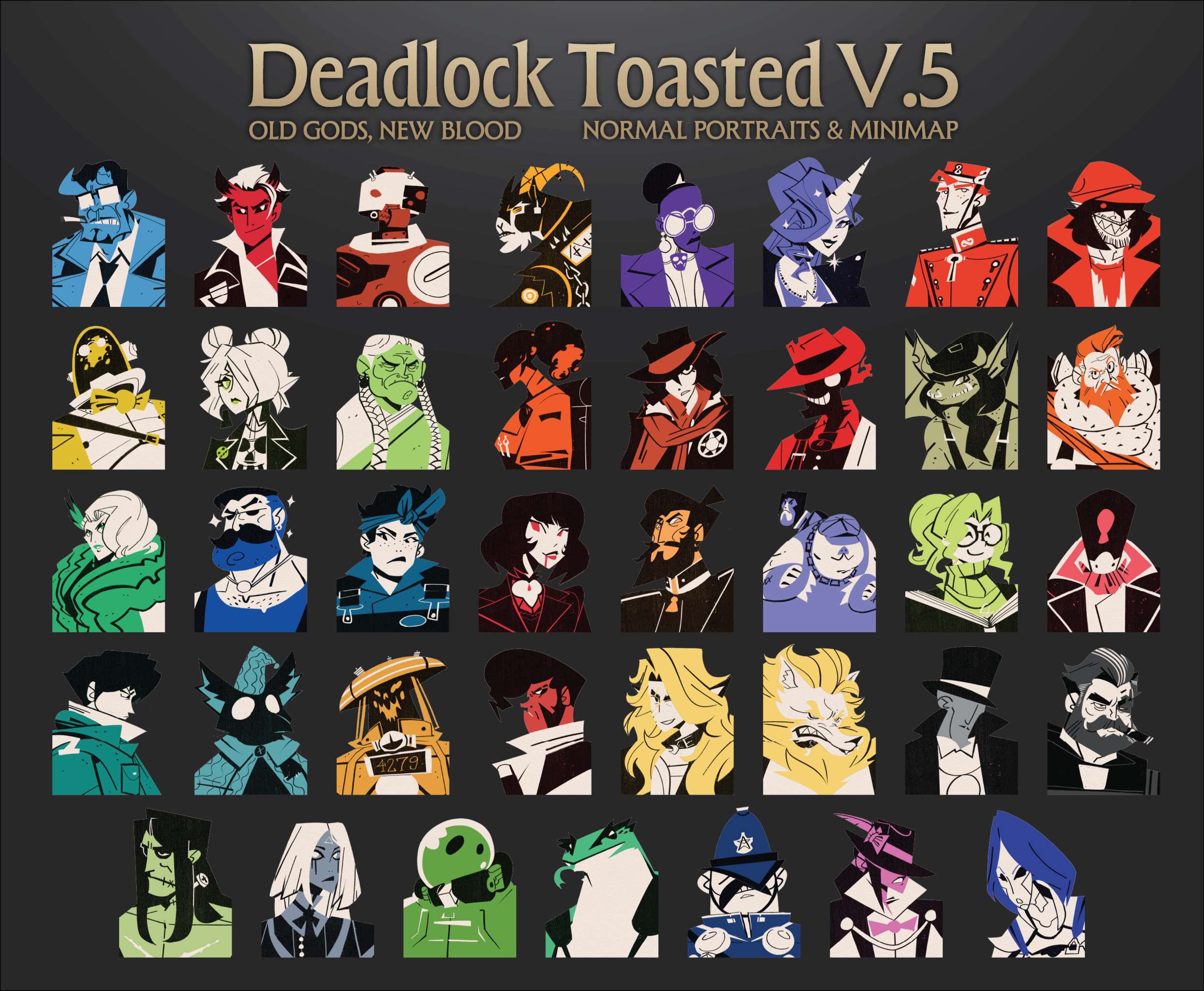
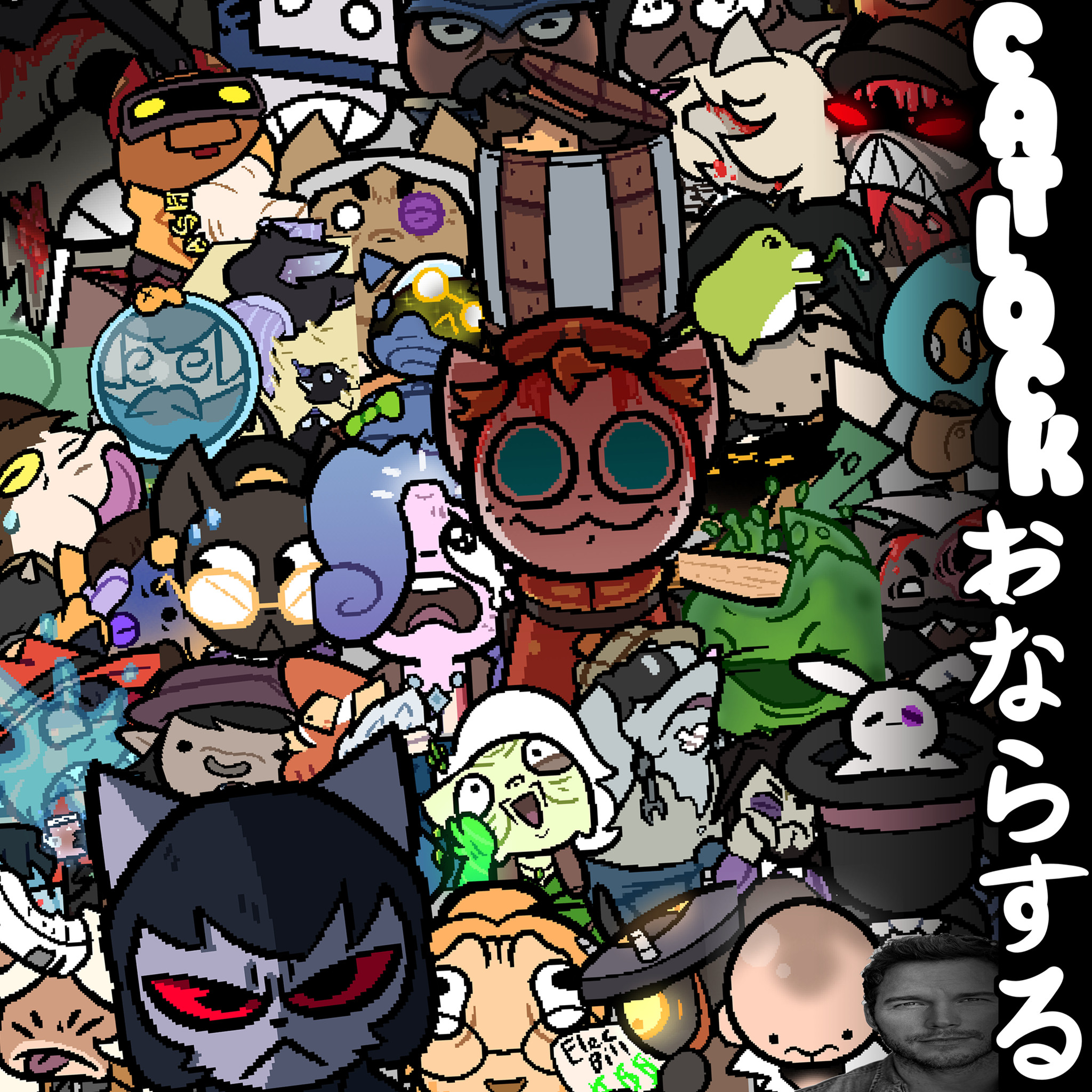
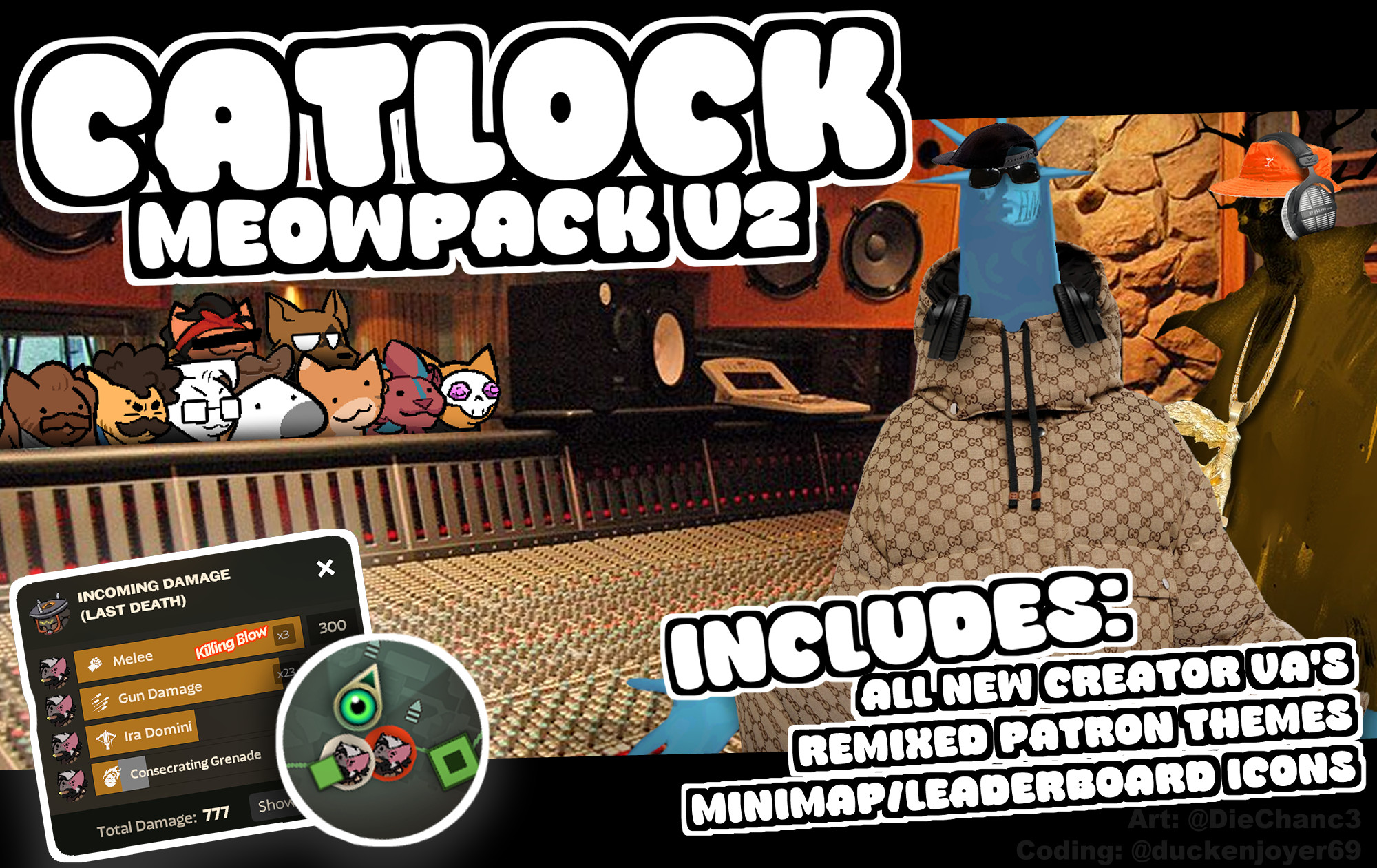
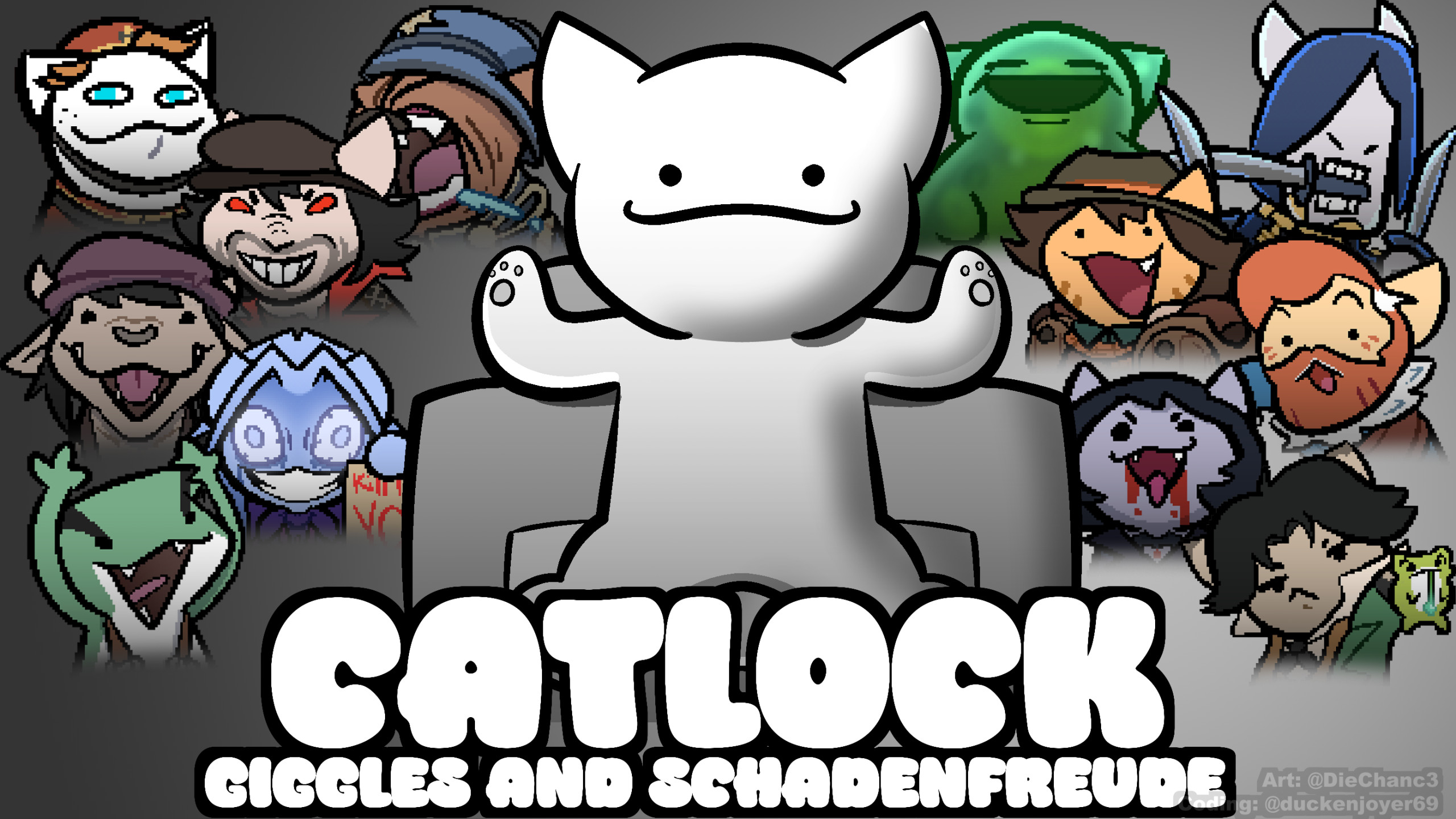
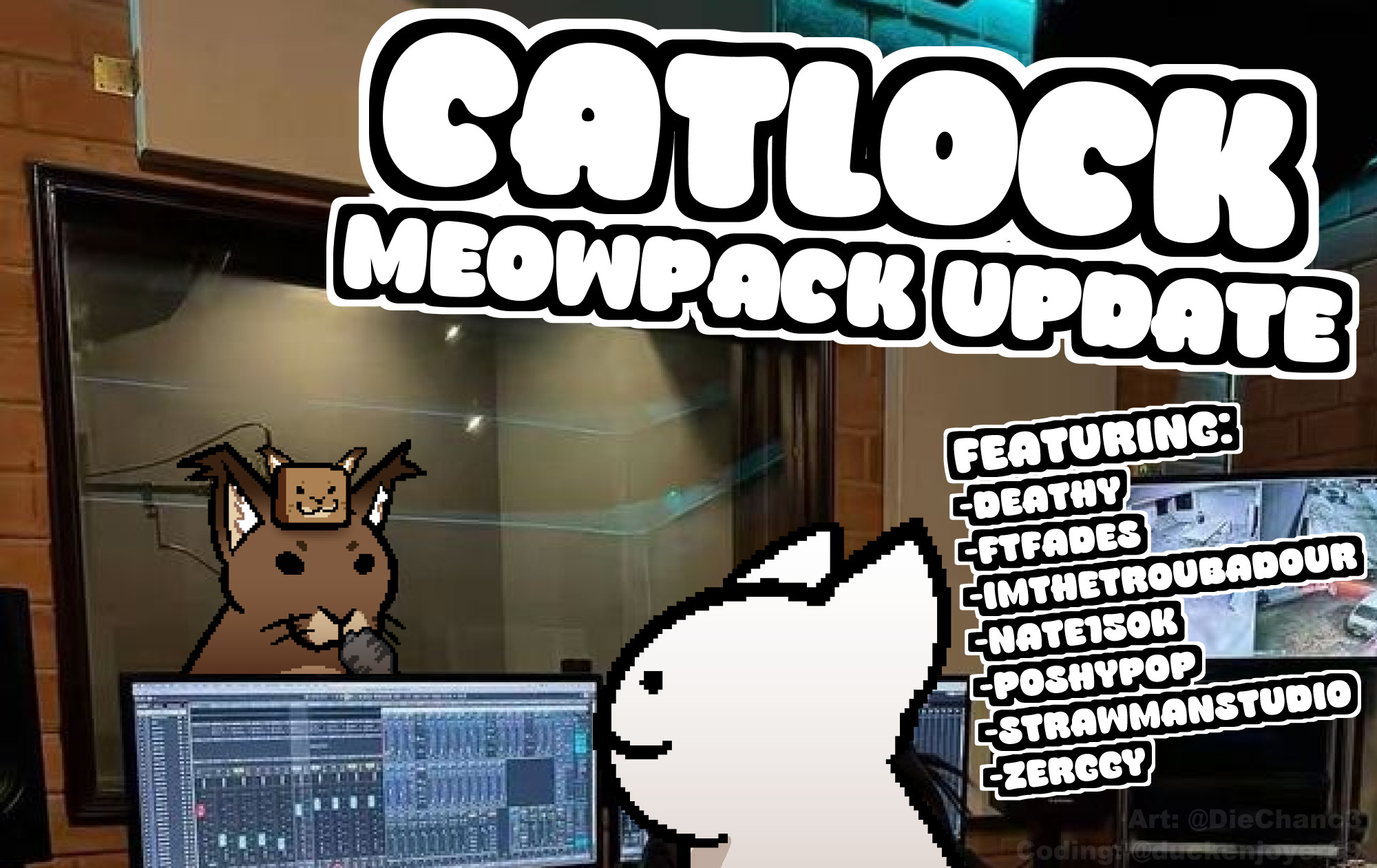
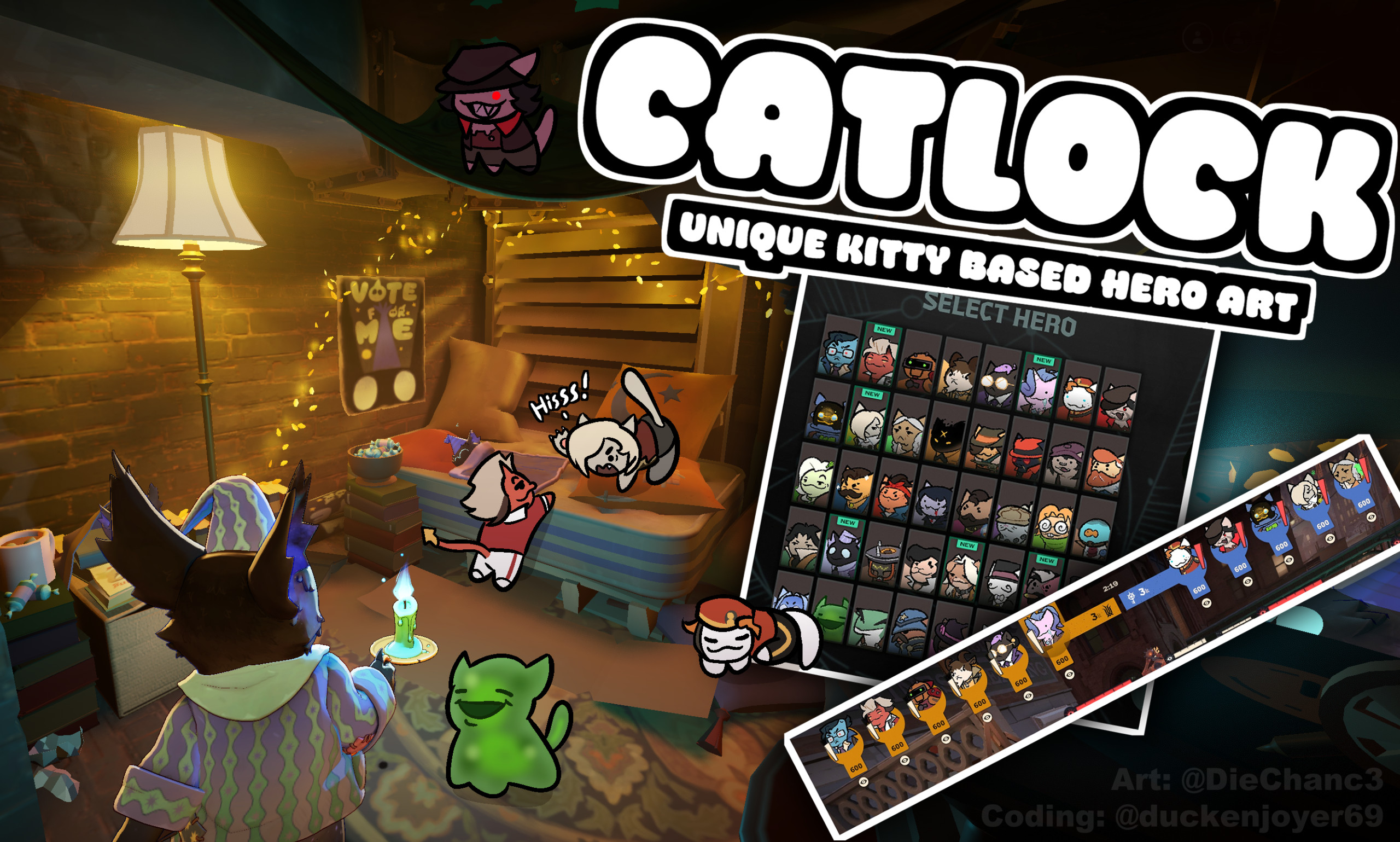
![[OLD GODS NEW BLOOD] DARKEST DEADLOCK Portraits](https://assets.skintel.gg/upstream/gamebanana/678089821b6baed29ec029529582de5f5eacb40a8b74f29d086eb5bdb6319225.jpg)
![[OLD GODS NEW BLOOD] DARKEST DEADLOCK Portraits image 2](https://assets.skintel.gg/upstream/gamebanana/eecb6672adc7f5717dcfdd60ca922cf98b70ca80758a67c1a427072edfec9332.jpg)
![[OLD GODS NEW BLOOD] DARKEST DEADLOCK Portraits image 3](https://assets.skintel.gg/upstream/gamebanana/a890a9becabdee04a01511f9e22ea5aa4e53c61fe857c995331fad813e1d28ac.jpg)
![[OLD GODS NEW BLOOD] DARKEST DEADLOCK Portraits image 4](https://assets.skintel.gg/upstream/gamebanana/3ea1d86c17d353a2b65effe9ec609aa7a8bcd6e2f9f26ec2f392d25b22a62825.jpg)
![[OLD GODS NEW BLOOD] DARKEST DEADLOCK Portraits image 5](https://assets.skintel.gg/upstream/gamebanana/615ad94d0c6bb40d77129f80ba95e34cb8585b9d13ec8d84a3d17fedbb950a40.jpg)
![[OLD GODS NEW BLOOD] DARKEST DEADLOCK Portraits image 6](https://assets.skintel.gg/upstream/gamebanana/3ca8b489c746d109168376599f7286ce77a37c763f4e4c1771565ec21b4beb72.jpg)
![[OLD GODS NEW BLOOD] DARKEST DEADLOCK Portraits image 7](https://assets.skintel.gg/upstream/gamebanana/f3e89e1cba8dc54d38d8444b33b8a2a136cec6b56e443bdb1d59fdbbdaa1e545.jpg)
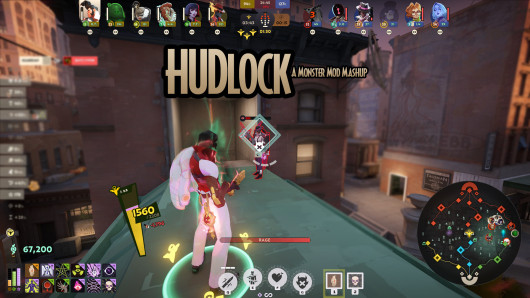
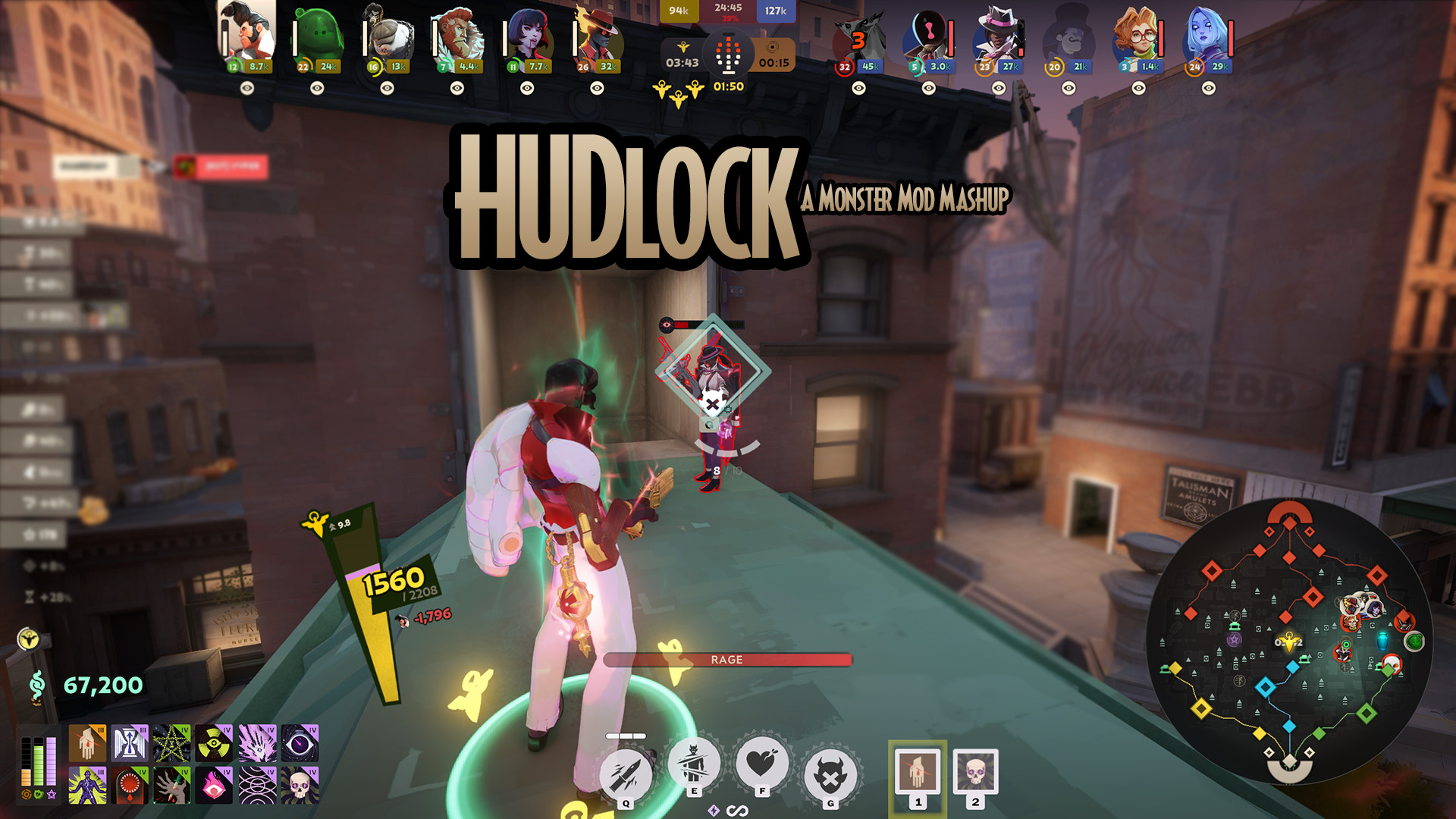
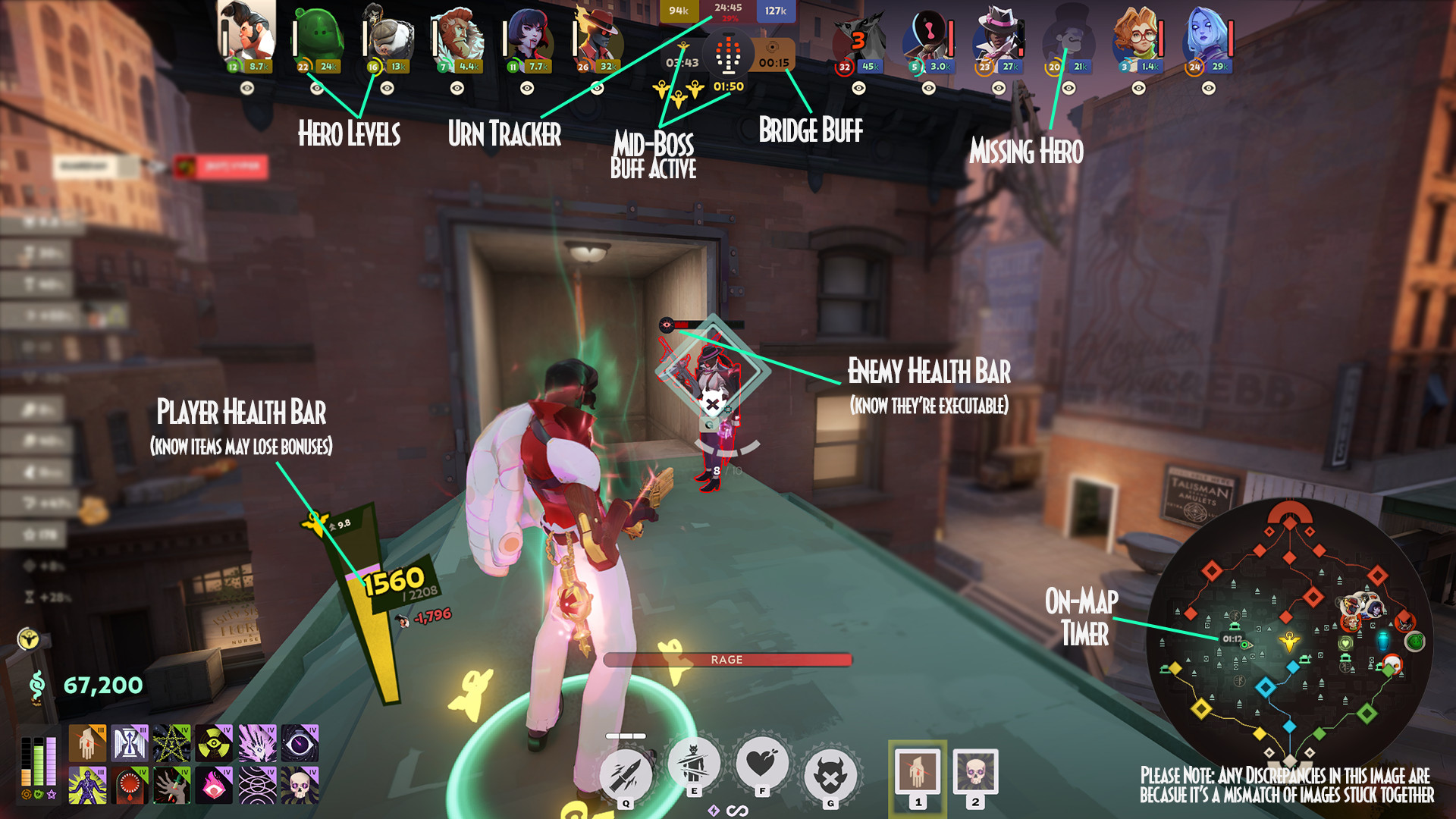
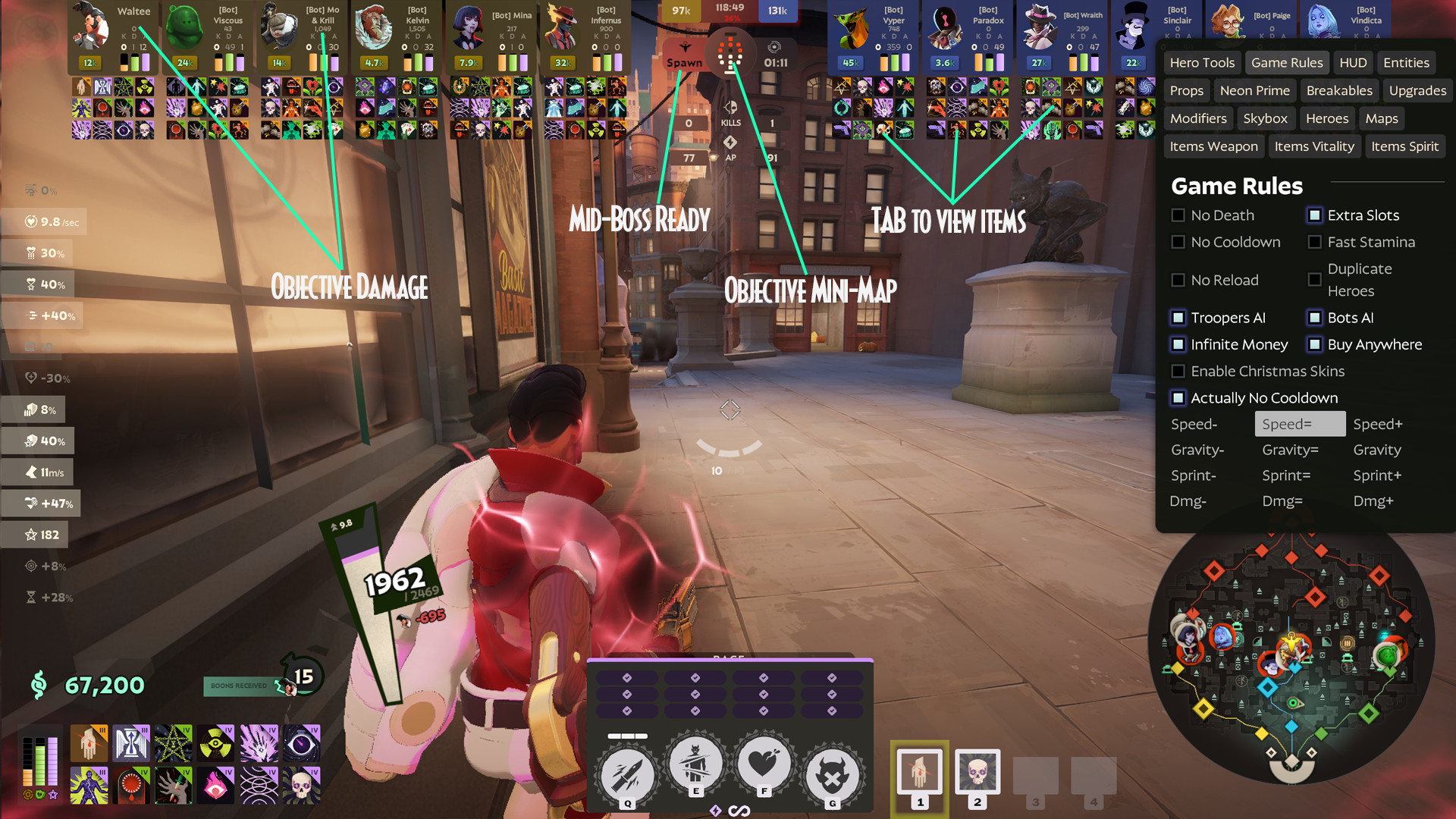
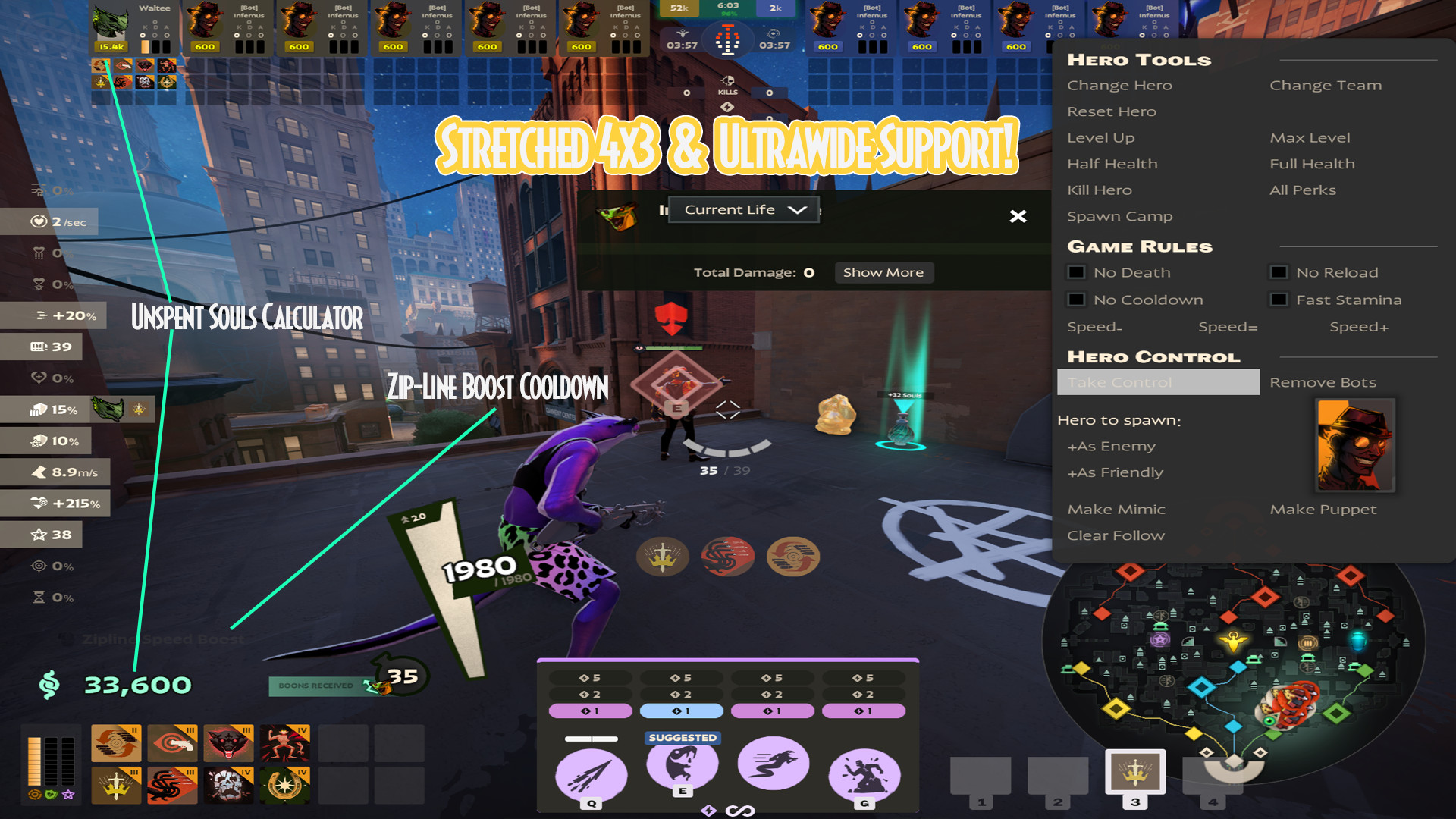
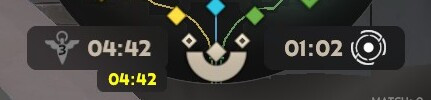
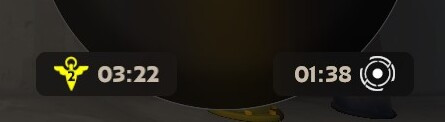

![robo's Deadlock Portraits [V3 UPDATE! NEW HEROES!]](https://assets.skintel.gg/upstream/gamebanana/92c9d6bc7c56055fa9fedd90d8e78b0d21a184b0ff3c9da01a6bef2921358339.jpg)
![robo's Deadlock Portraits [V3 UPDATE! NEW HEROES!] image 2](https://assets.skintel.gg/upstream/gamebanana/45455033ea8aaa3f7390e6922edf21ce0aa8aebf0ba260fc6a489049ab4b6b1e.jpg)
![robo's Deadlock Portraits [V3 UPDATE! NEW HEROES!] image 3](https://assets.skintel.gg/upstream/gamebanana/5609b175042be7643a85390230ace4db64dddc8c3435288ccb015993e19f2e08.jpg)
![robo's Deadlock Portraits [V3 UPDATE! NEW HEROES!] image 4](https://assets.skintel.gg/upstream/gamebanana/cd3f5b146466d7bea51727facc5593da211ff2d73c8d74f285a44944d9a4fd6d.jpg)
![robo's Deadlock Portraits [V3 UPDATE! NEW HEROES!] image 5](https://assets.skintel.gg/upstream/gamebanana/7728887fbeda3067002fcd88502a242f056fe81ee4f836aca4fc59f776005b87.jpg)
![robo's Deadlock Portraits [V3 UPDATE! NEW HEROES!] image 6](https://assets.skintel.gg/upstream/gamebanana/8bb09869aa54fb1ed0d96fdf63d09abb8d271d52115076dc63ff6a8cb0d35814.jpg)
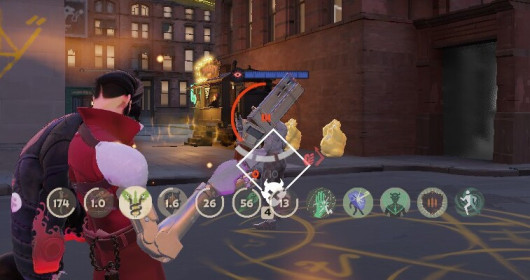
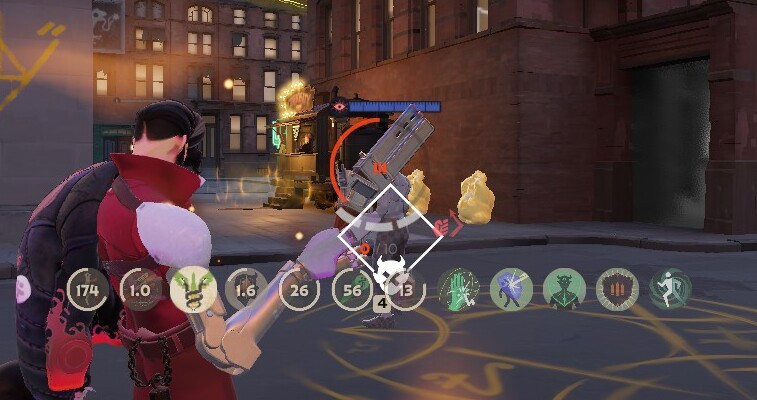
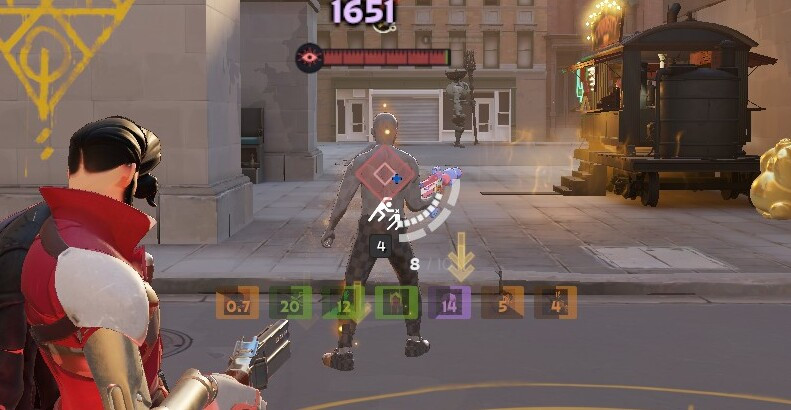
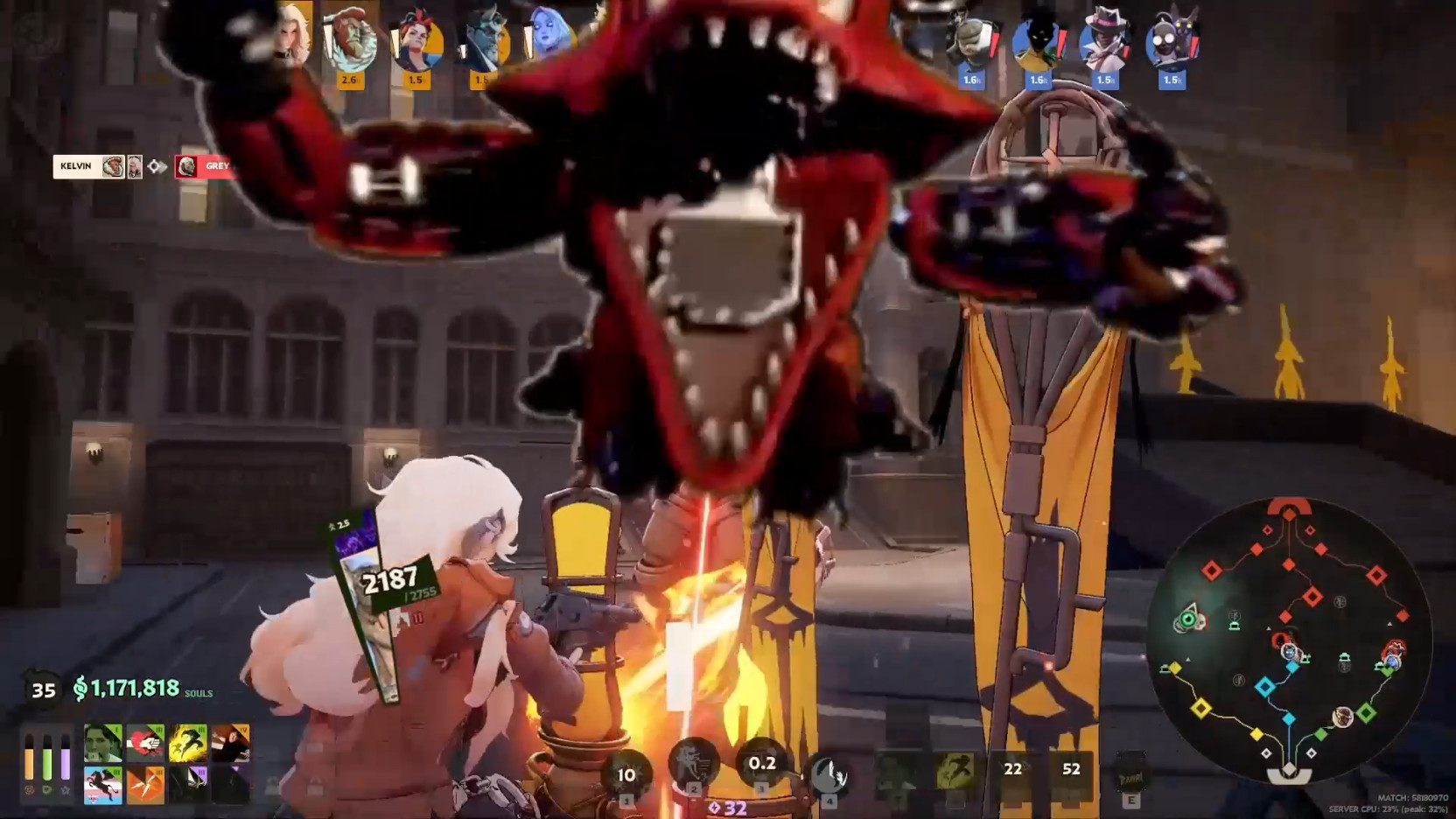
About Divine's FPS user friendly Crosshair
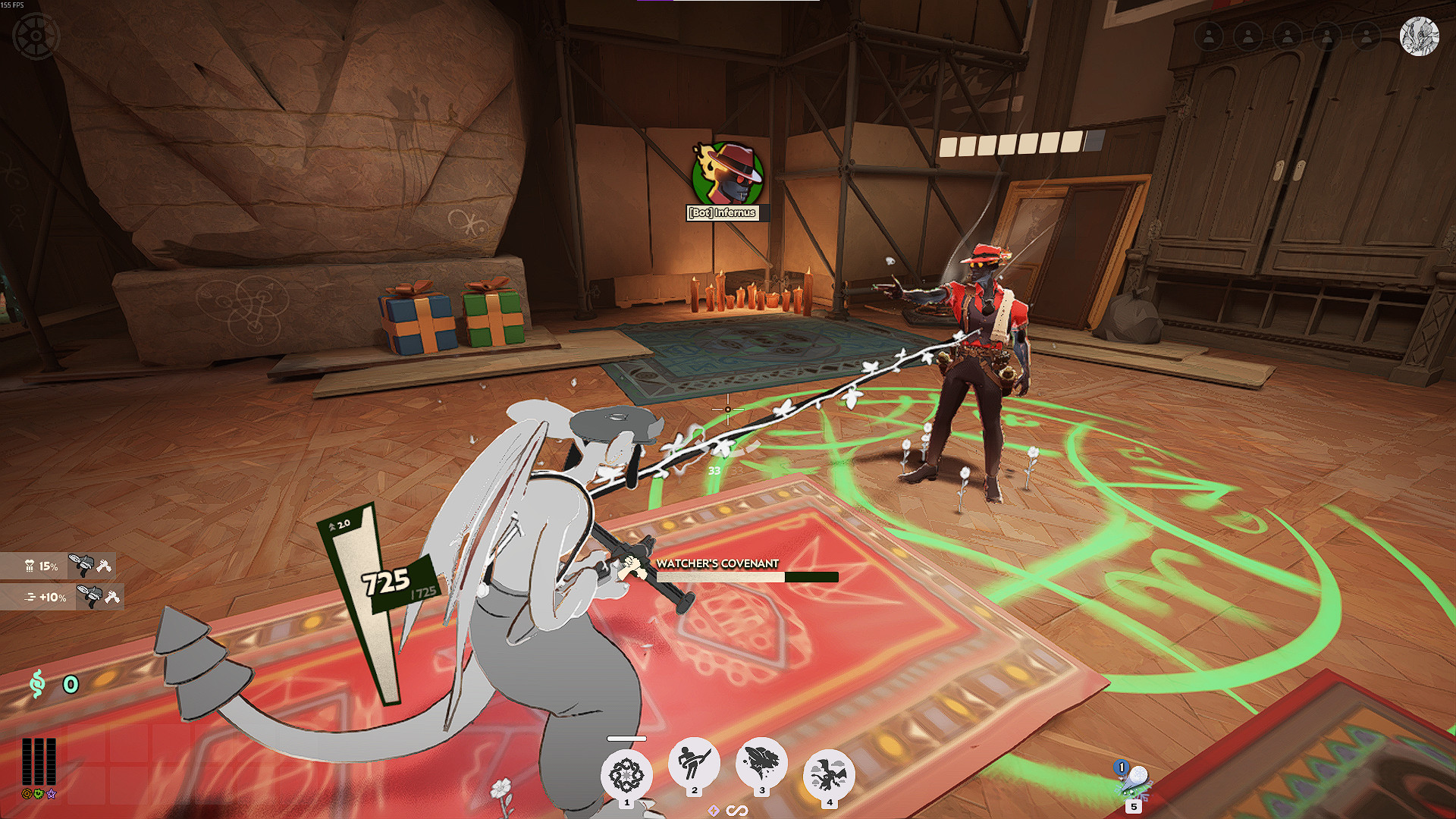
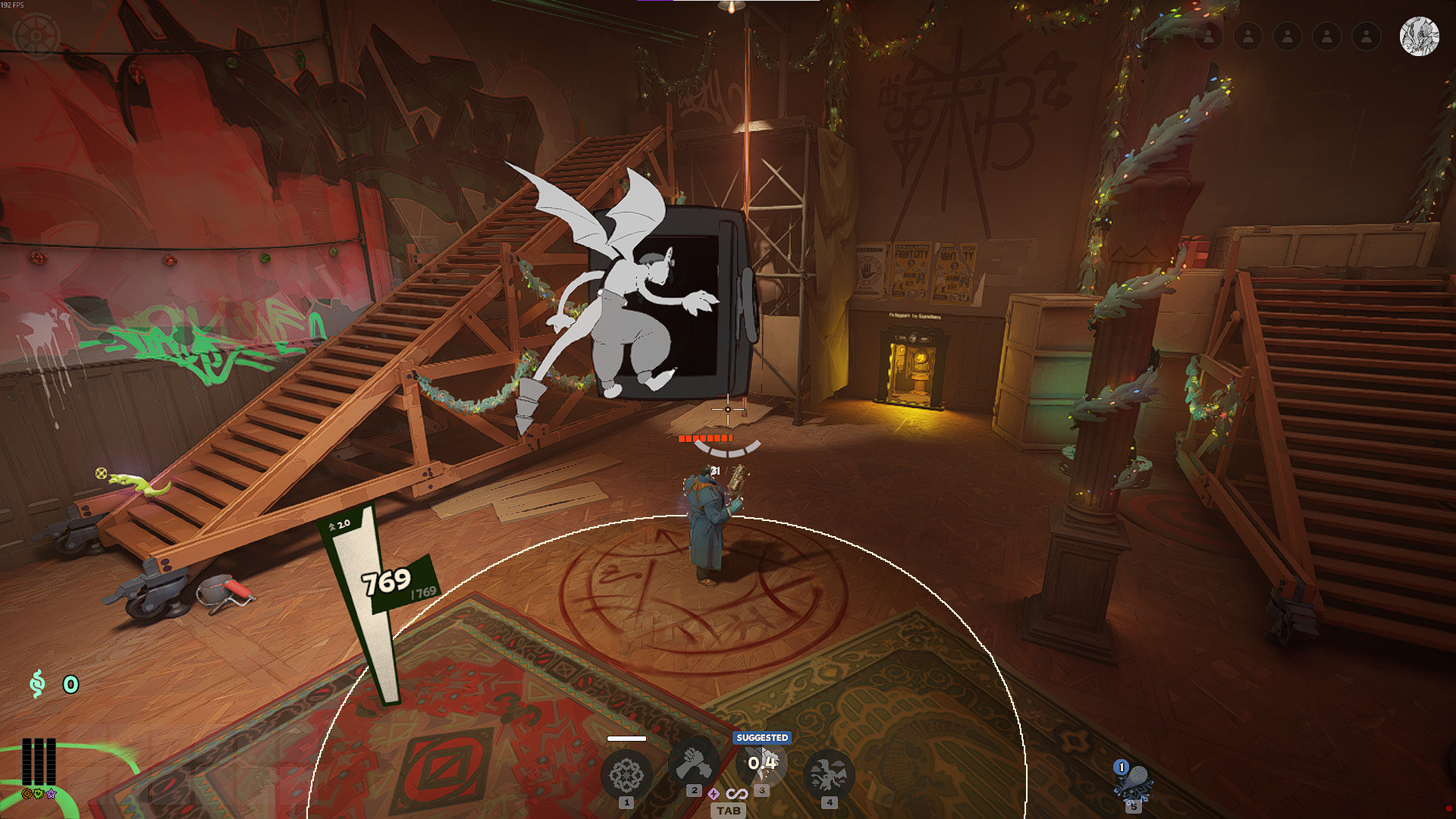
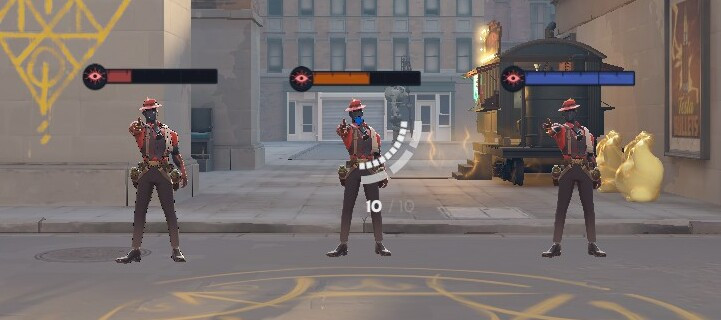
Divine's FPS user friendly Crosshair is a community HUD in Deadlock.
Popularity
Divine's FPS user friendly Crosshair has been downloaded 4.1k times, liked 2 times and viewed 2.2k times on GameBanana.
Installation
The Open with button hands Divine's FPS user friendly Crosshair to Deadlock Mod Manager or Grimoire; without a manager installed, the 20 KB archive's files go into the game's addons folder by hand.
How to install a Deadlock mod.
Availability
Divine's FPS user friendly Crosshair is a free Deadlock mod; downloading and installing it costs nothing.
Read the Deadlock skin price forecast.
Updates
Divine's FPS user friendly Crosshair was last updated Jun 14, 2026.
Frequently asked questions
How do I install Divine's FPS user friendly Crosshair?
Press Open with to hand Divine's FPS user friendly Crosshair to Deadlock Mod Manager or Grimoire, or download the 20 KB archive and copy its files into the game's addons folder.
Is Divine's FPS user friendly Crosshair free?
Yes. Divine's FPS user friendly Crosshair costs nothing to download or install.
How popular is Divine's FPS user friendly Crosshair?
Divine's FPS user friendly Crosshair has been downloaded 4.1k times and liked 2 times on GameBanana.