3D model coming soon

Description
Required launch option
Add +citadel_unit_status_use_new 1 to your Deadlock launch options. The custom health bars may not appear without it.
HP Colors preset builders
There are two preset builder versions. Use the one made for your HP Colors version.
V1 original builder
https://hantu-raya.github.io/hp-colors-preset-builder/
Use V1 with:
- HP Colors v3 Full
- HP Colors Minimal
V2 game menu builder
https://hantu-raya.github.io/hp-colors-preset-builder/v2/
Use V2 with:
- HP Colors Rewrite
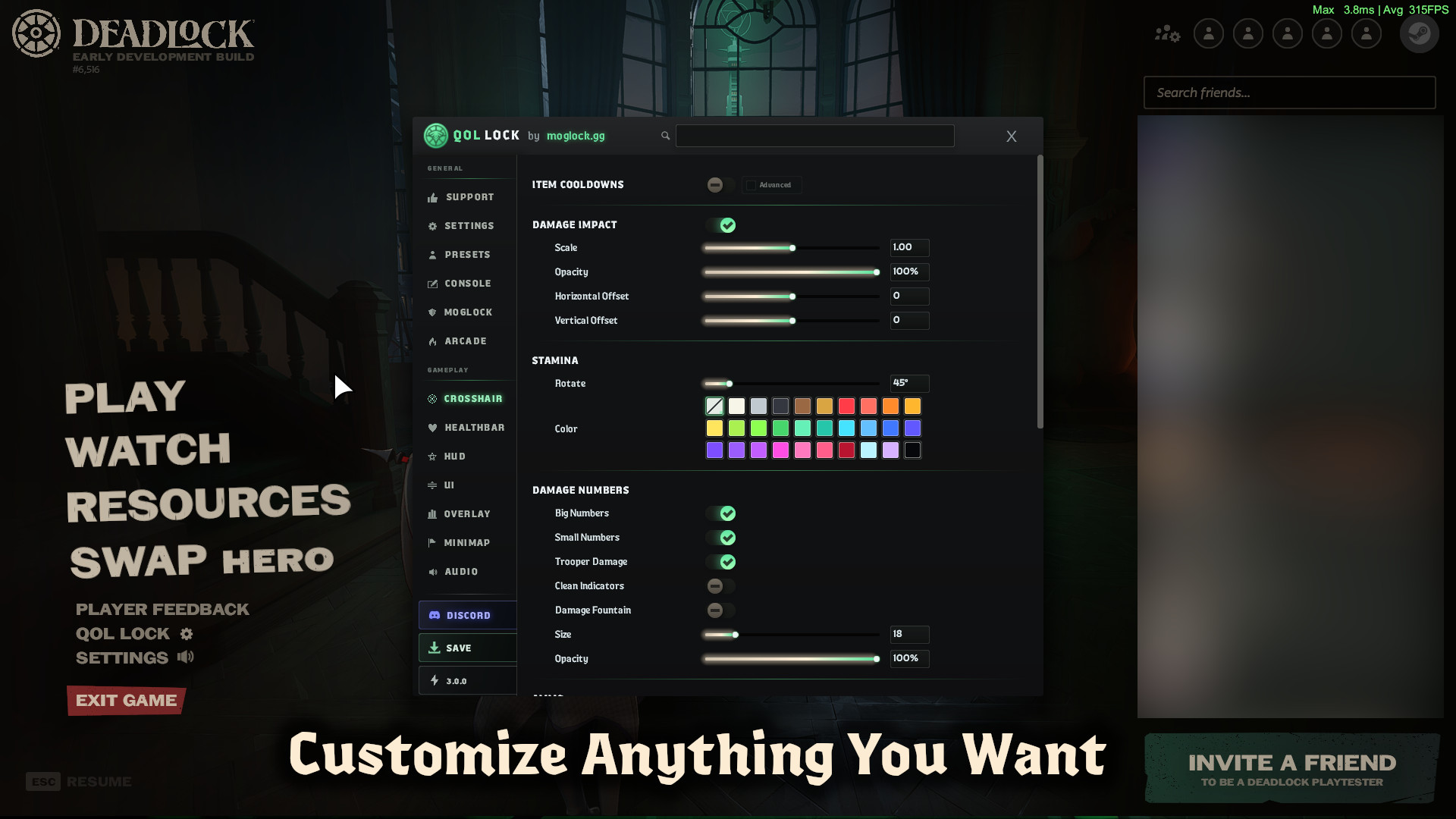
- HP Colors Rewrite + QOLLOCK
- HP Colors Rewrite + ShowRank Barebones
How to build a preset with V1
- Open the V1 builder.
- Create your settings or paste a saved HP Colors code.
- Click Build VPK.
- Click Validate install in the warning window.
- Choose the version you installed, Full mod or Minimal mod.
- Click Confirm build.
- Put the generated preset VPK in your Deadlock addons folder.
The preset must use a lower pak number than the Full or Minimal runtime.
Example:
- Preset: pak96_dir.vpk
- HP Colors Minimal: pak97_dir.vpk
- Open the V2 builder.
- Create a new profile or import an HPCR2 or HPCRP1 code from HP Colors Rewrite.
- Choose All Heroes or select the heroes that should use the profile.
- Add more profiles if needed. Their order controls priority.
- Choose the correct preset target.
- If you use ShowRank Barebones, turn on Showranks Compatible.
- Click Build VPK.
- Read the install order shown by the builder, then place the generated VPK in your addons folder.
- Preset with Showranks Compatible enabled: pak01_dir.vpk
- HP Colors Rewrite: pak02_dir.vpk
- ShowRank Barebones: pak03_dir.vpk
Rewrite + QOLLOCK install order
- V2 preset: pak01_dir.vpk
- HP Colors Rewrite QOLLOCK support: pak02_dir.vpk
- QOLLOCK: pak03_dir.vpk
ShowRank and QOLLOCK are separate compatibility modes. Do not combine both installations.
HP Colors Rewrite, early version
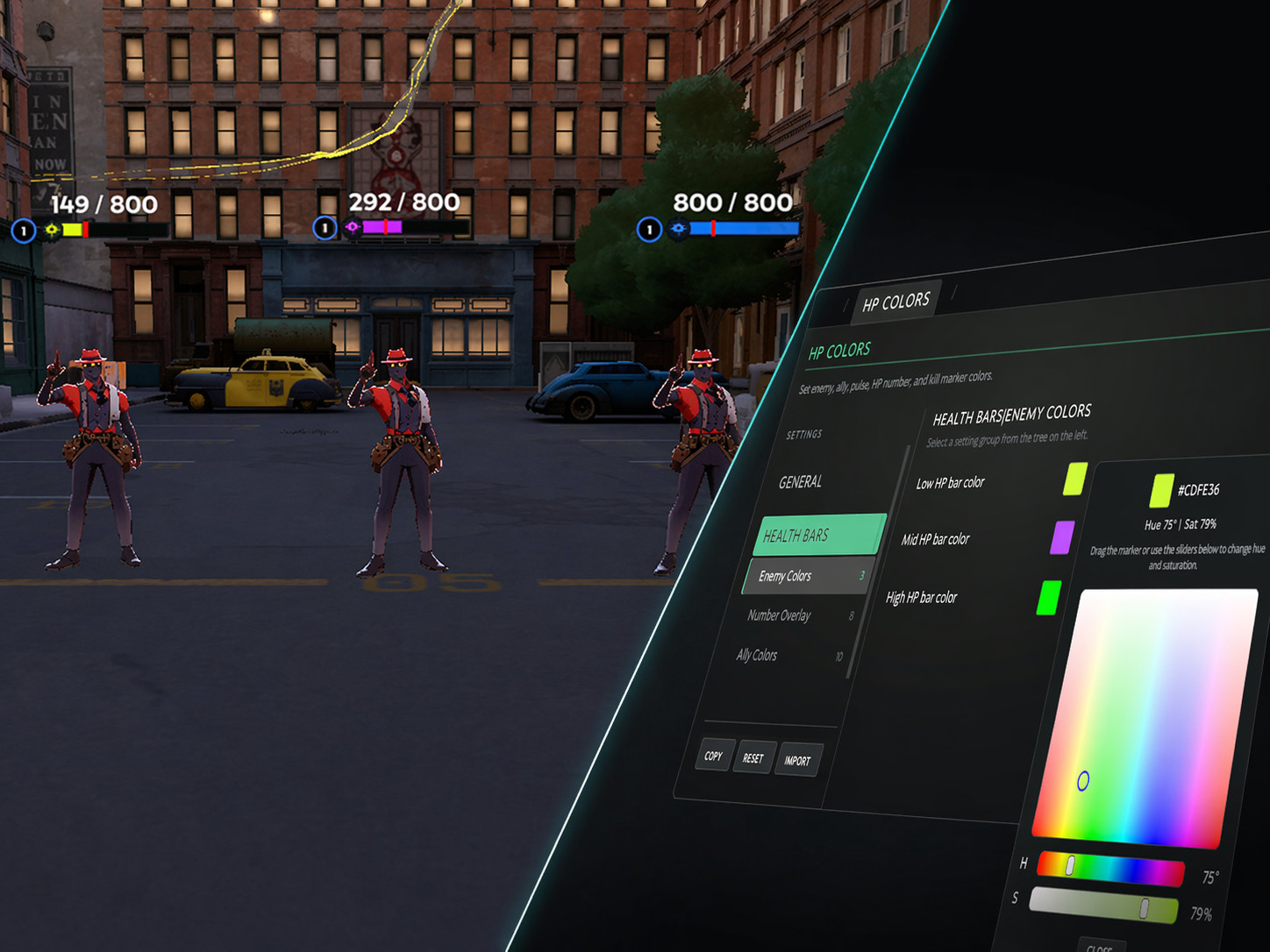
Rewrite rebuilds the HP Colors runtime from scratch. It uses a cleaner Escape-menu editor and avoids repeated panel updates when settings have not changed.
Why use Rewrite?
- Better organized settings and preset management.
- Enemy and ally colors, HP readouts, pulse effects, kill markers, and ignore controls.
- Hero-specific profiles with optional ability-tier conditions.
- Support for either QOLLOCK or ShowRank Barebones.
In-game changes last until Deadlock closes. Use the V2 builder to package presets that load again after restarting.
HP Colors Minimal
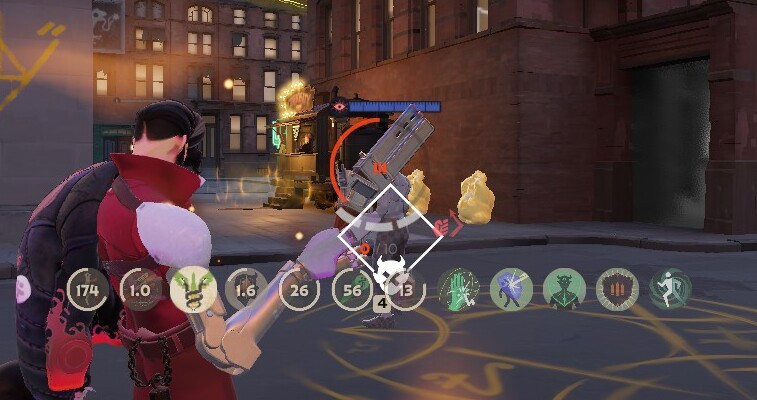
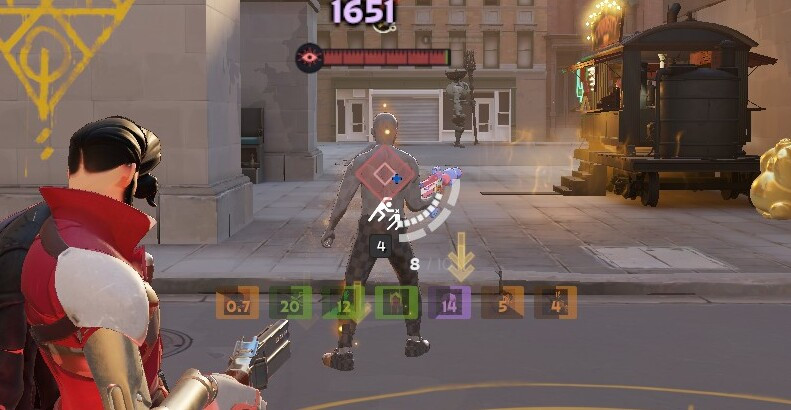
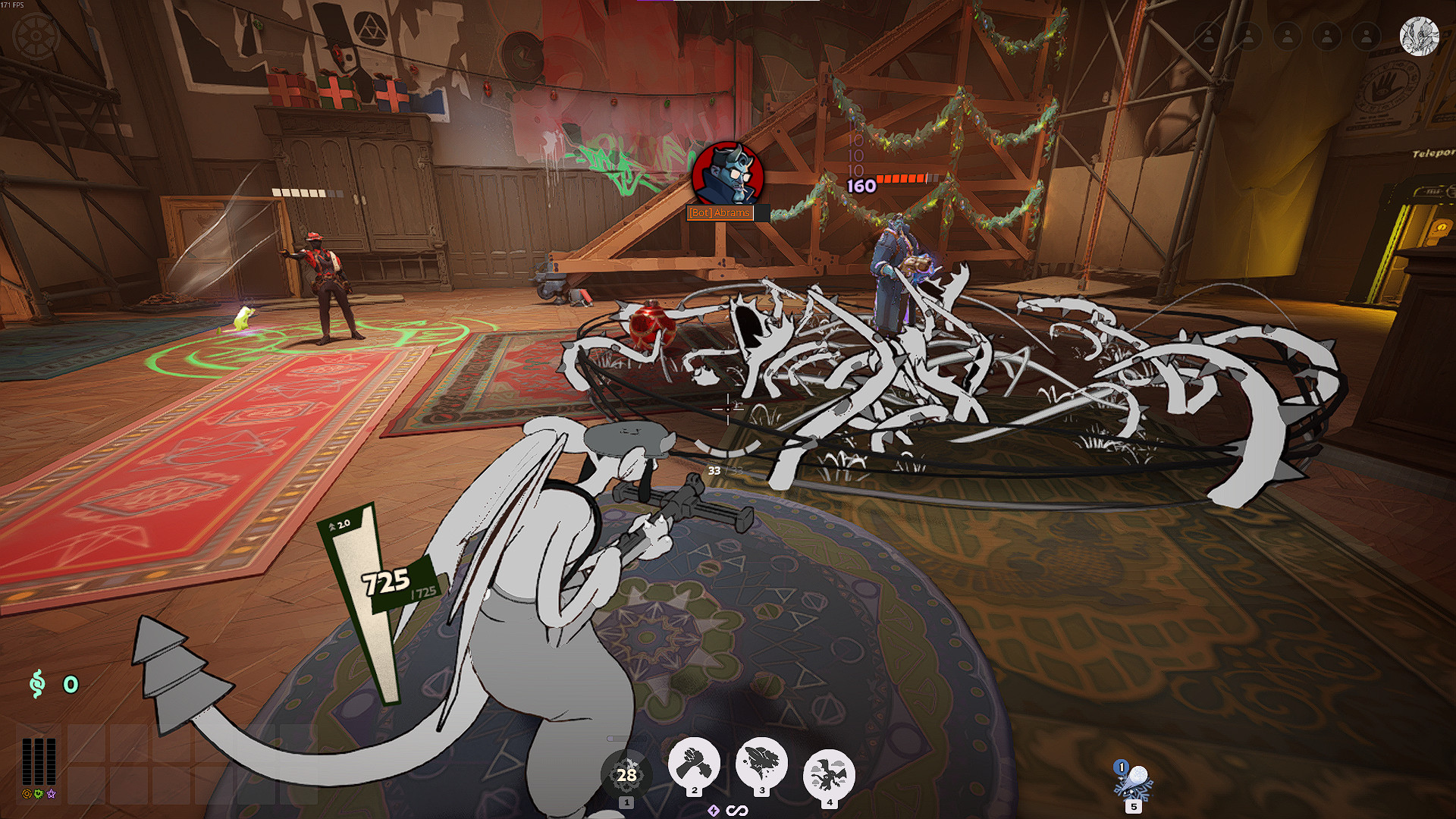
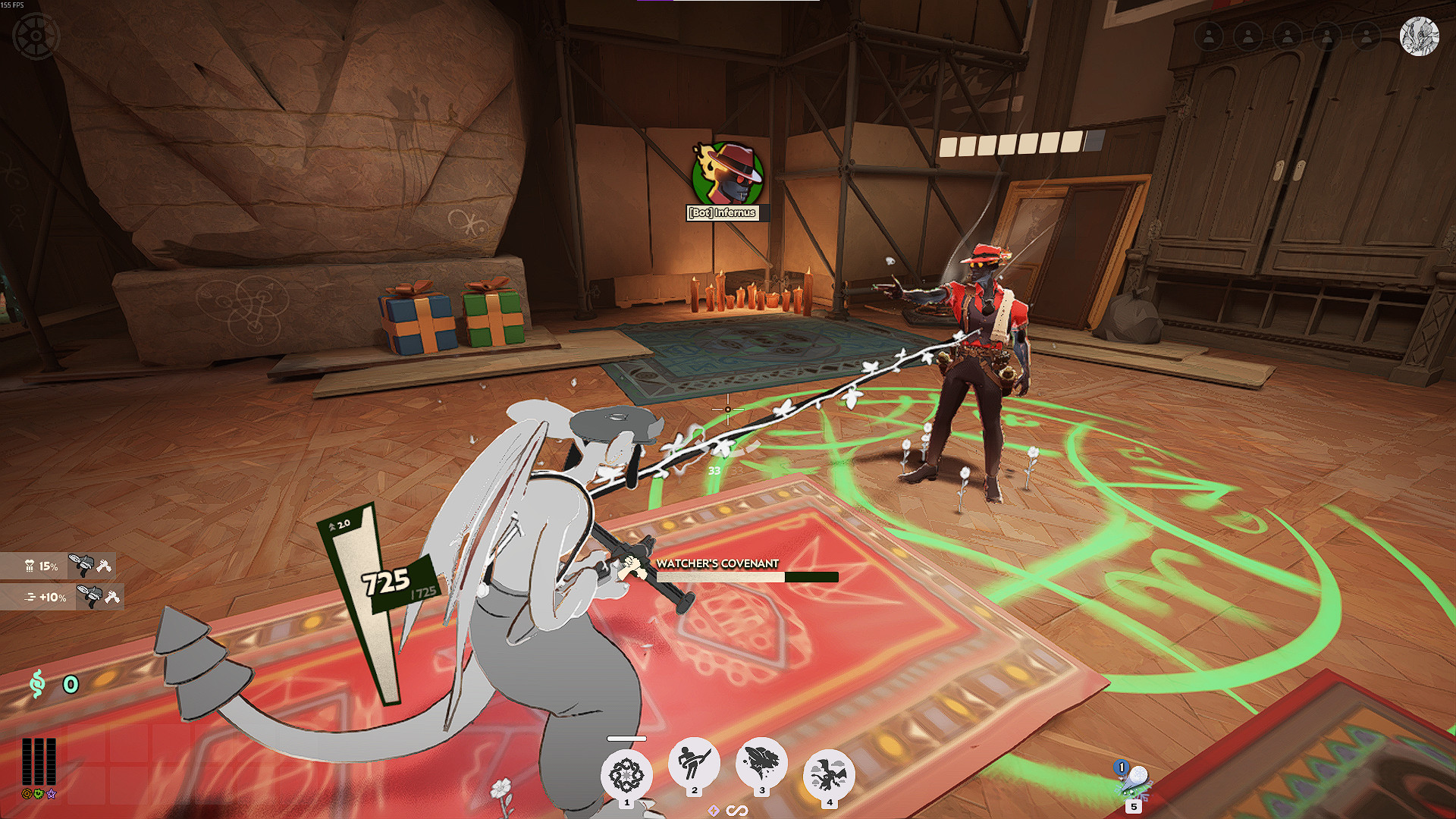
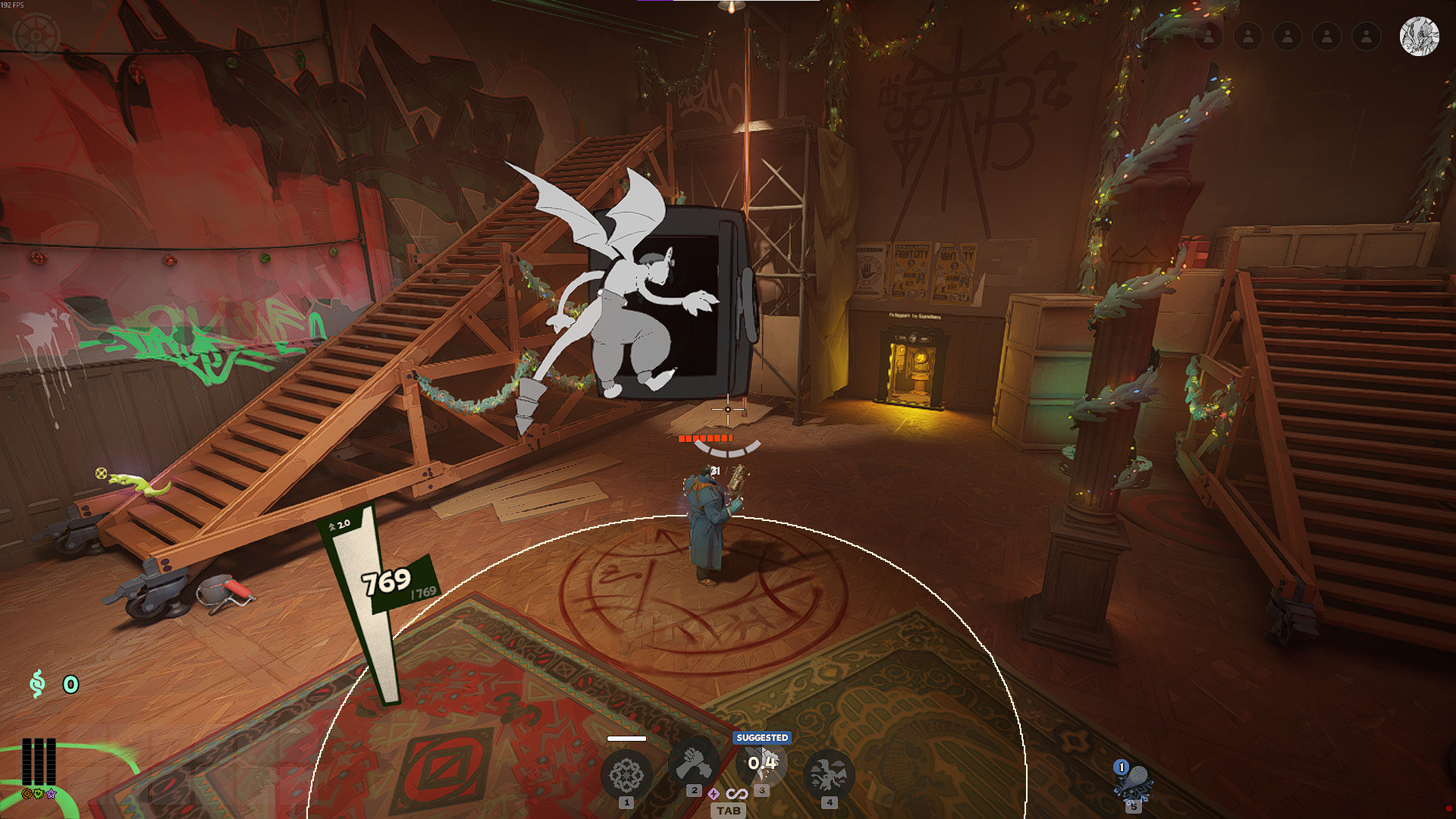
Minimal is the preset-only version of HP Colors. It keeps health-bar colors, HP counters, pulse effects, kill markers, and level styling without loading the Anita settings menu.
Use the V1 builder to change its settings. Minimal does not include live editing, color pickers, in-game import and export, or other mid-match settings controls.
HP Colors v3 Full
Use Full if you want to change settings while playing. It adds a star button to the top-right HUD that opens the Anita settings panel.
HP Colors Rewrite, early version
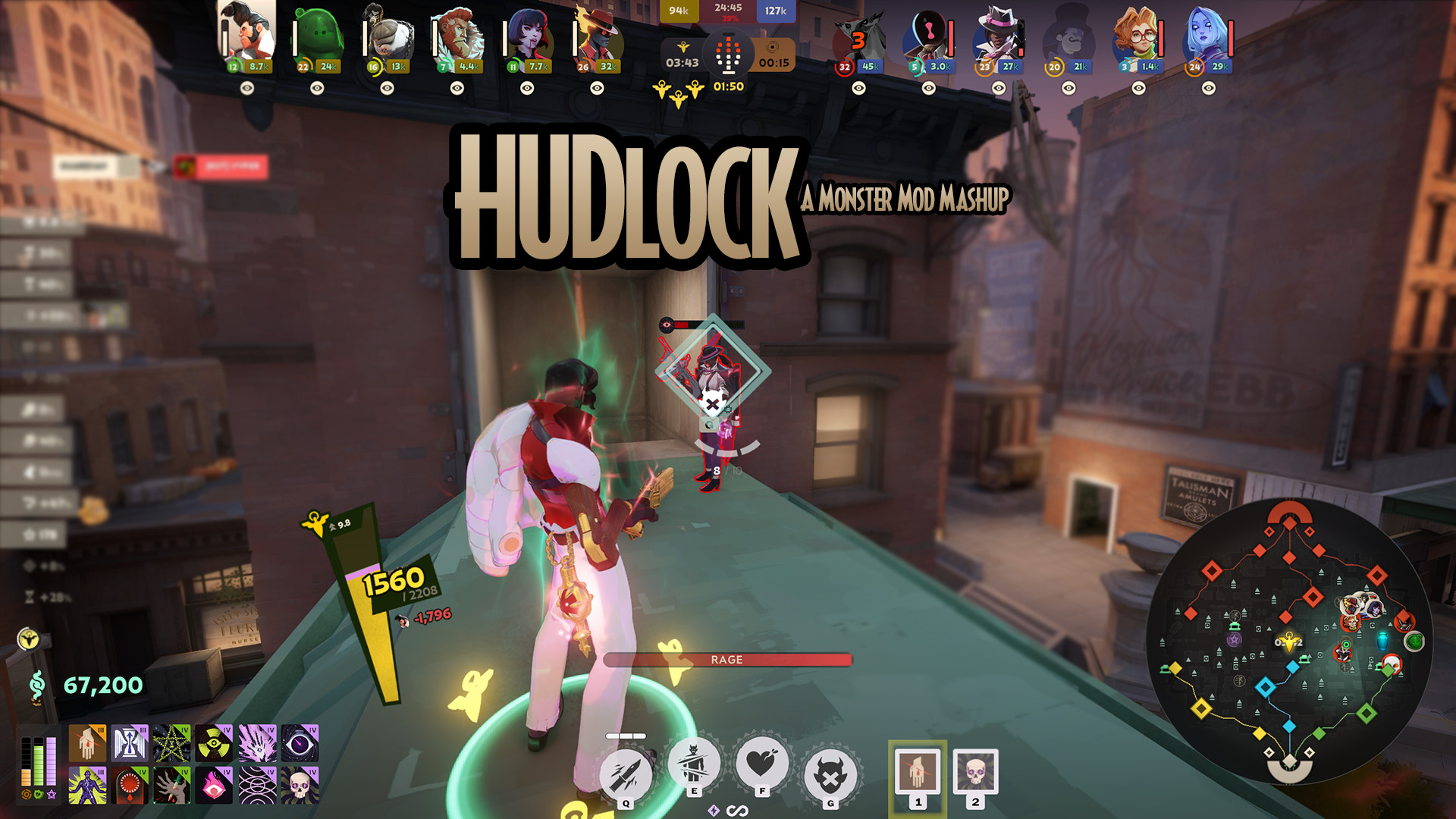
Rewrite replaces the old HP Colors scripts and adds a new Escape-menu editor. It has fixed or gradient health colors, enemy and ally controls, HP readouts, pulse settings, kill markers, level colors, hero profiles, and ability-tier conditions.
This update also adds QOLLOCK and ShowRank support, reorganizes the settings menu, improves hero detection, adds Graves Ghoul ignore and opacity controls, and fixes McGinnis turrets not following the building ignore option.
Settings changed inside the Rewrite menu last until Deadlock closes. Use the V2 builder to package presets that load again after restarting.
HP Colors Minimal
The preset-only version. It applies settings made with the V1 builder without loading the Anita settings menu or mid-match editing controls.
HP Colors v3 Full
The original in-game settings version. It includes the Anita menu, live color editing, saved settings, and config code import and export.
Which version should I use?
- Use Minimal for a preset-only runtime.
- Use v3 Full for the original Anita settings menu.
- Use Rewrite for the new Escape-menu editor and V2 profiles.
Credits
Anita UI framework by iAfar.
Max HP detection based on code by ninjabladeJr.
Files




![Top Bar Plus [Beta]](https://assets.skintel.gg/upstream/gamebanana/a0c59bd1eed304e1ed21899b4d6e78f1969c6839668649ddfd5518d023811391.jpg)
![Top Bar Plus [Beta] image 2](https://assets.skintel.gg/upstream/gamebanana/29674b96150aa66b8d6018424419c8a78007235d8d328d00b4e7883ad7a43575.jpg)
![Top Bar Plus [Beta] image 3](https://assets.skintel.gg/upstream/gamebanana/5c66ea0fed88b2849a06ac464bfac8ee1a0c81bda4ddb1555532d43fdd497ffa.jpg)
![Top Bar Plus [Beta] image 4](https://assets.skintel.gg/upstream/gamebanana/4d036ffd43a30d28a373be9c675648905e44a5677ab6eef84e4ca5fc9a379b0e.jpg)
![Top Bar Plus [Beta] image 5](https://assets.skintel.gg/upstream/gamebanana/8e0484c084c0e4be8f50fb6bff9dd607e15034752078118eff637d9193c330f5.jpg)



![[OLD GODS NEW BLOOD] DARKEST DEADLOCK Portraits](https://assets.skintel.gg/upstream/gamebanana/678089821b6baed29ec029529582de5f5eacb40a8b74f29d086eb5bdb6319225.jpg)
![[OLD GODS NEW BLOOD] DARKEST DEADLOCK Portraits image 2](https://assets.skintel.gg/upstream/gamebanana/eecb6672adc7f5717dcfdd60ca922cf98b70ca80758a67c1a427072edfec9332.jpg)
![[OLD GODS NEW BLOOD] DARKEST DEADLOCK Portraits image 3](https://assets.skintel.gg/upstream/gamebanana/a890a9becabdee04a01511f9e22ea5aa4e53c61fe857c995331fad813e1d28ac.jpg)
![[OLD GODS NEW BLOOD] DARKEST DEADLOCK Portraits image 4](https://assets.skintel.gg/upstream/gamebanana/3ea1d86c17d353a2b65effe9ec609aa7a8bcd6e2f9f26ec2f392d25b22a62825.jpg)
![[OLD GODS NEW BLOOD] DARKEST DEADLOCK Portraits image 5](https://assets.skintel.gg/upstream/gamebanana/615ad94d0c6bb40d77129f80ba95e34cb8585b9d13ec8d84a3d17fedbb950a40.jpg)
![[OLD GODS NEW BLOOD] DARKEST DEADLOCK Portraits image 6](https://assets.skintel.gg/upstream/gamebanana/3ca8b489c746d109168376599f7286ce77a37c763f4e4c1771565ec21b4beb72.jpg)
![[OLD GODS NEW BLOOD] DARKEST DEADLOCK Portraits image 7](https://assets.skintel.gg/upstream/gamebanana/f3e89e1cba8dc54d38d8444b33b8a2a136cec6b56e443bdb1d59fdbbdaa1e545.jpg)

![robo's Deadlock Portraits [V3 UPDATE! NEW HEROES!]](https://assets.skintel.gg/upstream/gamebanana/92c9d6bc7c56055fa9fedd90d8e78b0d21a184b0ff3c9da01a6bef2921358339.jpg)
![robo's Deadlock Portraits [V3 UPDATE! NEW HEROES!] image 2](https://assets.skintel.gg/upstream/gamebanana/45455033ea8aaa3f7390e6922edf21ce0aa8aebf0ba260fc6a489049ab4b6b1e.jpg)
![robo's Deadlock Portraits [V3 UPDATE! NEW HEROES!] image 3](https://assets.skintel.gg/upstream/gamebanana/5609b175042be7643a85390230ace4db64dddc8c3435288ccb015993e19f2e08.jpg)
![robo's Deadlock Portraits [V3 UPDATE! NEW HEROES!] image 4](https://assets.skintel.gg/upstream/gamebanana/cd3f5b146466d7bea51727facc5593da211ff2d73c8d74f285a44944d9a4fd6d.jpg)
![robo's Deadlock Portraits [V3 UPDATE! NEW HEROES!] image 5](https://assets.skintel.gg/upstream/gamebanana/7728887fbeda3067002fcd88502a242f056fe81ee4f836aca4fc59f776005b87.jpg)
![robo's Deadlock Portraits [V3 UPDATE! NEW HEROES!] image 6](https://assets.skintel.gg/upstream/gamebanana/8bb09869aa54fb1ed0d96fdf63d09abb8d271d52115076dc63ff6a8cb0d35814.jpg)

About Overhaul Heath Color Based on %
Overhaul Heath Color Based on % is a community HUD in Deadlock.
Creation
Overhaul Heath Color Based on % was made by the community. The current version is 3.8.1.
Popularity
Overhaul Heath Color Based on % has been downloaded 70k times, liked 26 times and viewed 61k times on GameBanana.
Installation
The Open with button hands Overhaul Heath Color Based on % to Deadlock Mod Manager or Grimoire; without a manager installed, the 78 KB archive's files go into the game's addons folder by hand.
How to install a Deadlock mod.
Availability
Overhaul Heath Color Based on % is a free Deadlock mod; downloading and installing it costs nothing.
Read the Deadlock skin price forecast.
Updates
Overhaul Heath Color Based on % was last updated Aug 24, 2026.
Frequently asked questions
How do I install Overhaul Heath Color Based on %?
Press Open with to hand Overhaul Heath Color Based on % to Deadlock Mod Manager or Grimoire, or download the 78 KB archive and copy its files into the game's addons folder.
Is Overhaul Heath Color Based on % free?
Yes. Overhaul Heath Color Based on % costs nothing to download or install.
How popular is Overhaul Heath Color Based on %?
Overhaul Heath Color Based on % has been downloaded 70k times and liked 26 times on GameBanana.