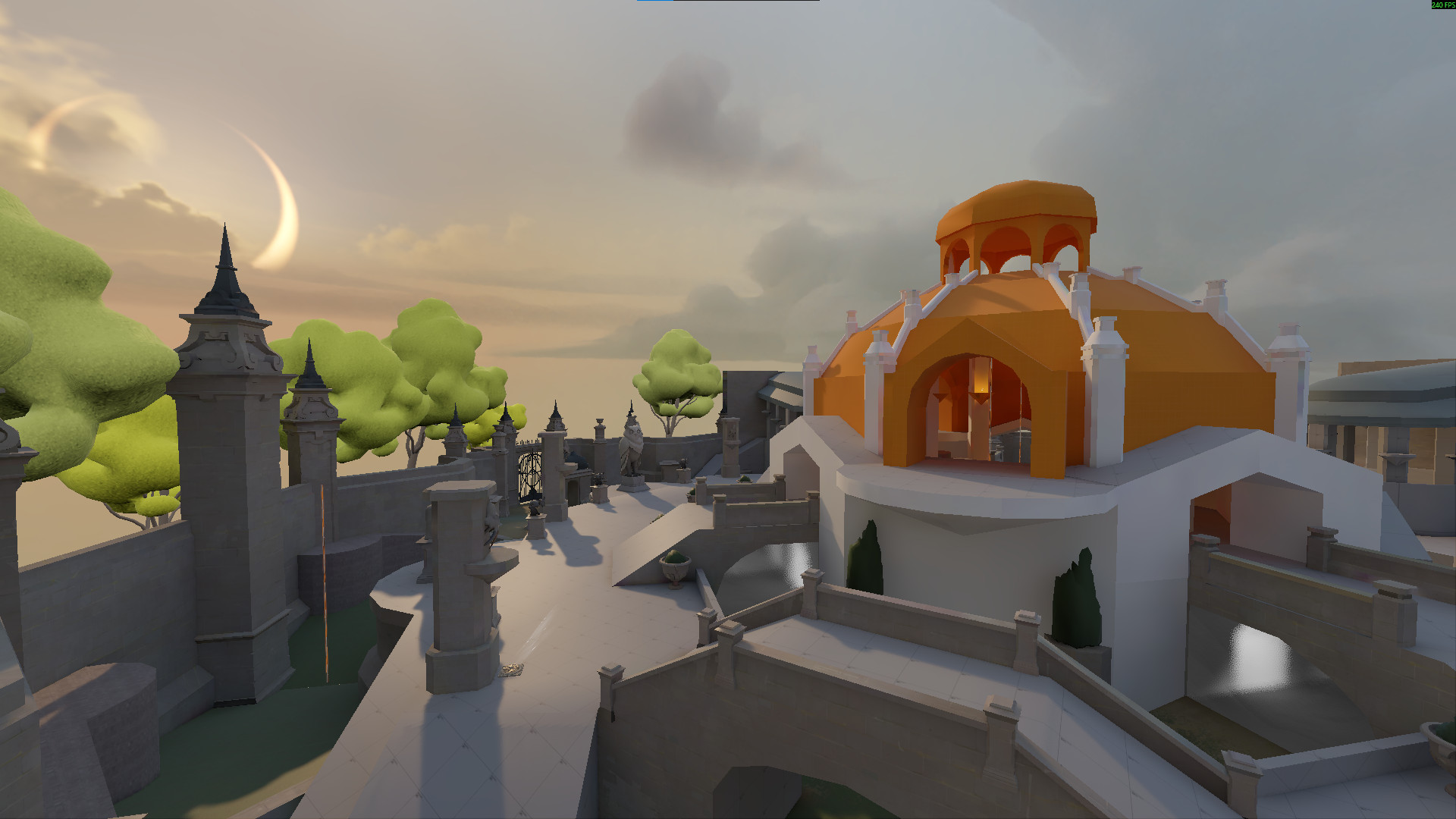
3D model coming soon

Description
To play Squid Tag, you must join a Deadworks server running the Squid Tag plugin. IP is available in the #squid-tag-announcements channel in the Discord server above.
The gamemode is separate from the map. To play the map locally, you may need to follow these steps if it does not load correctly:
- Load the map: F7 > "map st_dome_a2"
- Choose "The Hidden King"
- BEFORE choosing a hero: F7 > "changeteam 02"
- Wait for console spam to end ("simulation time longer than prediction time")
- Select hero.
Squid Tag uses a custom plugin made with Deadworks. To host a Squid Tag server you must first set up a Deadworks server then ask @leafdroid on the Viscord for the plugin .dll.



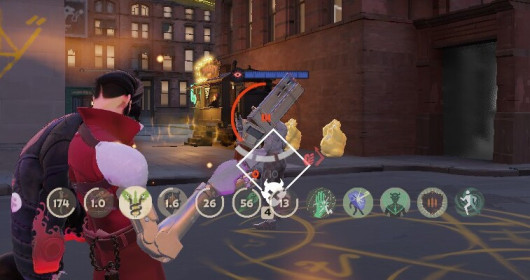
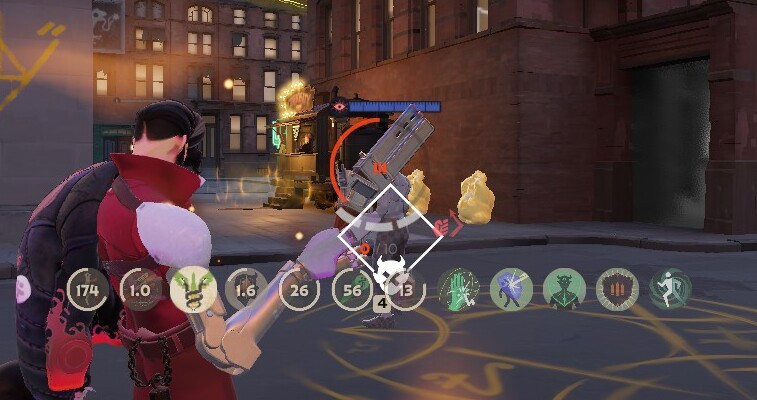
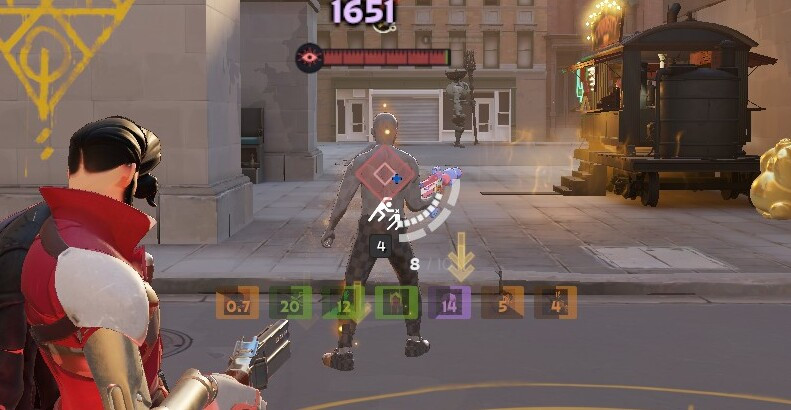


![Top Bar Plus [Beta]](https://assets.skintel.gg/upstream/gamebanana/a0c59bd1eed304e1ed21899b4d6e78f1969c6839668649ddfd5518d023811391.jpg)
![Top Bar Plus [Beta] image 2](https://assets.skintel.gg/upstream/gamebanana/29674b96150aa66b8d6018424419c8a78007235d8d328d00b4e7883ad7a43575.jpg)
![Top Bar Plus [Beta] image 3](https://assets.skintel.gg/upstream/gamebanana/5c66ea0fed88b2849a06ac464bfac8ee1a0c81bda4ddb1555532d43fdd497ffa.jpg)
![Top Bar Plus [Beta] image 4](https://assets.skintel.gg/upstream/gamebanana/4d036ffd43a30d28a373be9c675648905e44a5677ab6eef84e4ca5fc9a379b0e.jpg)
![Top Bar Plus [Beta] image 5](https://assets.skintel.gg/upstream/gamebanana/8e0484c084c0e4be8f50fb6bff9dd607e15034752078118eff637d9193c330f5.jpg)





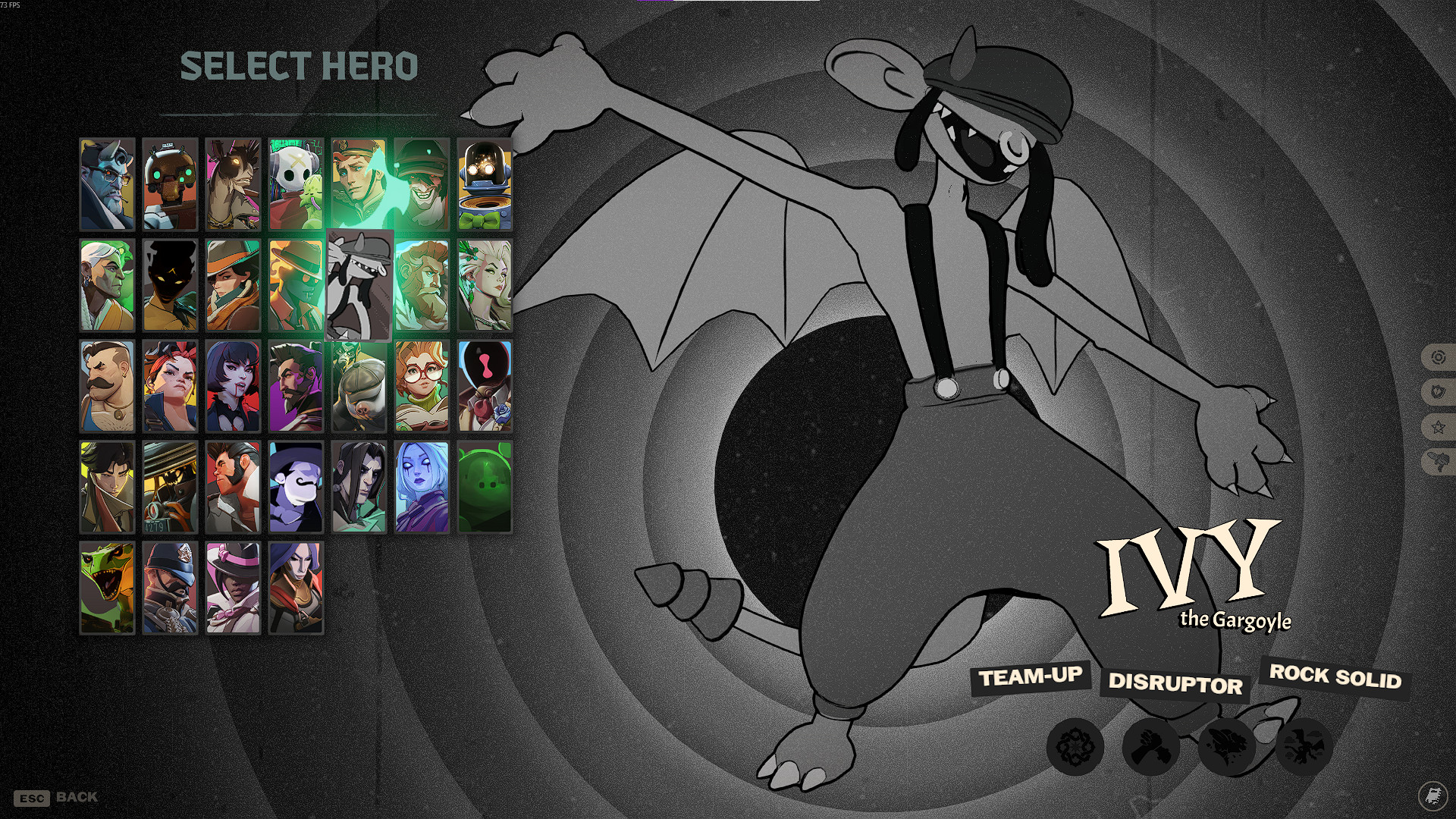
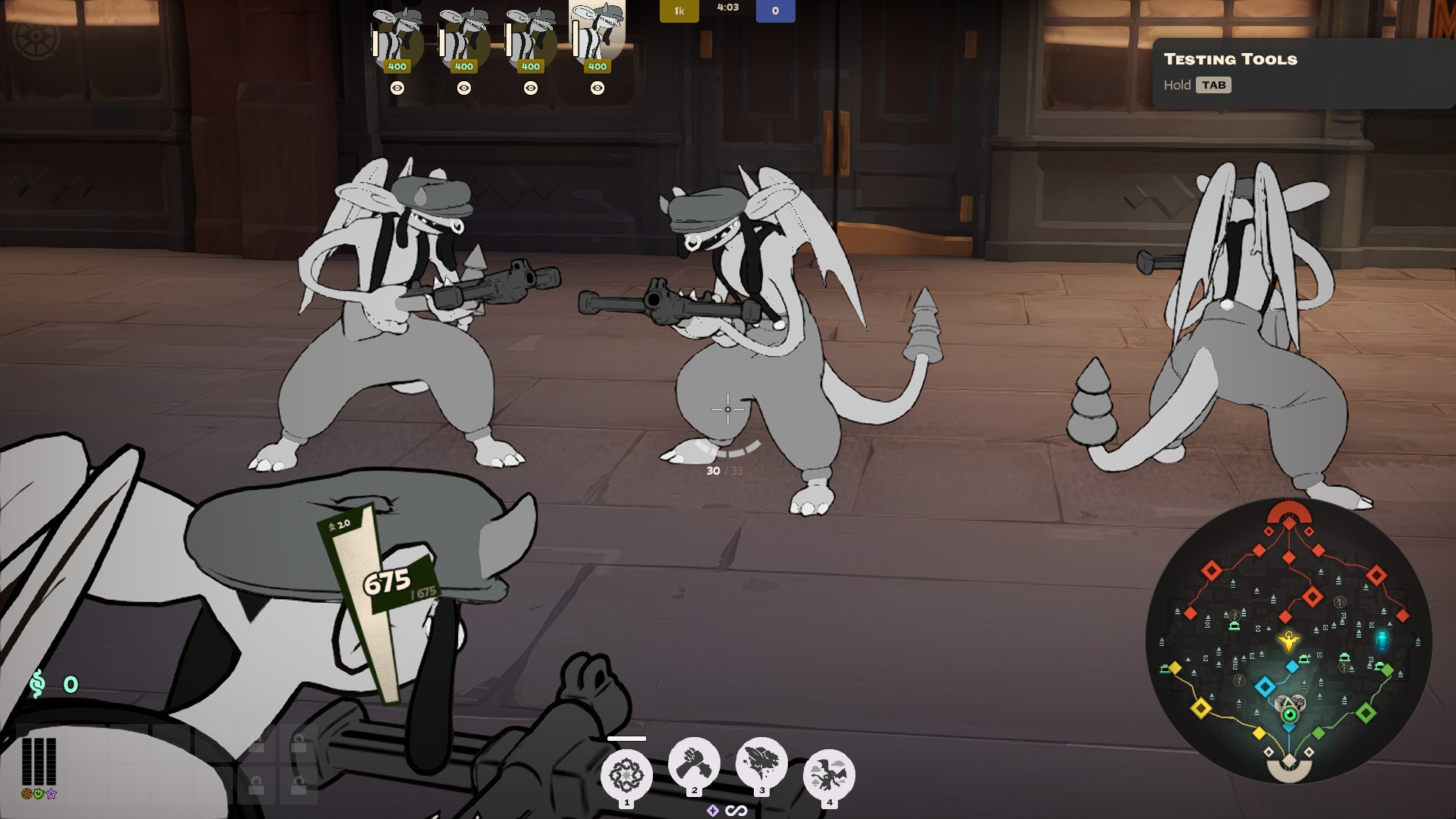
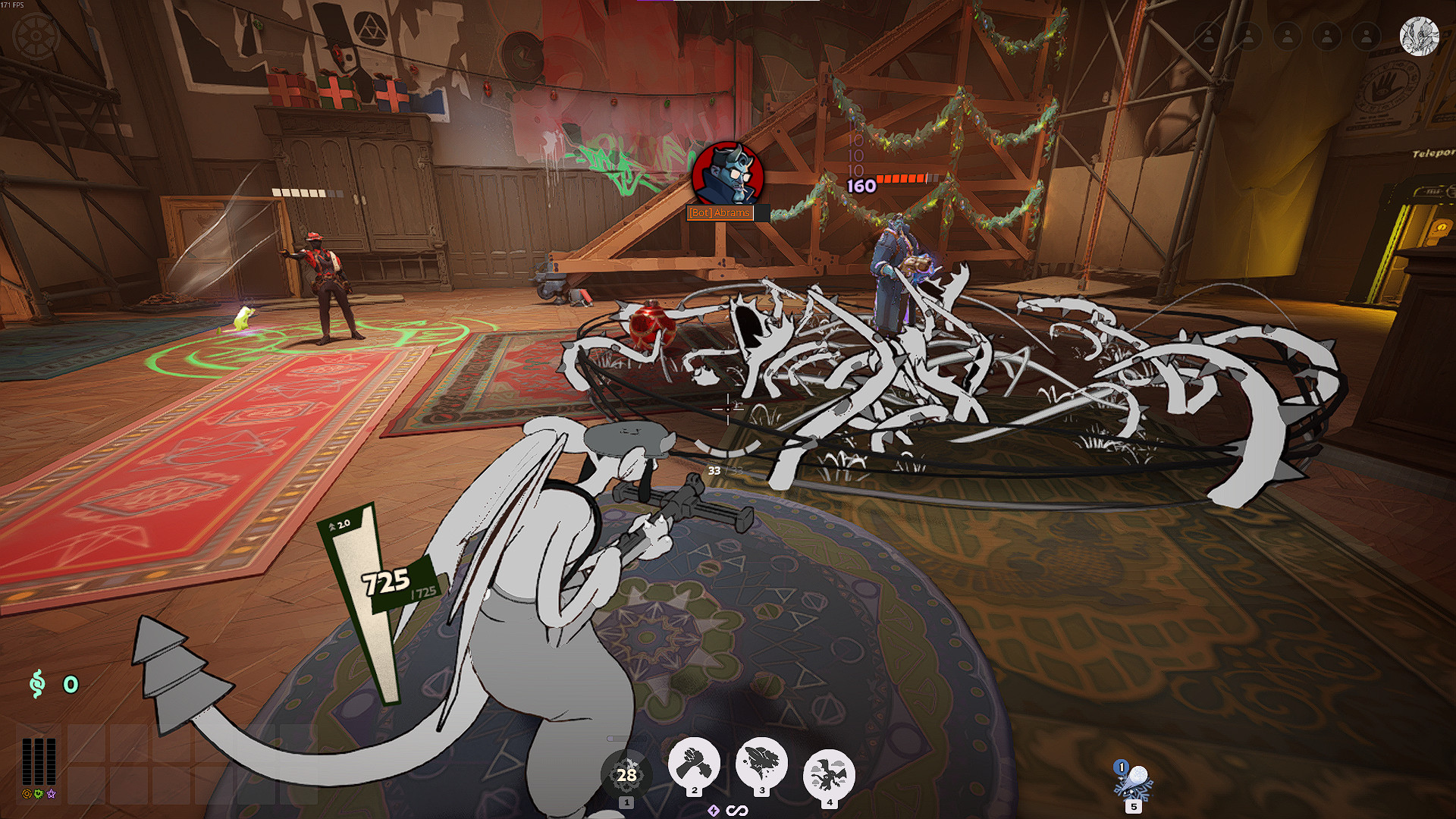
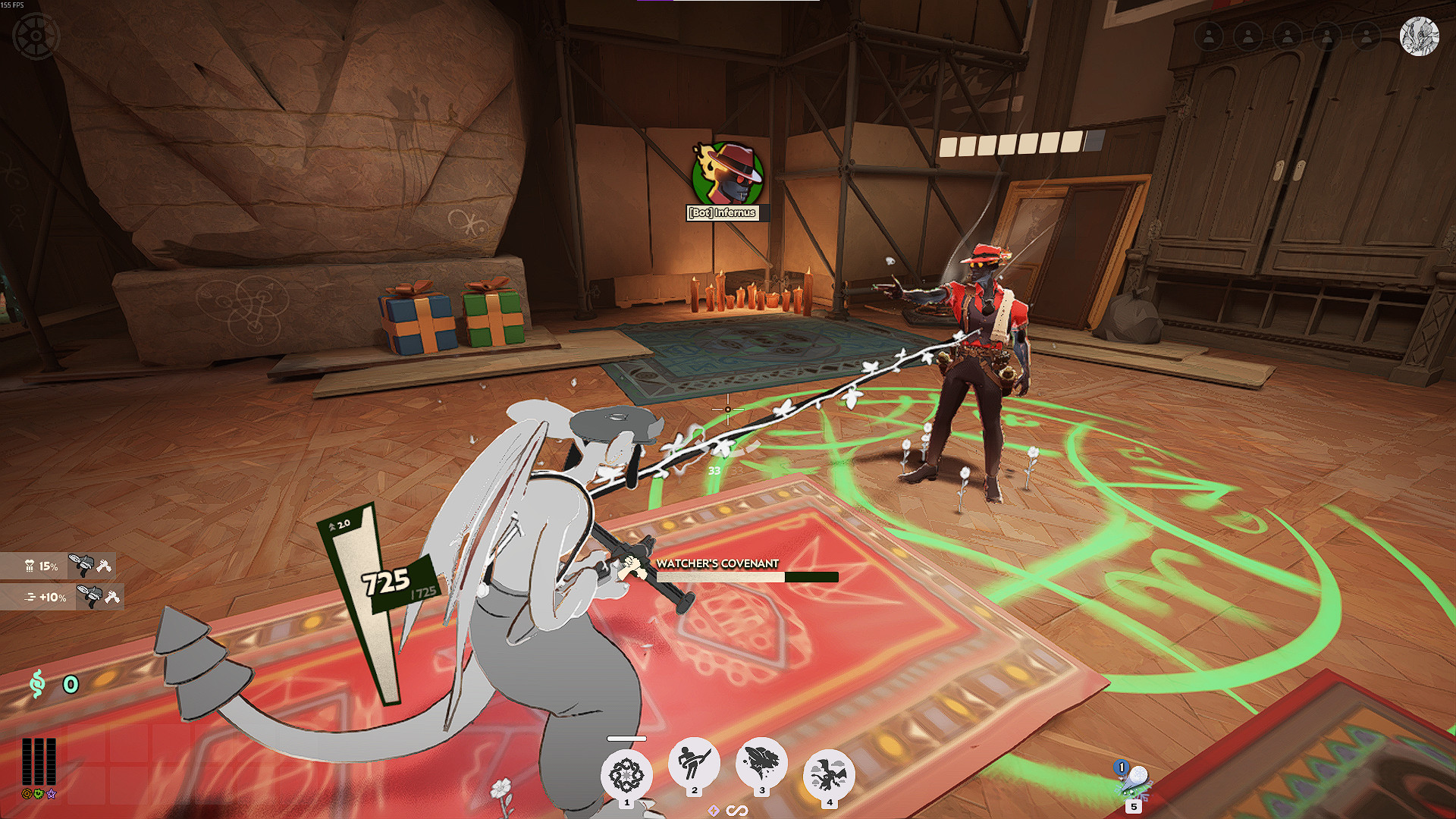
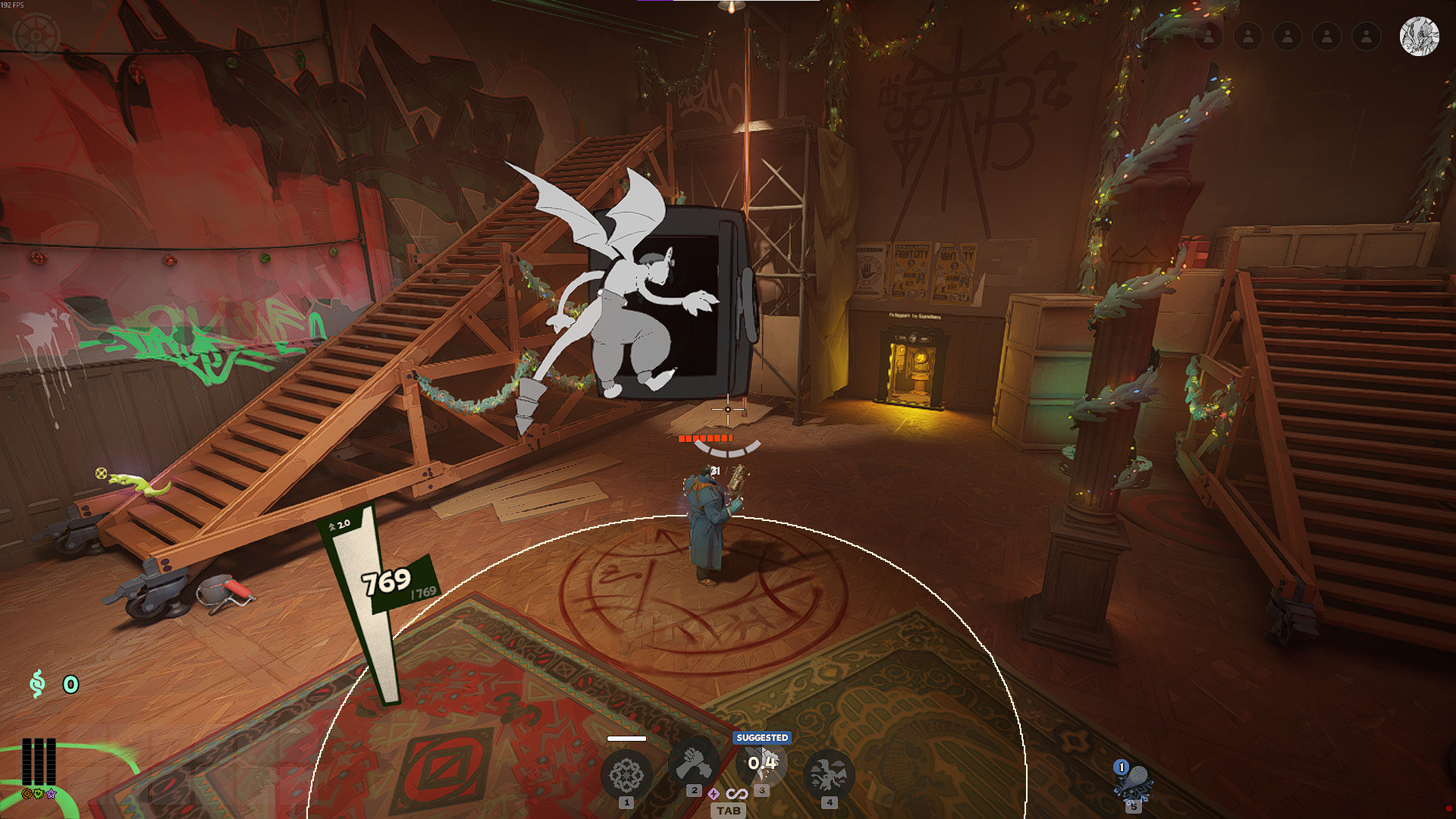


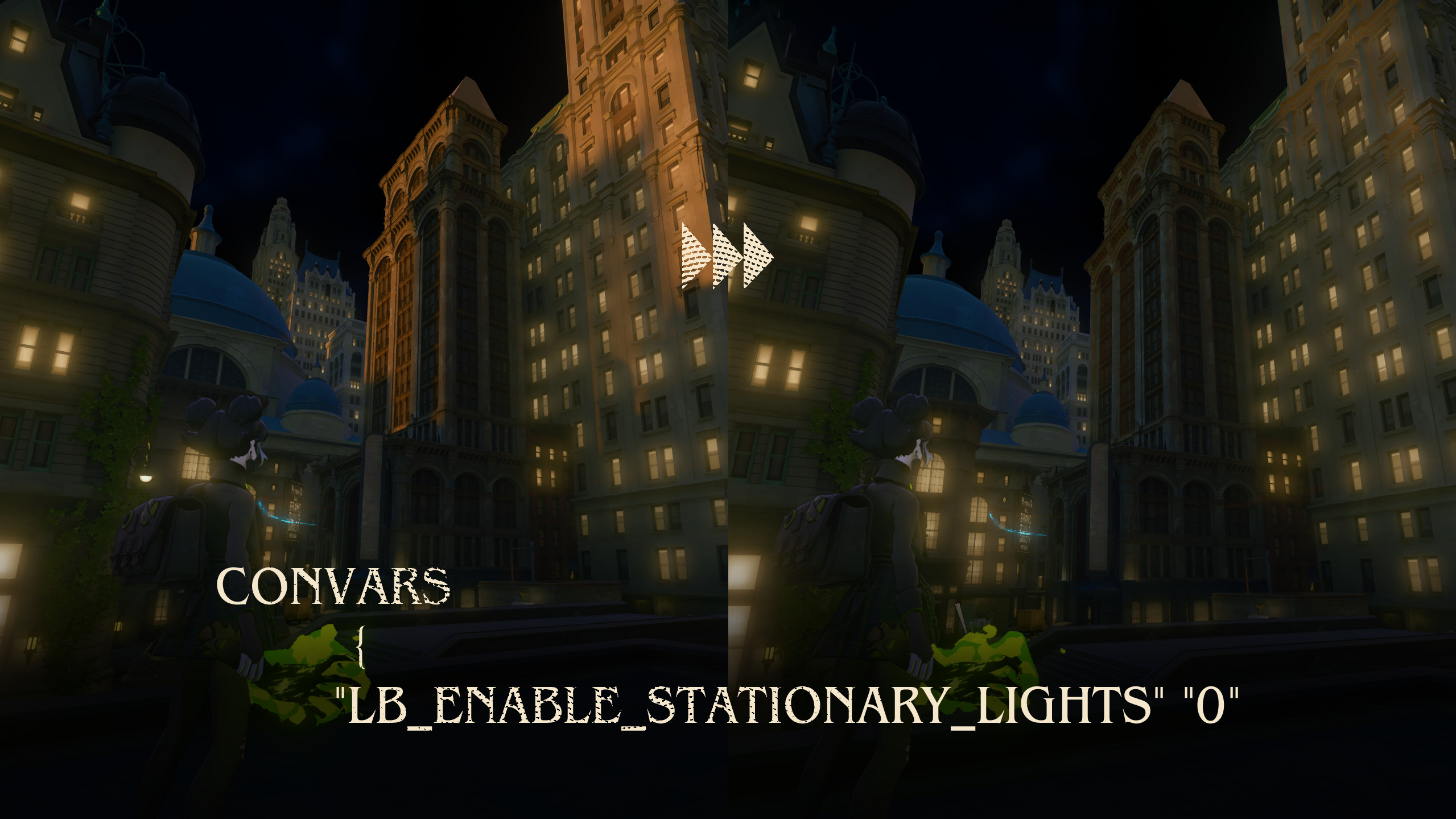
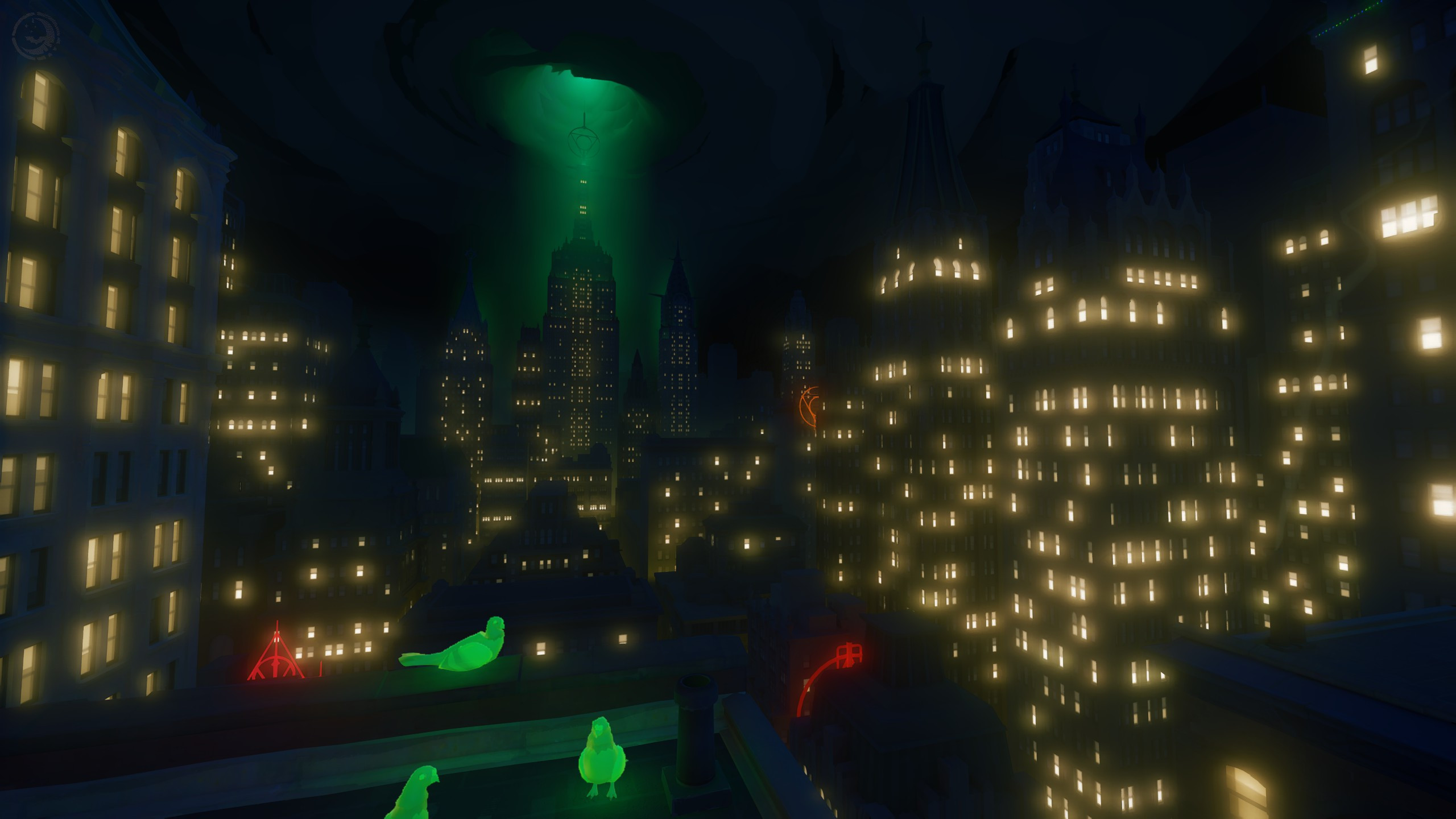

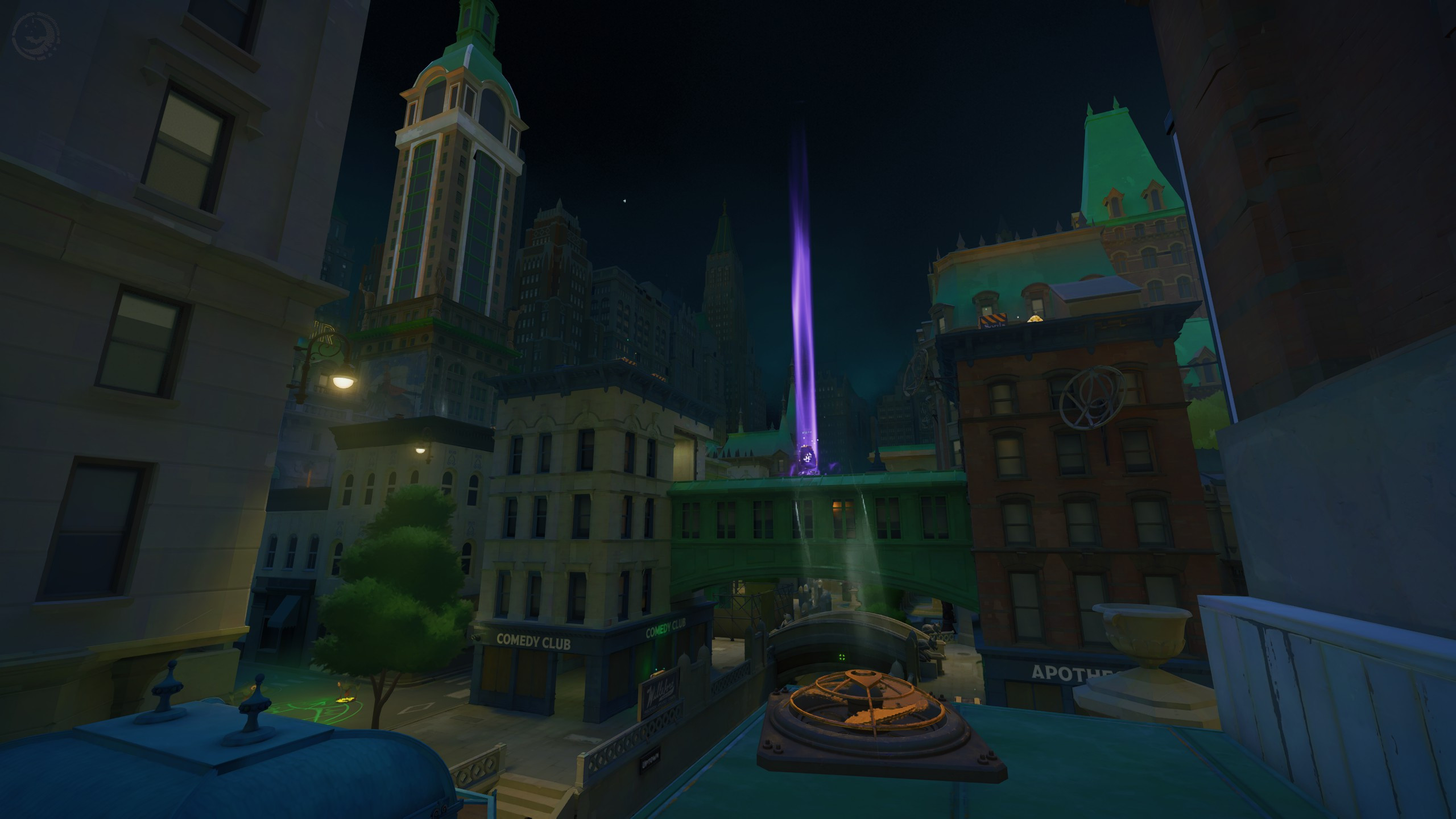
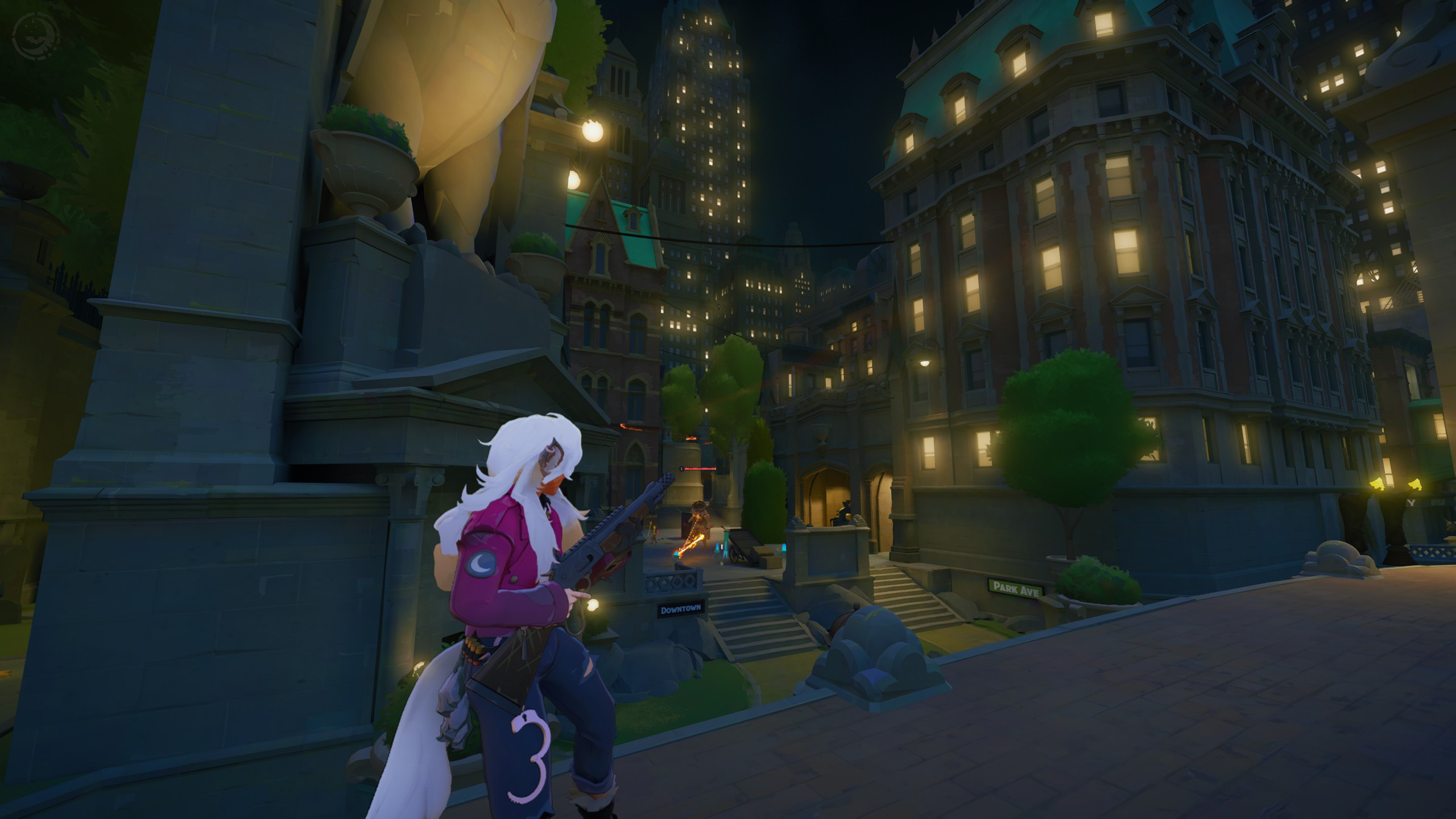
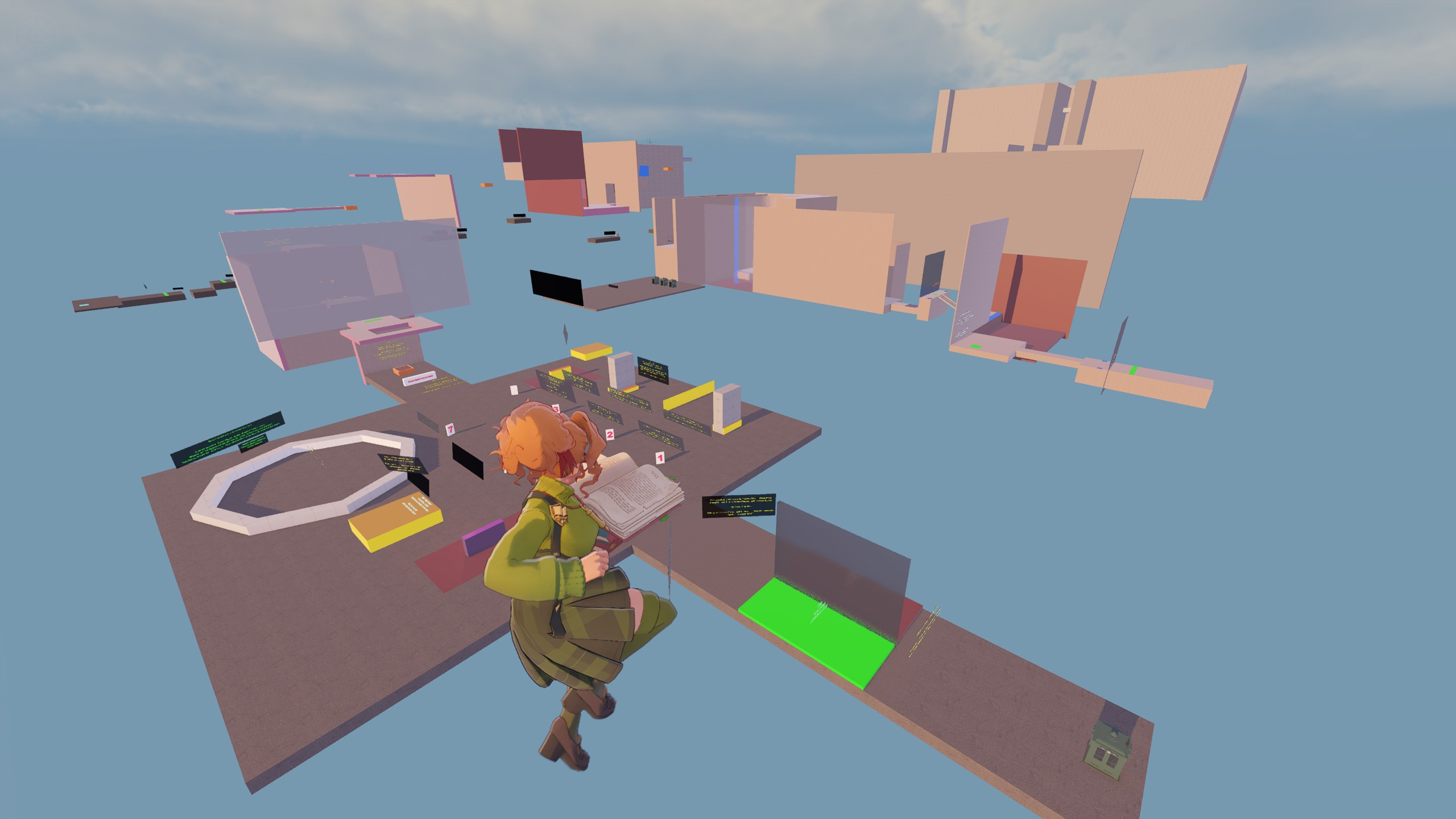
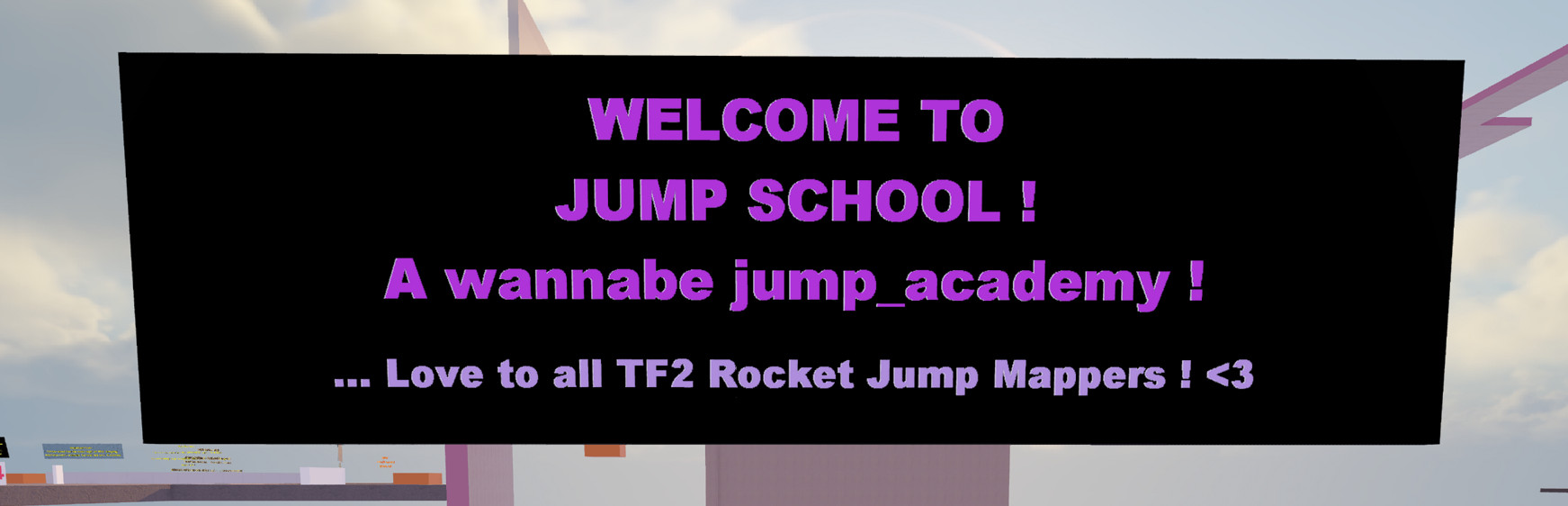
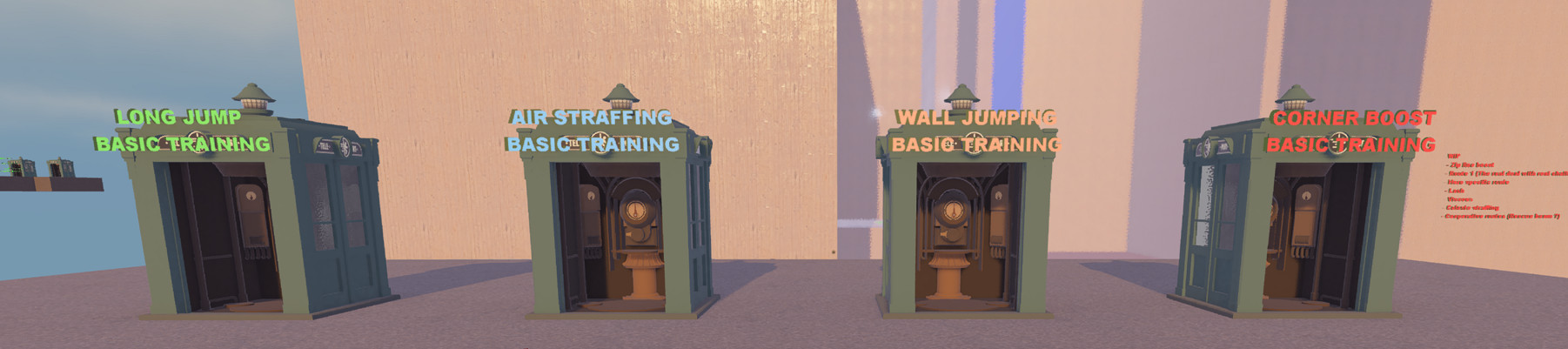
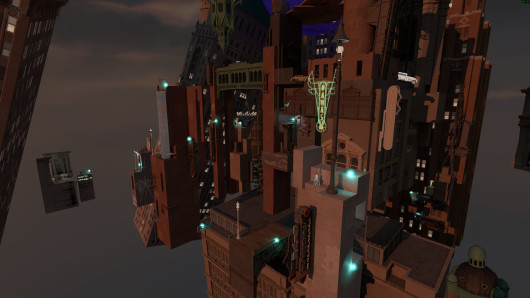
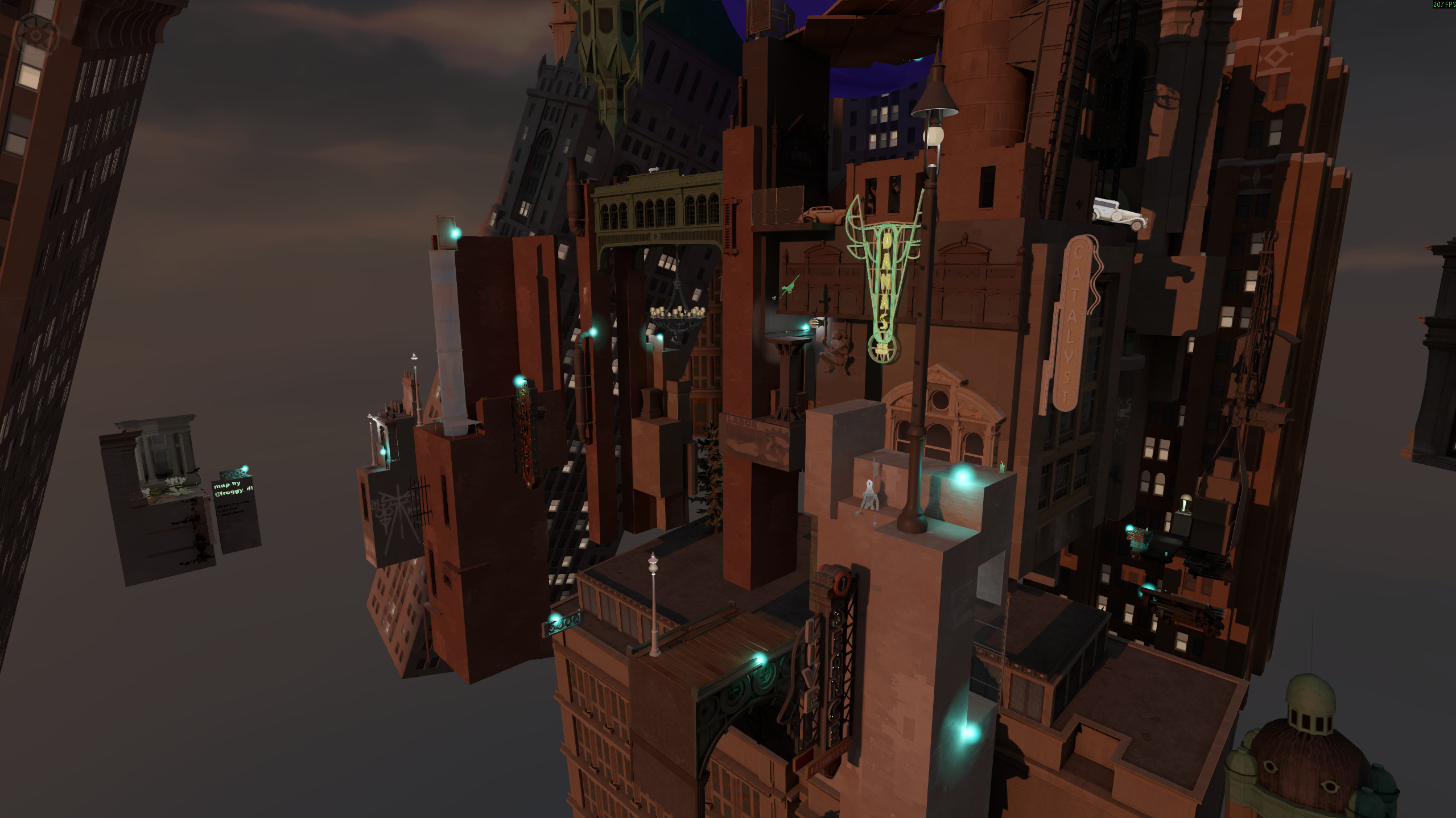
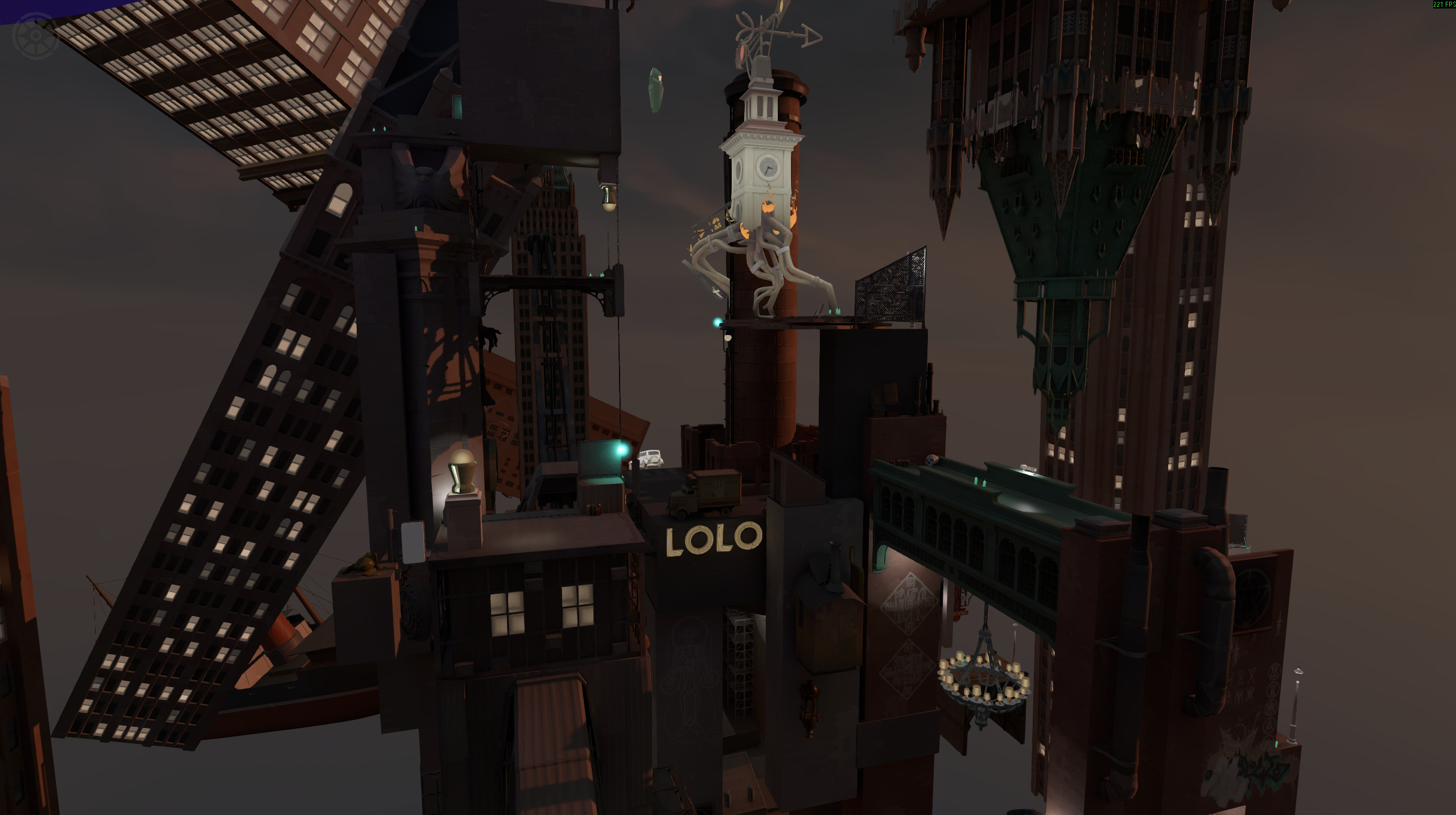
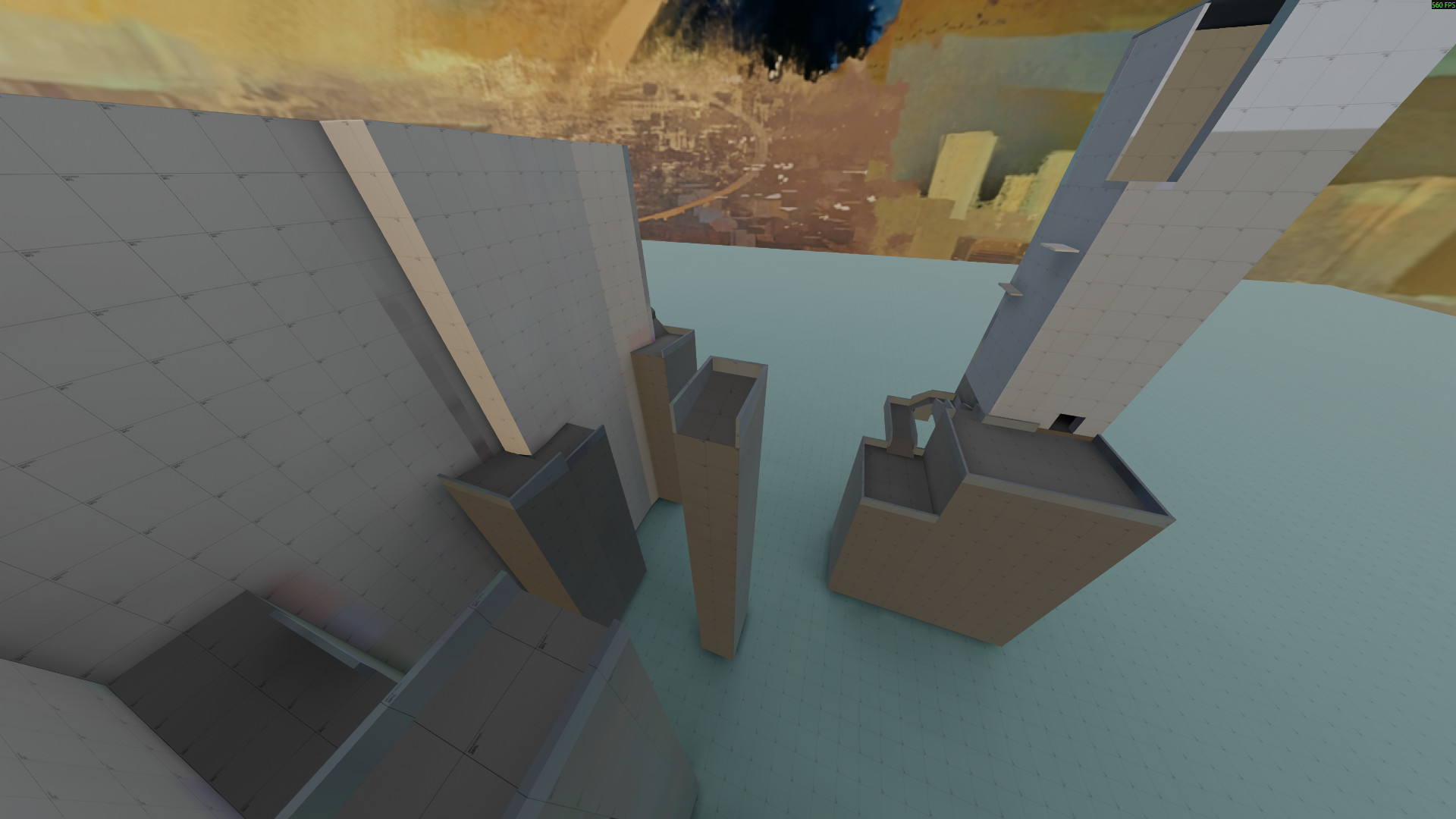
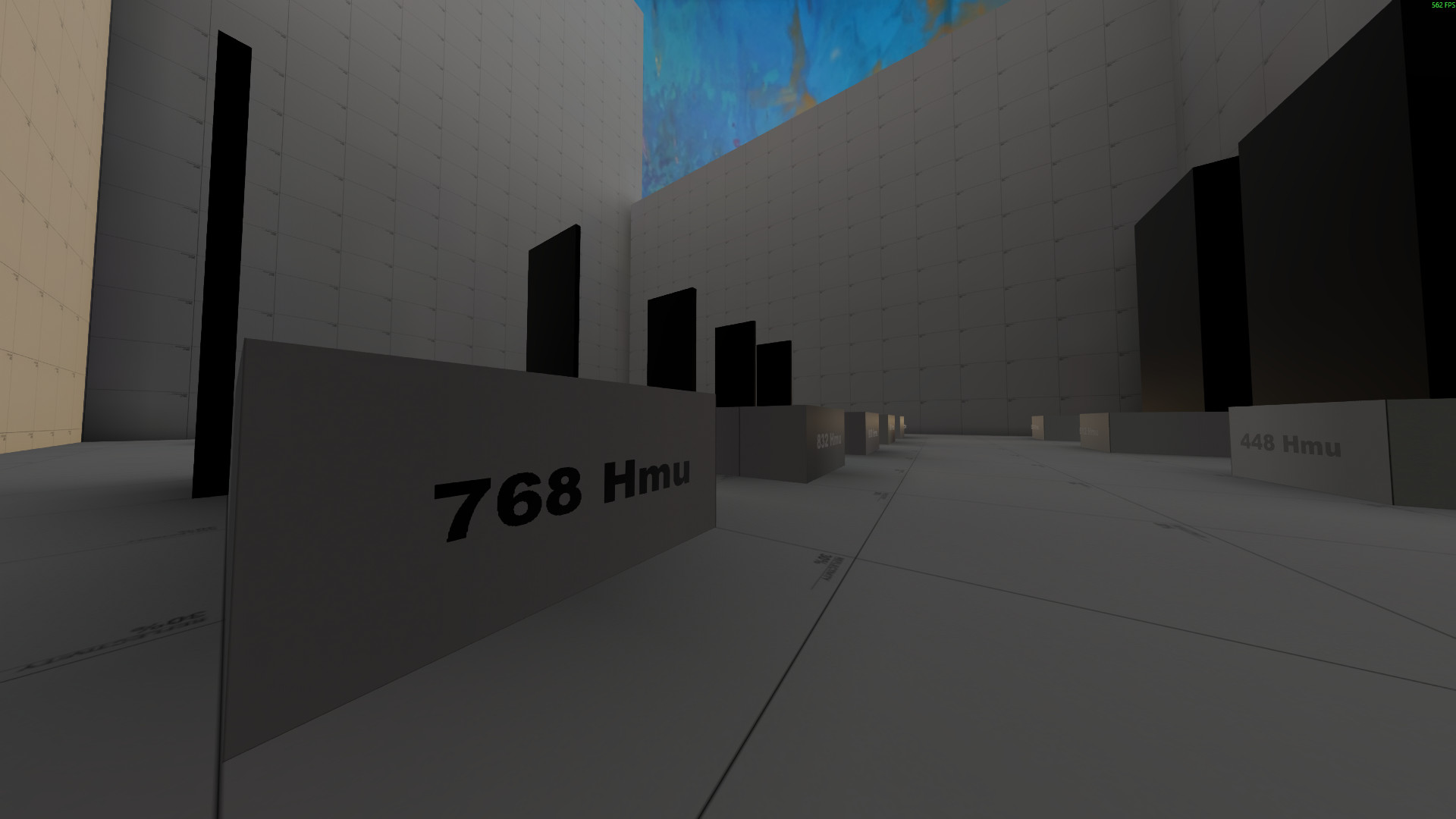
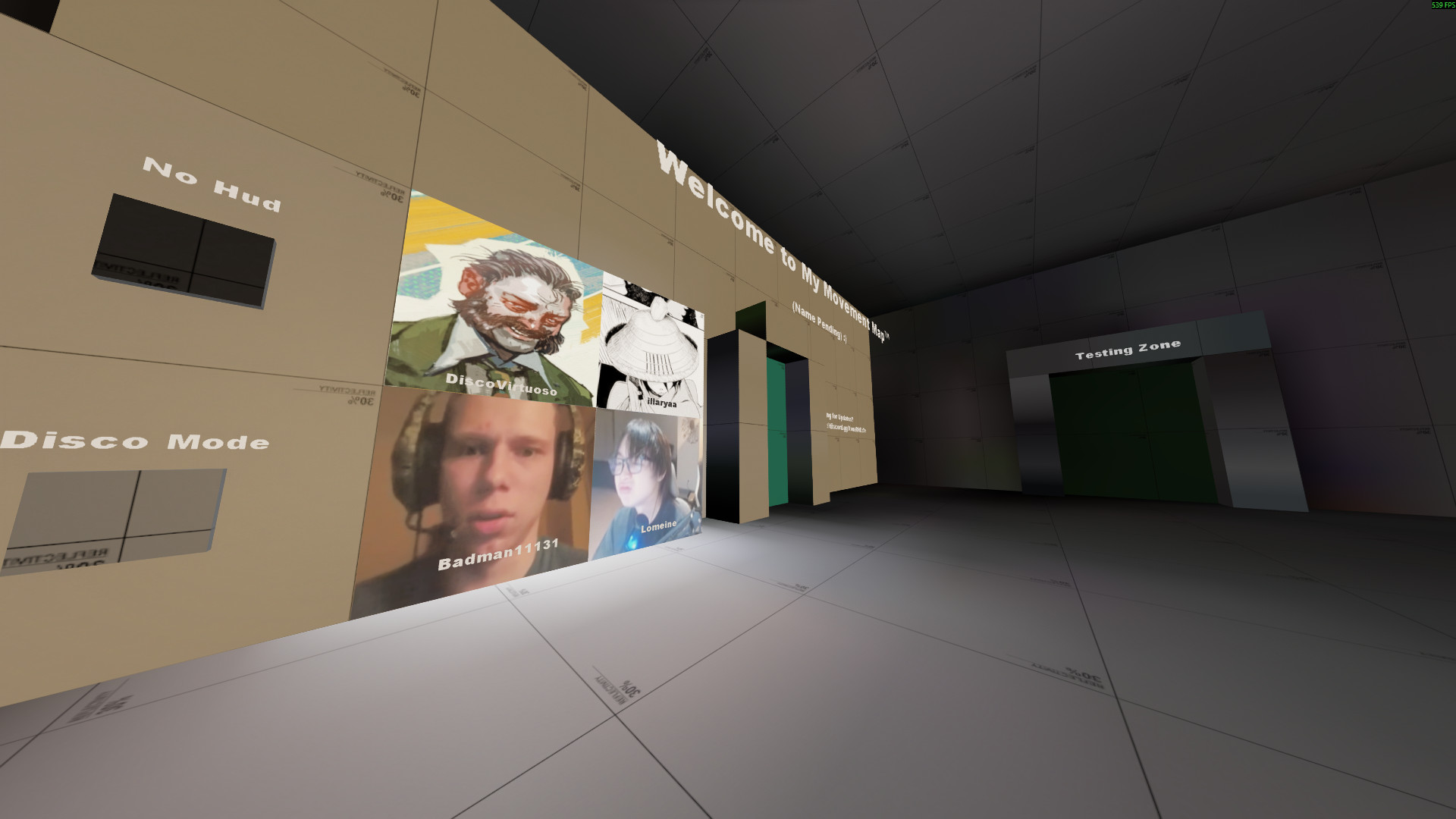
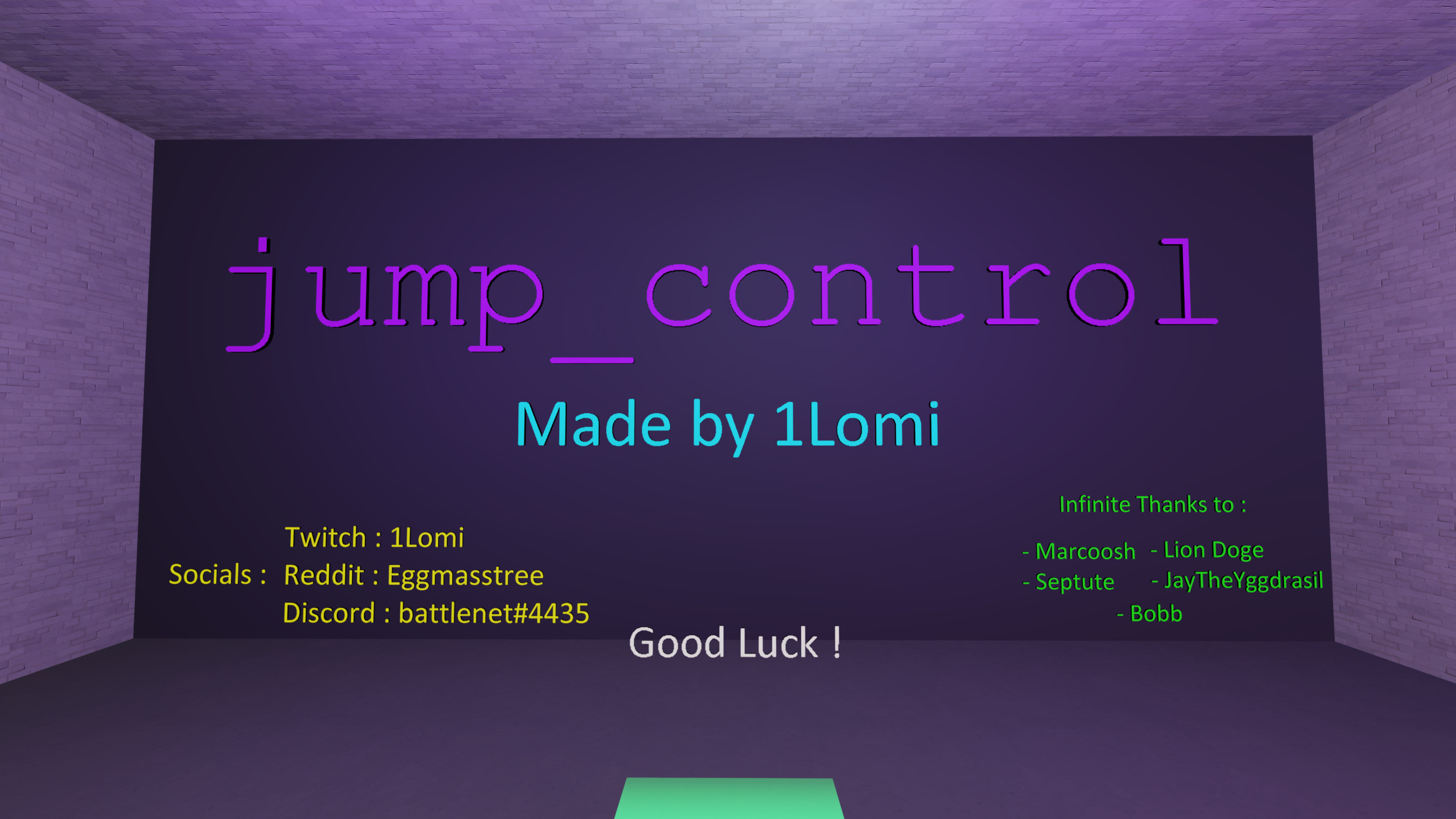

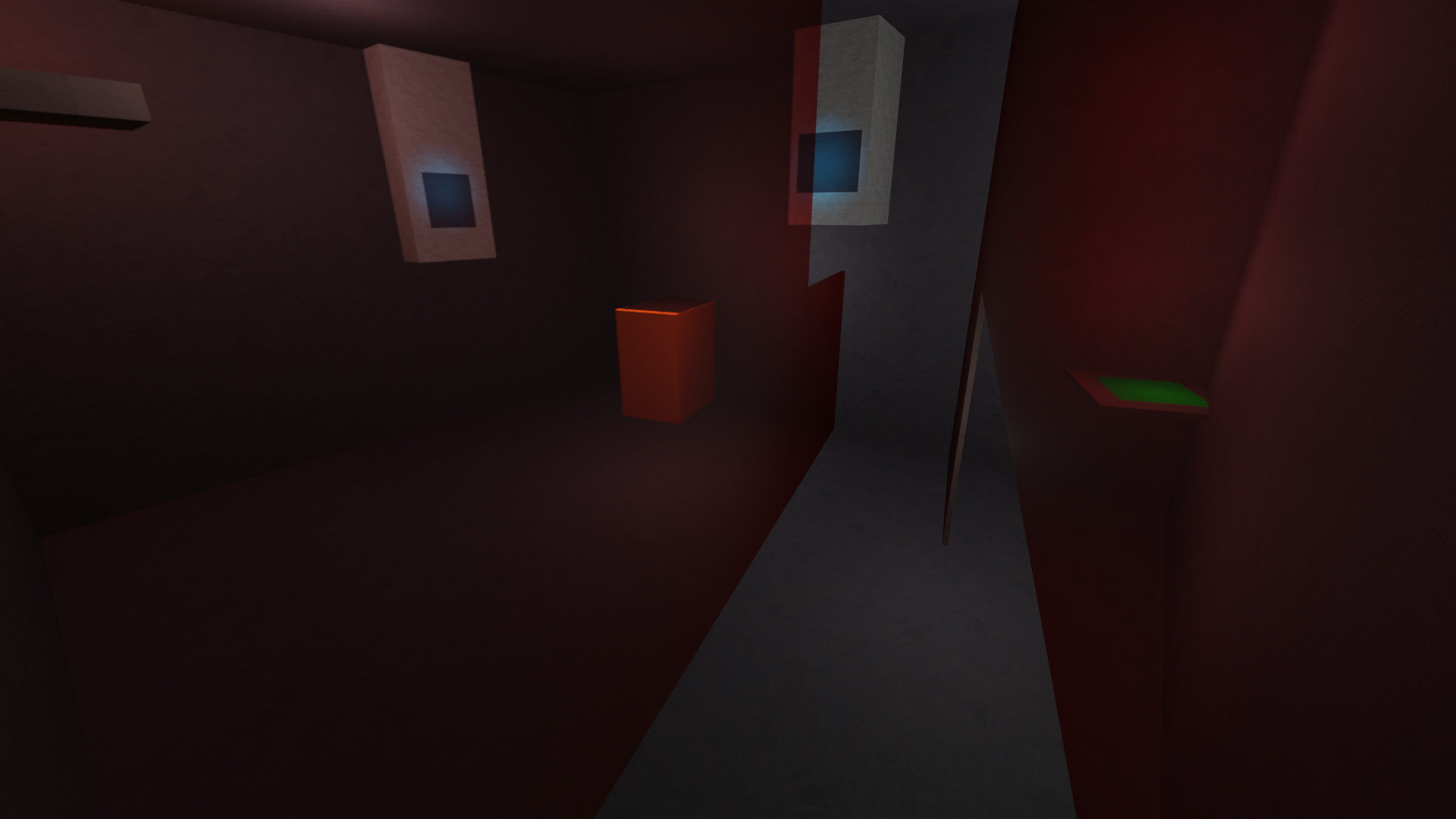
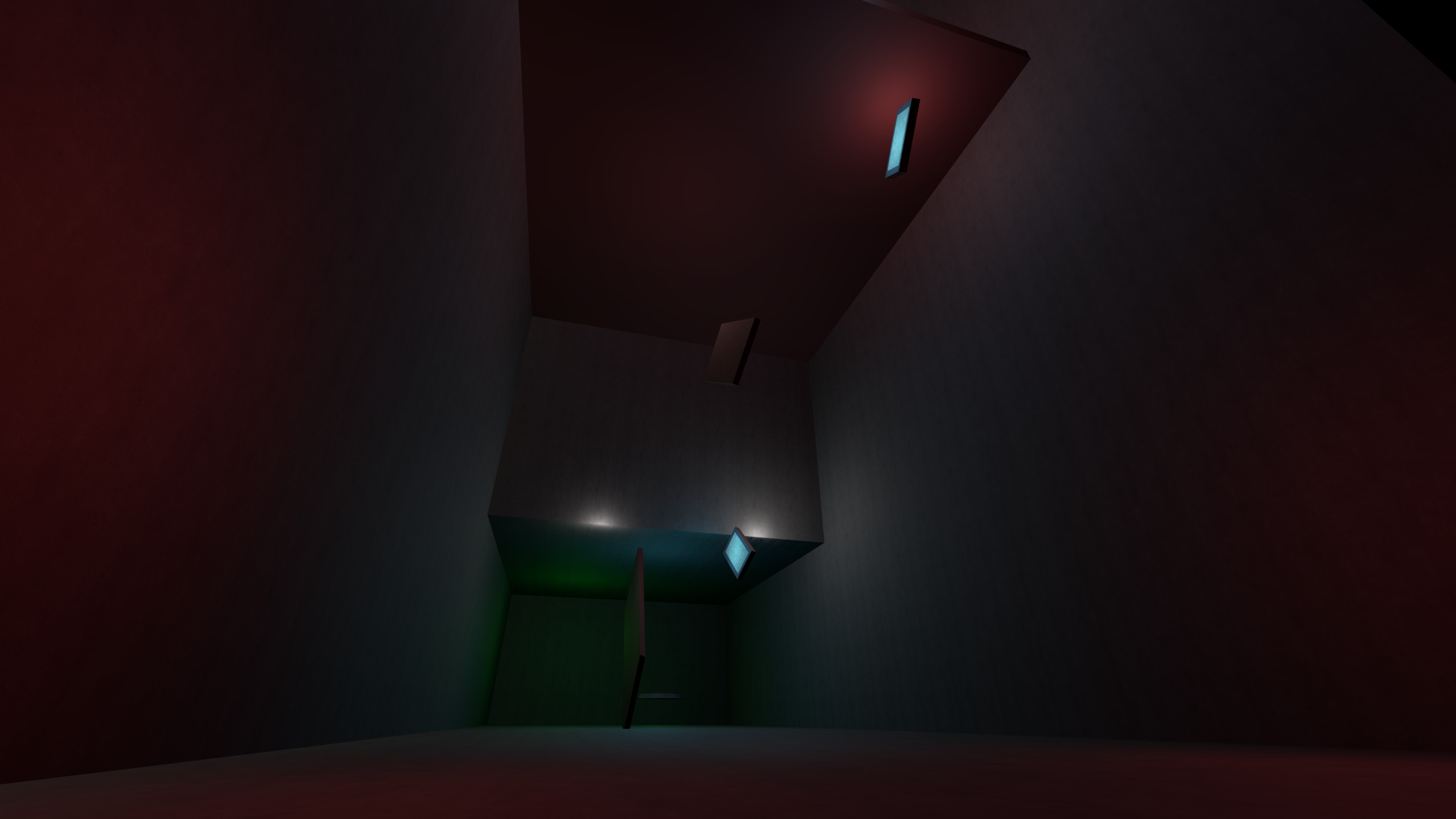
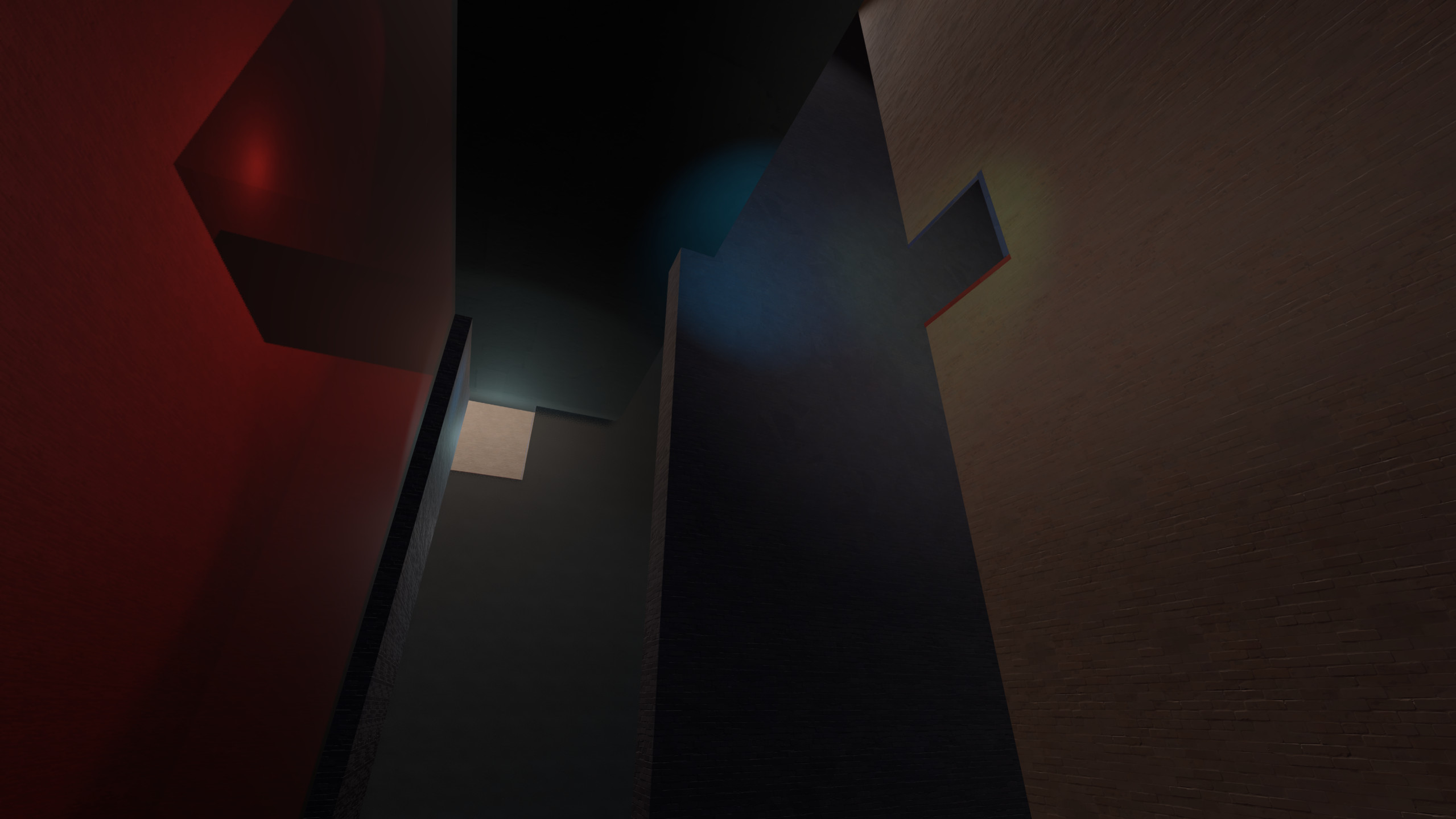
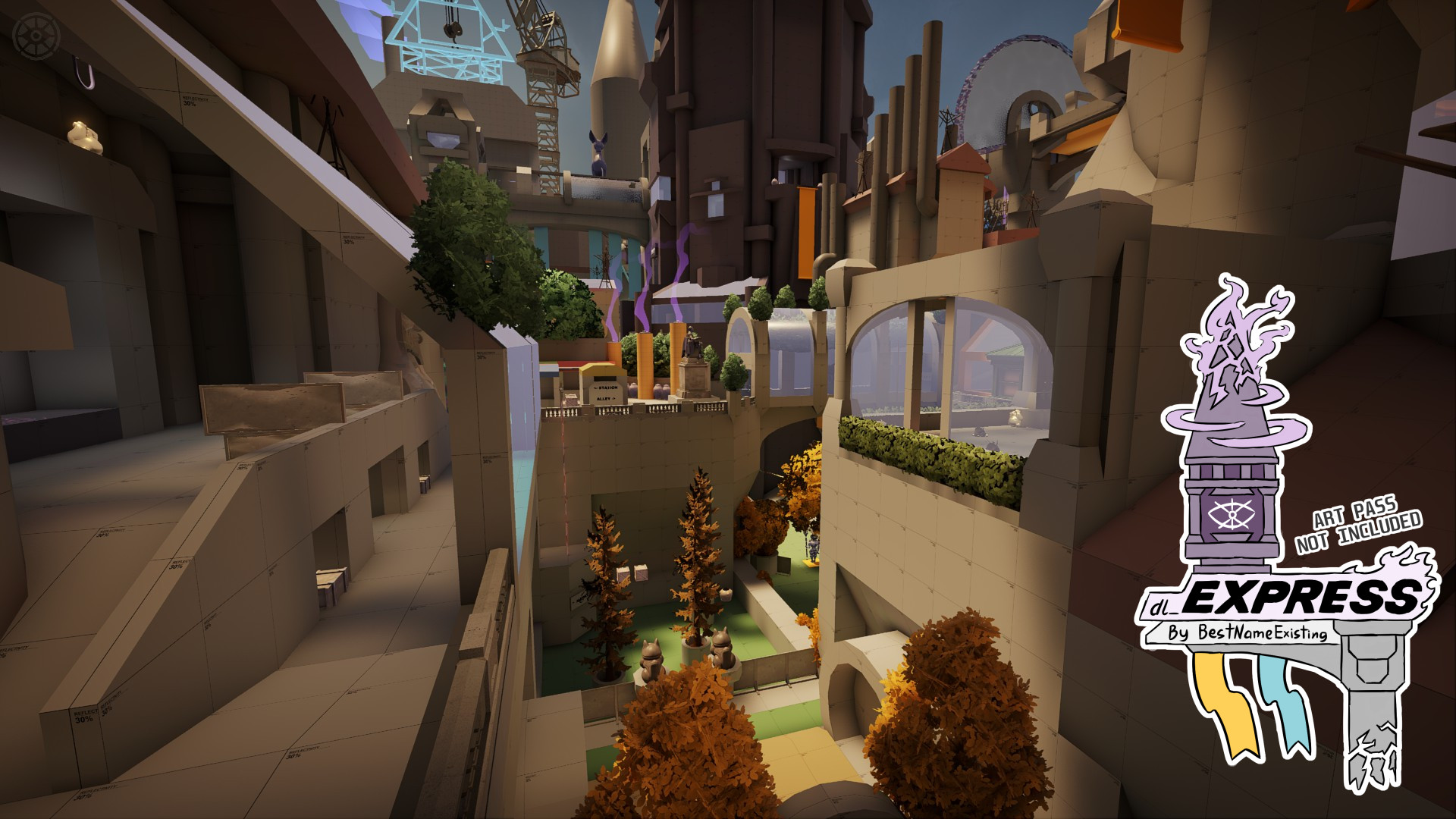
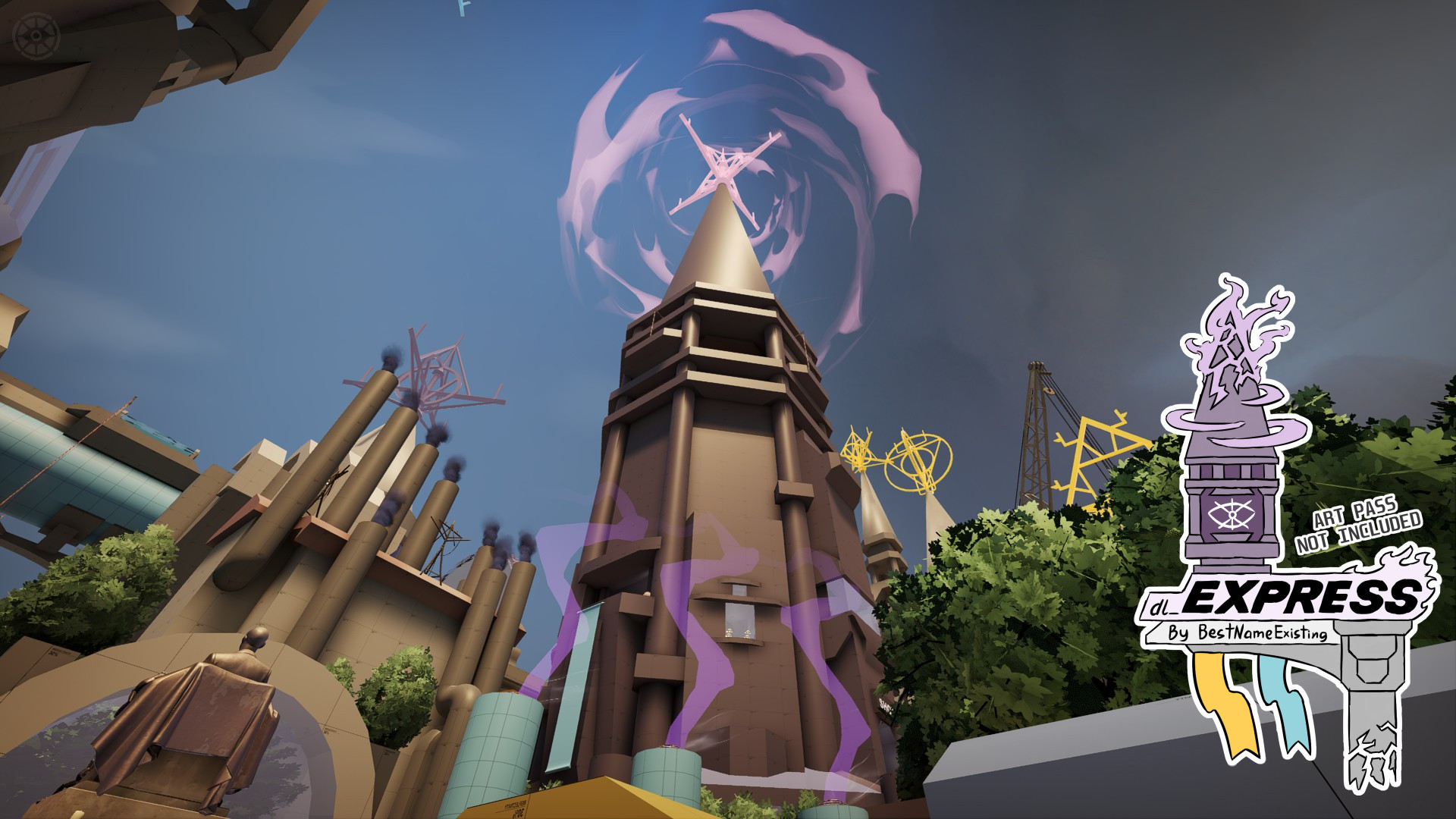
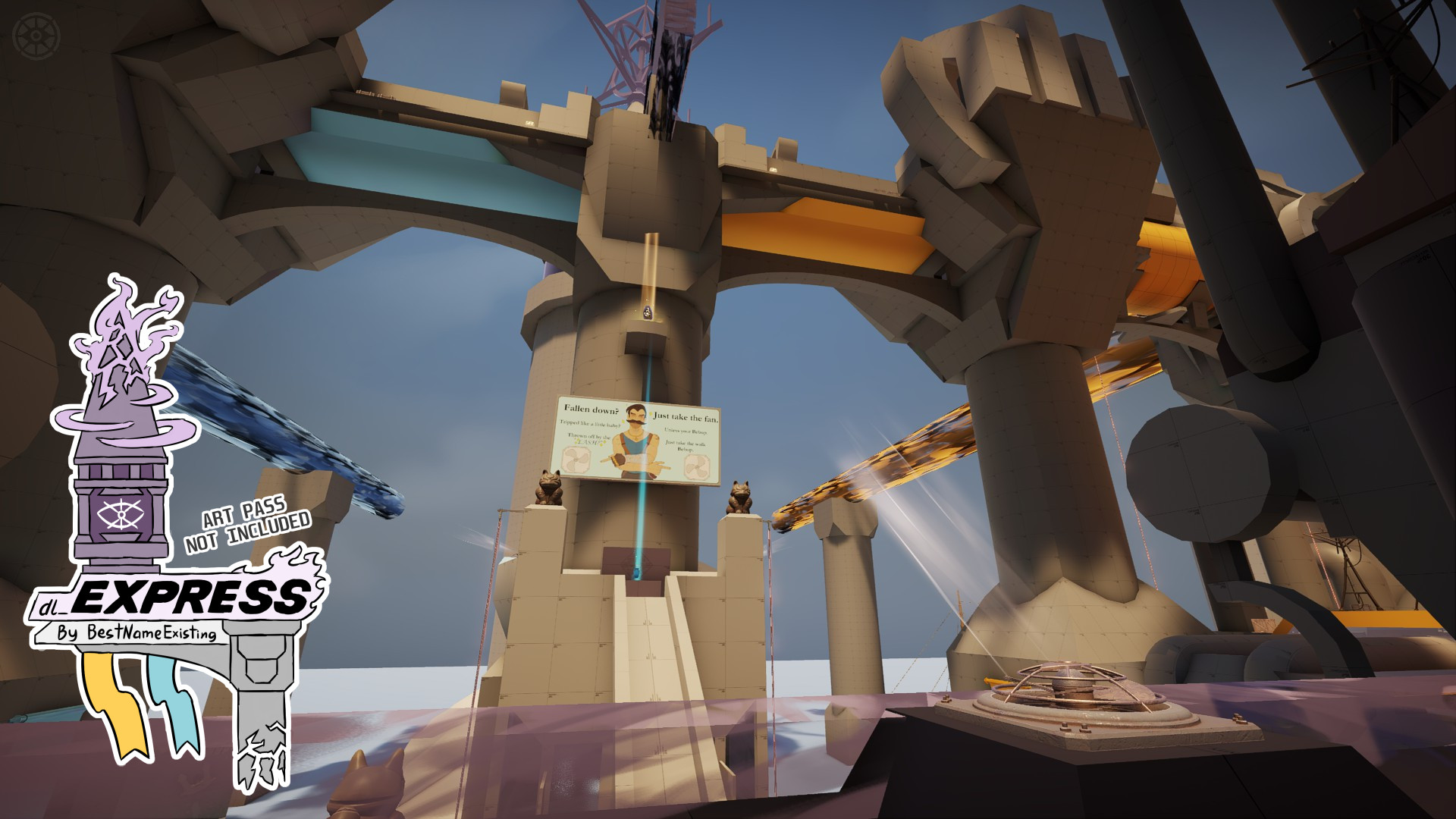
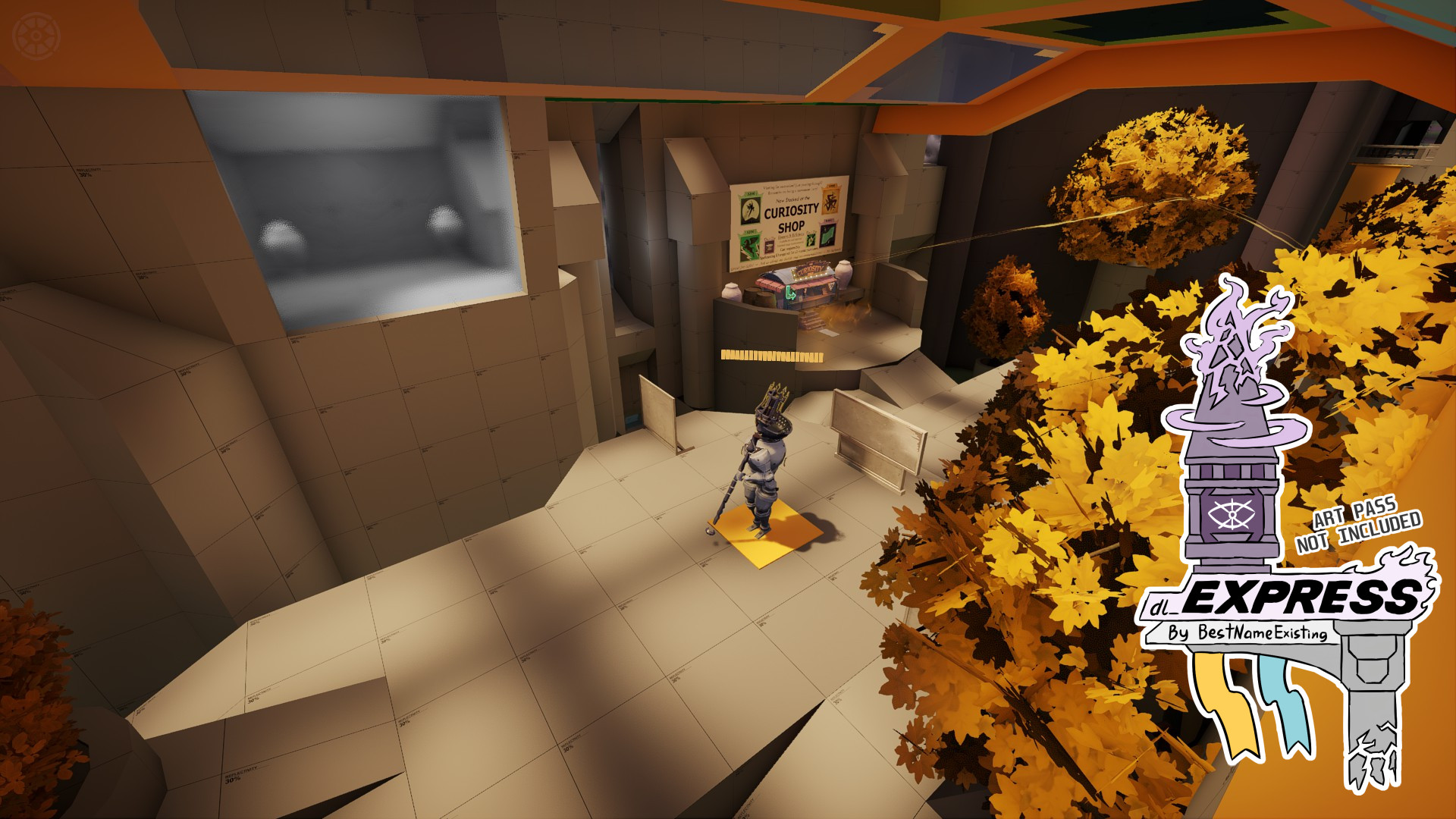
![[MOG] BHOP Maps (4/11/26 Update)](https://assets.skintel.gg/upstream/gamebanana/21476f5061cad528185bc4683ec98726cbcf1ce212fc3734e09d35ed2852ab7c.jpg)
![[MOG] BHOP Maps (4/11/26 Update) image 2](https://assets.skintel.gg/upstream/gamebanana/b5fbca63057b74ca42e9b4ab300e5ee7b1cba830942ba99e3651a0e5cfd131e3.jpg)
![[MOG] BHOP Maps (4/11/26 Update) image 3](https://assets.skintel.gg/upstream/gamebanana/388943d6909bdfba119b90defca5a872c9f09ccfec88cc36cf2ec88bba662ad8.jpg)
![[MOG] BHOP Maps (4/11/26 Update) image 4](https://assets.skintel.gg/upstream/gamebanana/999d302ebb9541136d6610ceb9033739f5be66d17aa45155beb1c600eb1af506.jpg)
![[MOG] BHOP Maps (4/11/26 Update) image 5](https://assets.skintel.gg/upstream/gamebanana/b6b8a1233c78847d6b3c2b8153deb6511f6eb9c3e96b81b79003a63b4cba2dea.jpg)
About Dome (Squid Tag)
Dome (Squid Tag) is a community Maps in Deadlock.
Creation
Dome (Squid Tag) was made by the community. The current version is a2.
Popularity
Dome (Squid Tag) has been downloaded 153 times, liked 2 times and viewed 1.2k times on GameBanana.
Installation
The Open with button hands Dome (Squid Tag) to Deadlock Mod Manager or Grimoire; without a manager installed, the 15 MB archive's files go into the game's addons folder by hand.
How to install a Deadlock mod.
Availability
Dome (Squid Tag) is a free Deadlock mod; downloading and installing it costs nothing.
Read the Deadlock skin price forecast.
Updates
Dome (Squid Tag) was last updated Jul 18, 2026.
Frequently asked questions
How do I install Dome (Squid Tag)?
Press Open with to hand Dome (Squid Tag) to Deadlock Mod Manager or Grimoire, or download the 15 MB archive and copy its files into the game's addons folder.
Is Dome (Squid Tag) free?
Yes. Dome (Squid Tag) costs nothing to download or install.
How popular is Dome (Squid Tag)?
Dome (Squid Tag) has been downloaded 153 times and liked 2 times on GameBanana.