In-game UI
Game defaults (11)
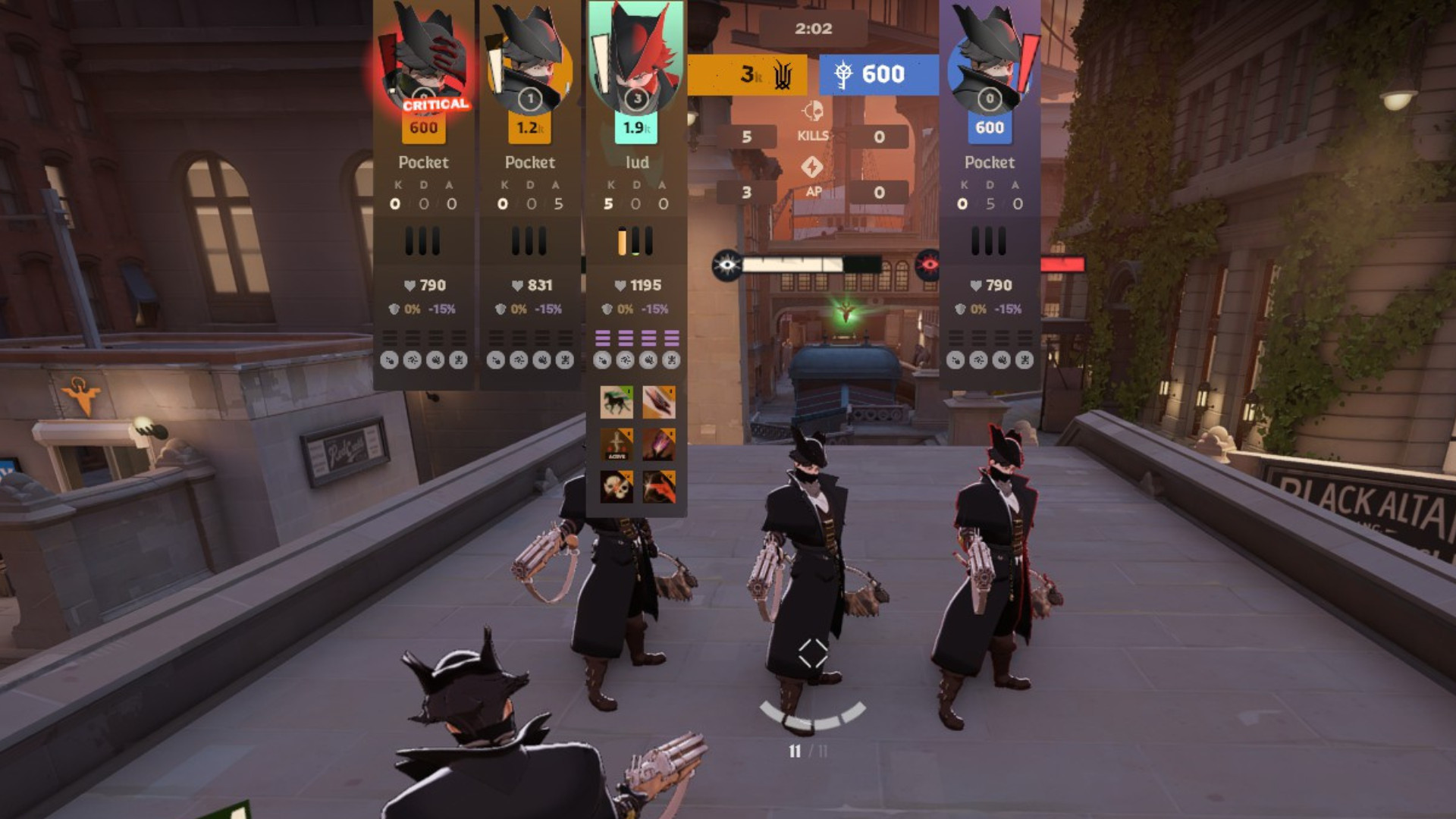
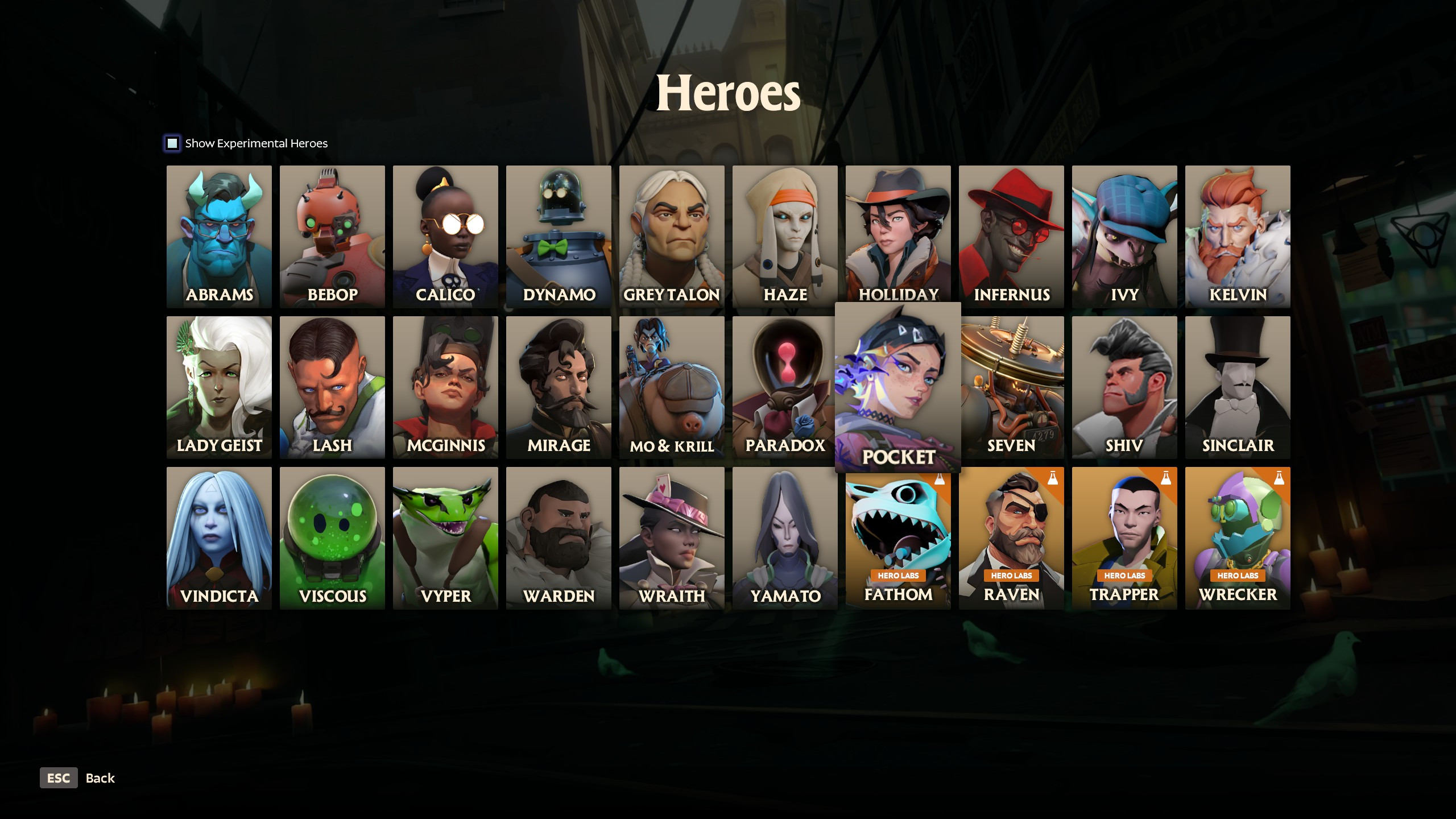
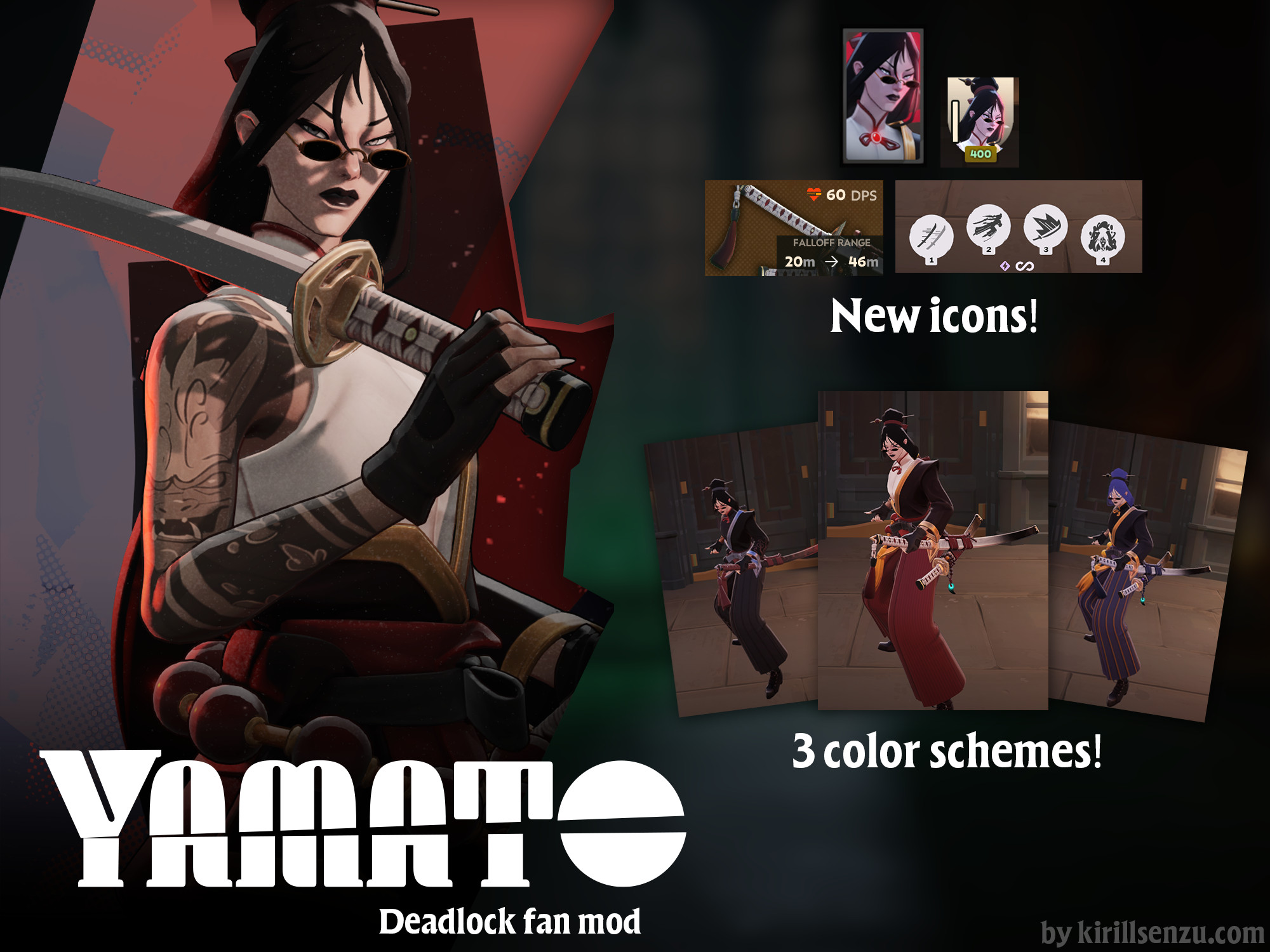
 Hero Card
 Gloat
Gloat Critical
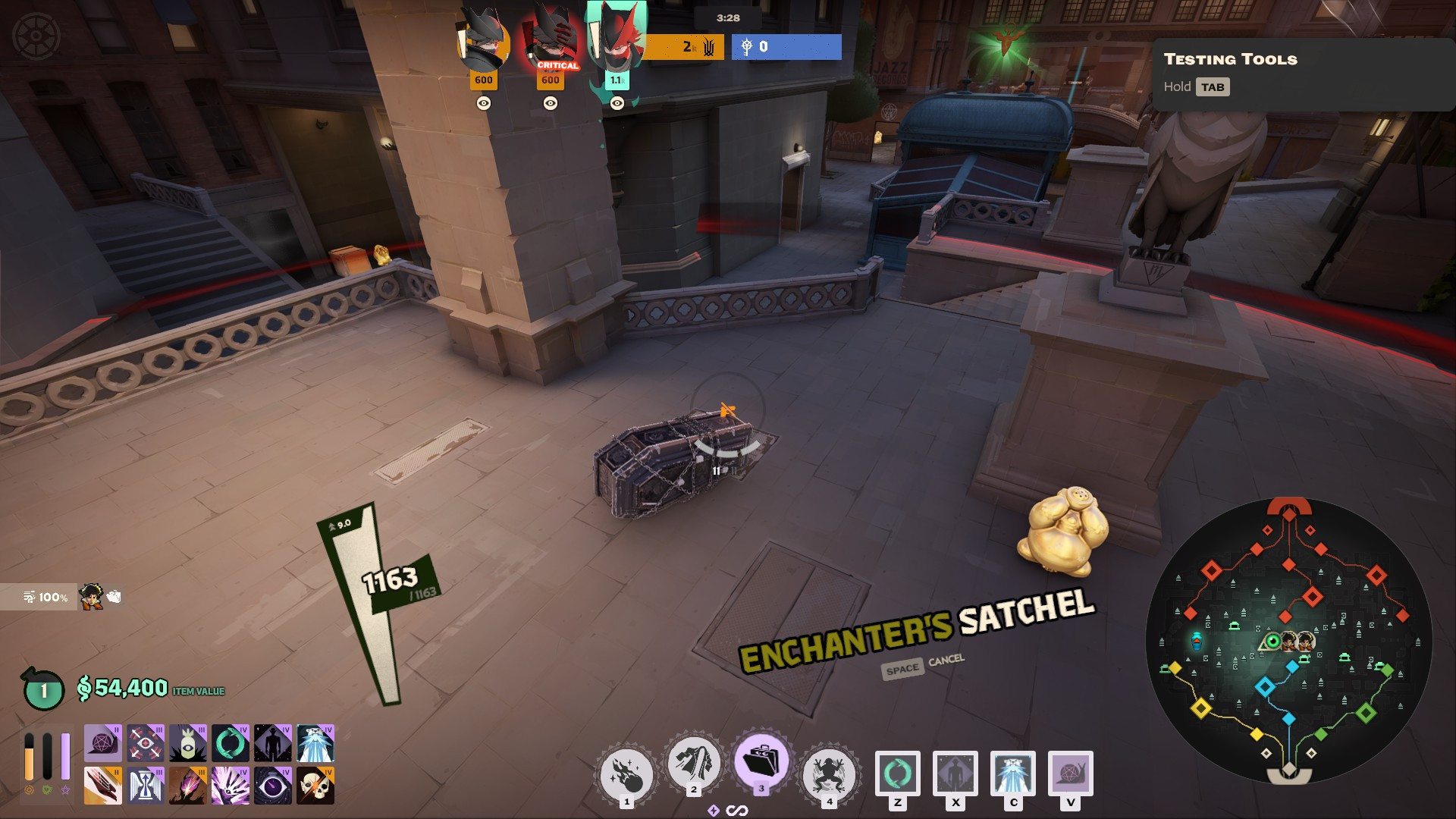
 Top Bar
 Small Icon
 Minimap
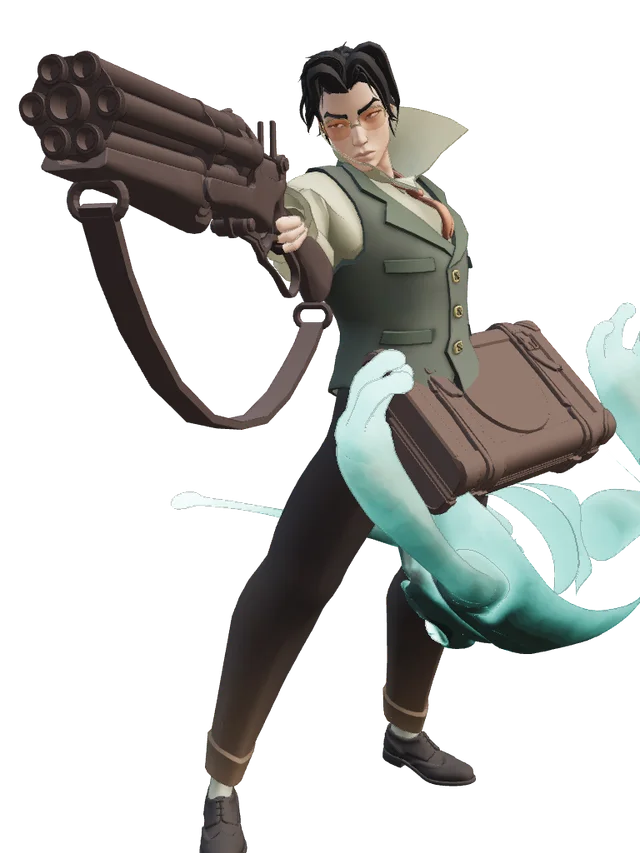
 Weapon
 Flying Cloak
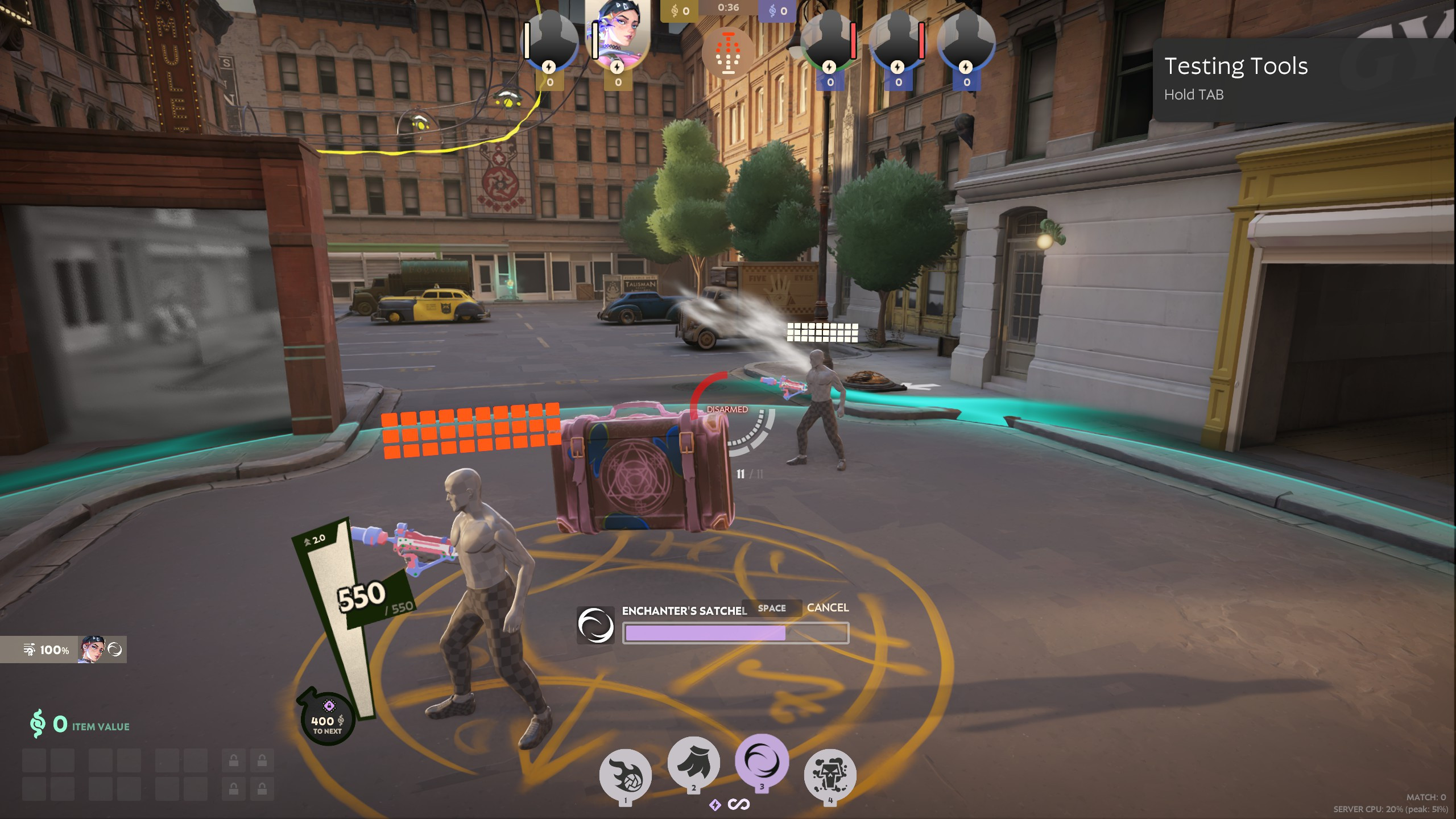
 Enchanter's Satchel
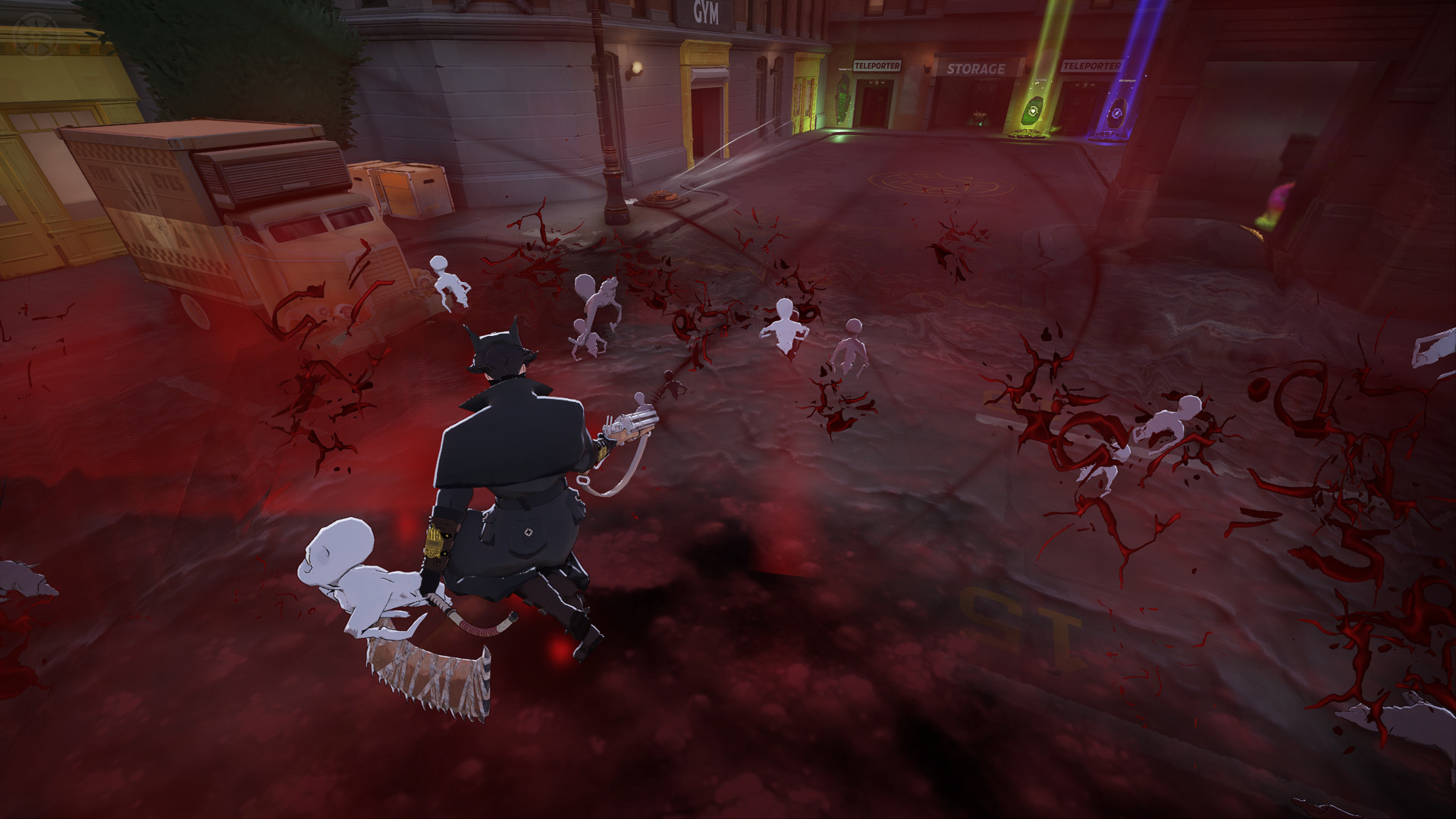
 Barrage
 Affliction

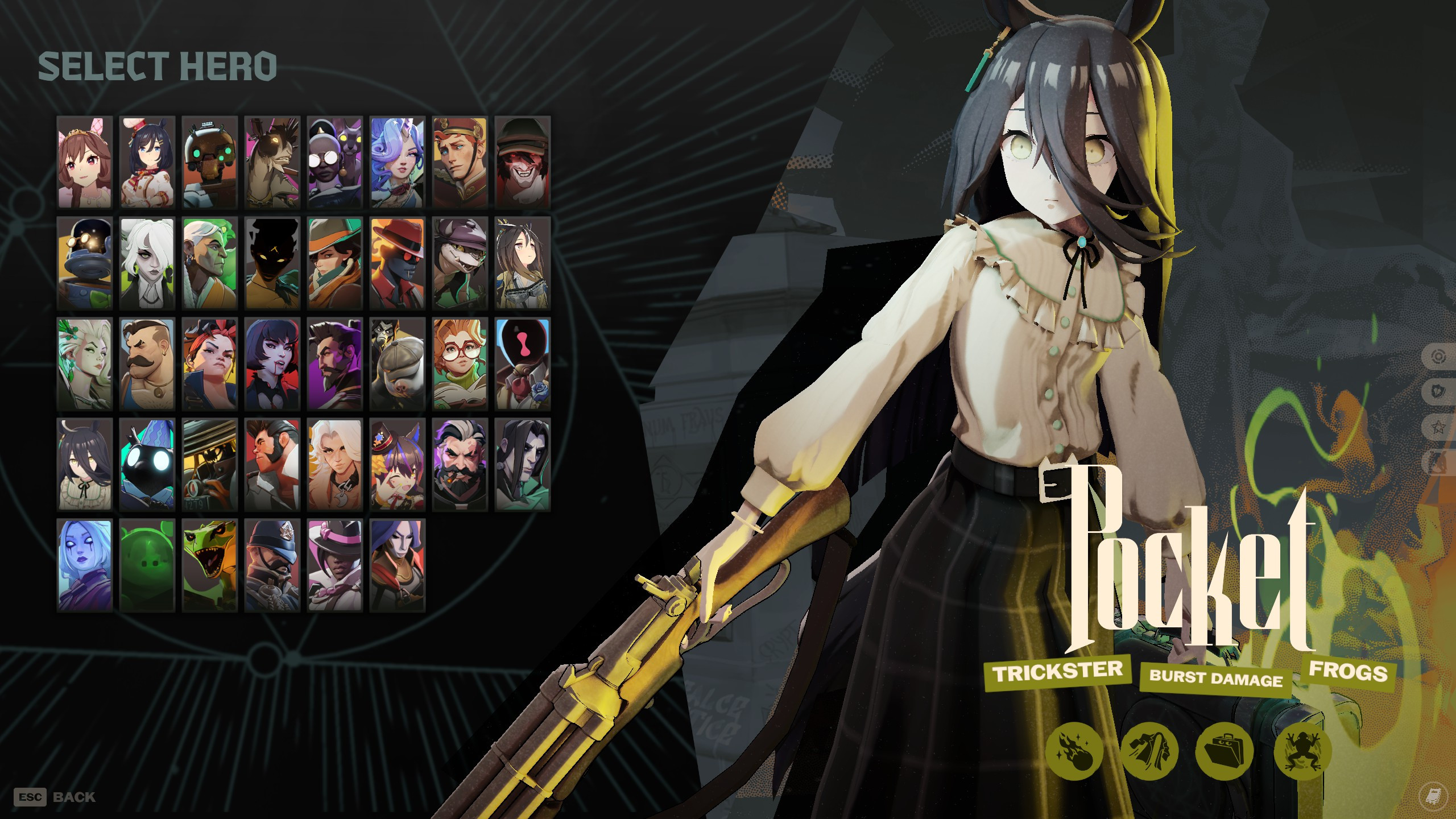
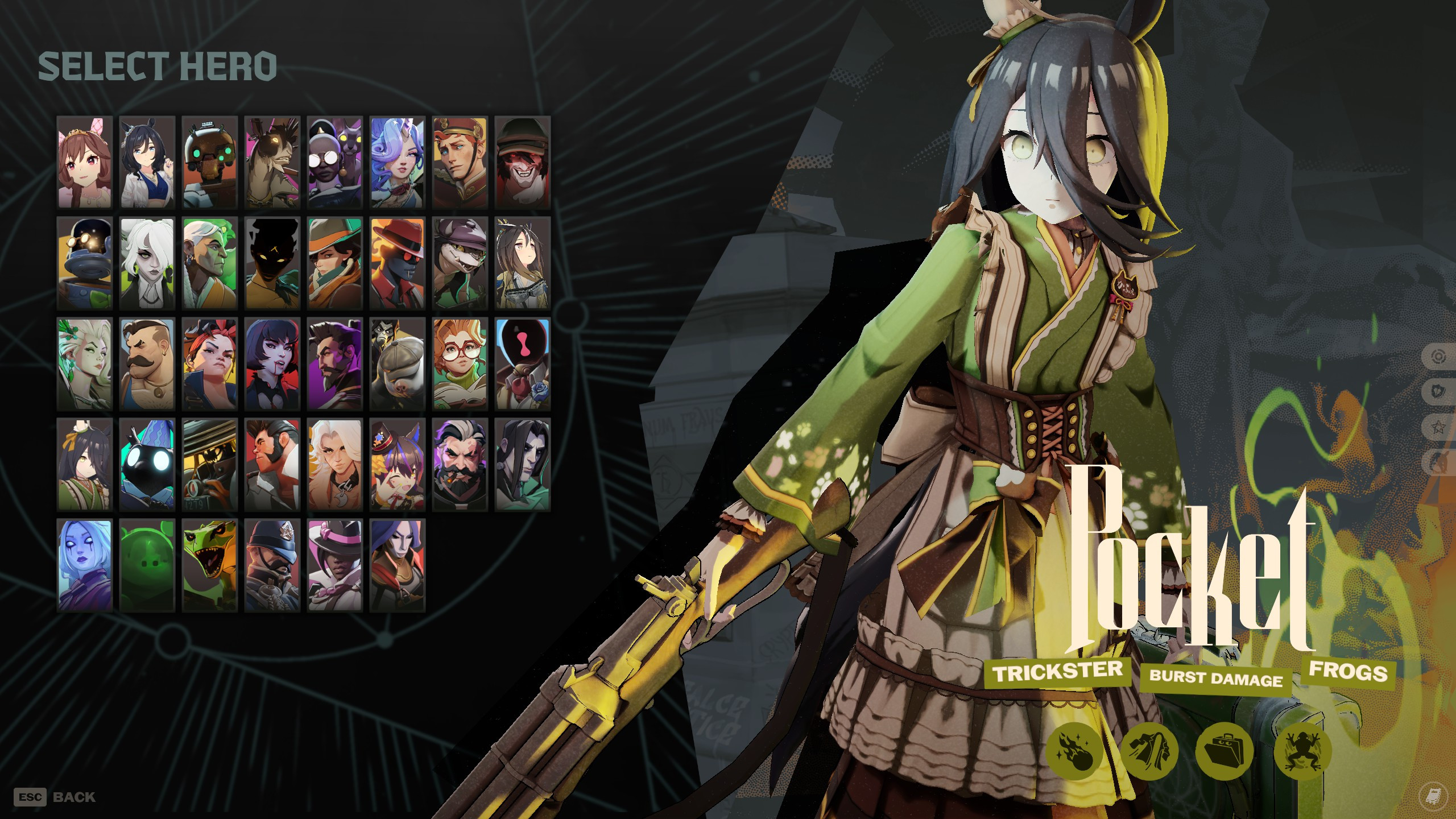
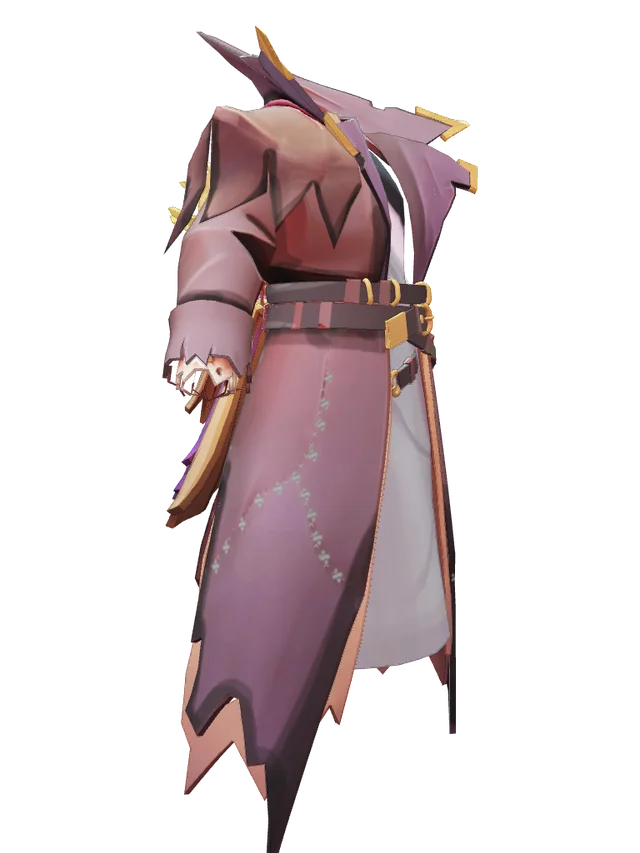
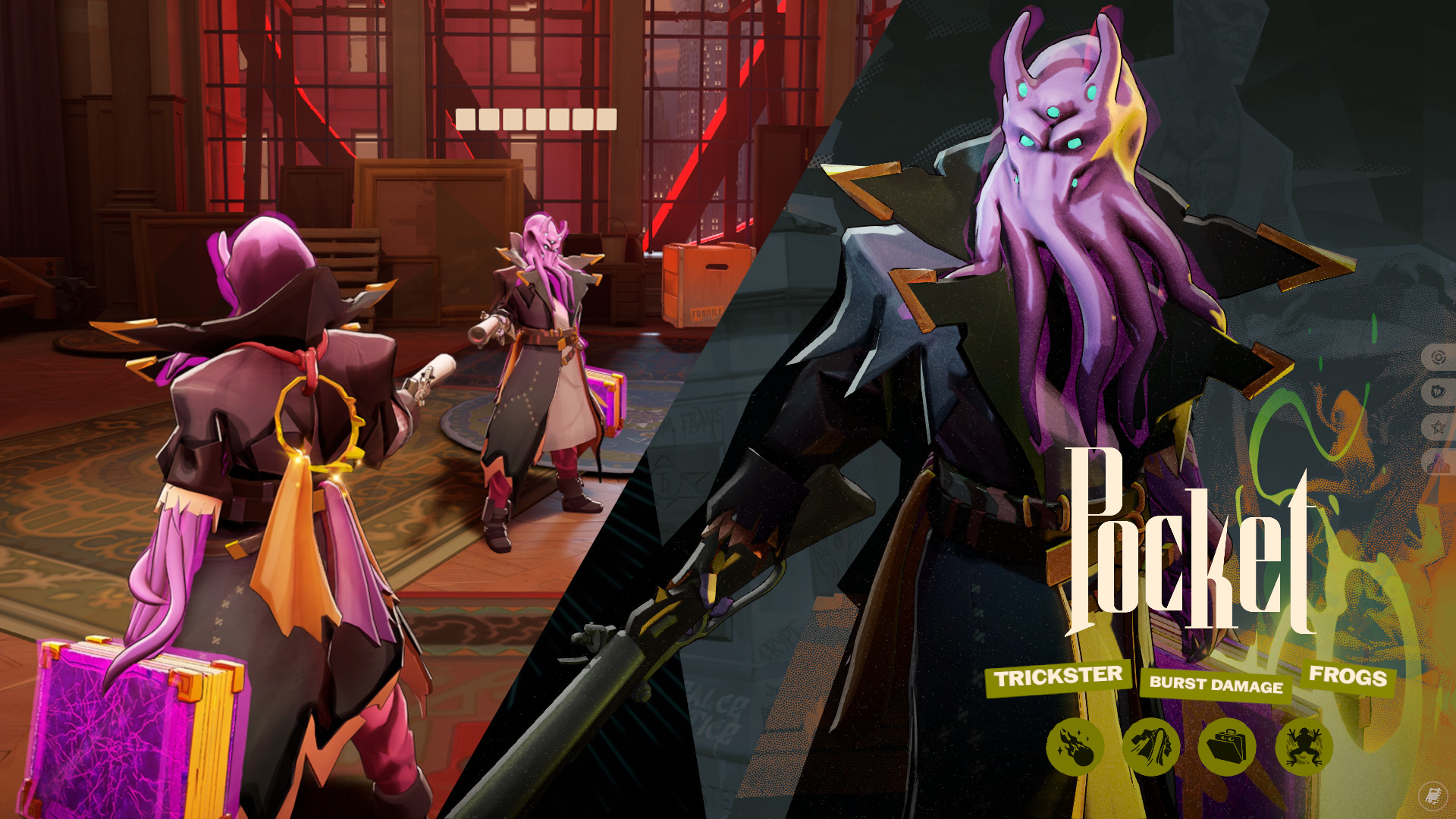
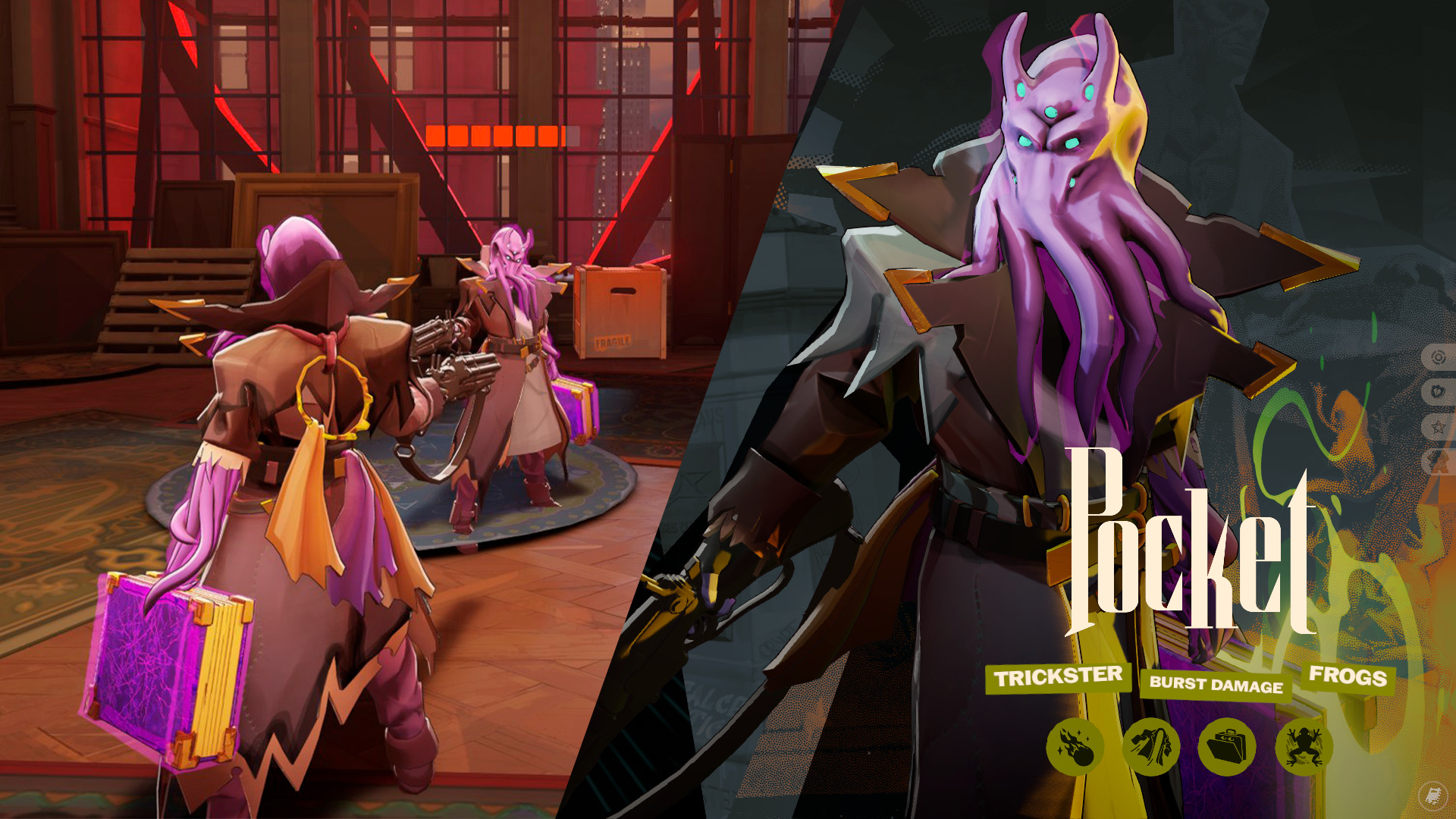
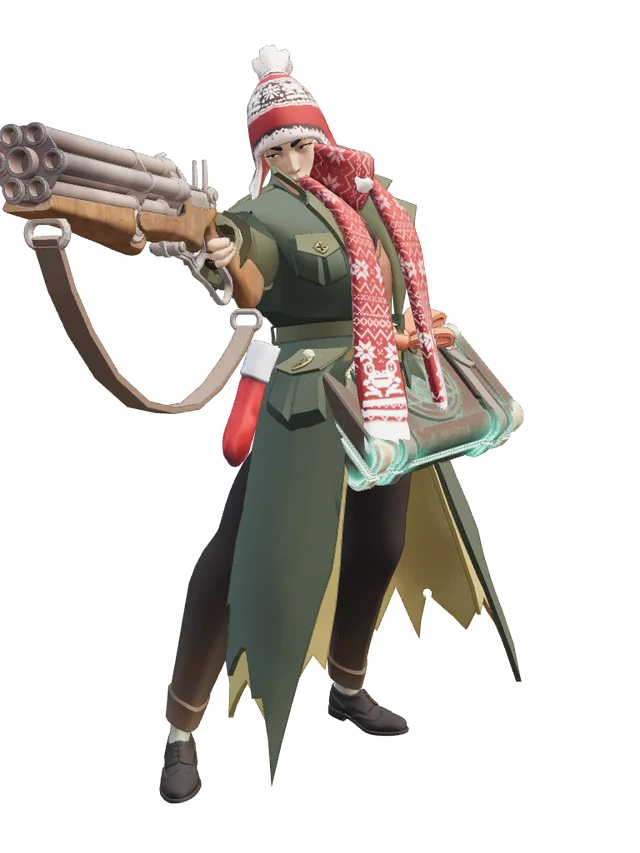
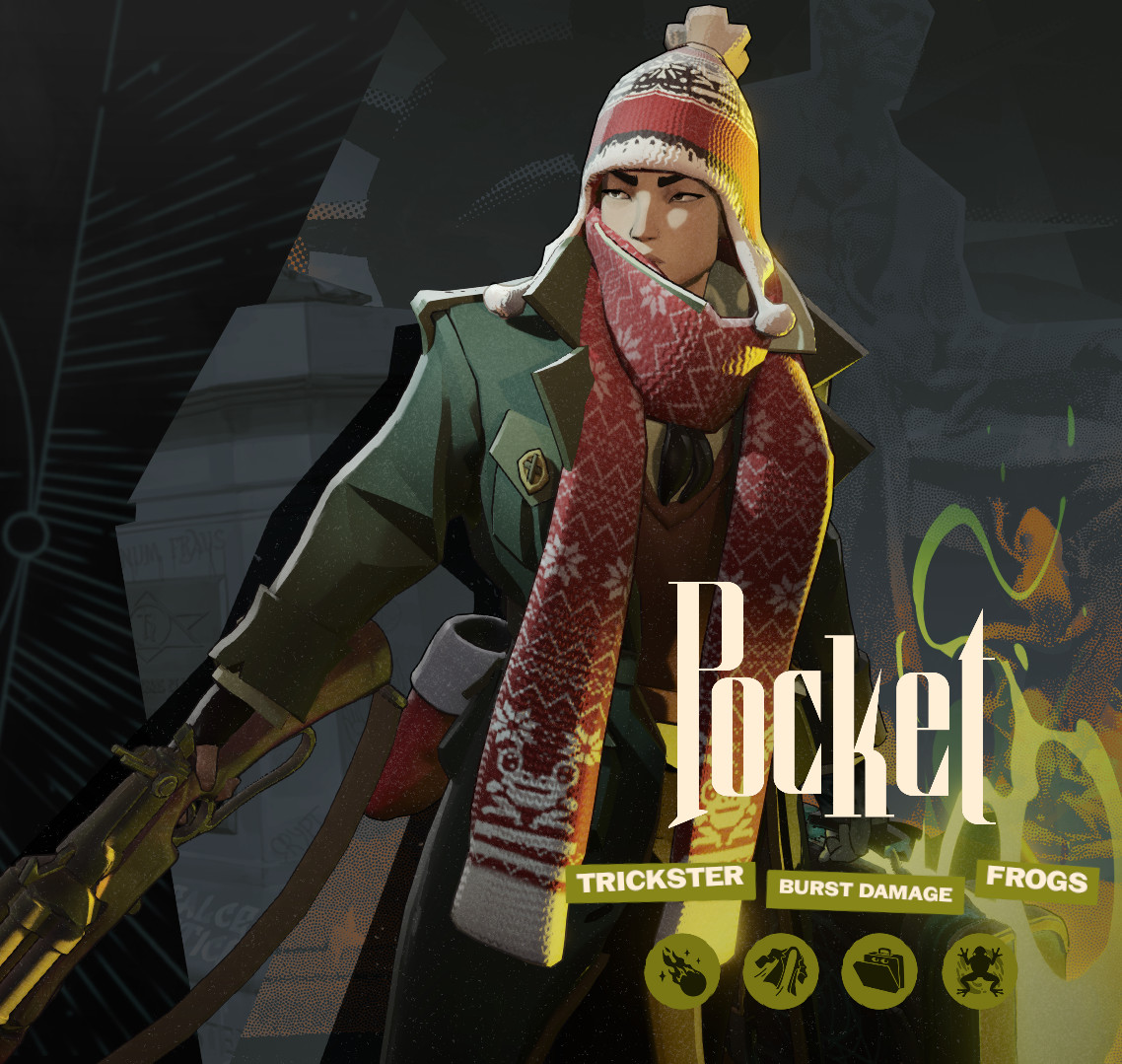
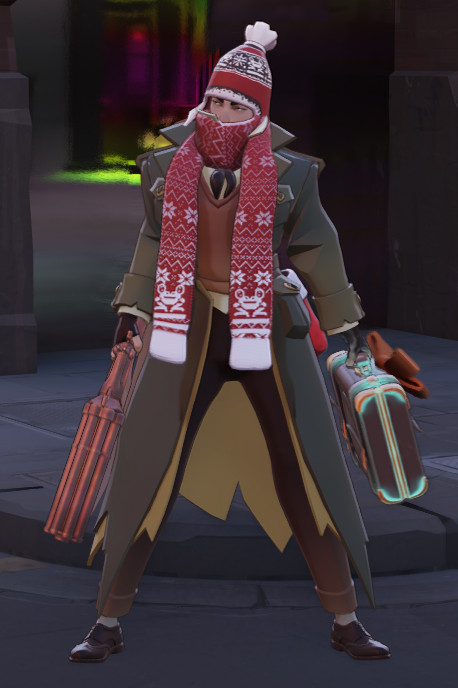
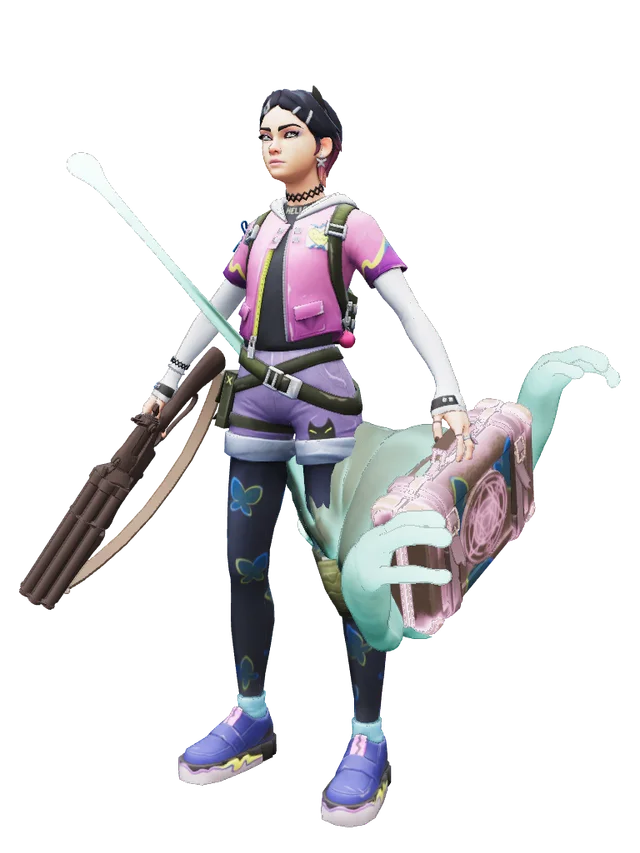
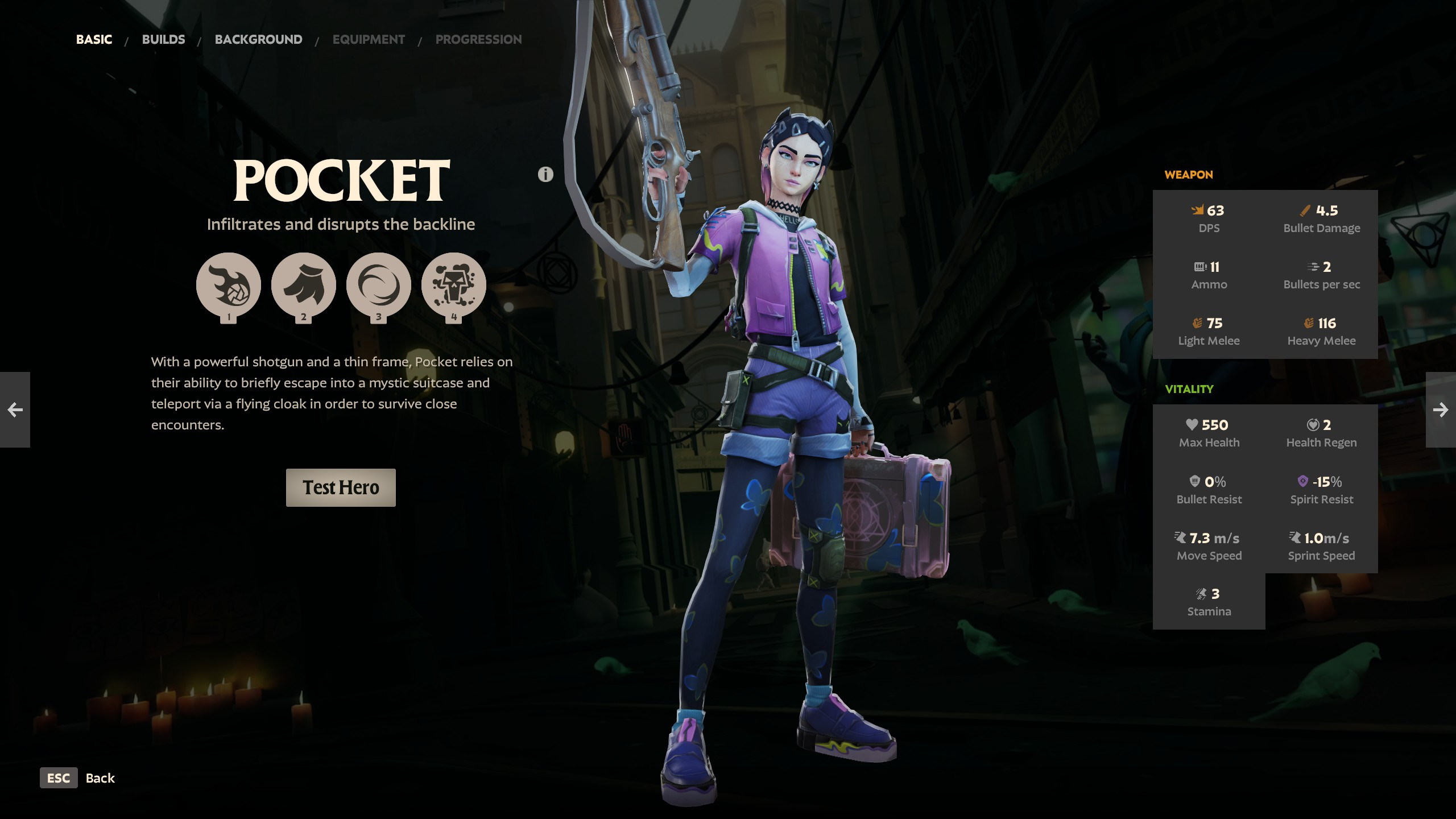
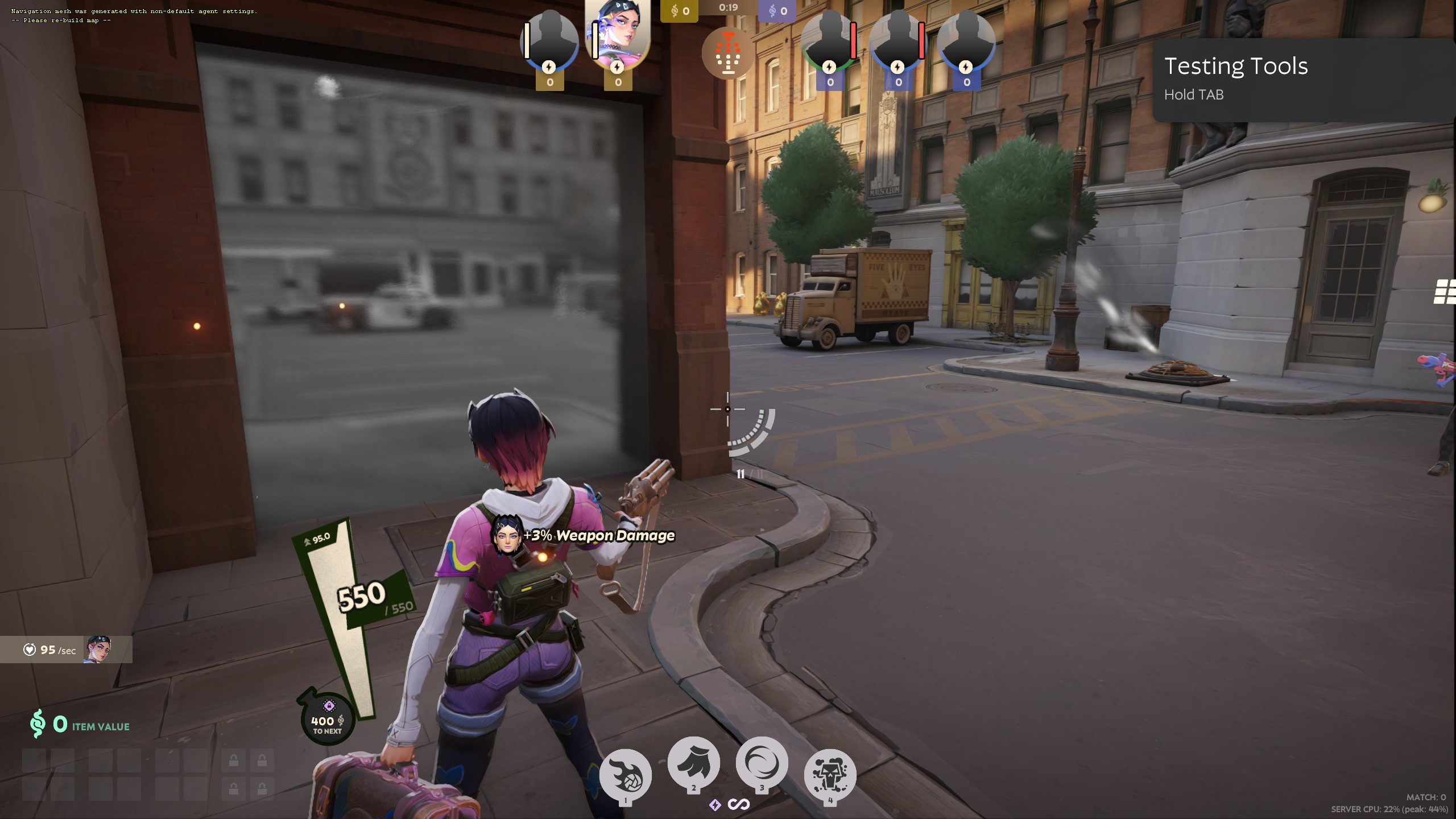
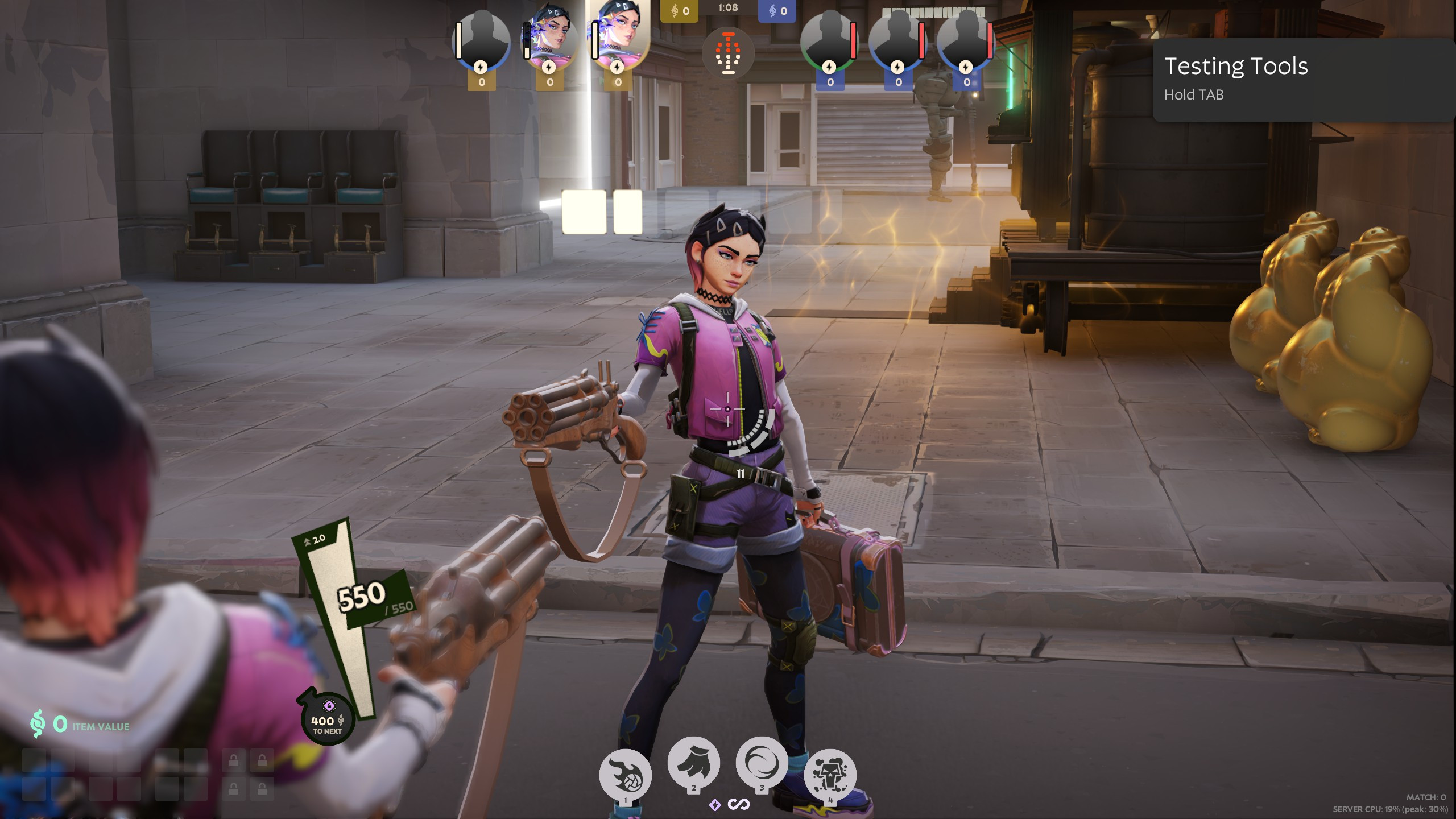
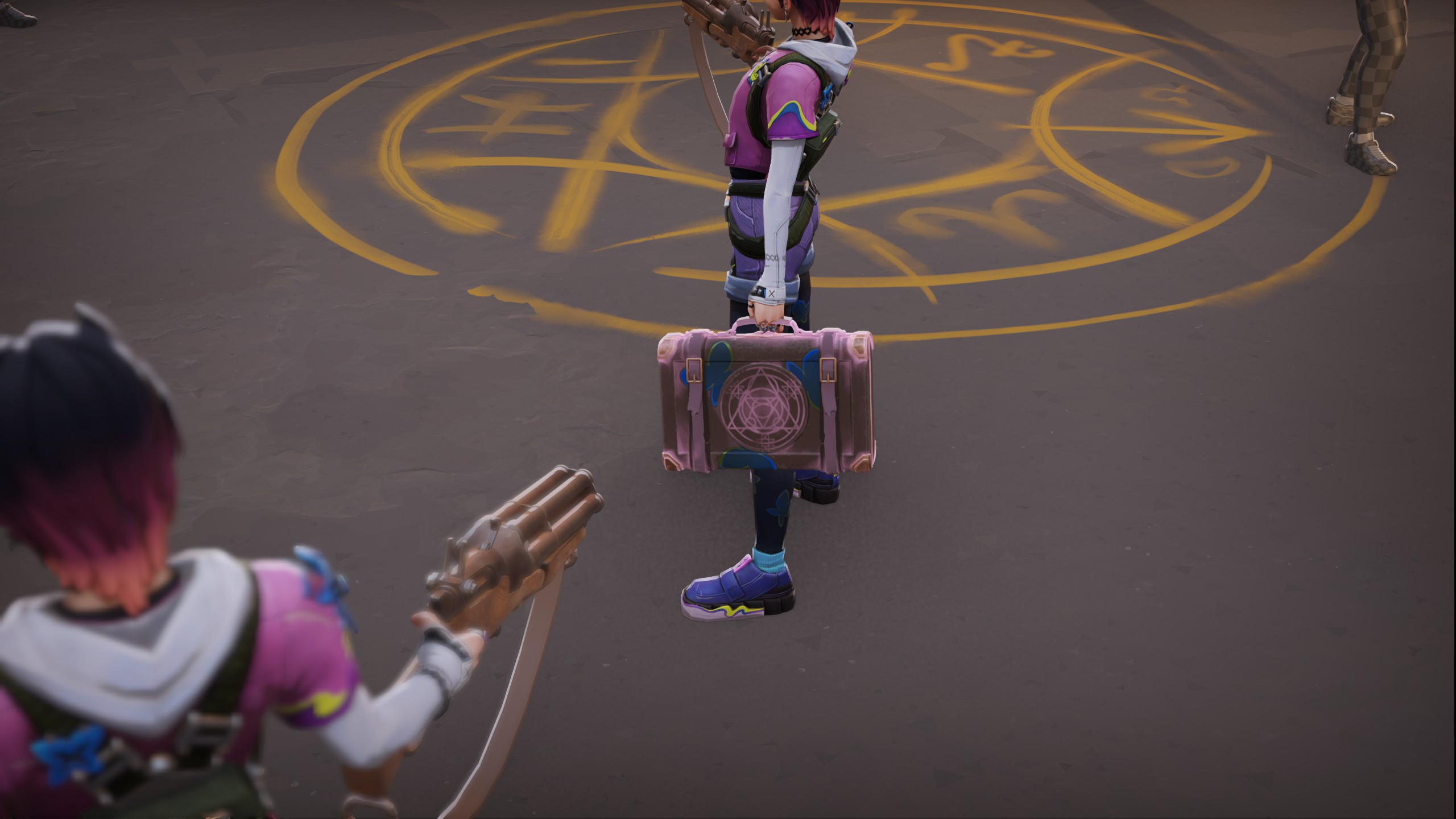
Description
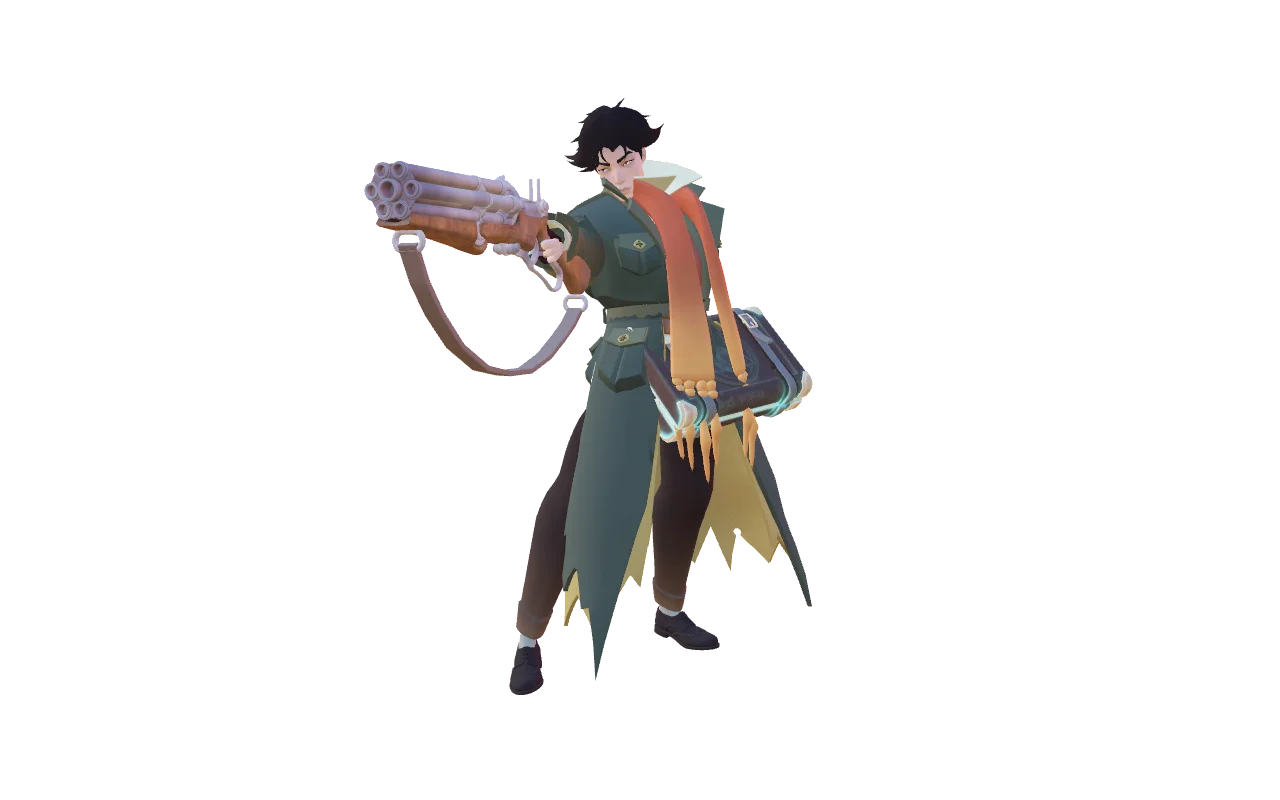
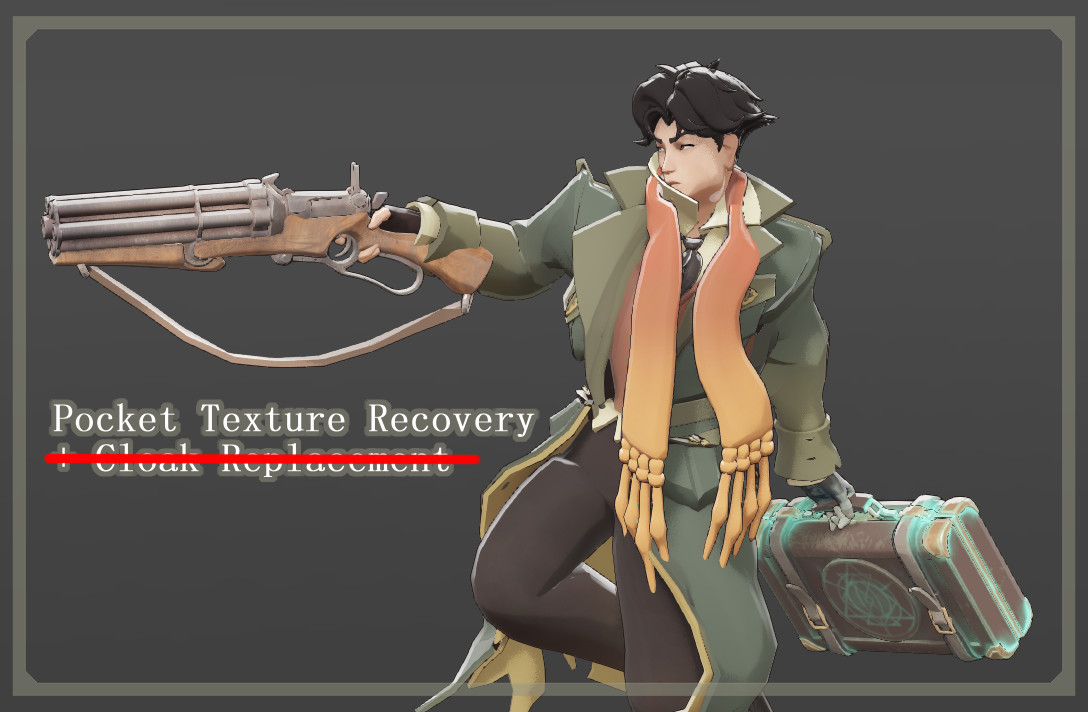
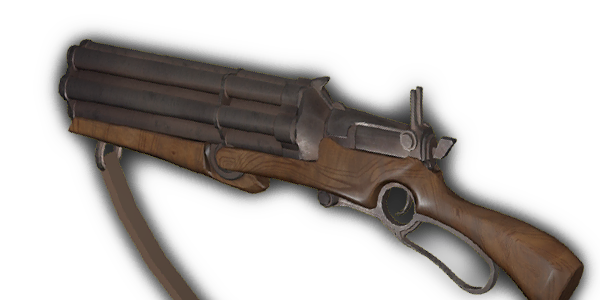
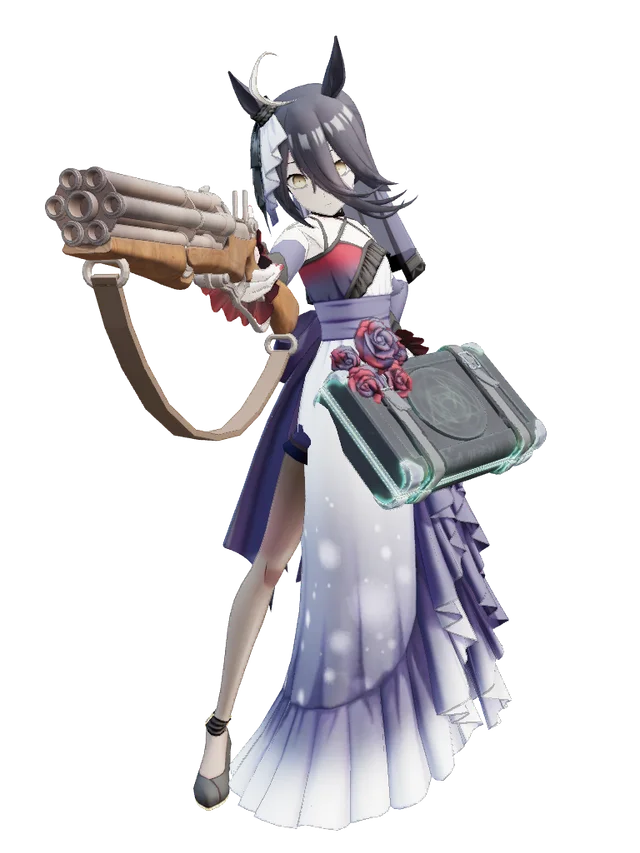
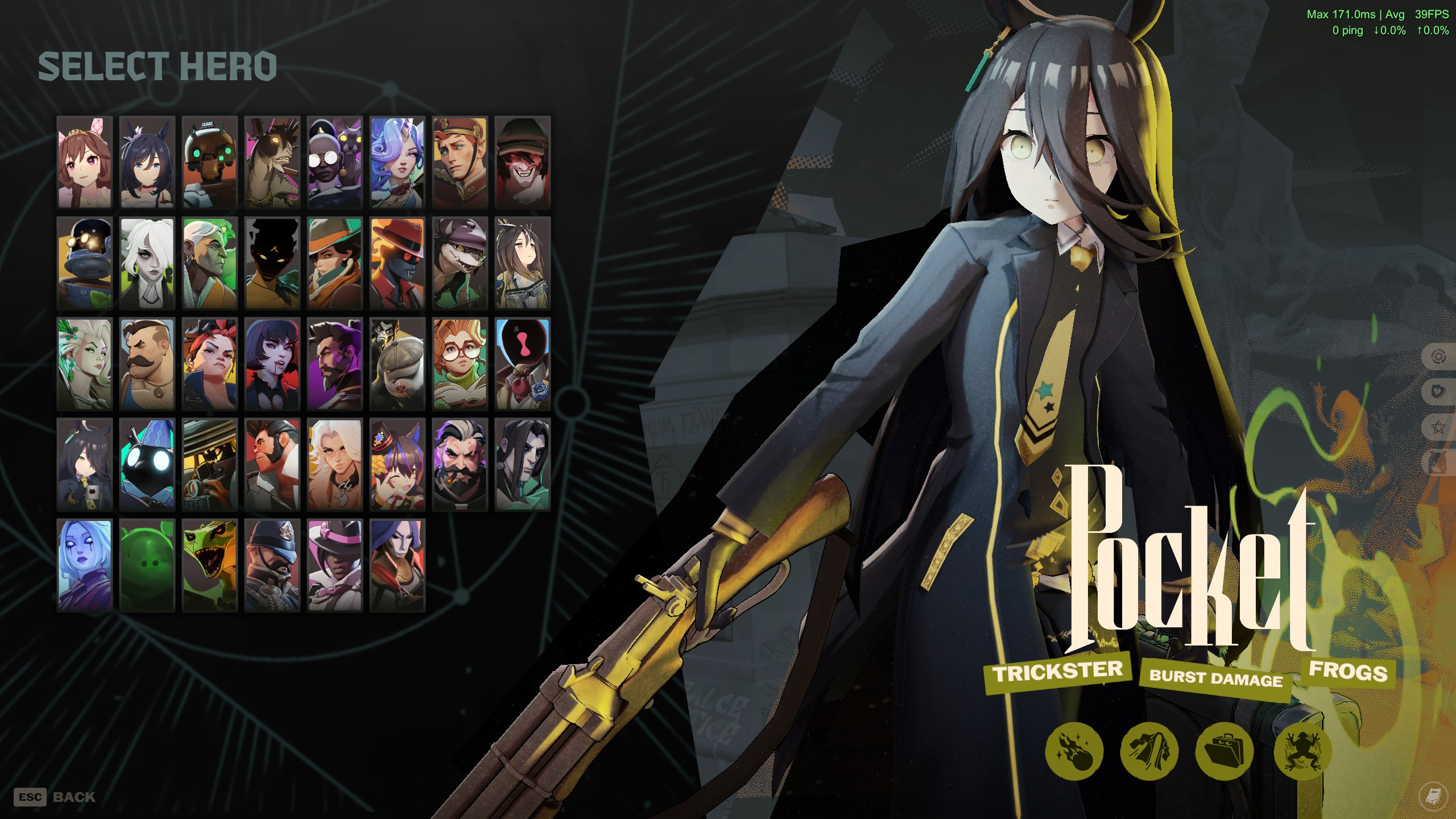
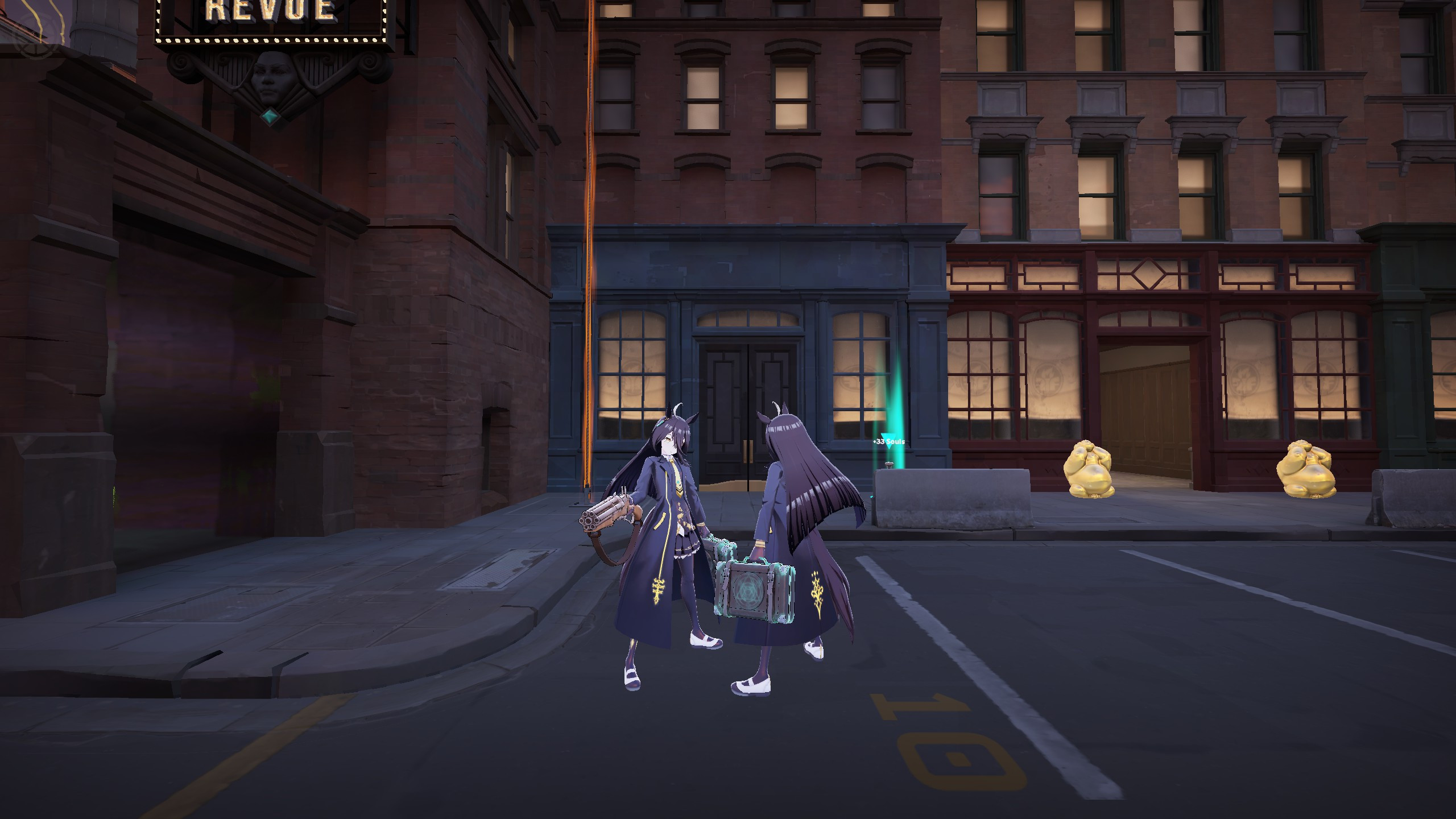
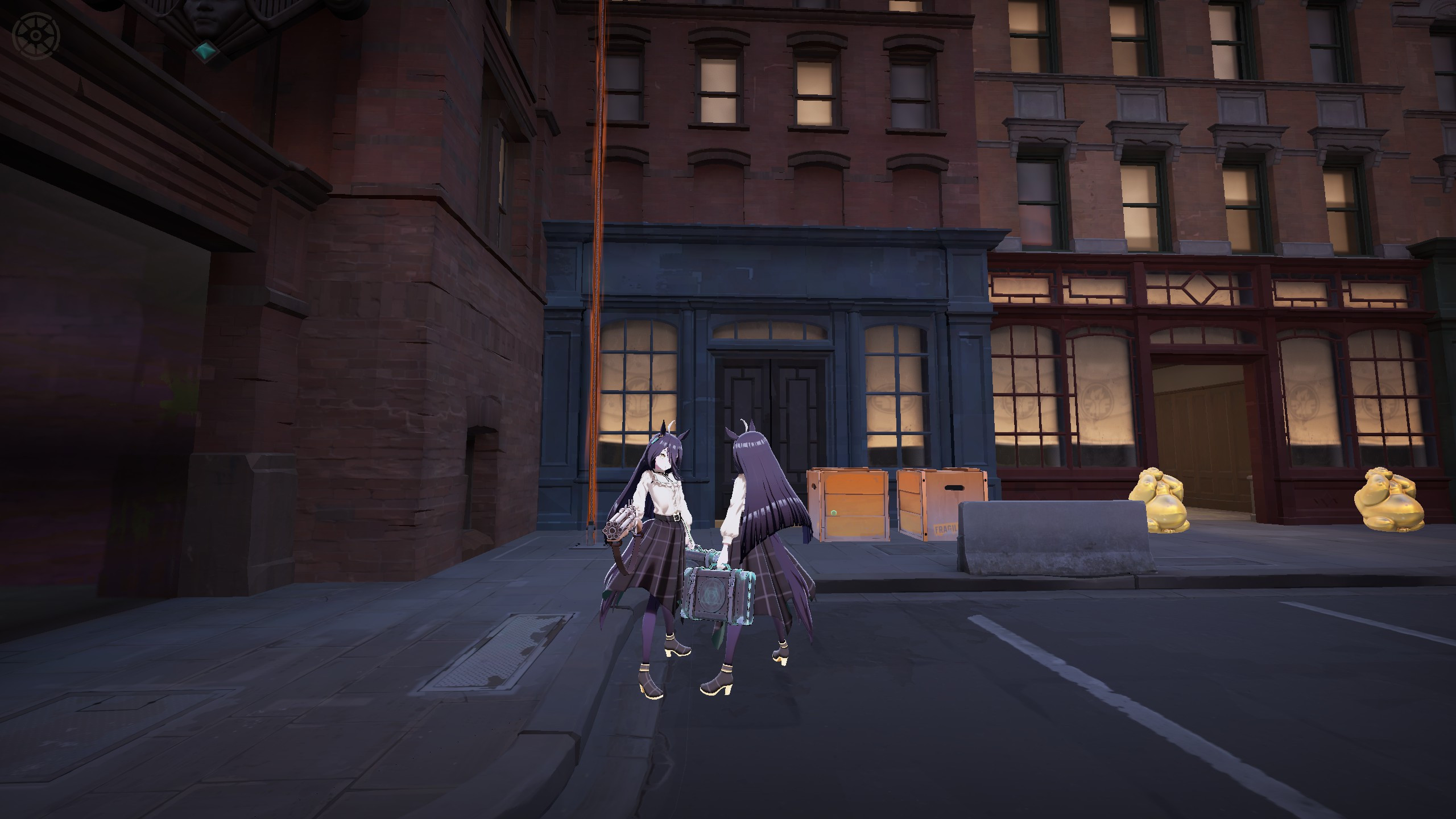
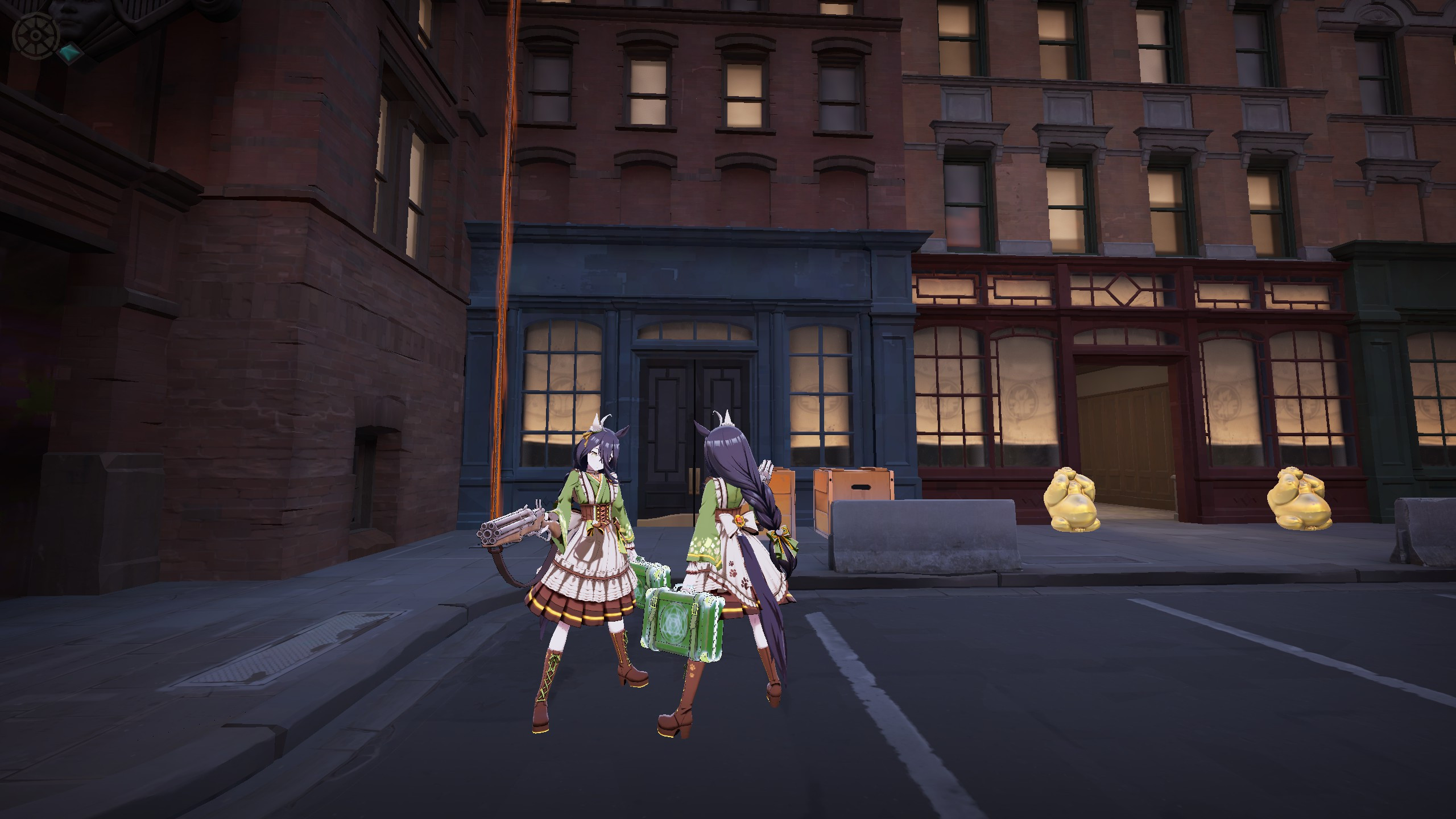
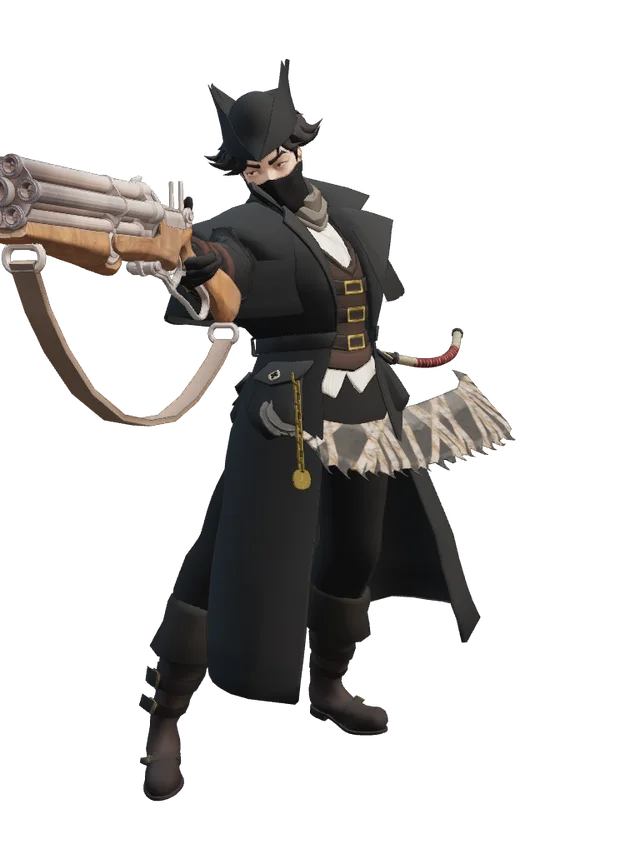
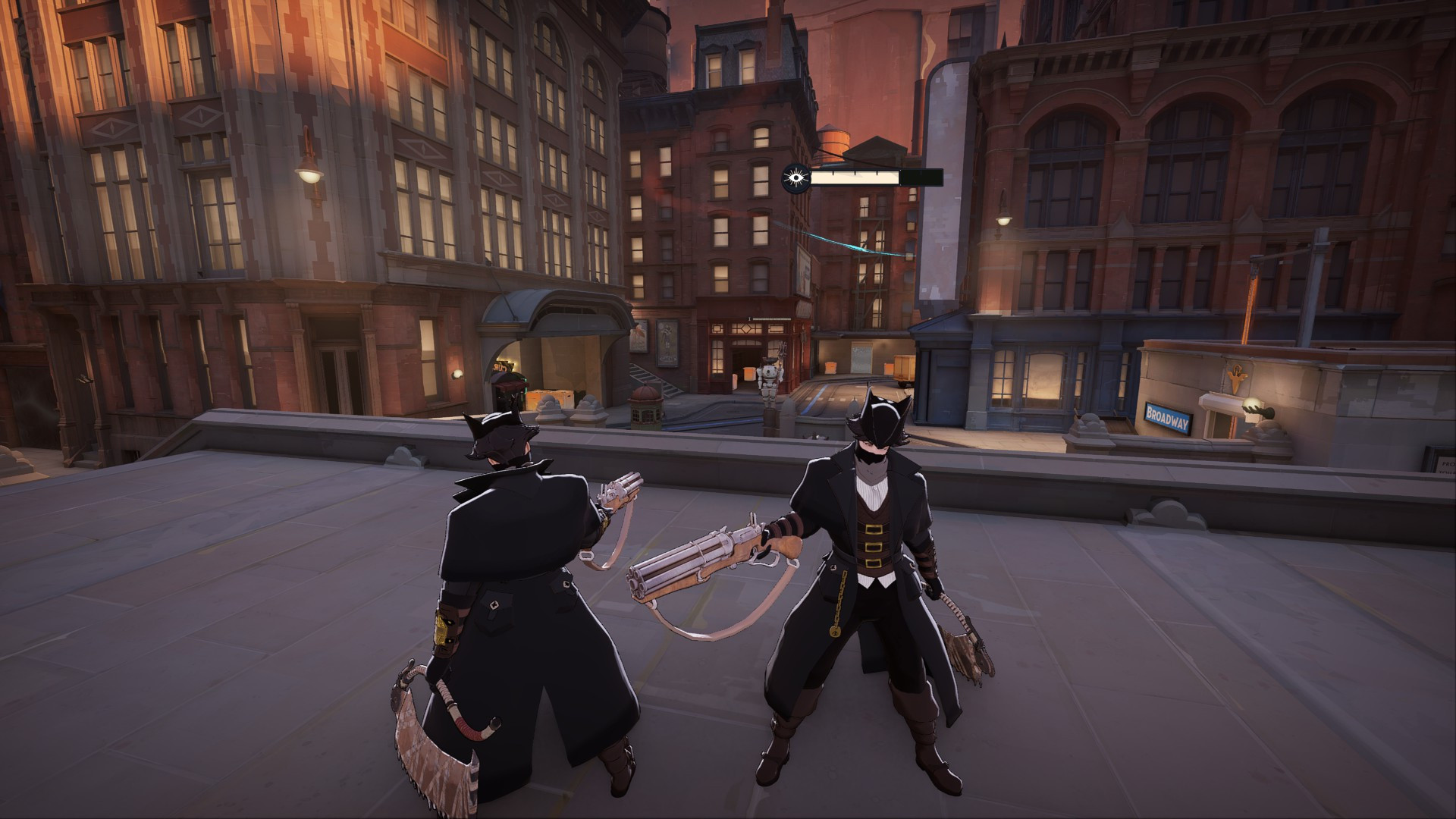
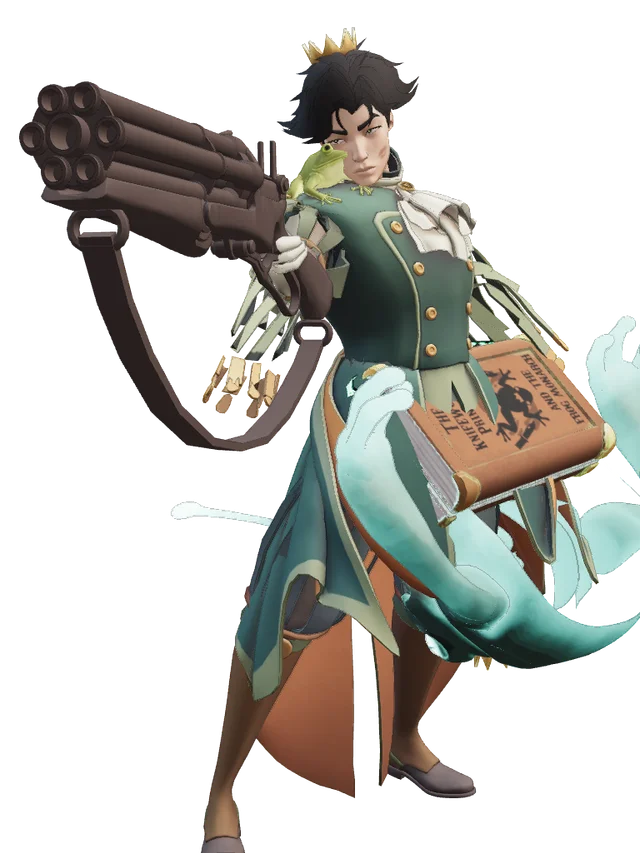
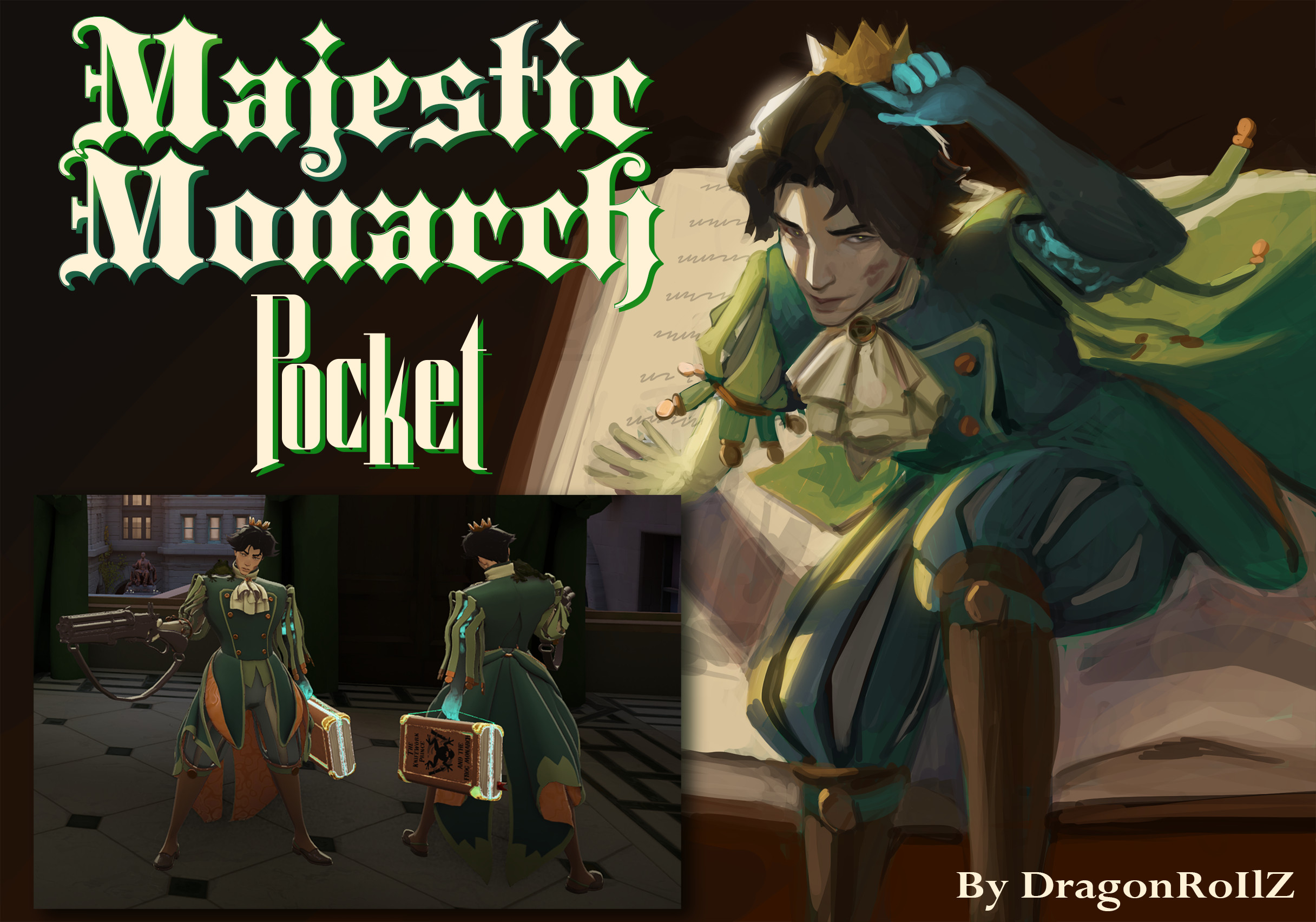
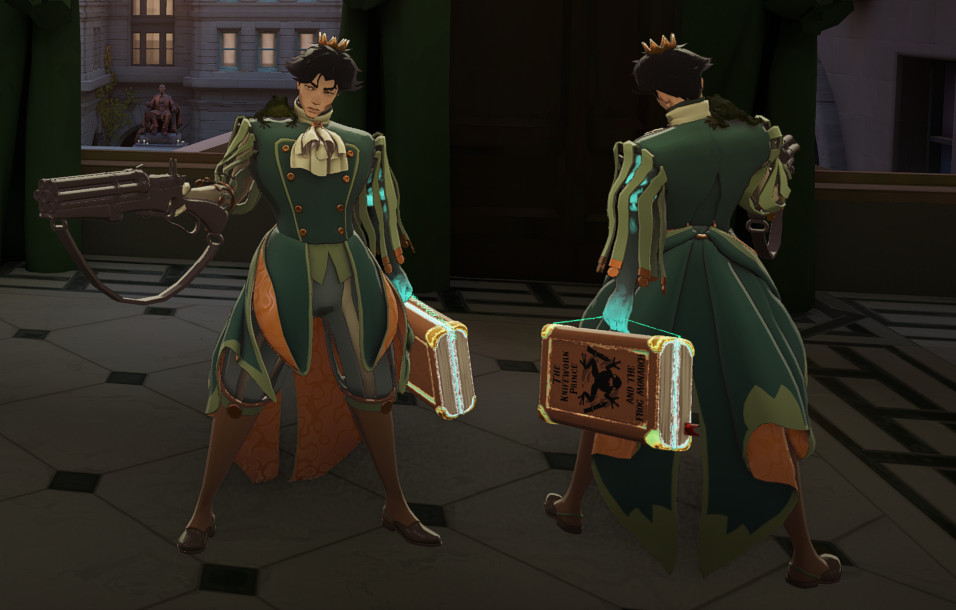
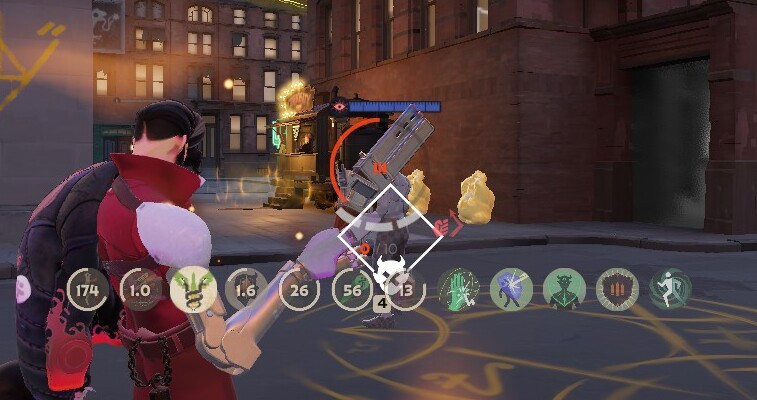
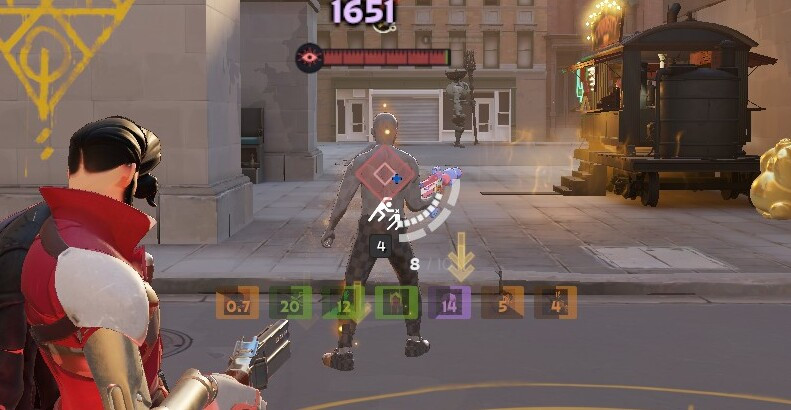
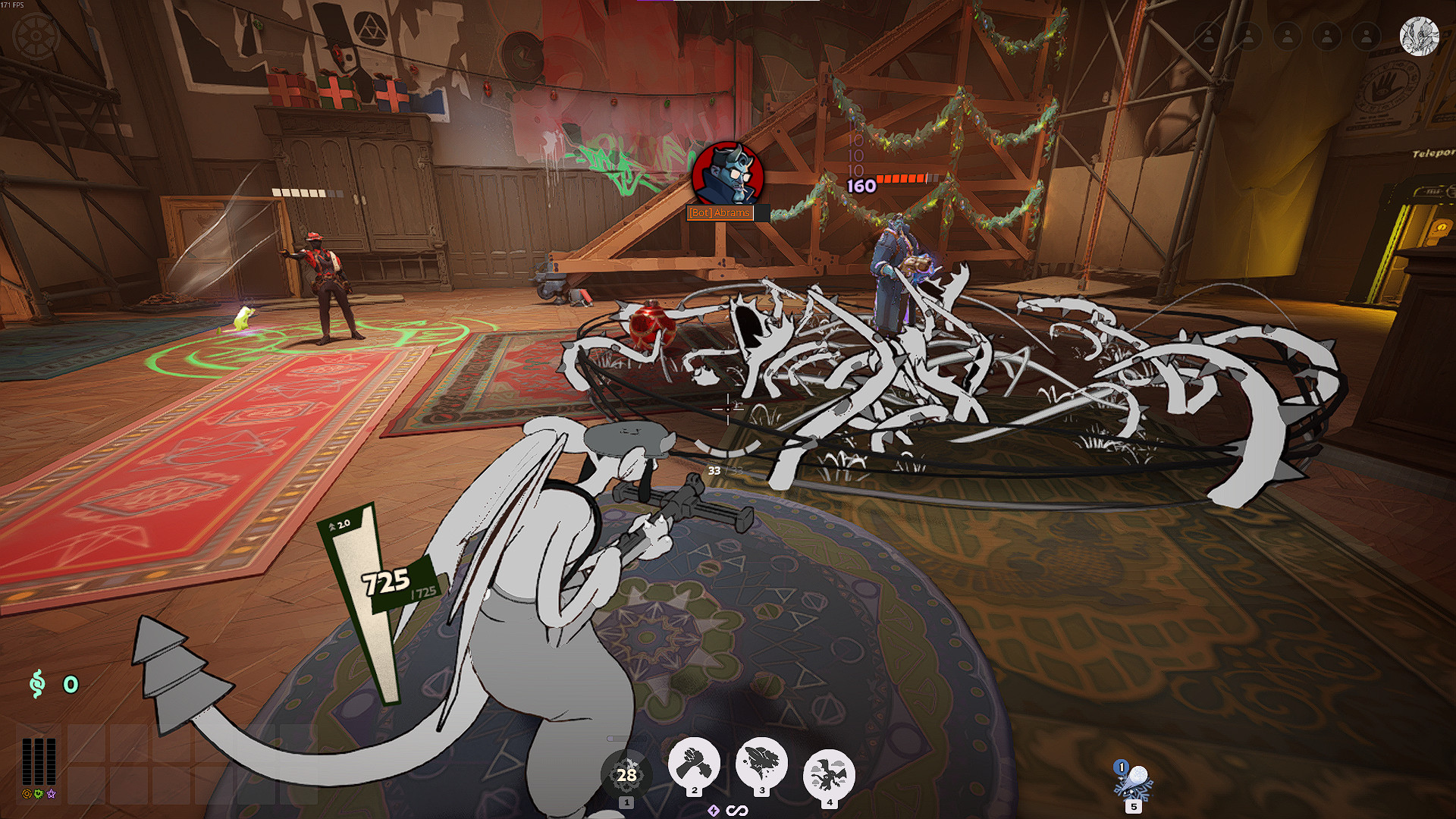
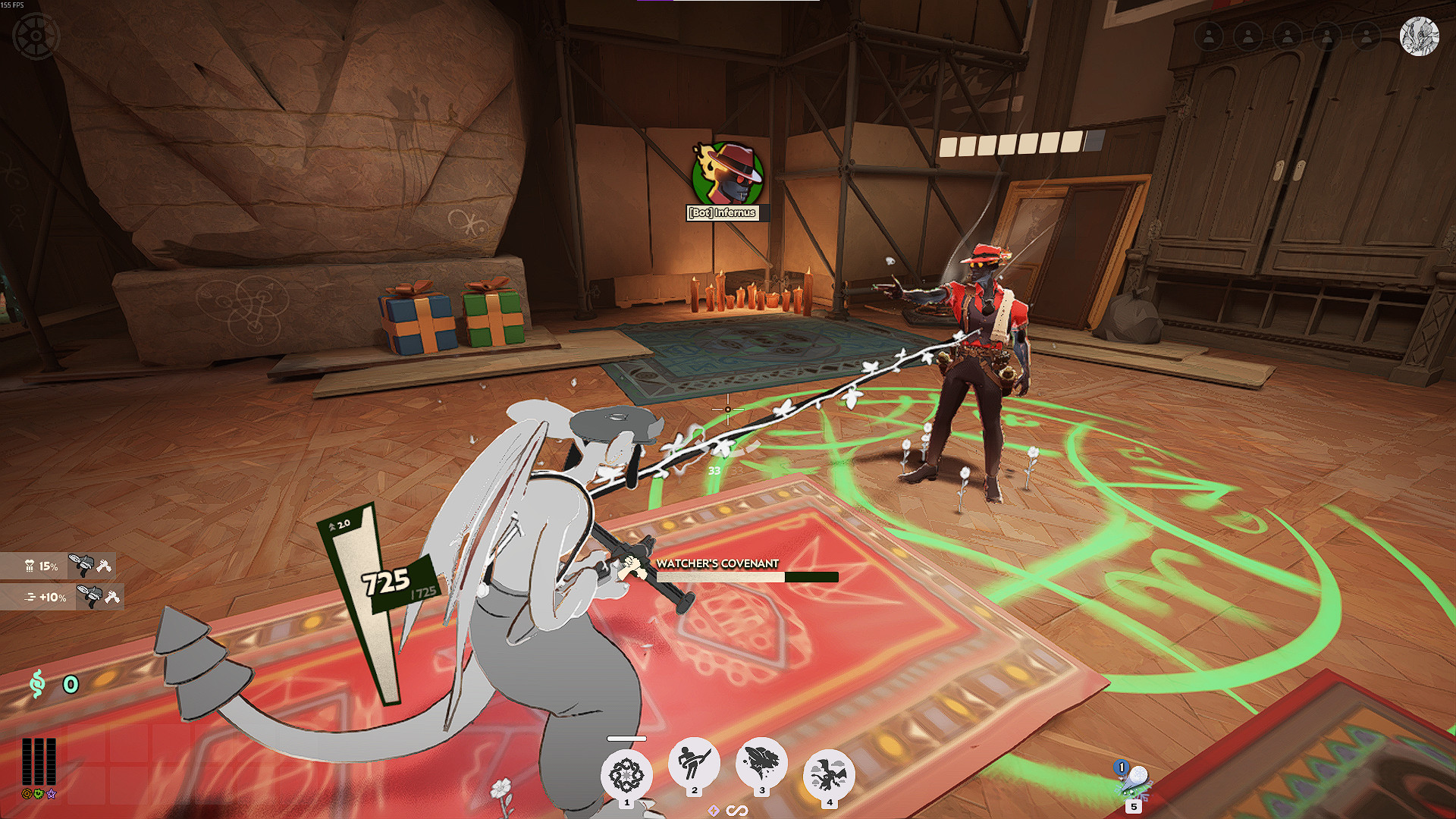
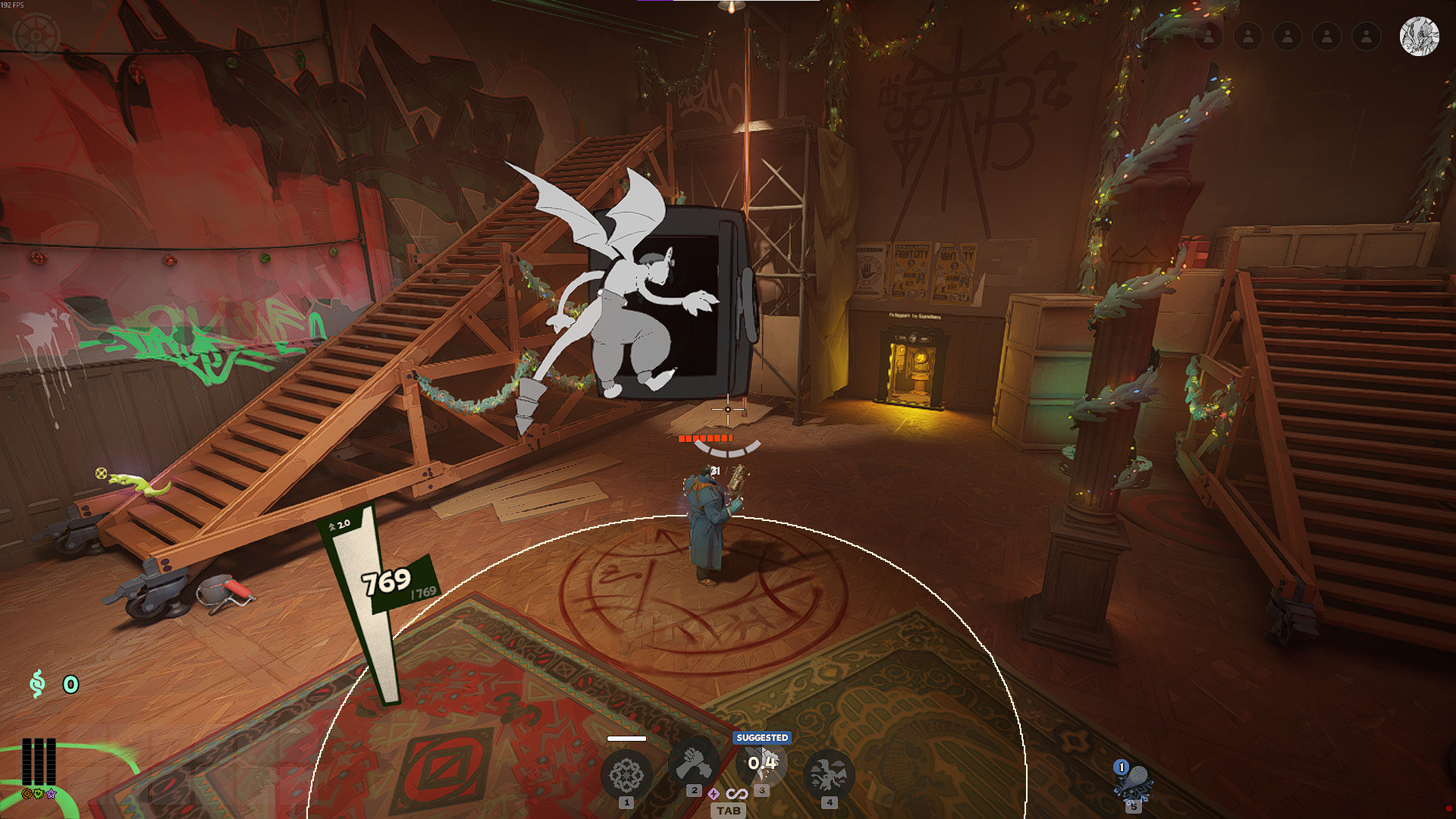
- Recovers the textures on the Gun and Satchel.
- Pocket gets their Cursed Hand back.
- Also swaps the Cloak out for the new model instead of using the old one.
IMPORTANT!!!
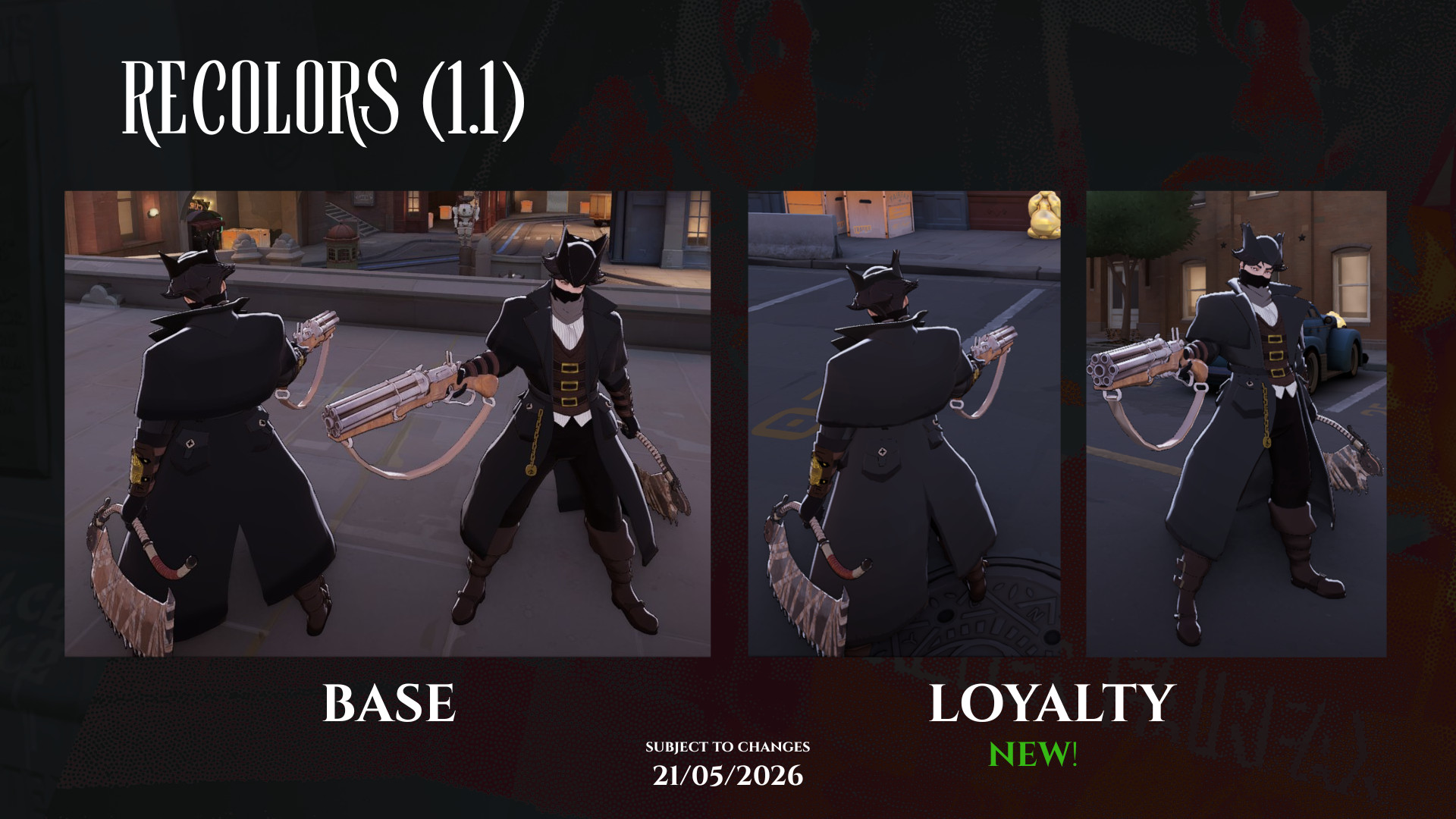
There are two versions of the mod: the full remodel and textures only.
- Model Replacement Gun texture fix. Homemade cloth physics. Compatible with most other Pocket skins.
- Texture Swap: Gun texture is broken. Has original model cloth physics. Compatible with most Pocket remodels.
How to manually install:
1. Open file path: \Steam\steamapps\common\Deadlock\game\citadel. Then open the gameinfo.gi
2. In gameinfo.gi, paste following text under SearchPath
{
Game citadel/addons
Mod citadel
Write citadel
Game citadel
Mod core
Write core
Game core
}
3. Save and close. Go to the 'addons' folder (or create a new folder with said name if not already there) and drag the .vpk file in here.
4. Rename so that the file only says "pak##_dir.vpk" (## should be replaced with whatever number between 01-99 is available and won't conflict with other mods).
4. Launch game and enjoy :3
Files



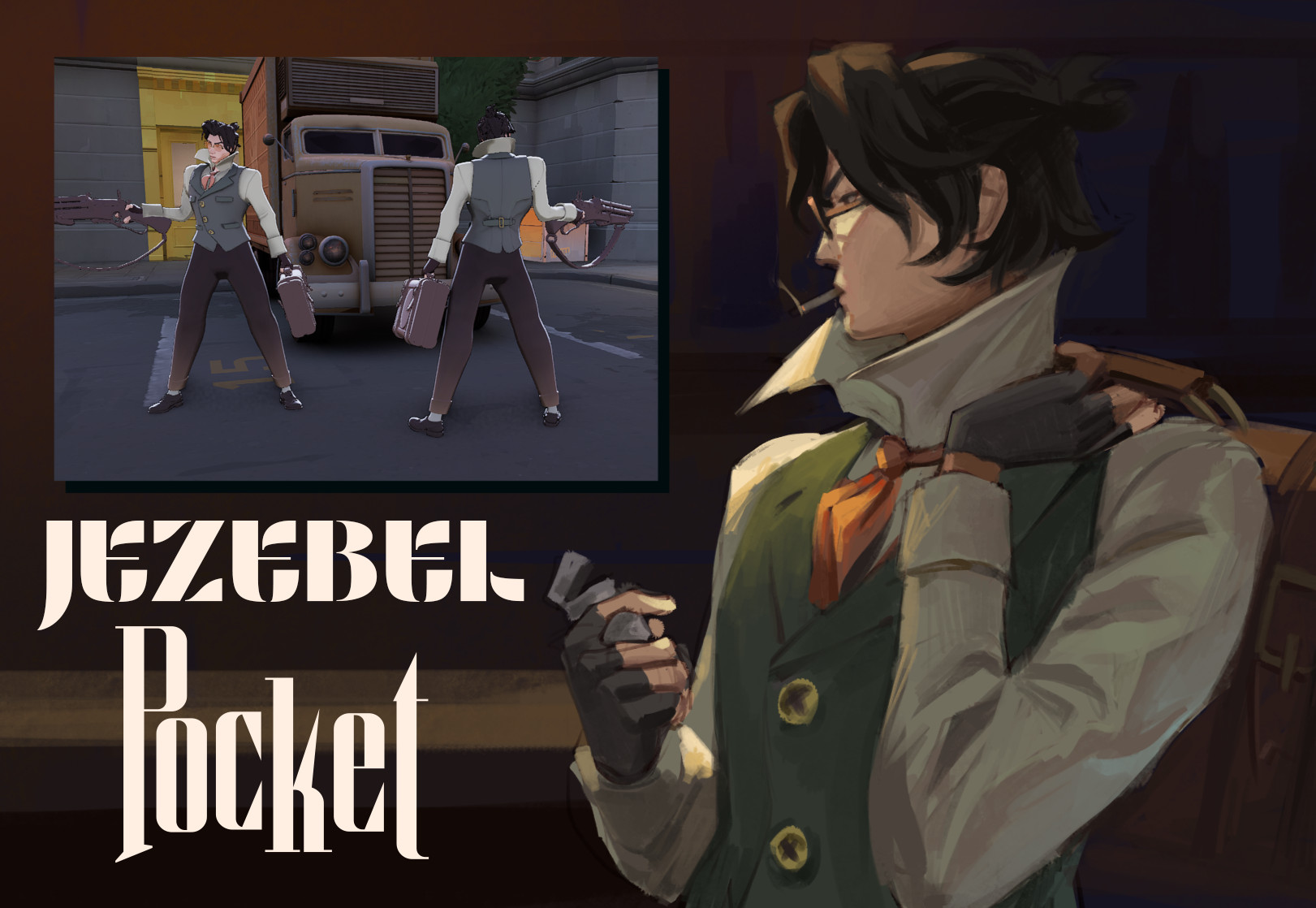
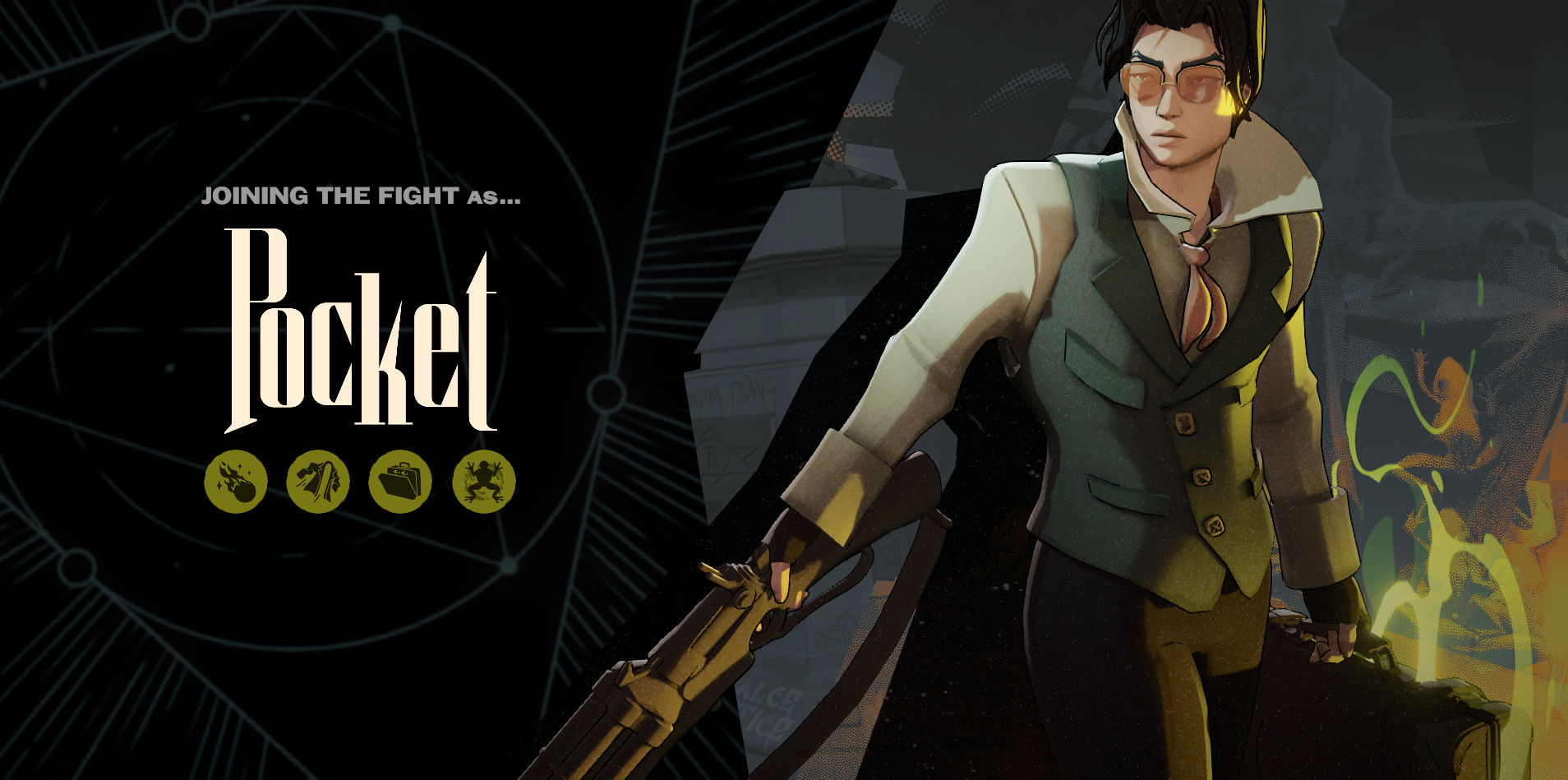
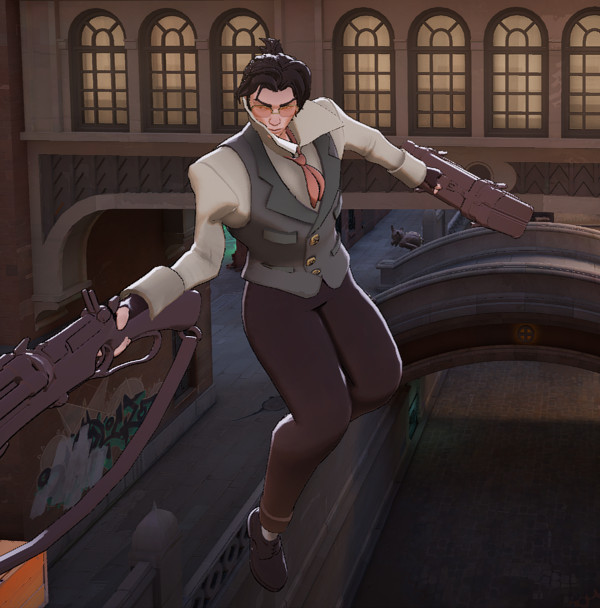
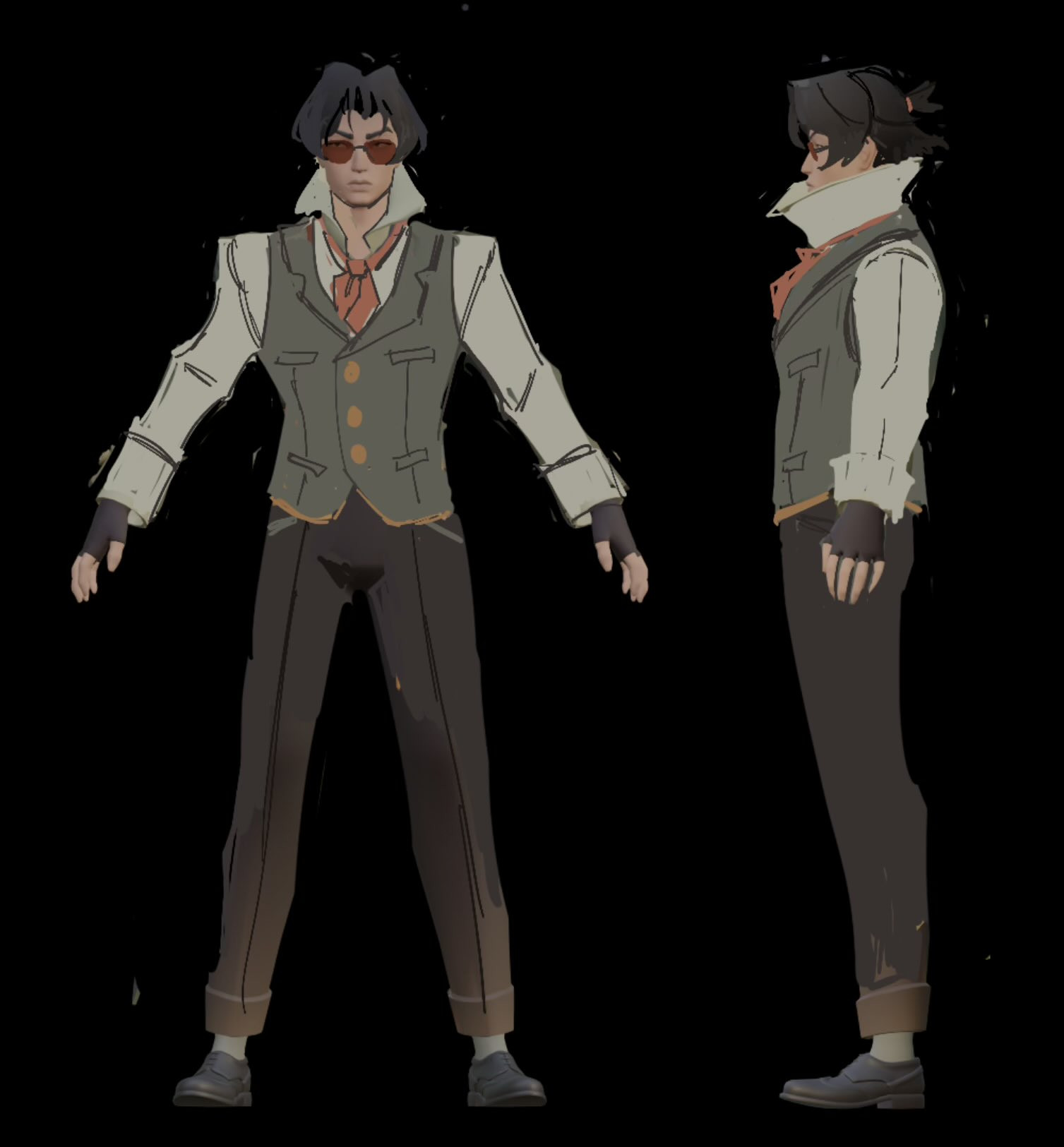
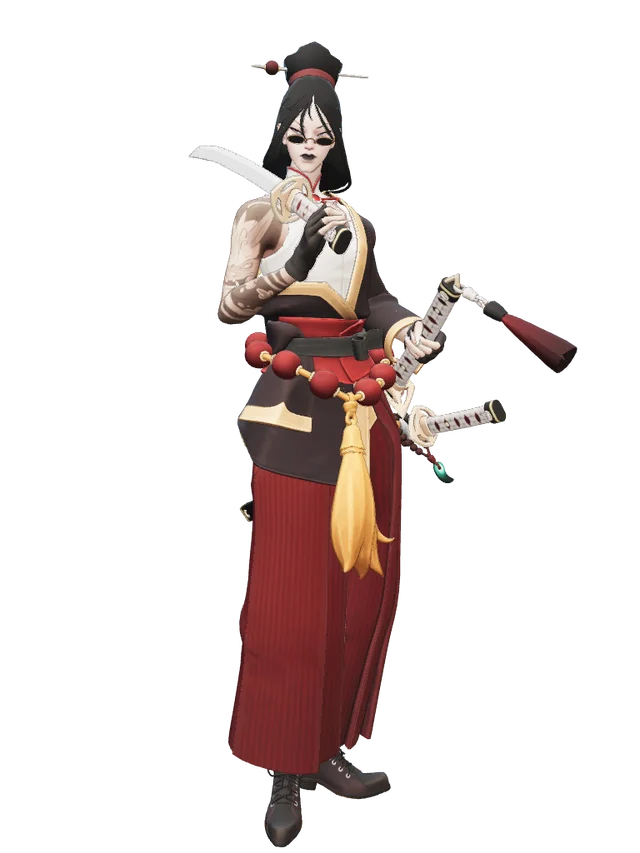
![Ghost Goth Pocket [+Black coat ver.]](https://assets.skintel.gg/thumb/synth-gb659083/revisions/82896f823fd9f6900dd8088c48485353e2b72d00092f8f01ba175affc913716c/640.webp)
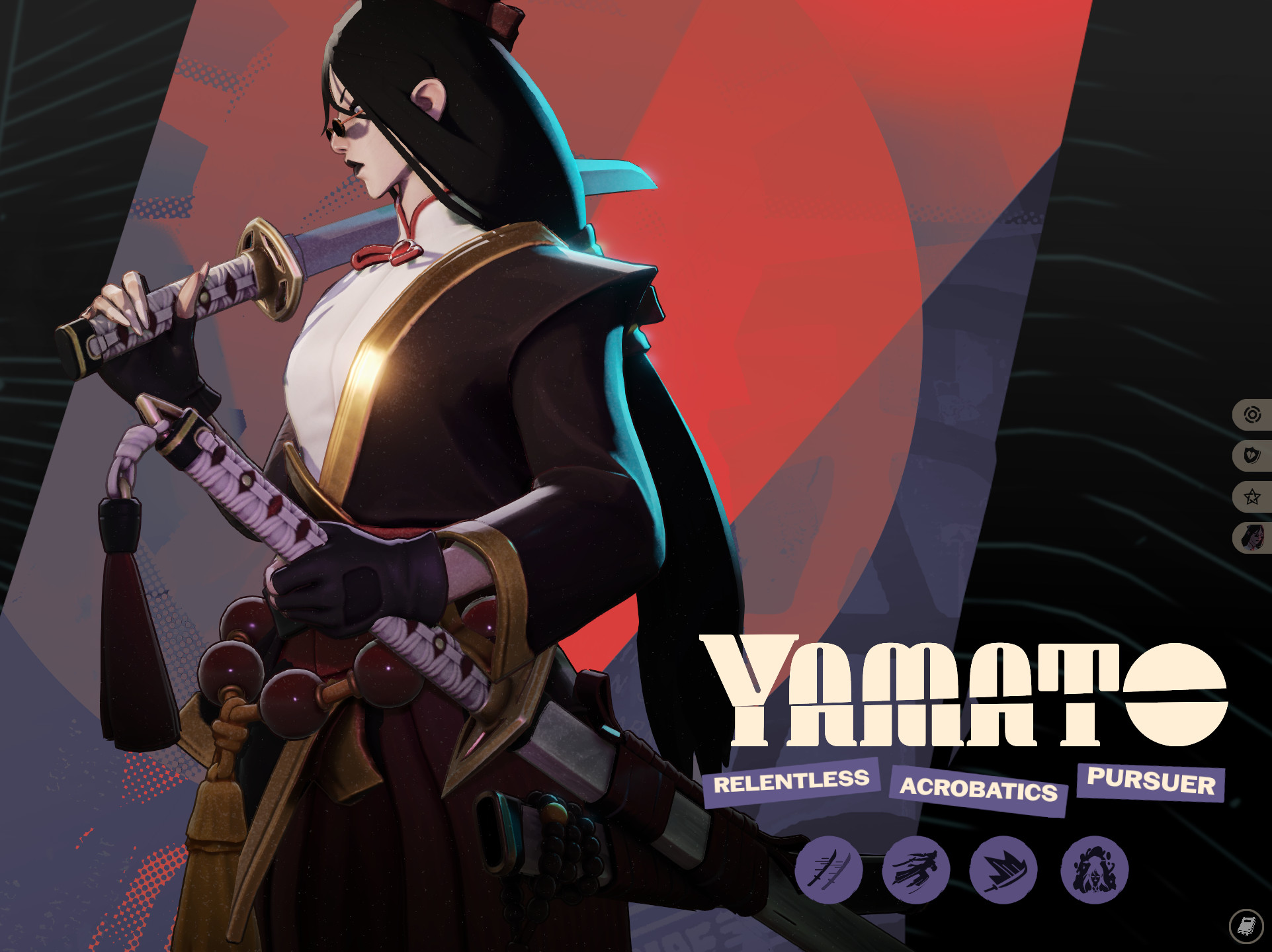
![Ghost Goth Pocket [+Black coat ver.] image 2](https://assets.skintel.gg/upstream/gamebanana/fb79481877ddb41a642e19ba79cd7b092718eb188138b2dc896b24ceb5d247af.jpg)
![Ghost Goth Pocket [+Black coat ver.] image 3](https://assets.skintel.gg/upstream/gamebanana/8fd62eda38adcde6f9285a7d482918ed05ce0b111efc5844671540375d2da305.jpg)
![Ghost Goth Pocket [+Black coat ver.] image 4](https://assets.skintel.gg/upstream/gamebanana/f6cf957dcc5853a0bf86f9b5c6af346b0ac1f0b1fbaca34bc21218d5b18f2163.jpg)
![Ghost Goth Pocket [+Black coat ver.] image 5](https://assets.skintel.gg/upstream/gamebanana/eb36a273b6b16234f74eda4544fb12a8ce3e6619d7c99f112970ddde74ea5755.jpg)
![Ghost Goth Pocket [+Black coat ver.] image 6](https://assets.skintel.gg/upstream/gamebanana/b94d13aeee6401d66725f5c31f8e786744f7328656b32de02b3700703b28002f.jpg)
![Ghost Goth Pocket [+Black coat ver.] image 7](https://assets.skintel.gg/upstream/gamebanana/df3a651f591c85b7c0c8ae6cf743ae72e42ec6e65e9088b3884fe4c6ca41a085.jpg)


![Top Bar Plus [Beta]](https://assets.skintel.gg/upstream/gamebanana/a0c59bd1eed304e1ed21899b4d6e78f1969c6839668649ddfd5518d023811391.jpg)
![Top Bar Plus [Beta] image 2](https://assets.skintel.gg/upstream/gamebanana/29674b96150aa66b8d6018424419c8a78007235d8d328d00b4e7883ad7a43575.jpg)
![Top Bar Plus [Beta] image 3](https://assets.skintel.gg/upstream/gamebanana/5c66ea0fed88b2849a06ac464bfac8ee1a0c81bda4ddb1555532d43fdd497ffa.jpg)
![Top Bar Plus [Beta] image 4](https://assets.skintel.gg/upstream/gamebanana/4d036ffd43a30d28a373be9c675648905e44a5677ab6eef84e4ca5fc9a379b0e.jpg)
![Top Bar Plus [Beta] image 5](https://assets.skintel.gg/upstream/gamebanana/8e0484c084c0e4be8f50fb6bff9dd607e15034752078118eff637d9193c330f5.jpg)


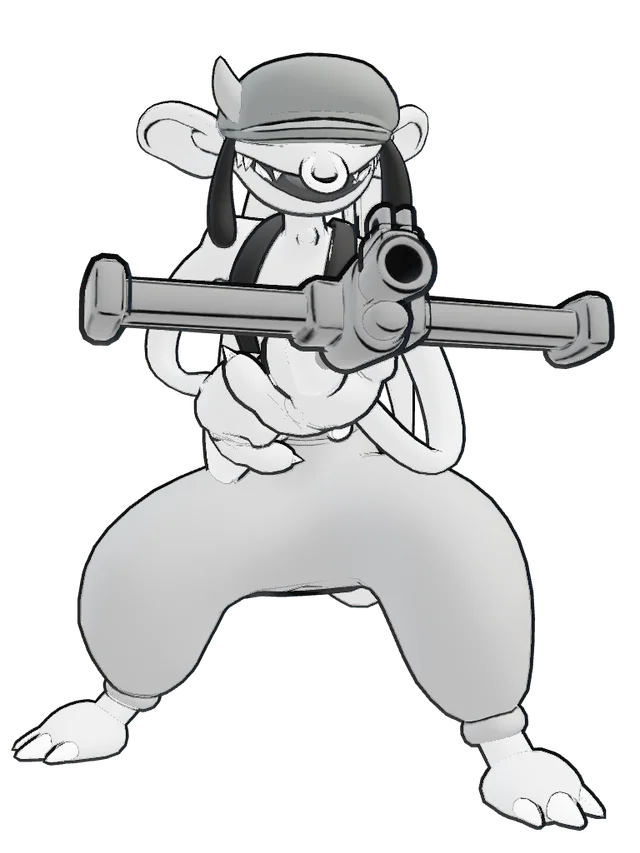
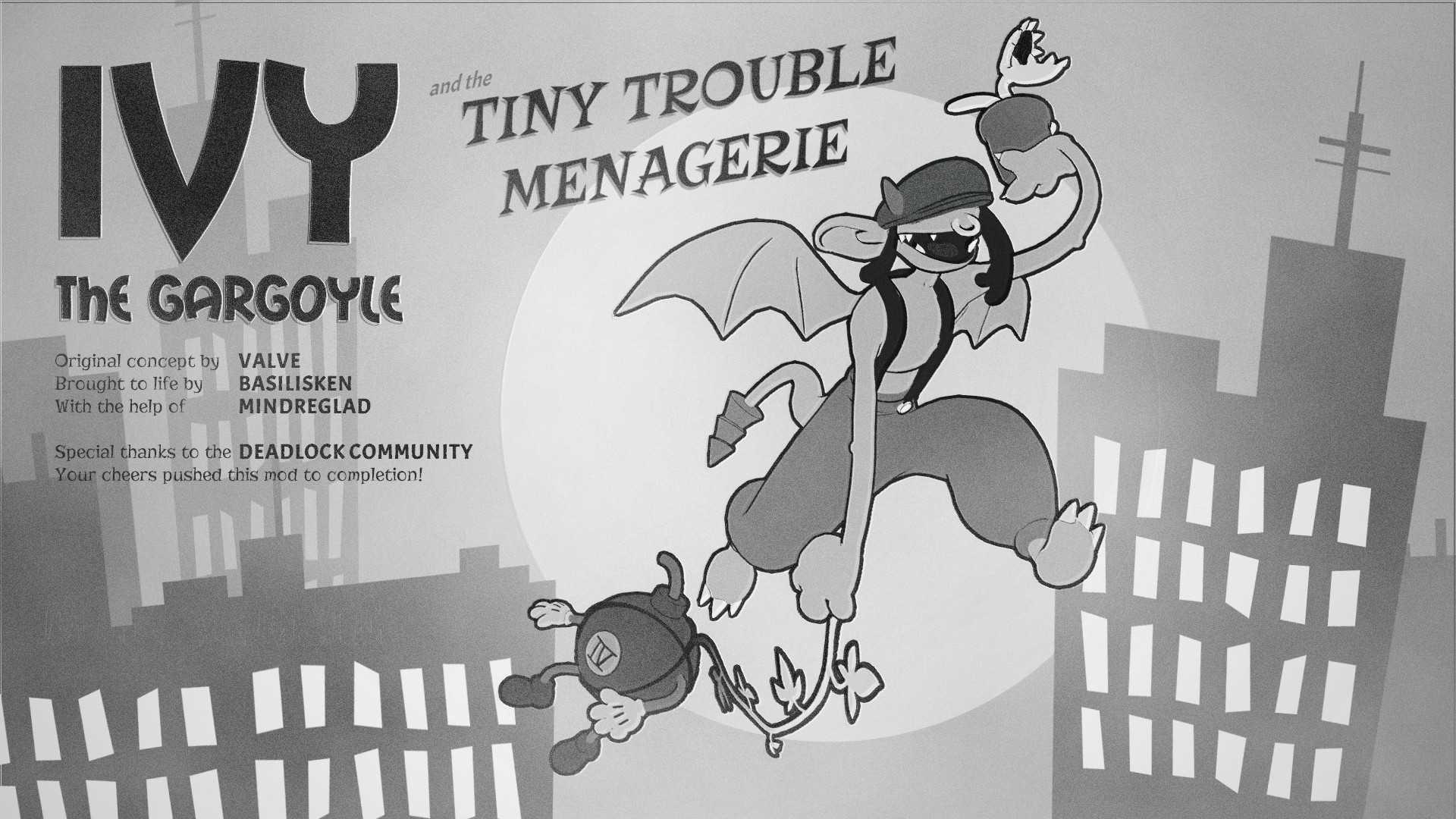
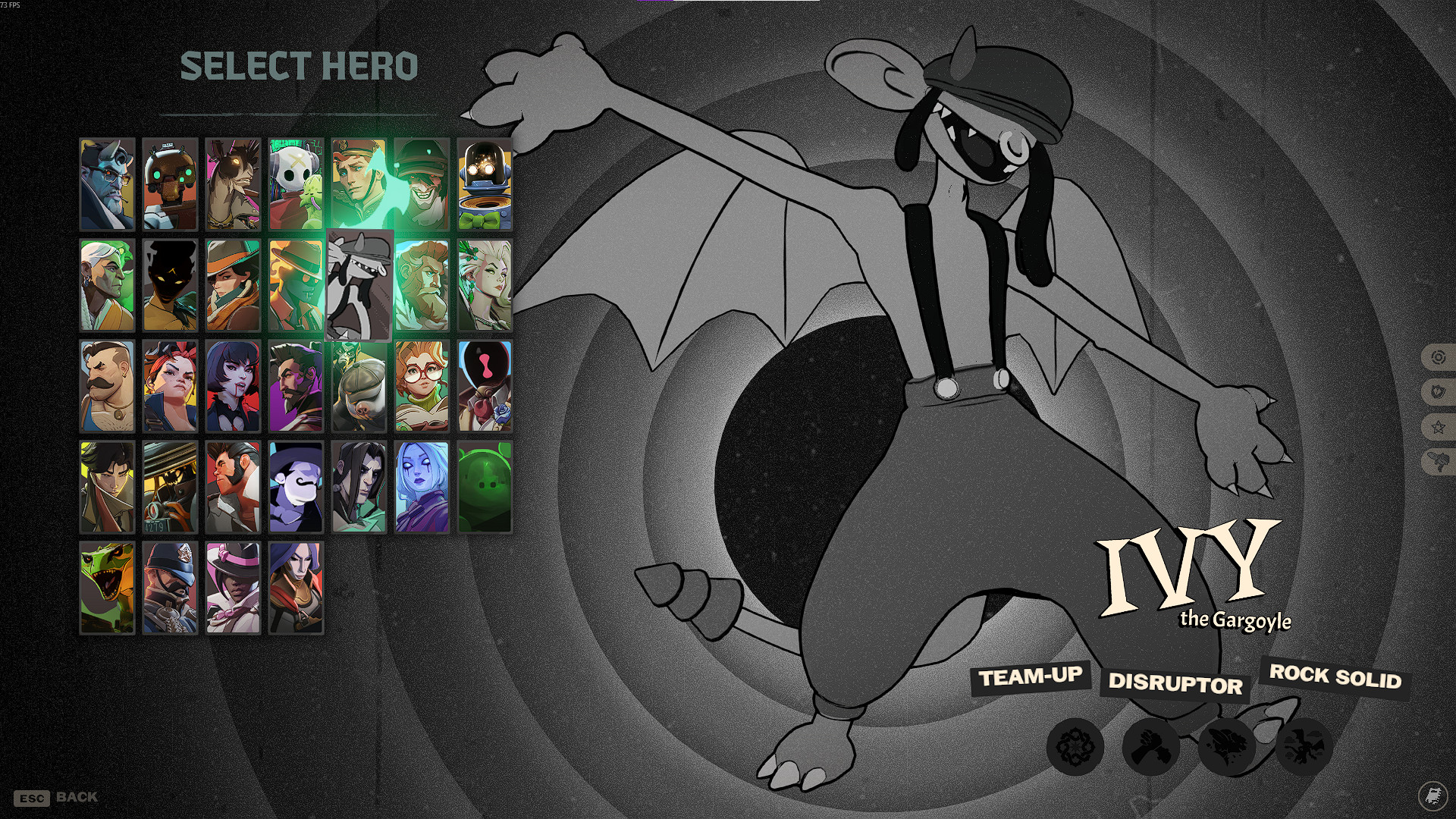
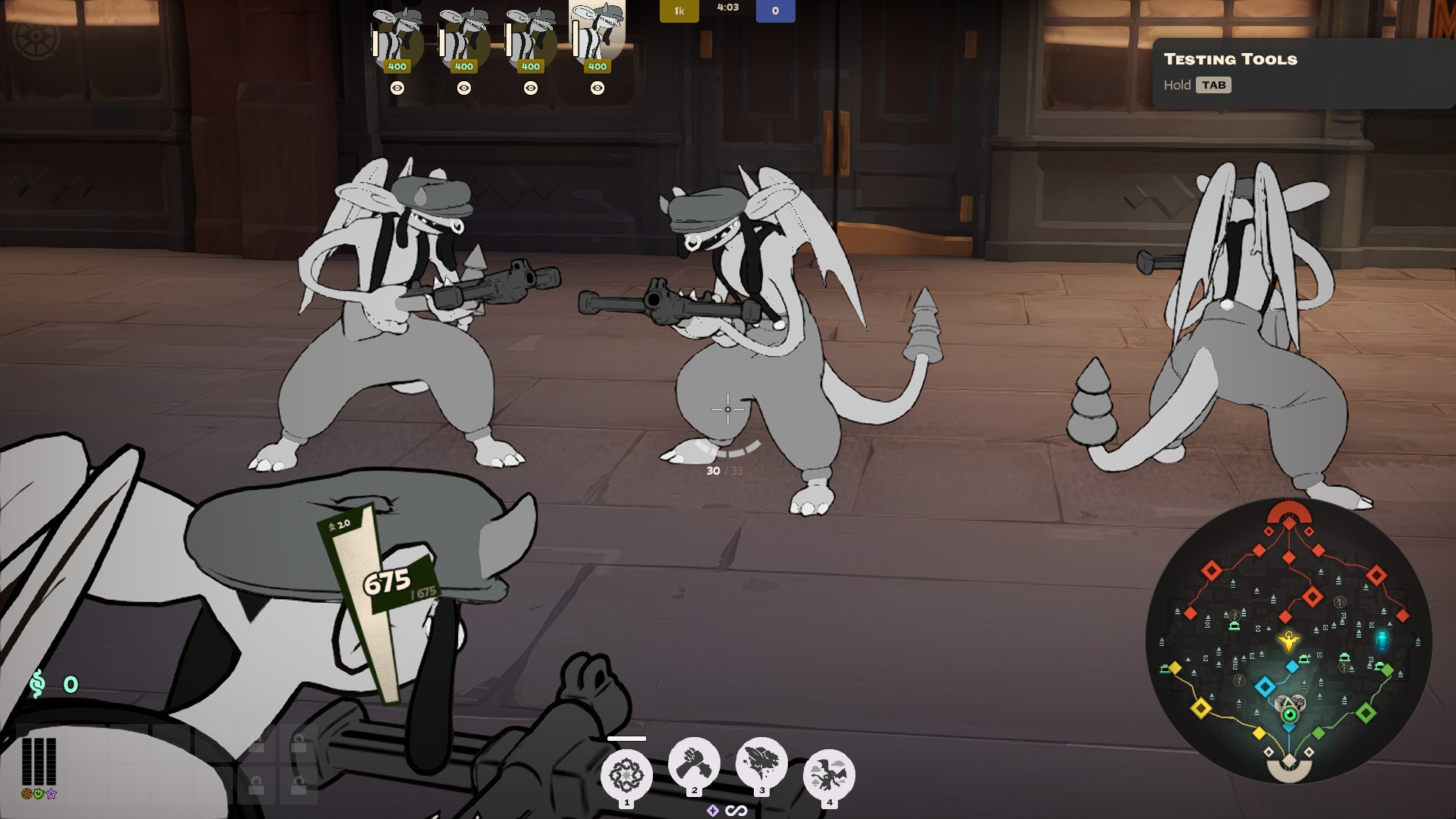

About Pocket Texture Recovery
Pocket Texture Recovery is a community Hero Skin for Pocket in Deadlock.
Creation
Pocket Texture Recovery was made by the community. The current version is 1.7.
Hero
Pocket Texture Recovery equips on Pocket. Browse more Pocket mods to complete the loadout.
Popularity
Pocket Texture Recovery has been downloaded 9.3k times, liked 38 times and viewed 17k times on GameBanana.
Installation
The Open with button hands Pocket Texture Recovery to Deadlock Mod Manager or Grimoire; without a manager installed, the 29 MB archive's files go into the game's addons folder by hand.
How to install a Deadlock mod.
Availability
Pocket Texture Recovery is a free Deadlock skin; downloading and installing it costs nothing.
Read the Deadlock skin price forecast.
Updates
Pocket Texture Recovery was last updated Aug 17, 2026.
Frequently asked questions
How do I install Pocket Texture Recovery?
Press Open with to hand Pocket Texture Recovery to Deadlock Mod Manager or Grimoire, or download the 29 MB archive and copy its files into the game's addons folder.
Is Pocket Texture Recovery free?
Yes. Pocket Texture Recovery costs nothing to download or install.
How popular is Pocket Texture Recovery?
Pocket Texture Recovery has been downloaded 9.3k times and liked 38 times on GameBanana.