![[Experimental] Extra-FOV](https://assets.skintel.gg/upstream/gamebanana/2a6190d8e2cdb22c0854db66023c5d2716c573362a029412ab7b736f94c86b14.jpg)
3D model coming soon

Description
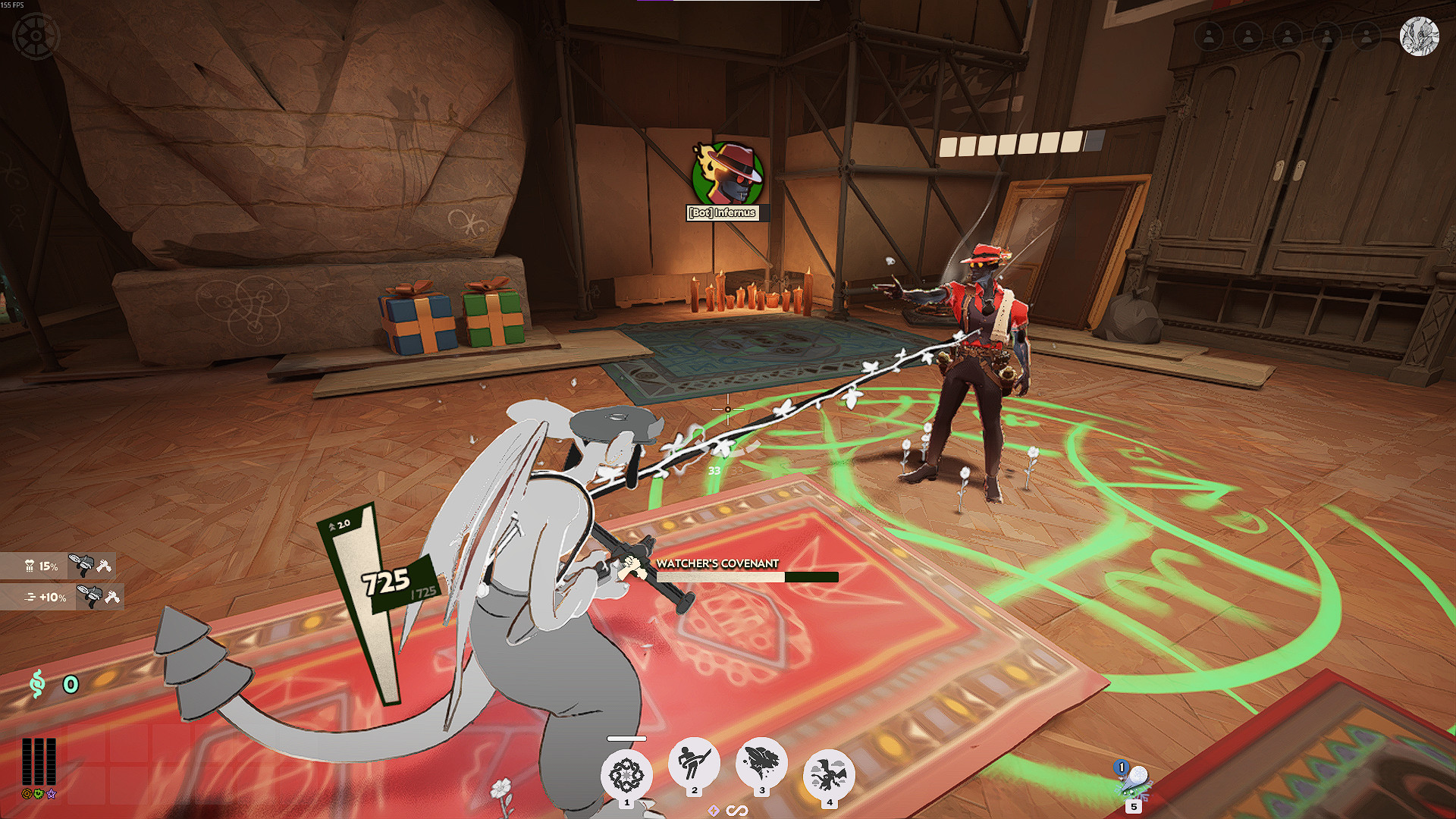
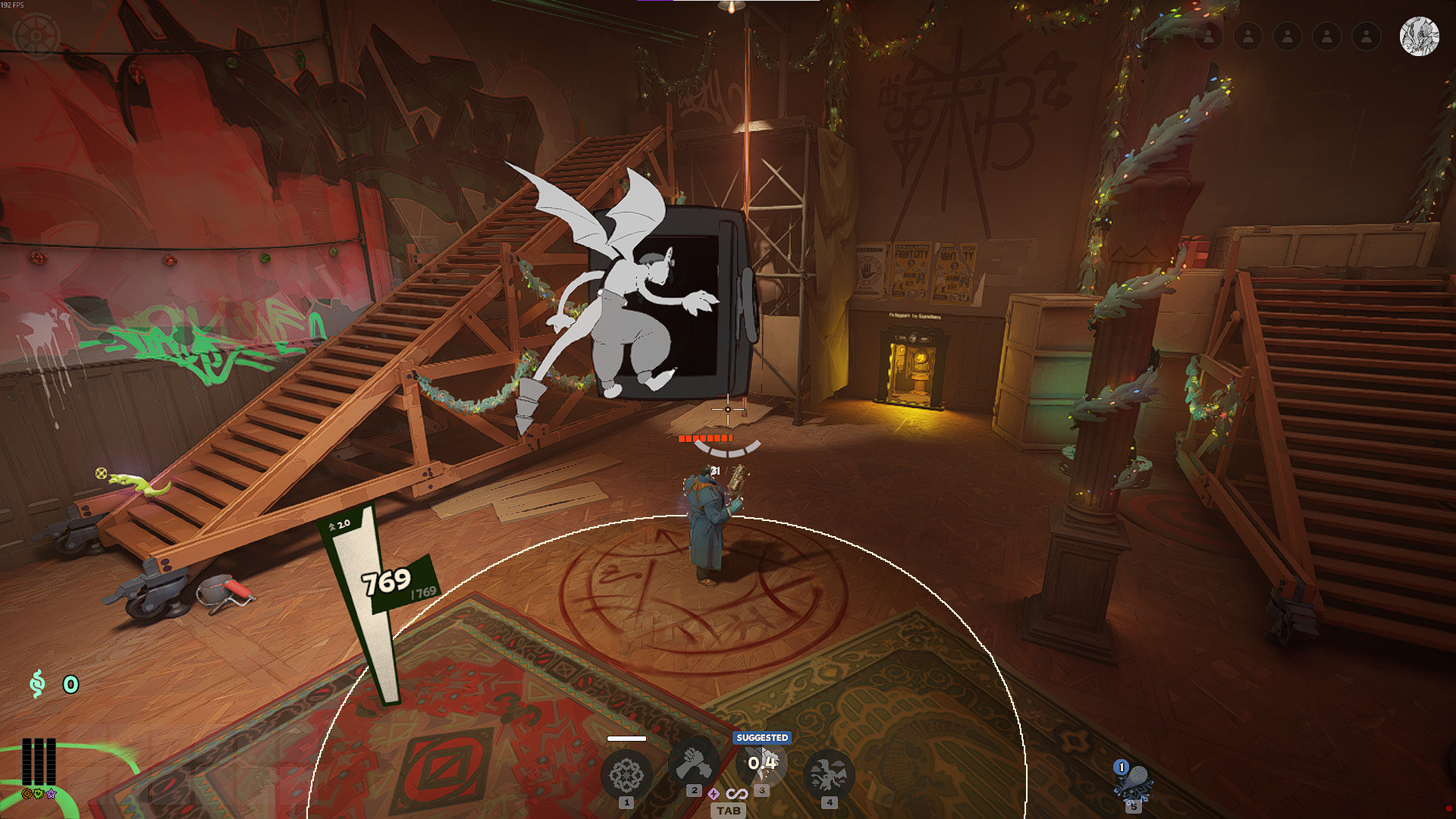
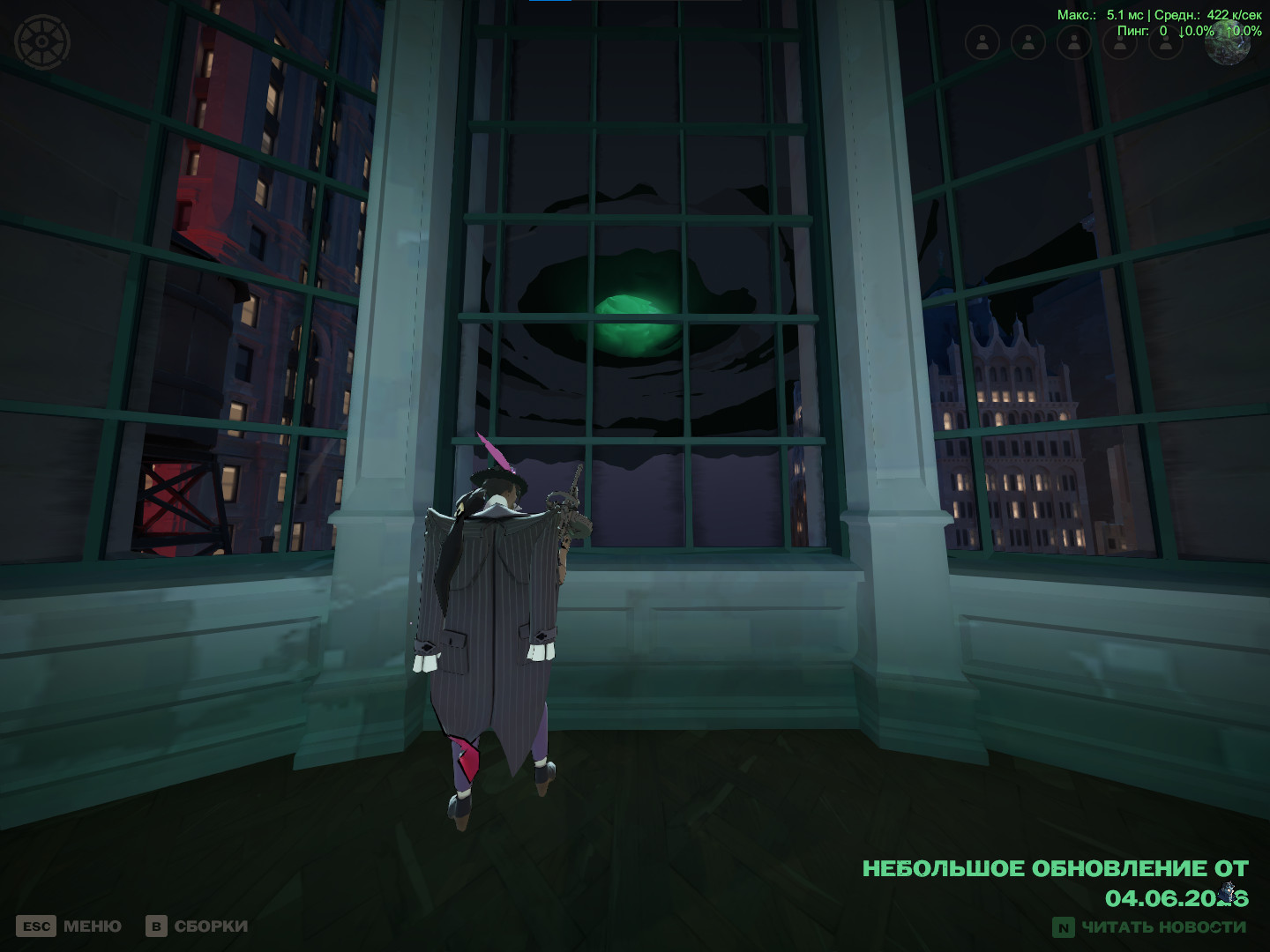
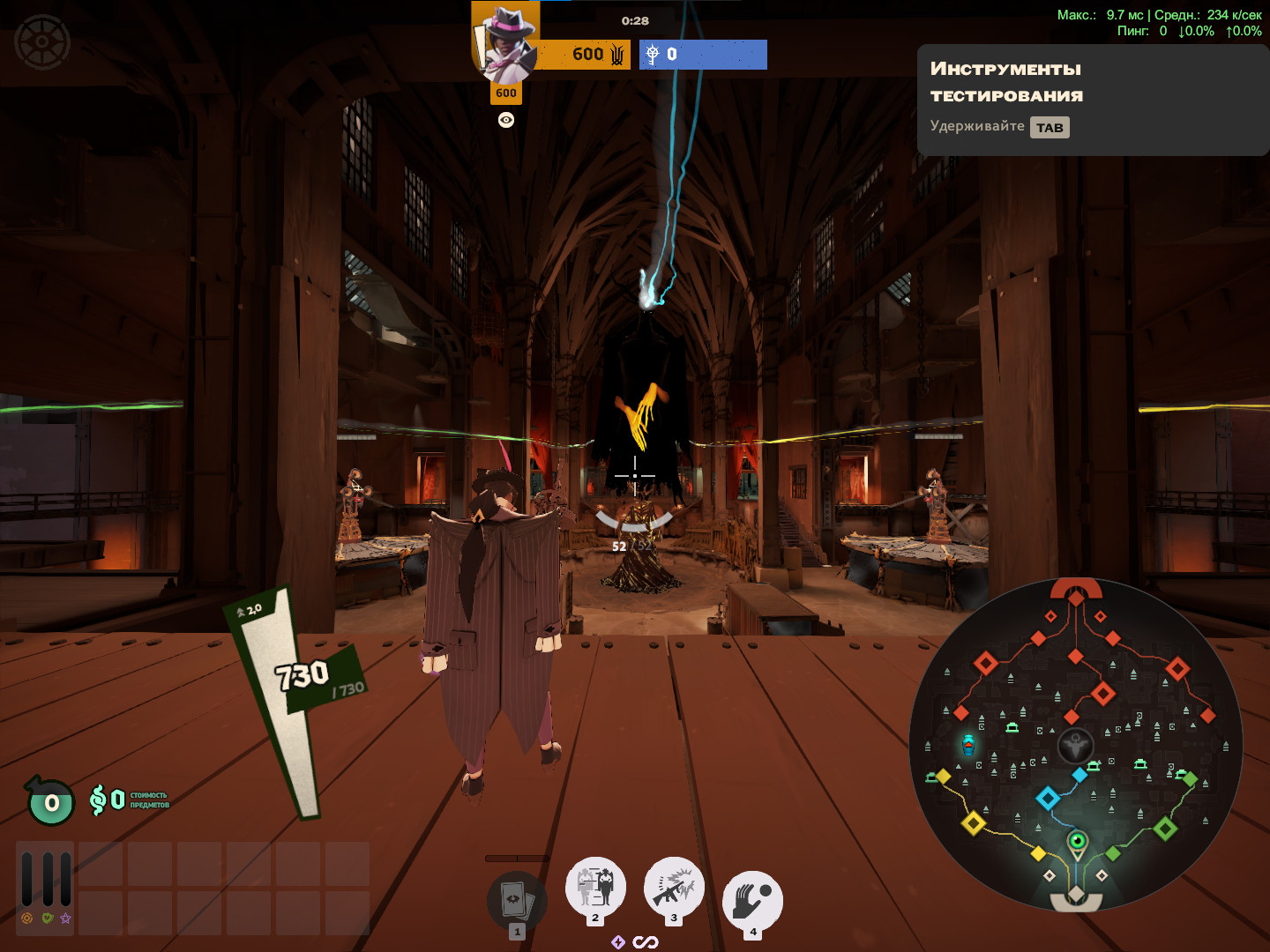
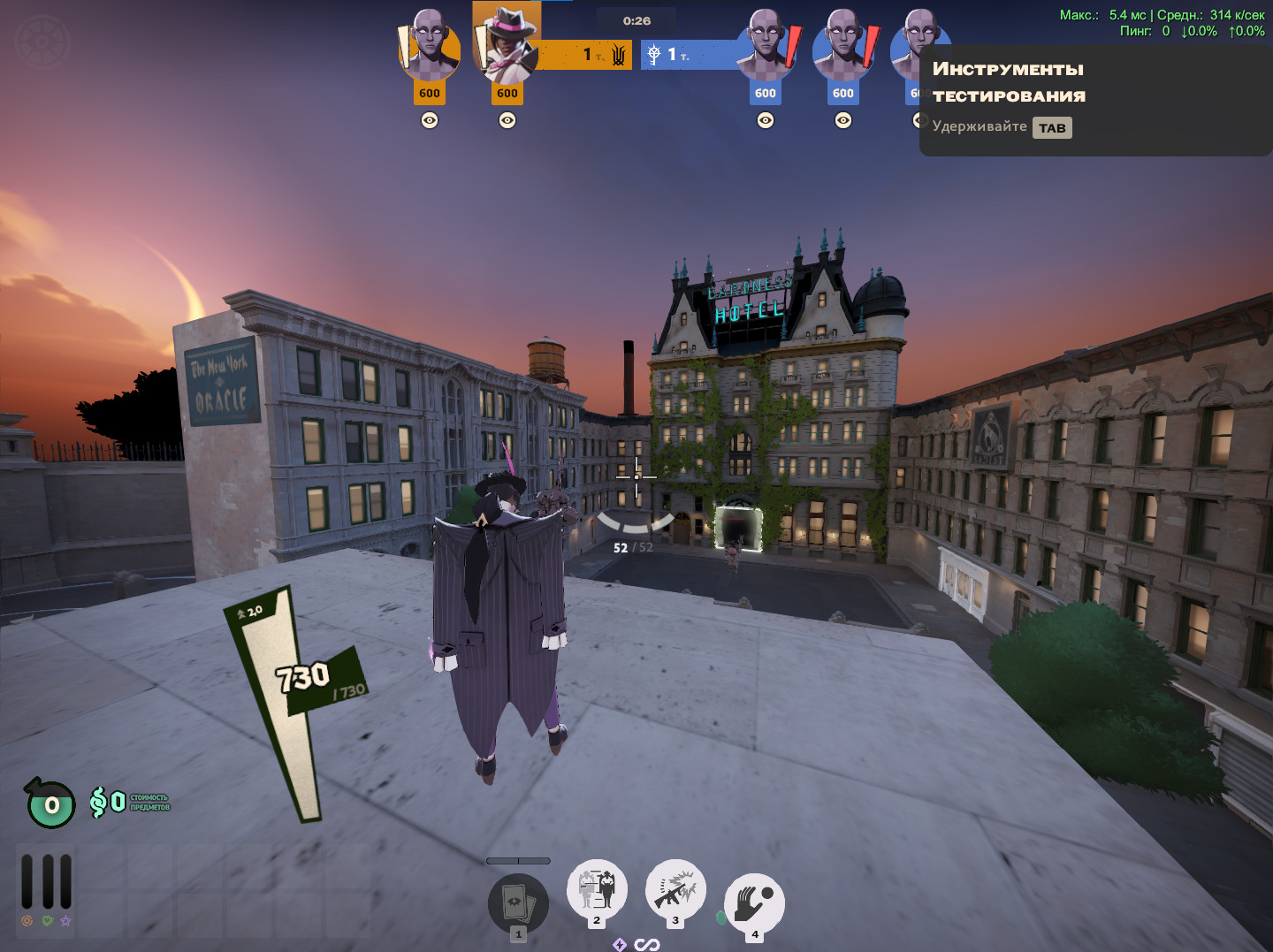
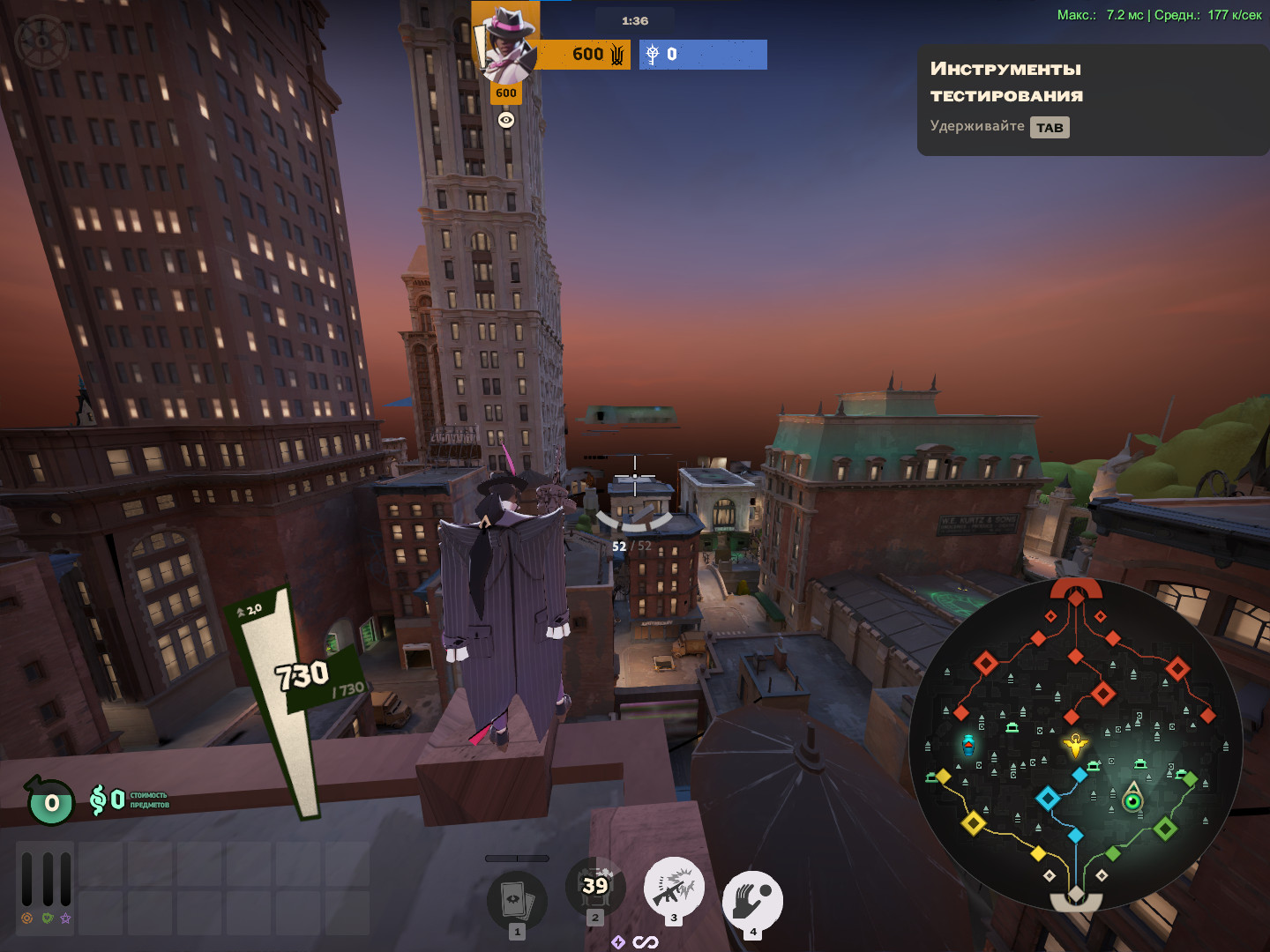
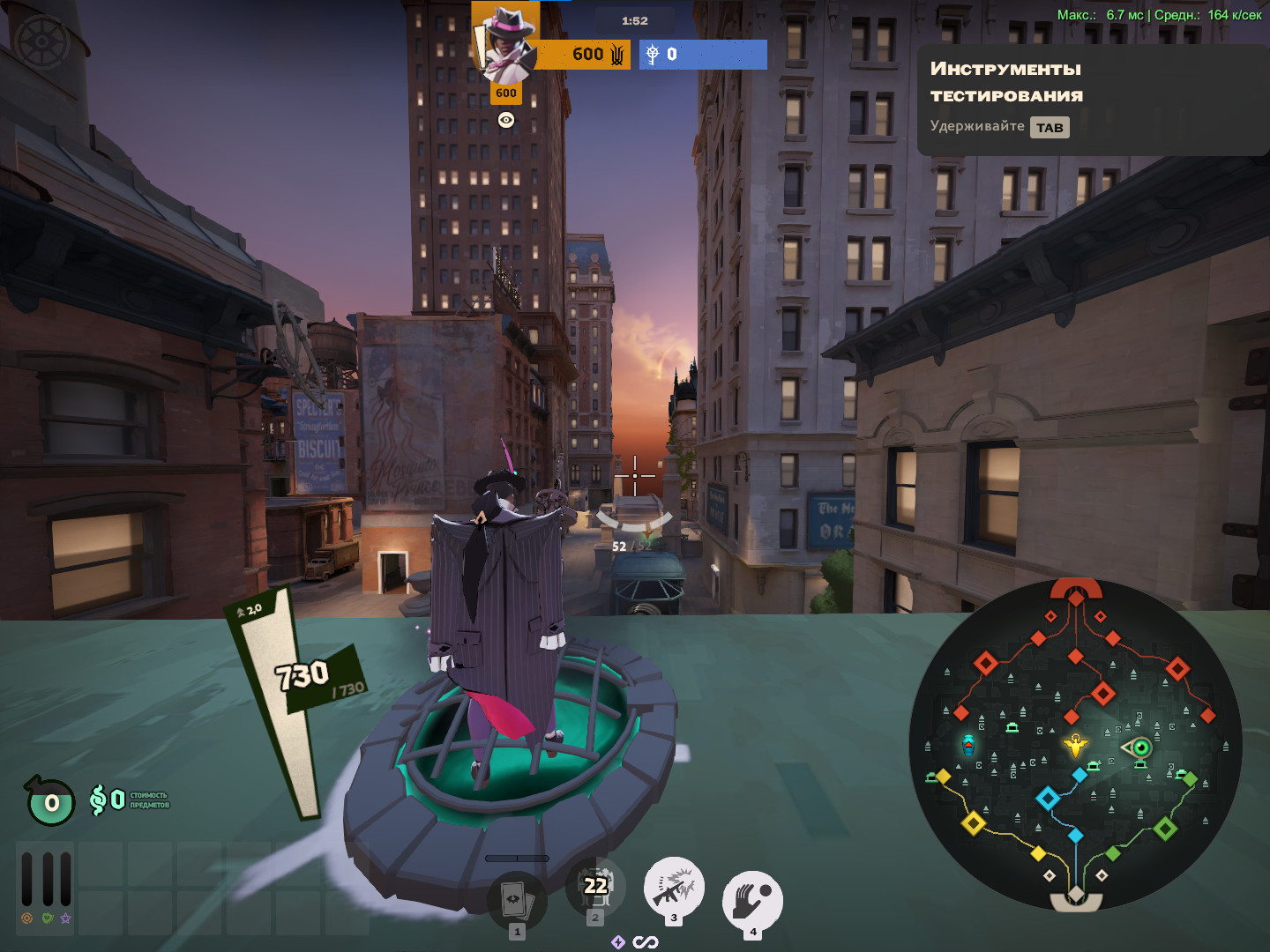
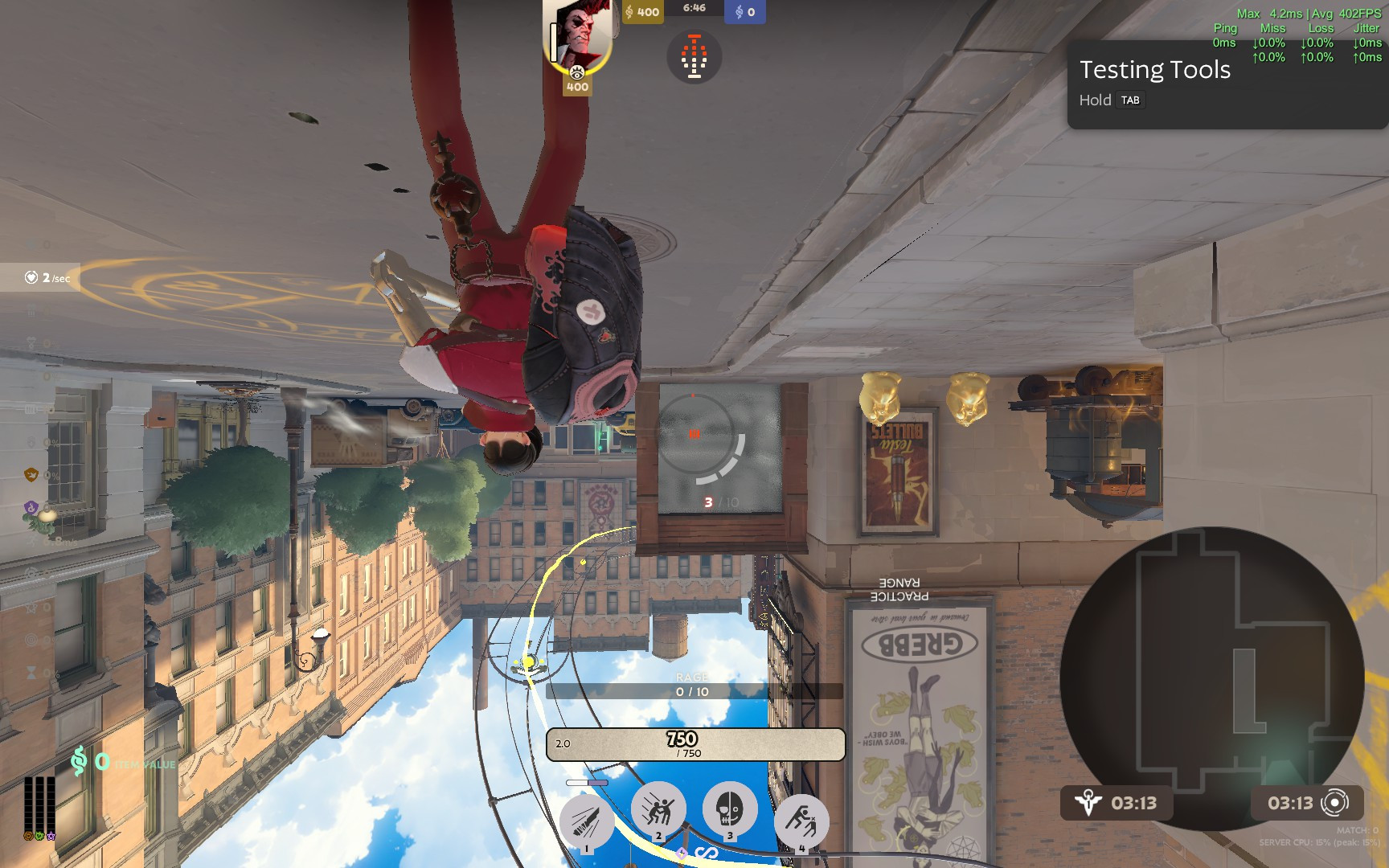
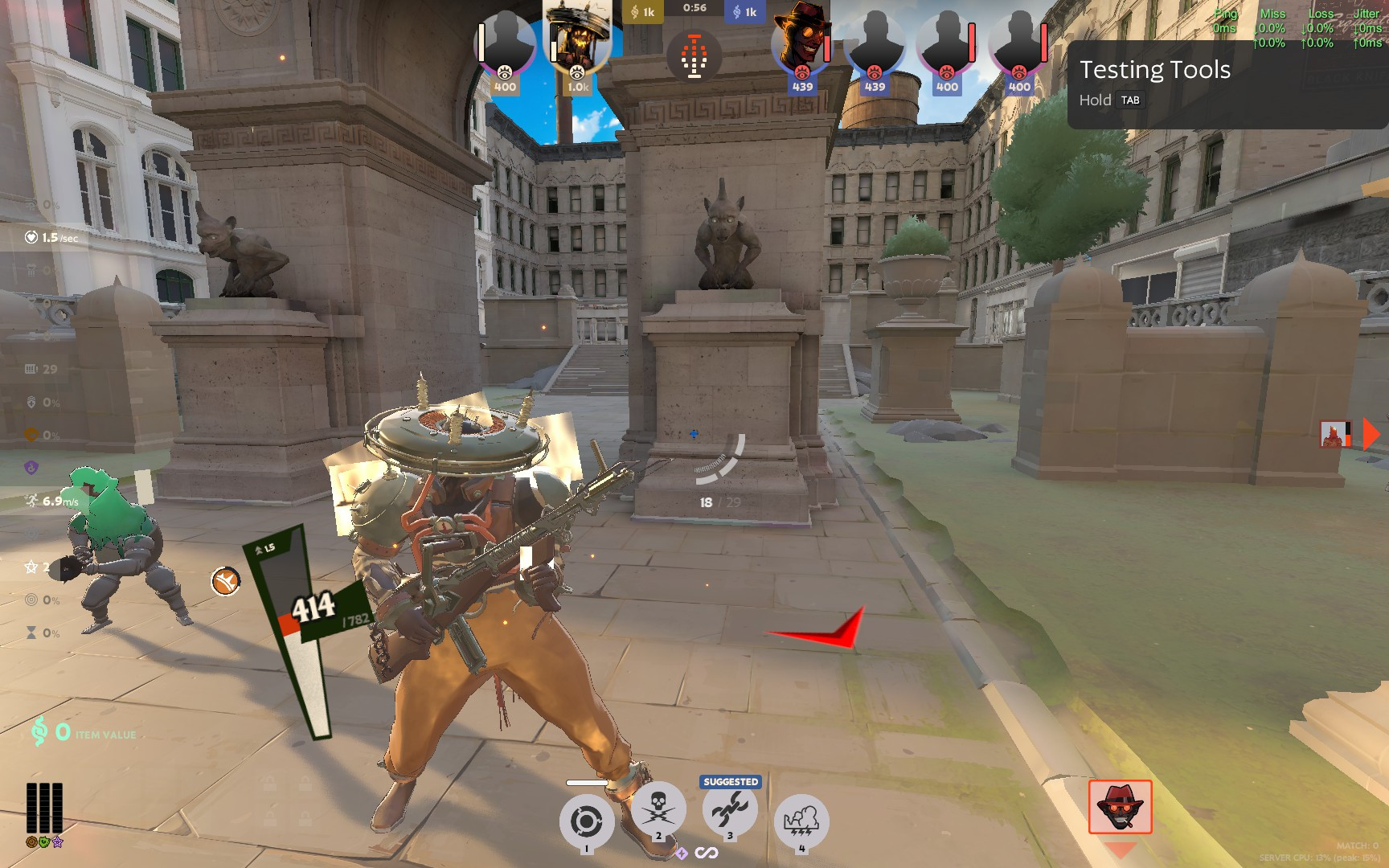
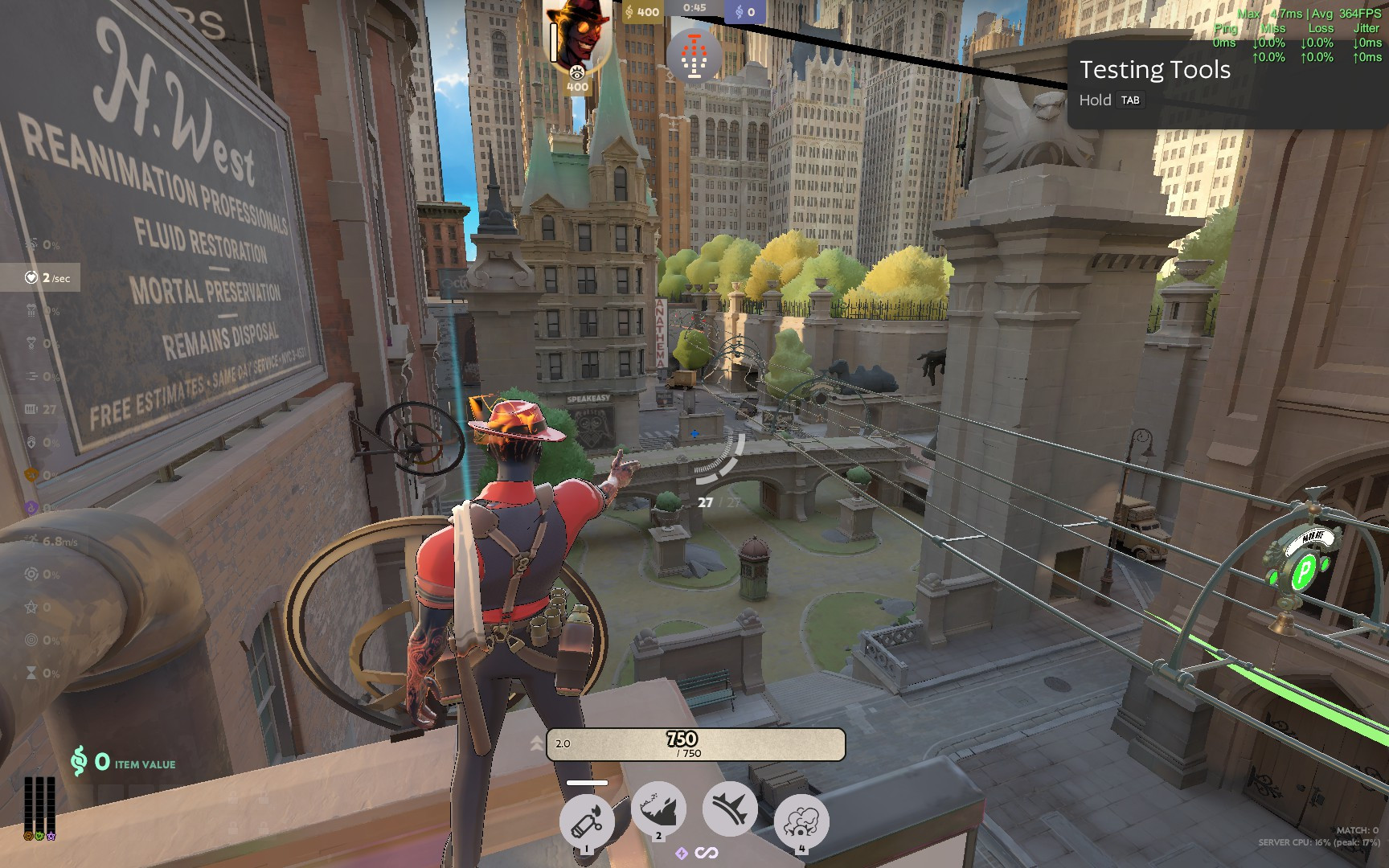
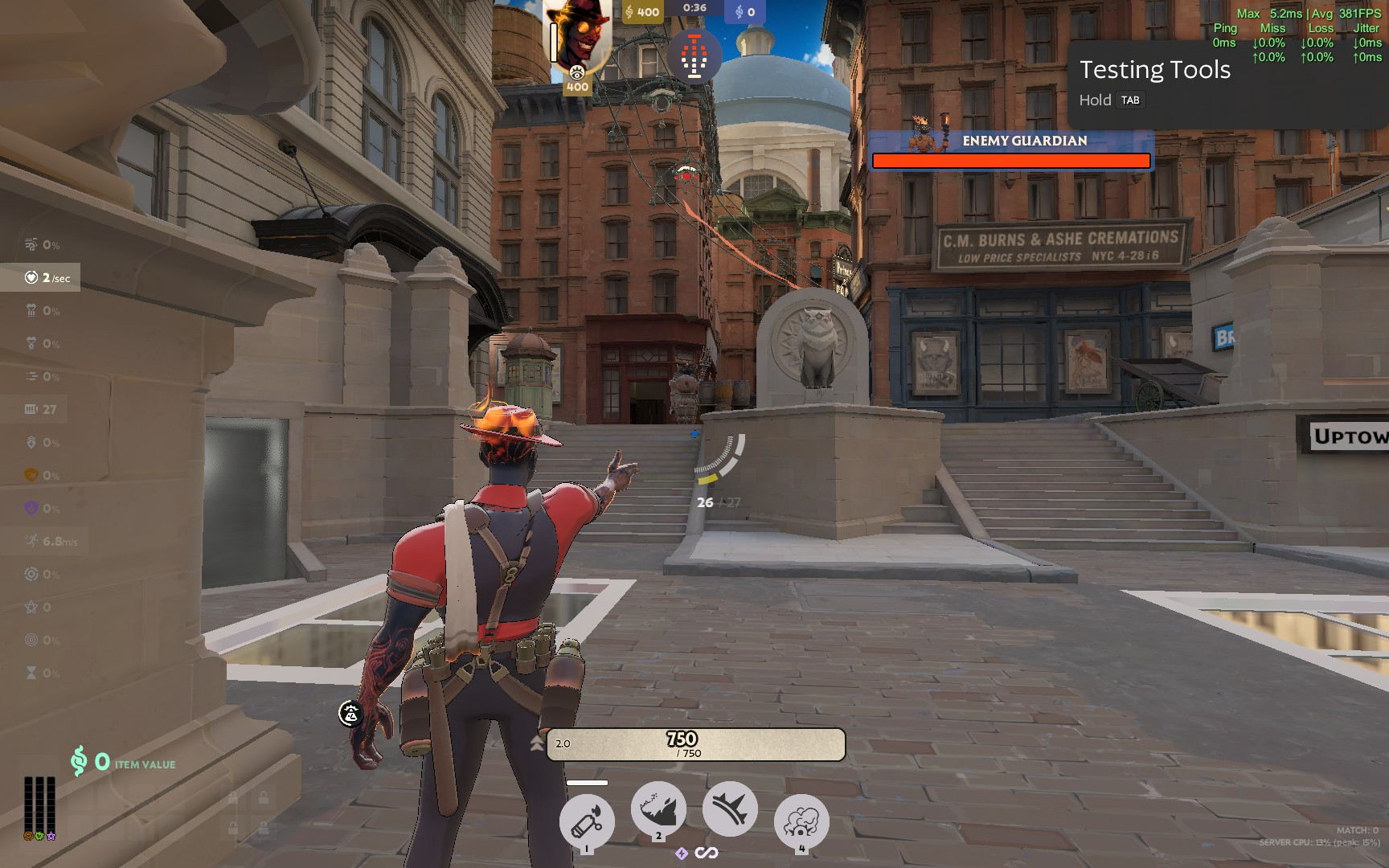
[Experimental] Extra FOV
IMPORTANT DISCLAIMER: By default, this setting is not persistent. Deadlock resets r_aspectratio when the game restarts.
How to use it
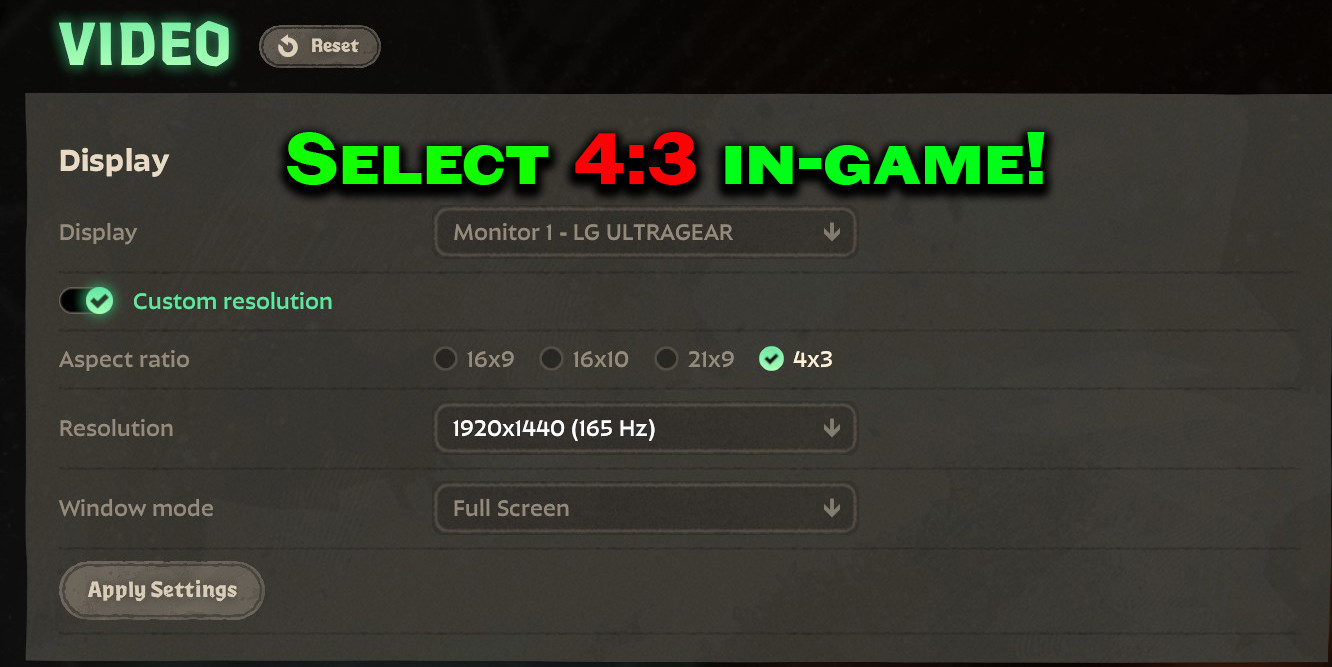
For temporary use, open the developer console after starting Deadlock and enter:r_aspectratio 1.78 You can replace 1.78 with your preferred starting value. After that, use the Extended FOV Scale slider in the Camera settings.
Optional: Make the value persistent
If you want Deadlock to start with your preferred aspect ratio every time, add r_aspectratio to the ConVars section of:game/citadel/gameinfo.gi For example:
ConVars { "r_aspectratio" "2.4" } If a ConVars section already exists, only add this line inside it:
"r_aspectratio" "2.4" Replace 2.4 with your preferred value.
Warning: Back up gameinfo.gi before editing it. Deadlock updates may overwrite the file, and incorrect formatting may prevent the game from loading properly.
The slider can still adjust the value while the game is running. The value in gameinfo.gi only determines the aspect ratio applied when the game starts.
Approximate values
- 1.78 — Standard 16:9 / approximately 90° with Camera FOV set to 90
- 2.00 — Approximately 96.7°
- 2.40 — Approximately 106.9°
- 3.00 — Approximately 118.7°
Installation
Place pak87_dir.vpk in:Deadlock/game/citadel/addons/
If that slot is occupied, rename it to another available number. Then launch Deadlock, open Settings, navigate to the Camera section, and adjust Extended FOV Scale.
Because this mod overrides Deadlock's settings layout, future game updates may temporarily break it or require an updated version.


![Top Bar Plus [Beta]](https://assets.skintel.gg/upstream/gamebanana/a0c59bd1eed304e1ed21899b4d6e78f1969c6839668649ddfd5518d023811391.jpg)
![Top Bar Plus [Beta] image 2](https://assets.skintel.gg/upstream/gamebanana/29674b96150aa66b8d6018424419c8a78007235d8d328d00b4e7883ad7a43575.jpg)
![Top Bar Plus [Beta] image 3](https://assets.skintel.gg/upstream/gamebanana/5c66ea0fed88b2849a06ac464bfac8ee1a0c81bda4ddb1555532d43fdd497ffa.jpg)
![Top Bar Plus [Beta] image 4](https://assets.skintel.gg/upstream/gamebanana/4d036ffd43a30d28a373be9c675648905e44a5677ab6eef84e4ca5fc9a379b0e.jpg)
![Top Bar Plus [Beta] image 5](https://assets.skintel.gg/upstream/gamebanana/8e0484c084c0e4be8f50fb6bff9dd607e15034752078118eff637d9193c330f5.jpg)



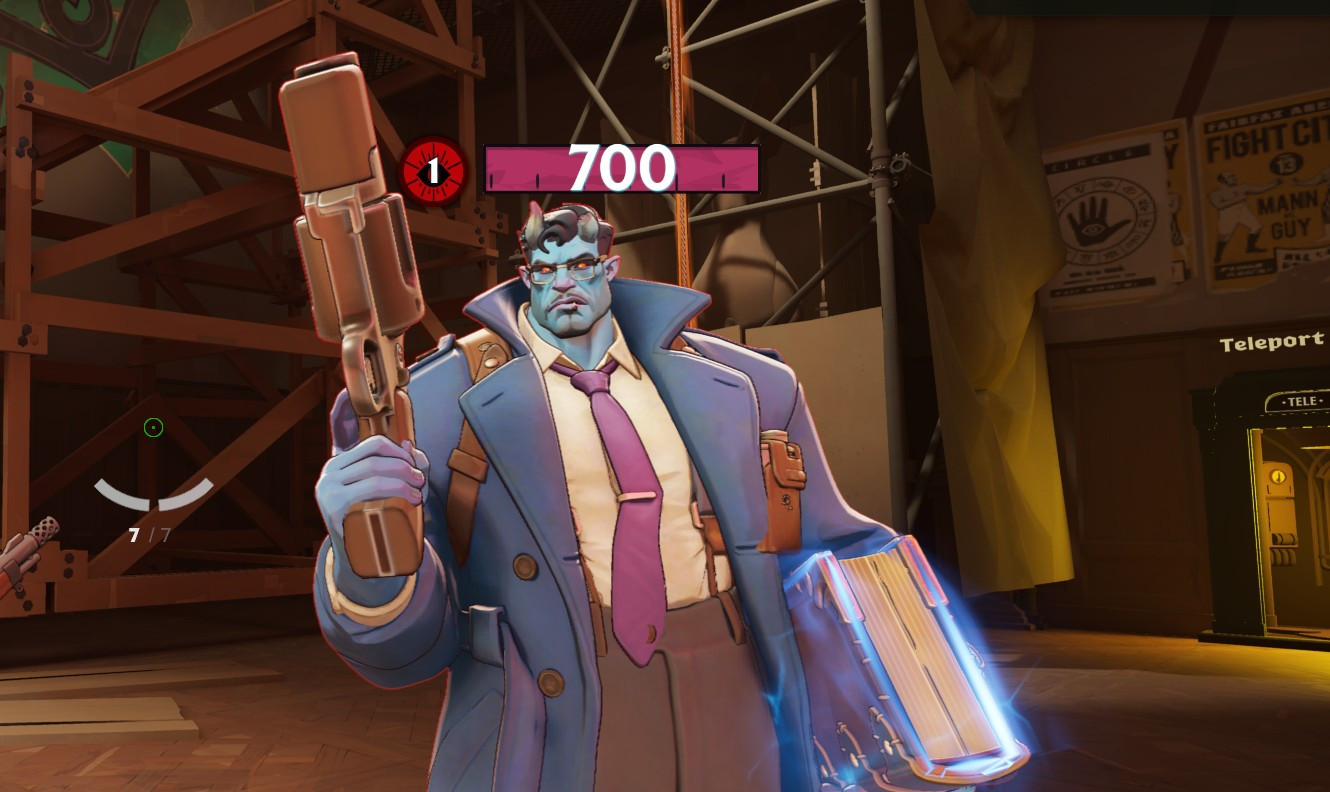
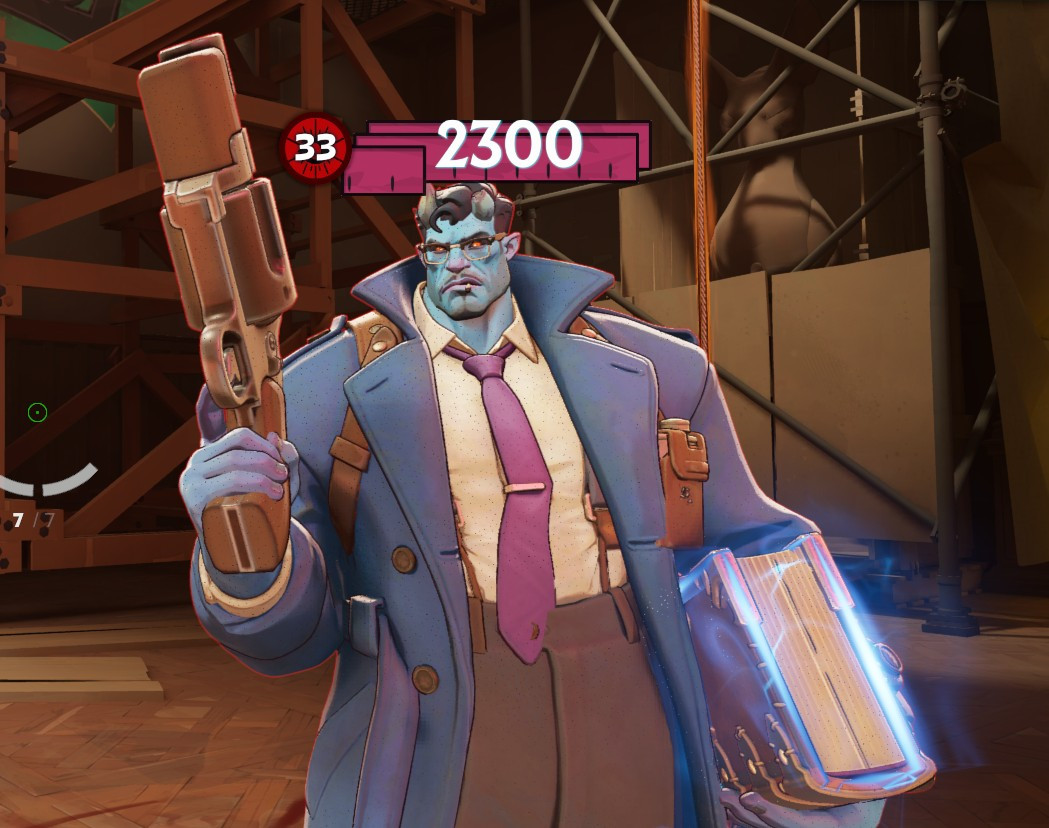
![Sqooky's FPS Config [UPDATE COMPATIBLE]](https://assets.skintel.gg/thumb/quality-of-life-gb656341/revisions/bbdb515292467b6d202df7f1064534499bb39c2a12f875731fa42837a848dbae/640.webp)
![Sqooky's FPS Config [UPDATE COMPATIBLE] image 2](https://assets.skintel.gg/upstream/gamebanana/0bf157aa0f0d822063915200ef5f1c1fbb8fcbd5cc468c38b05900335399e39e.jpg)
![Sqooky's FPS Config [UPDATE COMPATIBLE] image 3](https://assets.skintel.gg/upstream/gamebanana/fa4a8a7c52c61d95ece5fd1b88783f002b69a684a9fb66730113314a3a049c7f.jpg)
![Sqooky's FPS Config [UPDATE COMPATIBLE] image 4](https://assets.skintel.gg/upstream/gamebanana/98e667f6c5a6414e83d43f6f0d5b7338539bb0e011dc8fe918995b28ec04aa96.jpg)
![Sqooky's FPS Config [UPDATE COMPATIBLE] image 5](https://assets.skintel.gg/upstream/gamebanana/6078b39a37d98fef0078fb35bde094d722f88d13e5ef00b50dcc4d06a8b24217.jpg)
![Sqooky's FPS Config [UPDATE COMPATIBLE] image 6](https://assets.skintel.gg/upstream/gamebanana/03ed85dc63c323504d87b571ec9c8e09cb06d0939ec3396056fc87cf3a986711.jpg)
![Sqooky's FPS Config [UPDATE COMPATIBLE] image 7](https://assets.skintel.gg/upstream/gamebanana/8fa33bdfe4e6f0b3403893bb75ef04a1943269982e03ce3d3c6c6fb8a2c47f50.jpg)
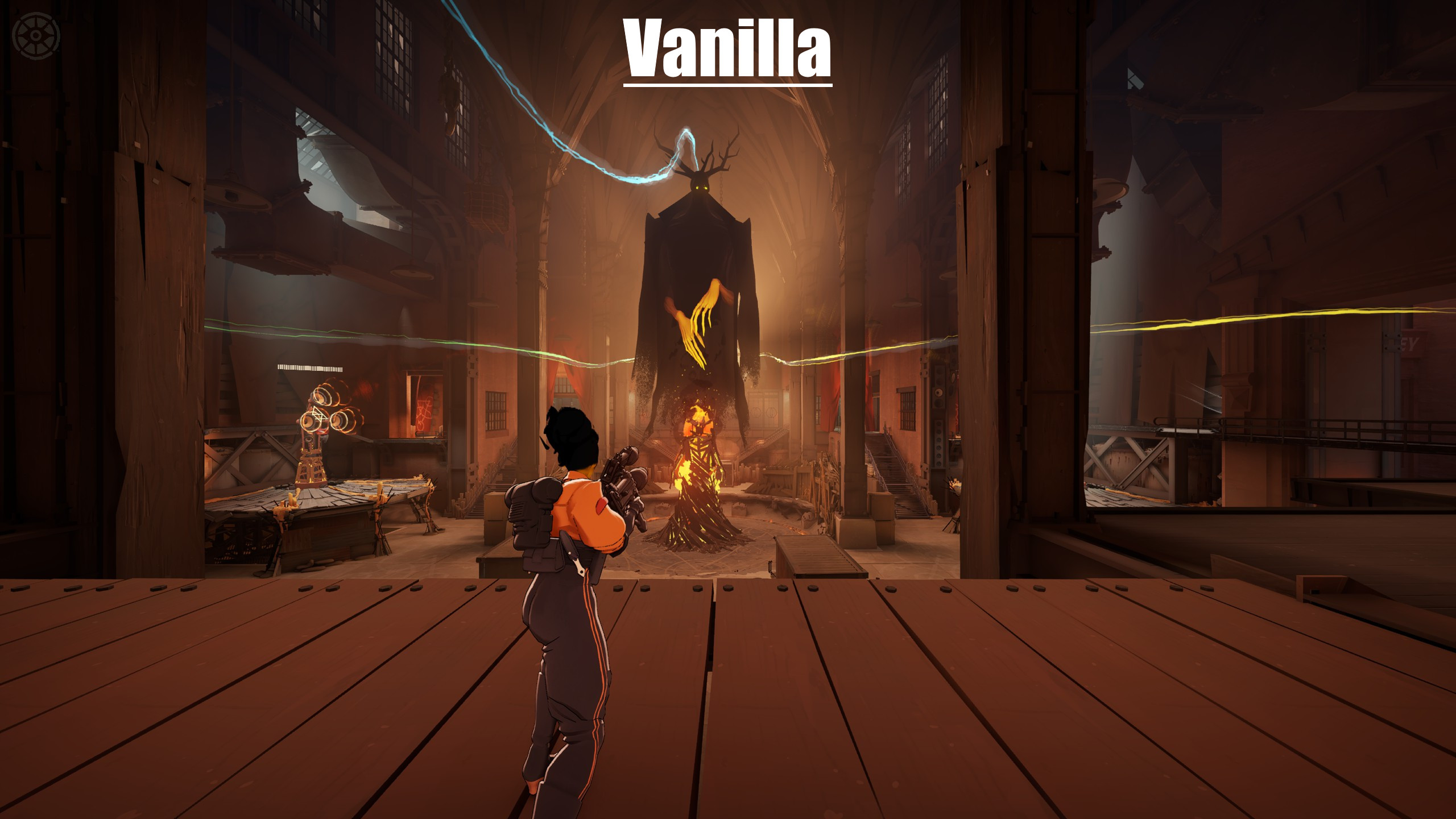
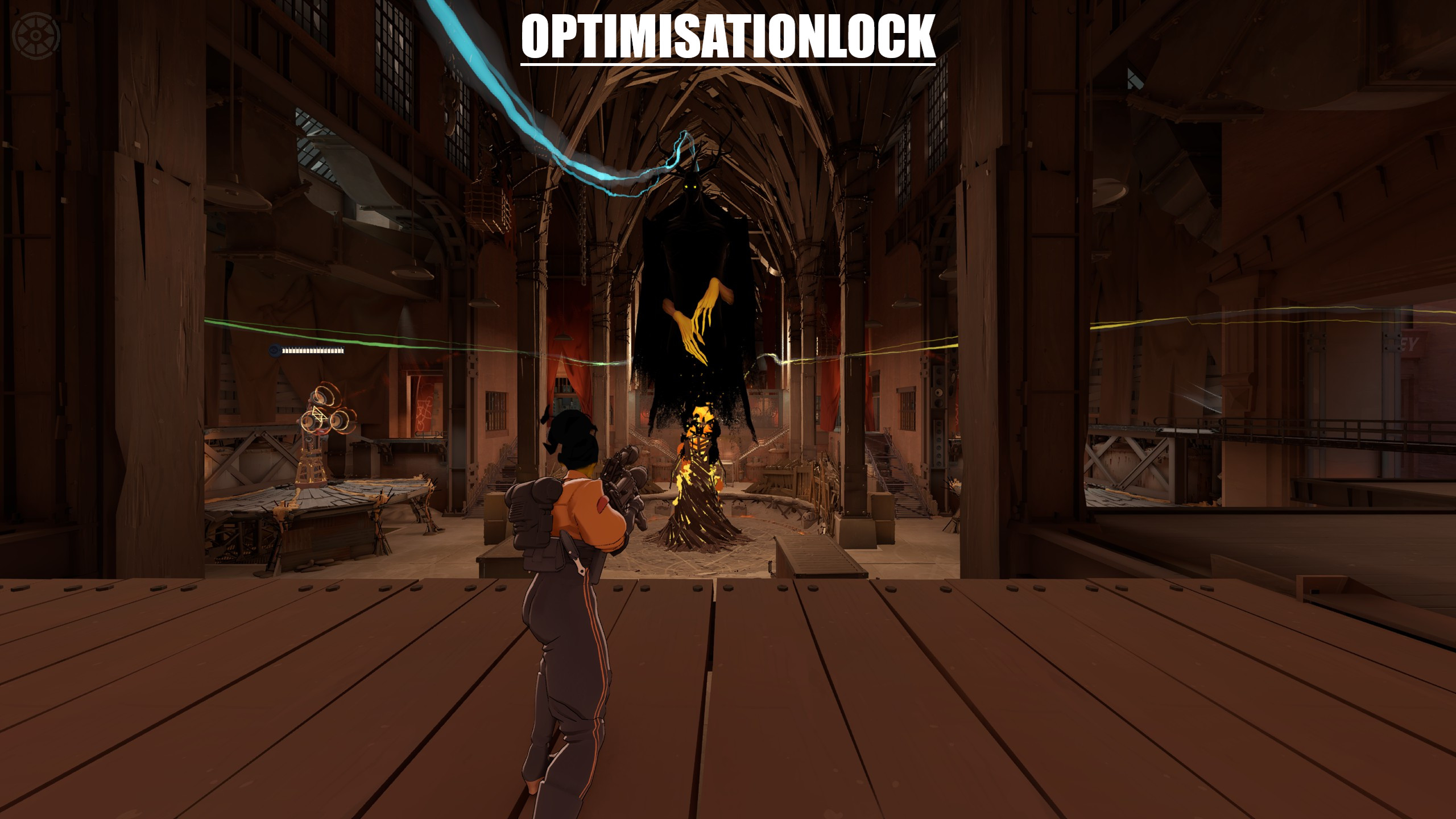
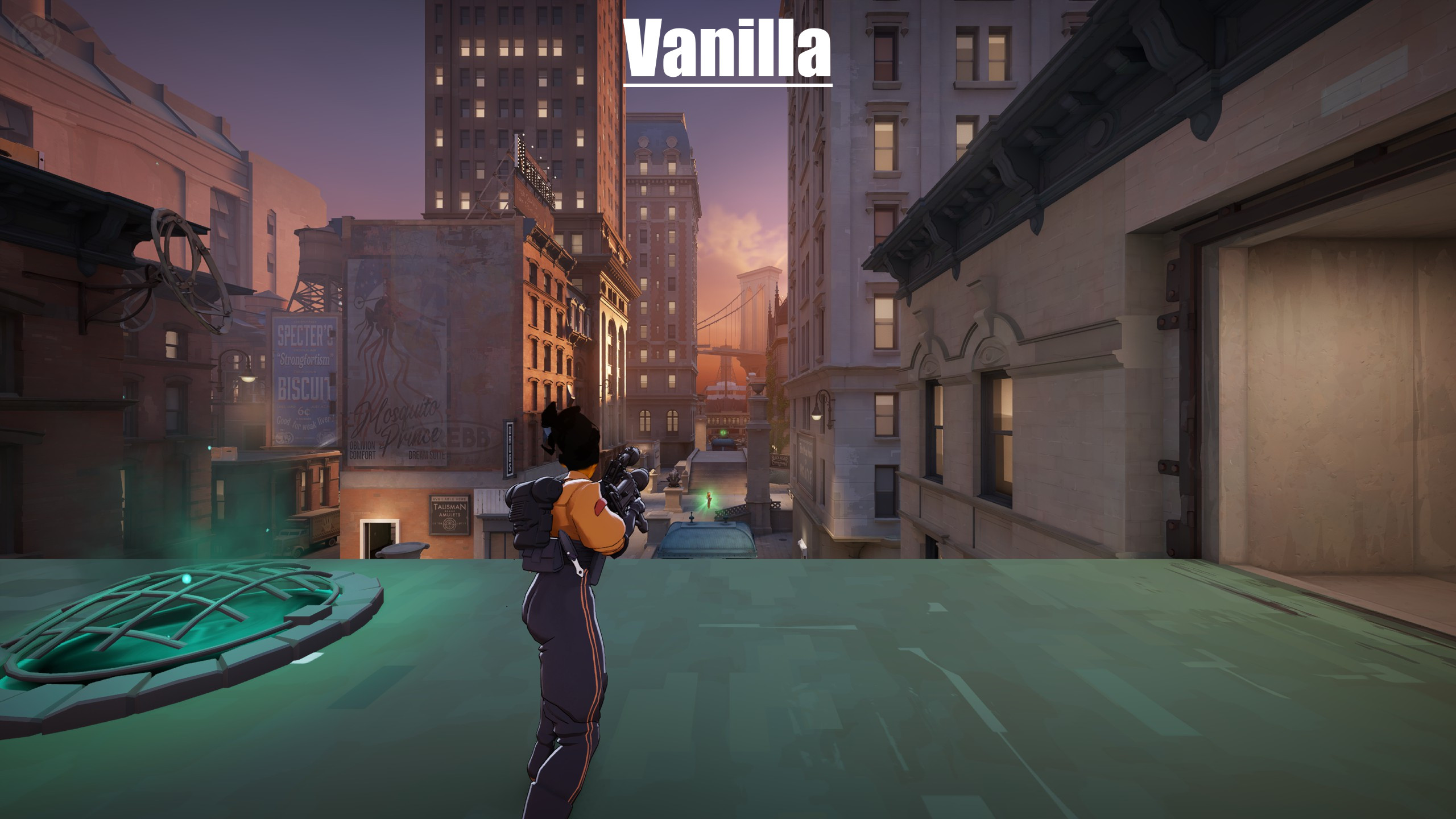
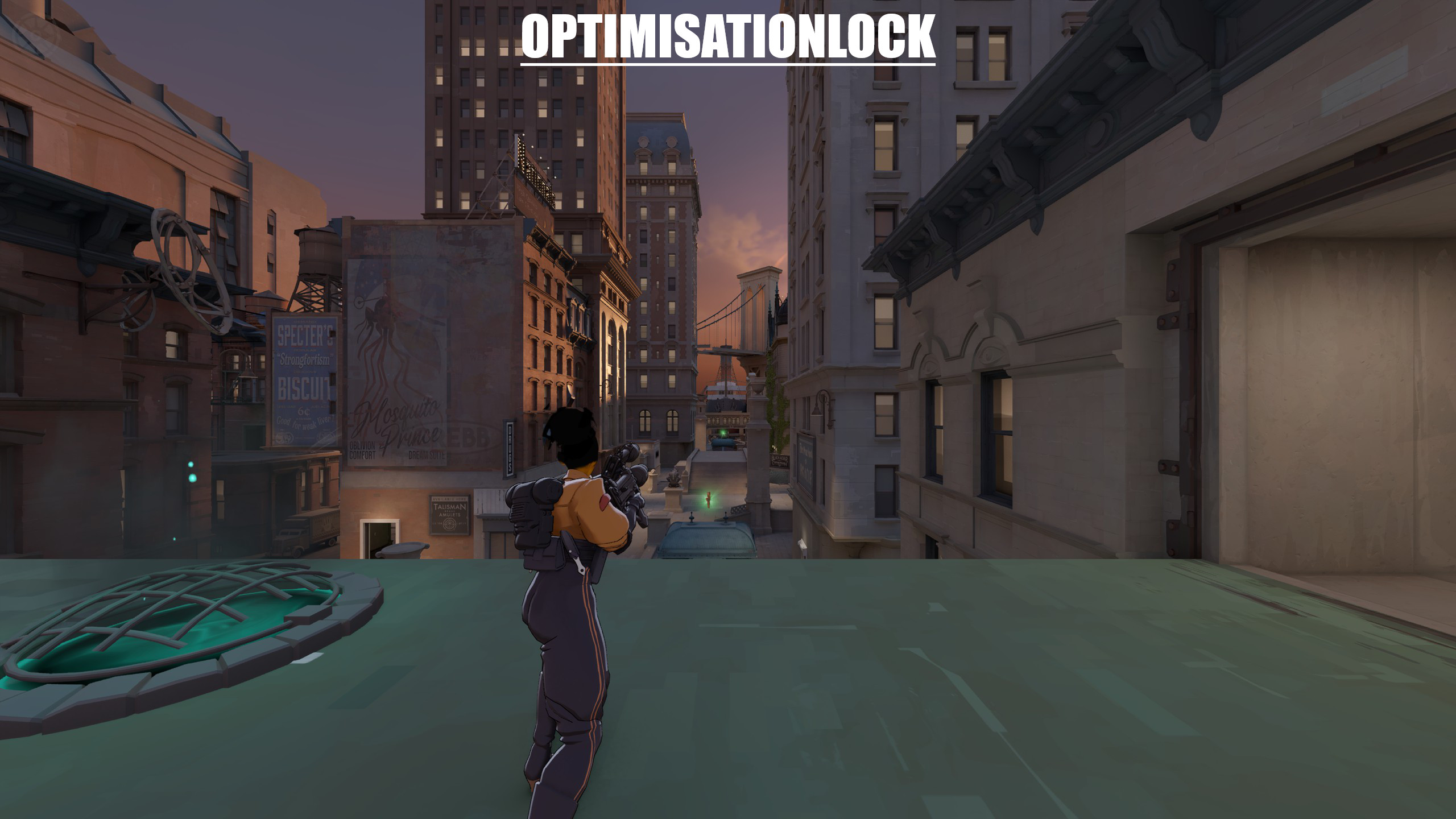


About [Experimental] Extra-FOV
[Experimental] Extra-FOV is a community Quality of Life in Deadlock.
Popularity
[Experimental] Extra-FOV has been downloaded 1.2k times, liked 6 times and viewed 2k times on GameBanana.
Installation
The Open with button hands [Experimental] Extra-FOV to Deadlock Mod Manager or Grimoire; without a manager installed, the 16 KB archive's files go into the game's addons folder by hand.
How to install a Deadlock mod.
Availability
[Experimental] Extra-FOV is a free Deadlock mod; downloading and installing it costs nothing.
Read the Deadlock skin price forecast.
Updates
[Experimental] Extra-FOV was last updated Aug 11, 2026.
Frequently asked questions
How do I install [Experimental] Extra-FOV?
Press Open with to hand [Experimental] Extra-FOV to Deadlock Mod Manager or Grimoire, or download the 16 KB archive and copy its files into the game's addons folder.
Is [Experimental] Extra-FOV free?
Yes. [Experimental] Extra-FOV costs nothing to download or install.
How popular is [Experimental] Extra-FOV?
[Experimental] Extra-FOV has been downloaded 1.2k times and liked 6 times on GameBanana.