3D model coming soon

Description
Deadlock Competitive Config
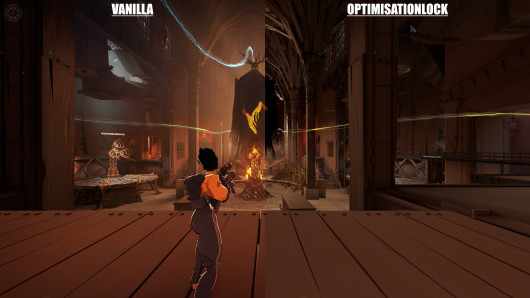
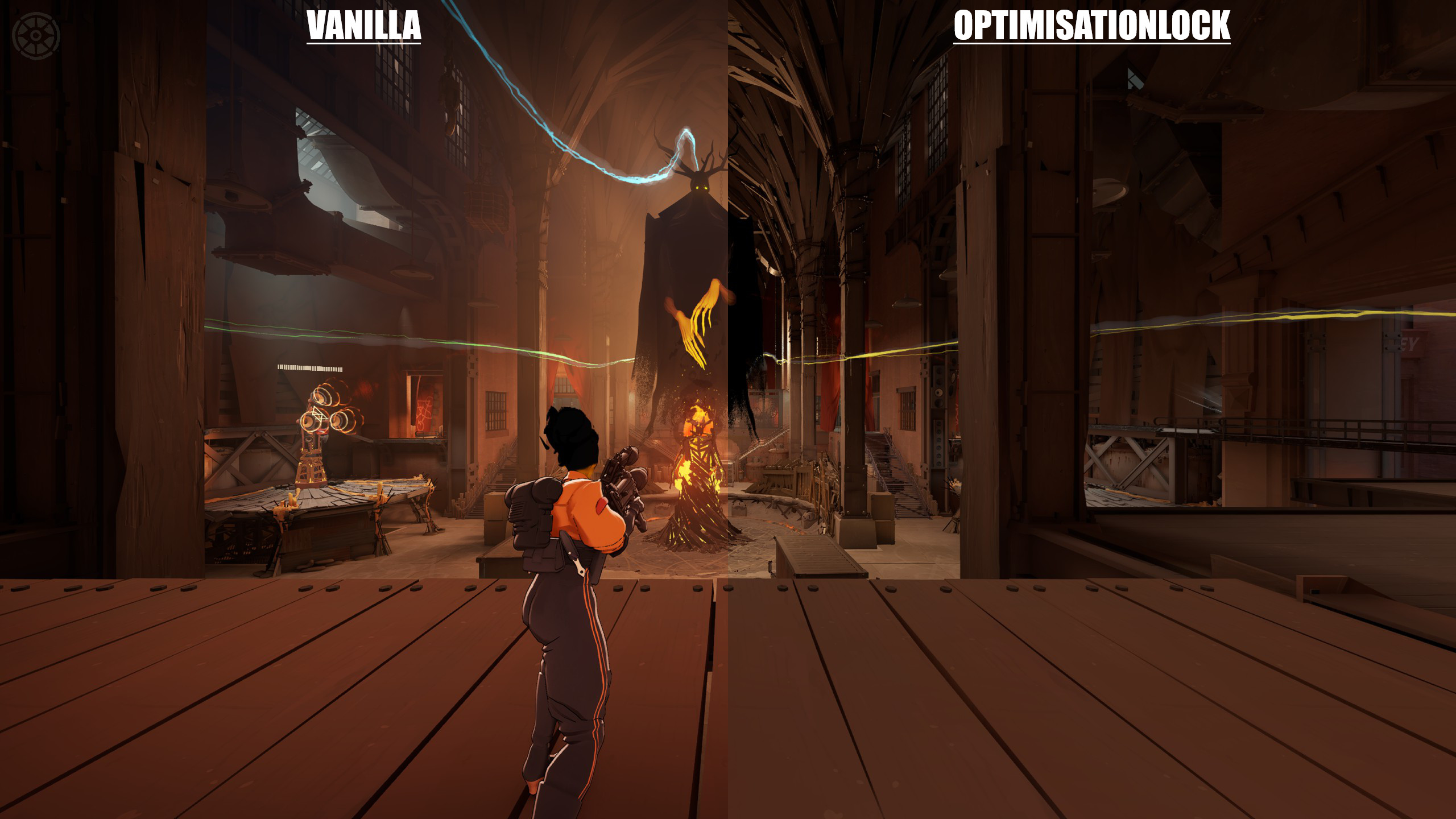
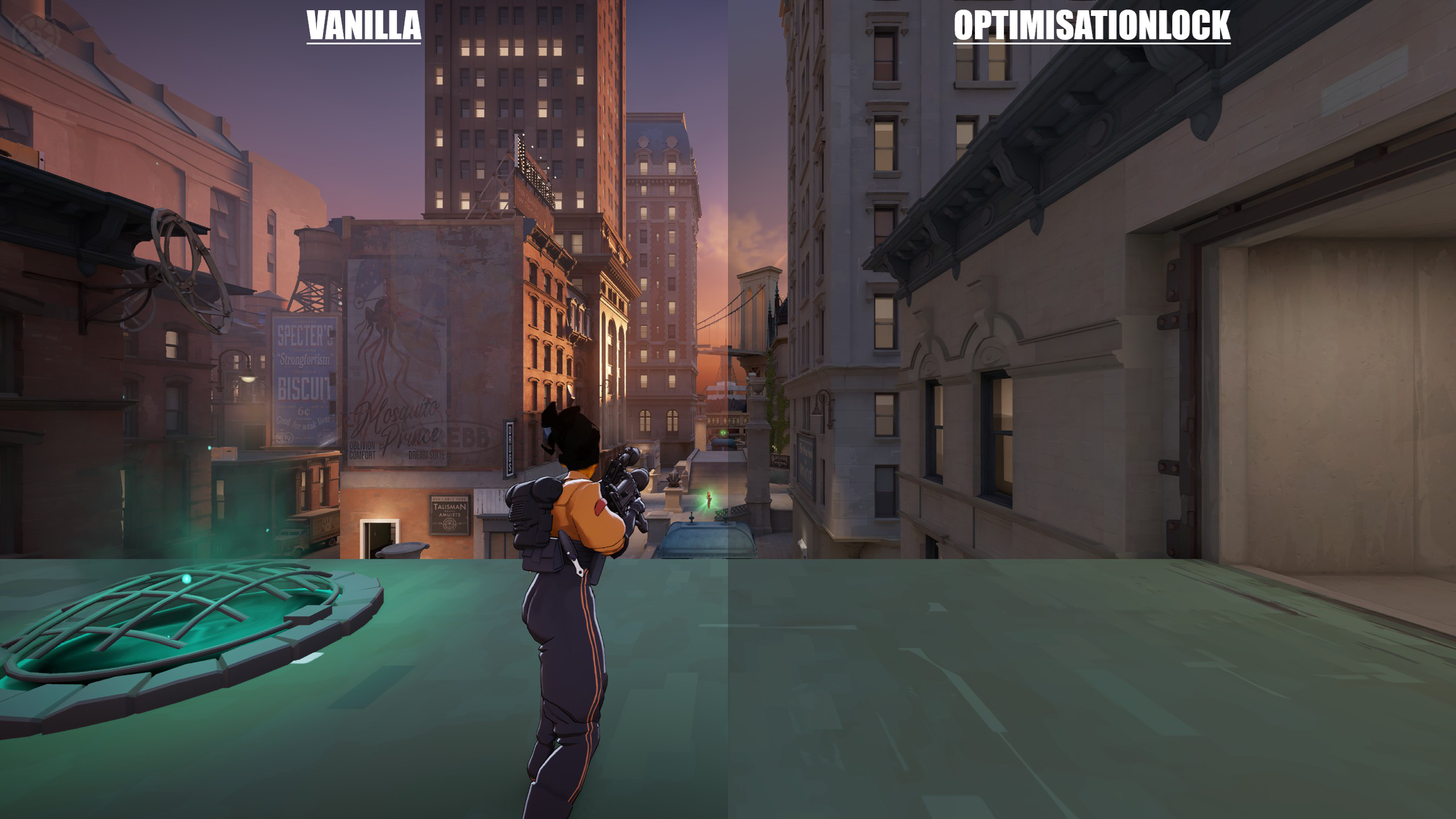
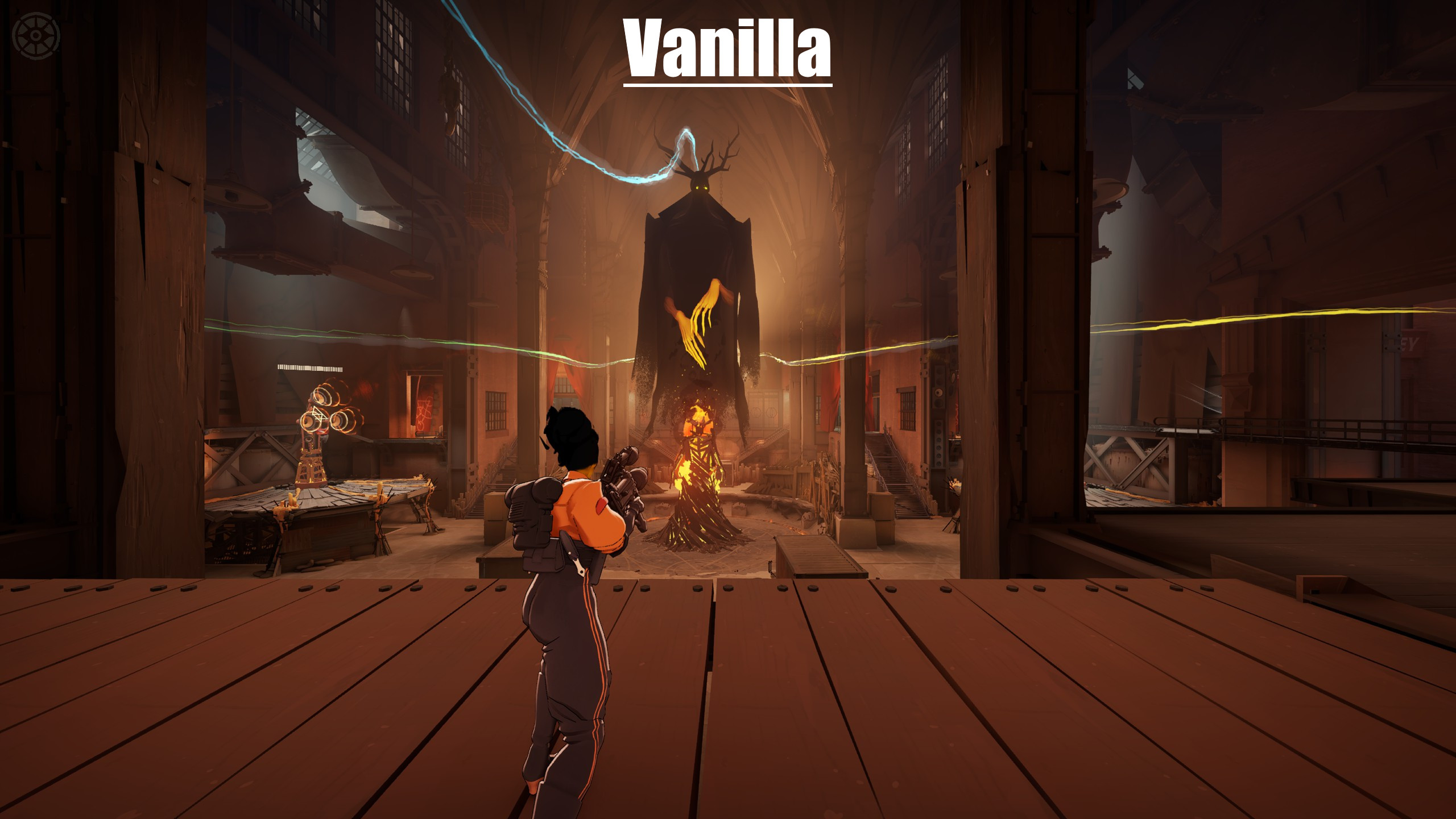
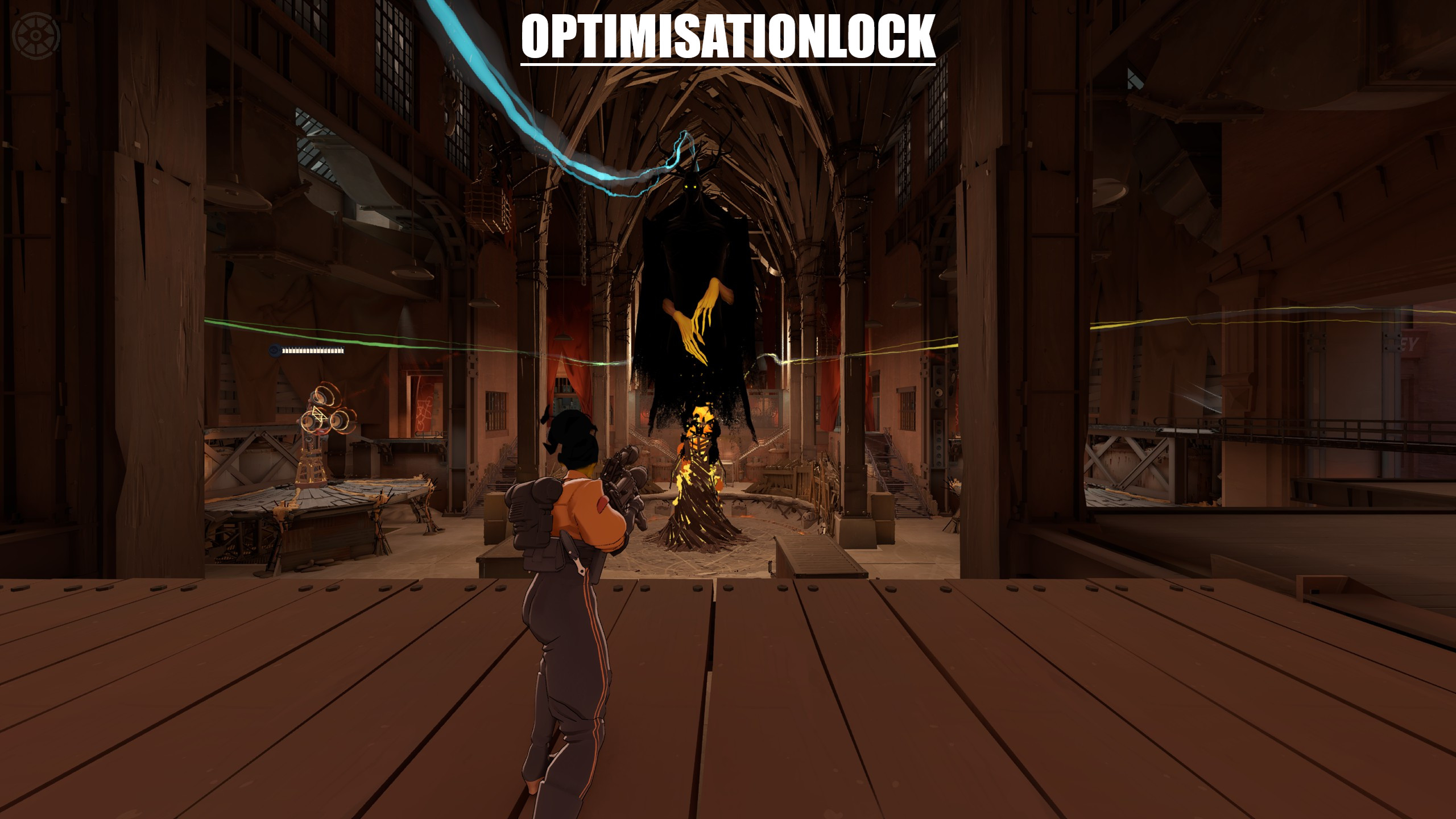
Optimized for: Min. Input Lag | Max. Stable FPS on Deadlock.
? What's Included
File Location gameinfo.gi Steam\steamapps\common\Deadlock\game\citadel\gameinfo.gi cfg/video.txt Steam\steamapps\common\Deadlock\game\citadel\cfg\video.txt addons/pak99_dir.vpk Yellow enemy outline mod → Steam\steamapps\common\Deadlock\game\citadel\addons\
⚙️ Setup
1. Download all files
2. Back up your original gameinfo.gi and video.txt
3. Replace gameinfo.gi and video.txt with the downloaded versions
4. Place pak99_dir.vpk inside the addons folder (create the folder if it doesn't exist)
5. Edit video.txt — fill in the lines marked with [CHANGE] to match your system:
Setting Value VendorID NVIDIA = 4318 · AMD = 4098 · Intel = 32902 DeviceID Copy from your original video.txt setting.mem_level 4–8GB RAM = 1 · 12–16GB = 2 · 24GB+ = 3 setting.gpu_mem_level 2–4GB VRAM = 1 · 6–8GB = 2 · 12GB+ = 3 setting.defaultres Your monitor width (e.g. 1920 ) setting.defaultresheight Your monitor height (e.g. 1080 ) setting.recommendedheight Same as defaultresheight setting.refreshrate_numerator Your monitor Hz (e.g. 144 , 240 , 360 ) setting.r_citadel_upscaling No upscaling = 0 · FSR2 = 2 · DLSS = 4 setting.r_citadel_dlss_settings_mode DLSS Off = 0 · DLSS On = 1 setting.r_dlss_preset CNN = 0 · Transformer = 10 ? DLSS Preset: RTX 4000 & 5000 series → use Transformer ( 10 ) · All other GPU cards → use CNN ( 0 )
⚠️ DeviceID is unique to your GPU model. Open your original video.txt before replacing it and copy the value exactly. Do NOT leave it as ???? .
? How to find your original video.txt: Steam\steamapps\common\Deadlock\game\citadel\cfg\video.txt
6. Set gameinfo.gi and video.txt to Read-only to prevent the game from overwriting them → Right-click → Properties → check Read-only → Apply
7. ⚠️ Do NOT change in-game graphics settings after applying — it will overwrite your video.txt
? Notes



![Top Bar Plus [Beta]](https://assets.skintel.gg/upstream/gamebanana/a0c59bd1eed304e1ed21899b4d6e78f1969c6839668649ddfd5518d023811391.jpg)
![Top Bar Plus [Beta] image 2](https://assets.skintel.gg/upstream/gamebanana/29674b96150aa66b8d6018424419c8a78007235d8d328d00b4e7883ad7a43575.jpg)
![Top Bar Plus [Beta] image 3](https://assets.skintel.gg/upstream/gamebanana/5c66ea0fed88b2849a06ac464bfac8ee1a0c81bda4ddb1555532d43fdd497ffa.jpg)
![Top Bar Plus [Beta] image 4](https://assets.skintel.gg/upstream/gamebanana/4d036ffd43a30d28a373be9c675648905e44a5677ab6eef84e4ca5fc9a379b0e.jpg)
![Top Bar Plus [Beta] image 5](https://assets.skintel.gg/upstream/gamebanana/8e0484c084c0e4be8f50fb6bff9dd607e15034752078118eff637d9193c330f5.jpg)



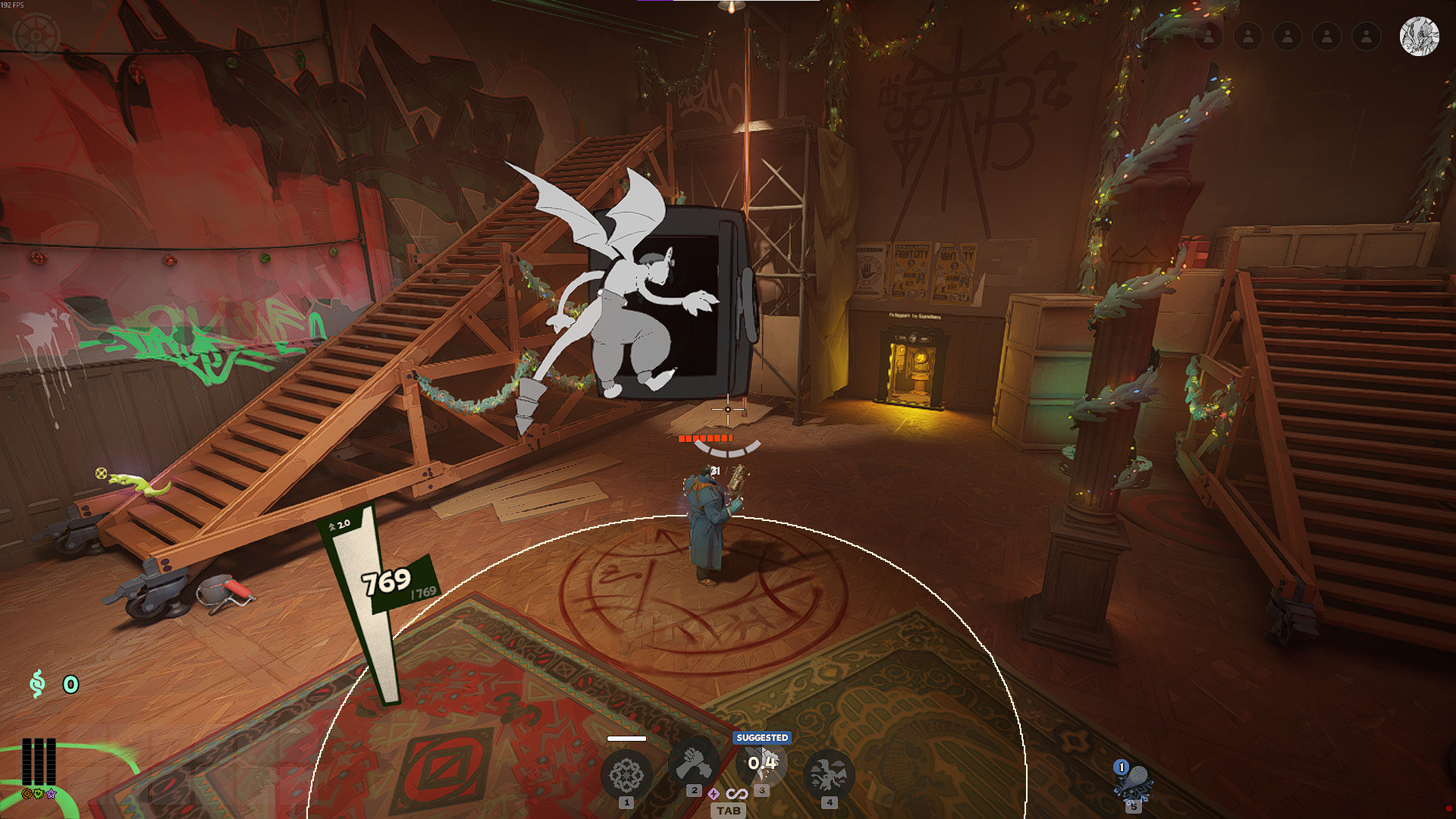

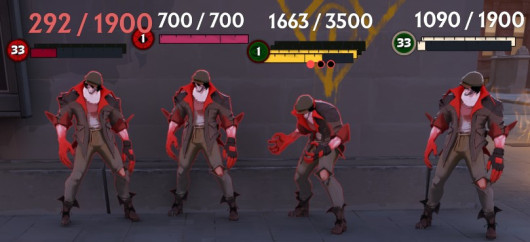
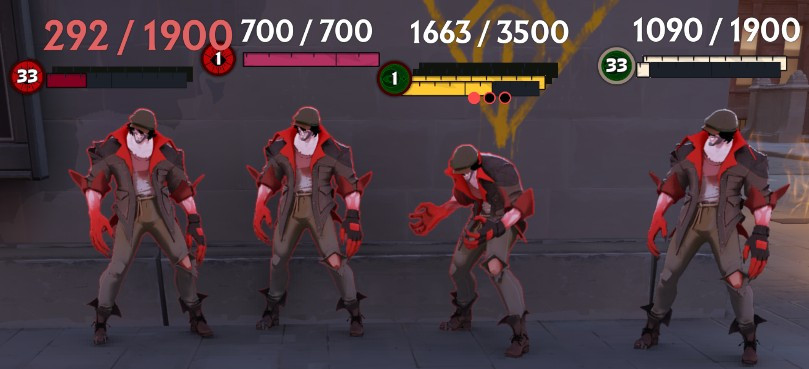
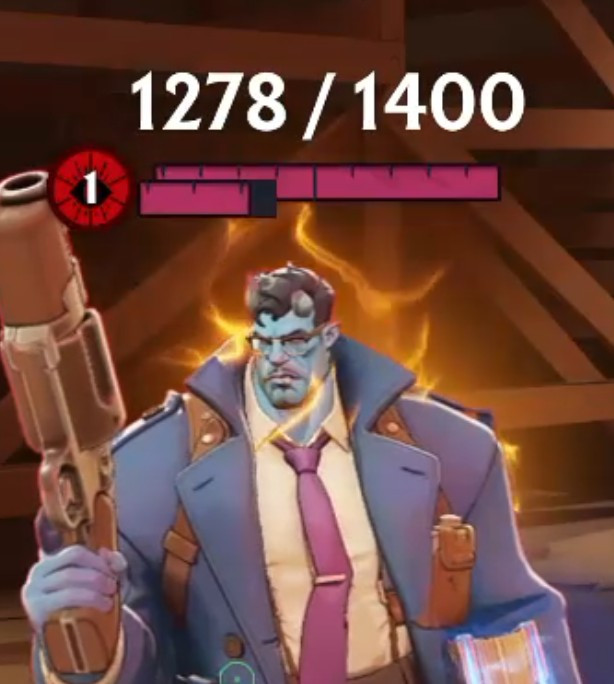
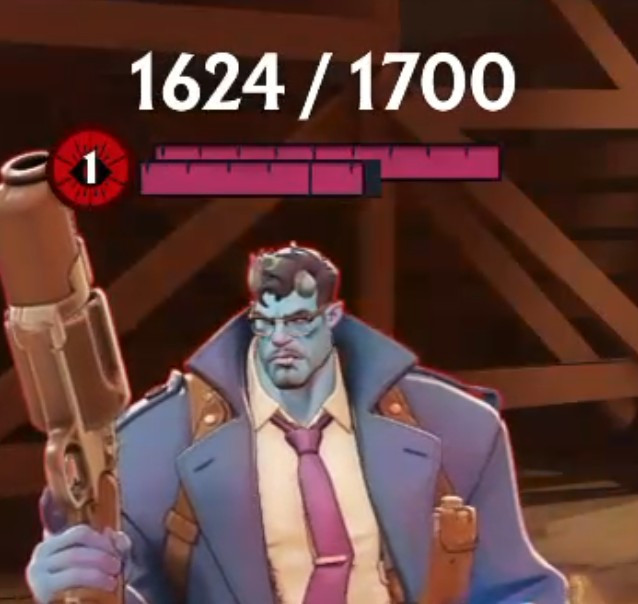
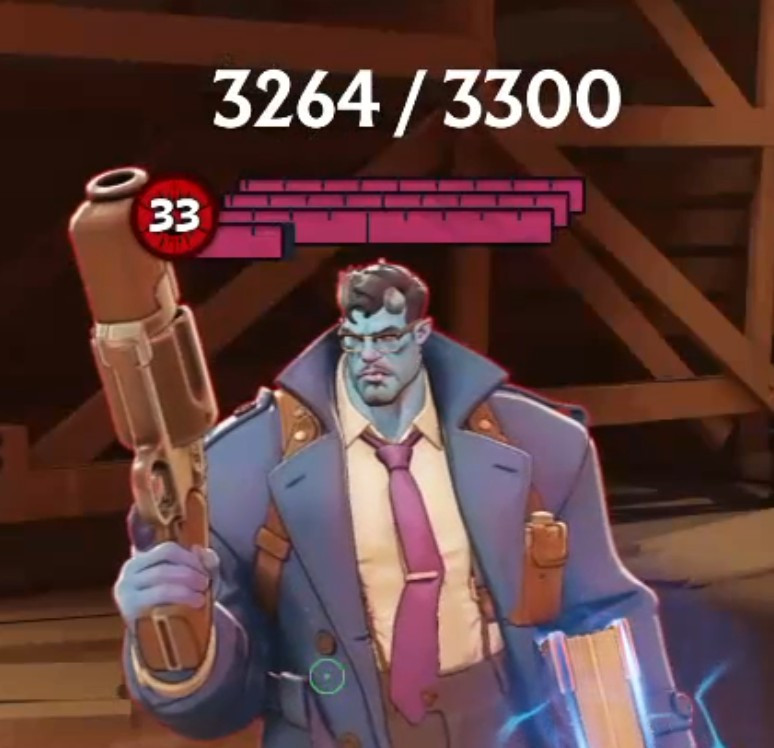
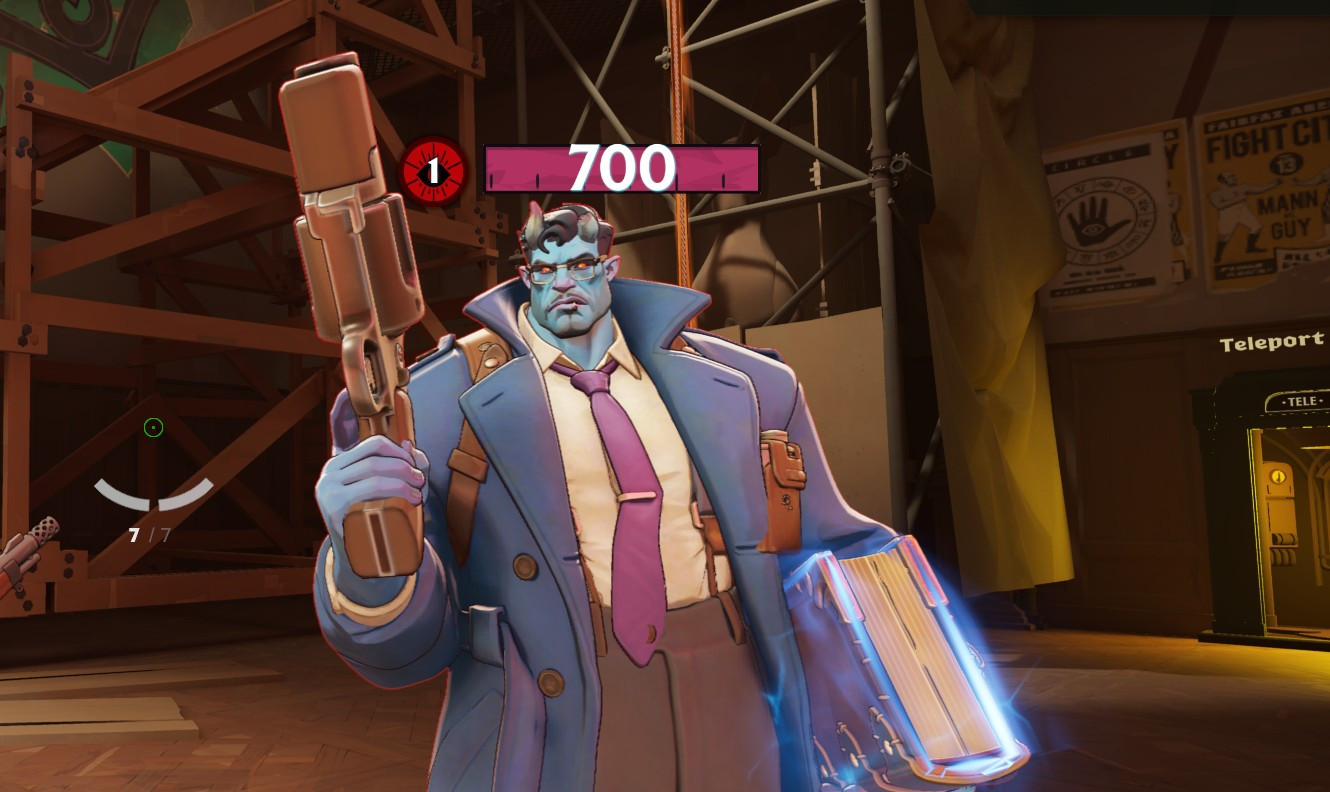
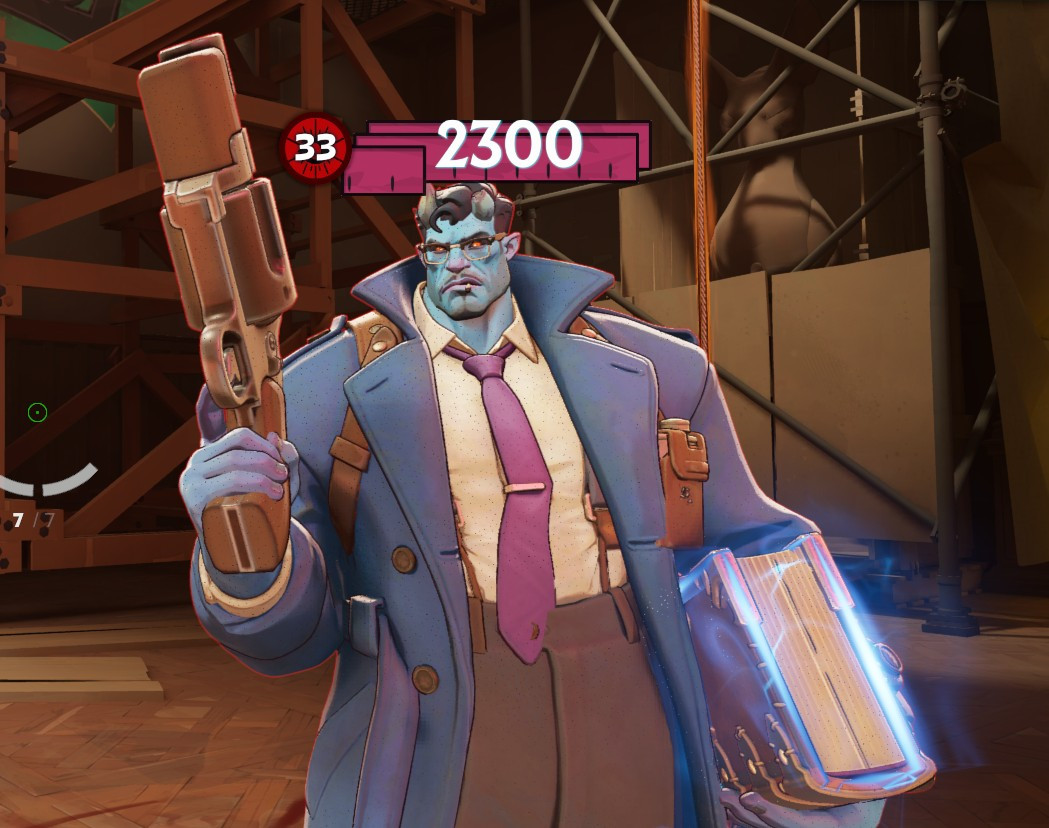
![Sqooky's FPS Config [UPDATE COMPATIBLE]](https://assets.skintel.gg/thumb/quality-of-life-gb656341/revisions/16a1350e75bcb5cb4ba5e3fdbb991f02685ea872a803e9bd2de43493cff0d3df/640.webp)
![Sqooky's FPS Config [UPDATE COMPATIBLE] image 2](https://assets.skintel.gg/upstream/gamebanana/0bf157aa0f0d822063915200ef5f1c1fbb8fcbd5cc468c38b05900335399e39e.jpg)
![Sqooky's FPS Config [UPDATE COMPATIBLE] image 3](https://assets.skintel.gg/upstream/gamebanana/fa4a8a7c52c61d95ece5fd1b88783f002b69a684a9fb66730113314a3a049c7f.jpg)
![Sqooky's FPS Config [UPDATE COMPATIBLE] image 4](https://assets.skintel.gg/upstream/gamebanana/98e667f6c5a6414e83d43f6f0d5b7338539bb0e011dc8fe918995b28ec04aa96.jpg)
![Sqooky's FPS Config [UPDATE COMPATIBLE] image 5](https://assets.skintel.gg/upstream/gamebanana/6078b39a37d98fef0078fb35bde094d722f88d13e5ef00b50dcc4d06a8b24217.jpg)
![Sqooky's FPS Config [UPDATE COMPATIBLE] image 6](https://assets.skintel.gg/upstream/gamebanana/03ed85dc63c323504d87b571ec9c8e09cb06d0939ec3396056fc87cf3a986711.jpg)
![Sqooky's FPS Config [UPDATE COMPATIBLE] image 7](https://assets.skintel.gg/upstream/gamebanana/8fa33bdfe4e6f0b3403893bb75ef04a1943269982e03ce3d3c6c6fb8a2c47f50.jpg)
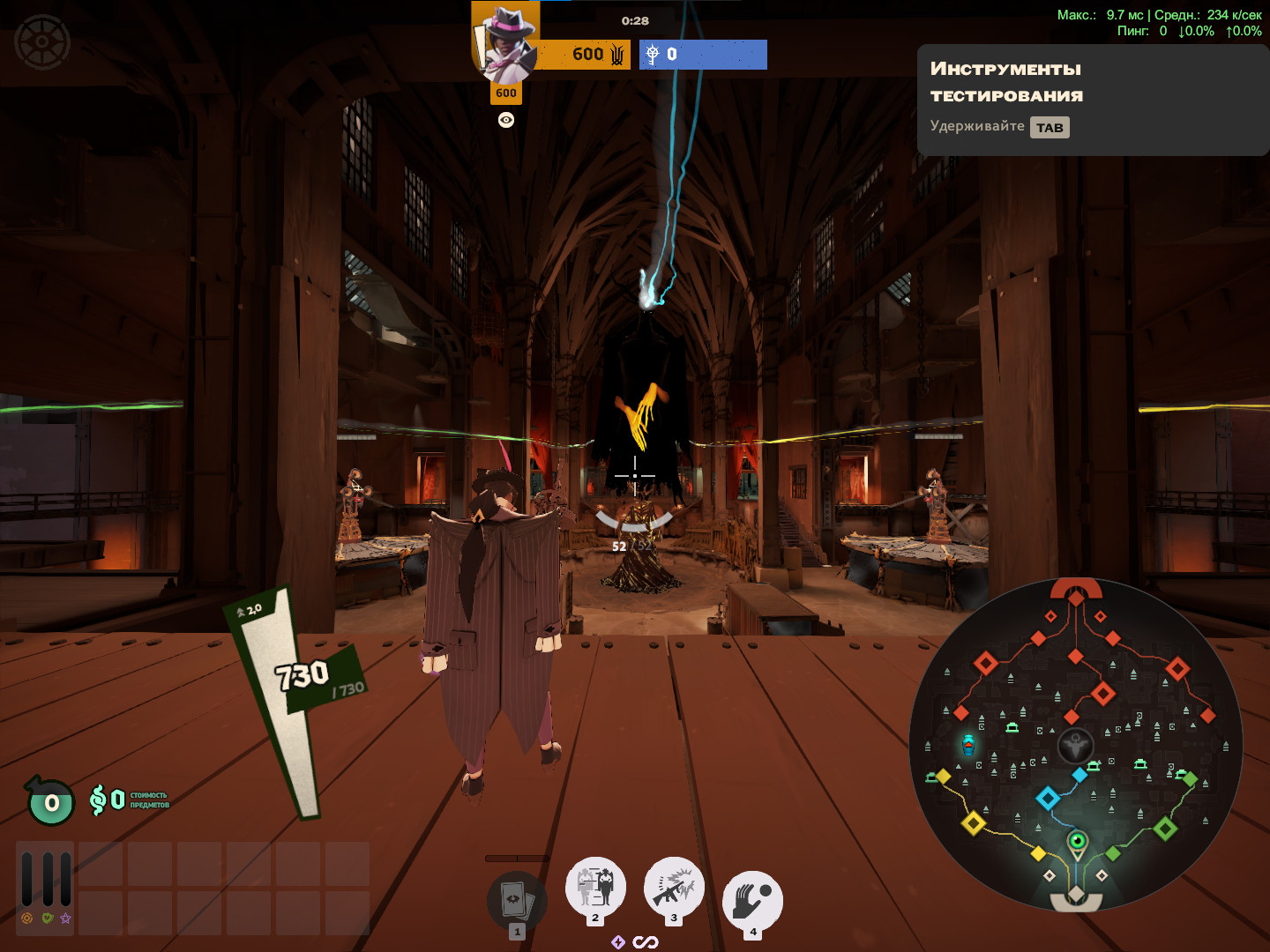
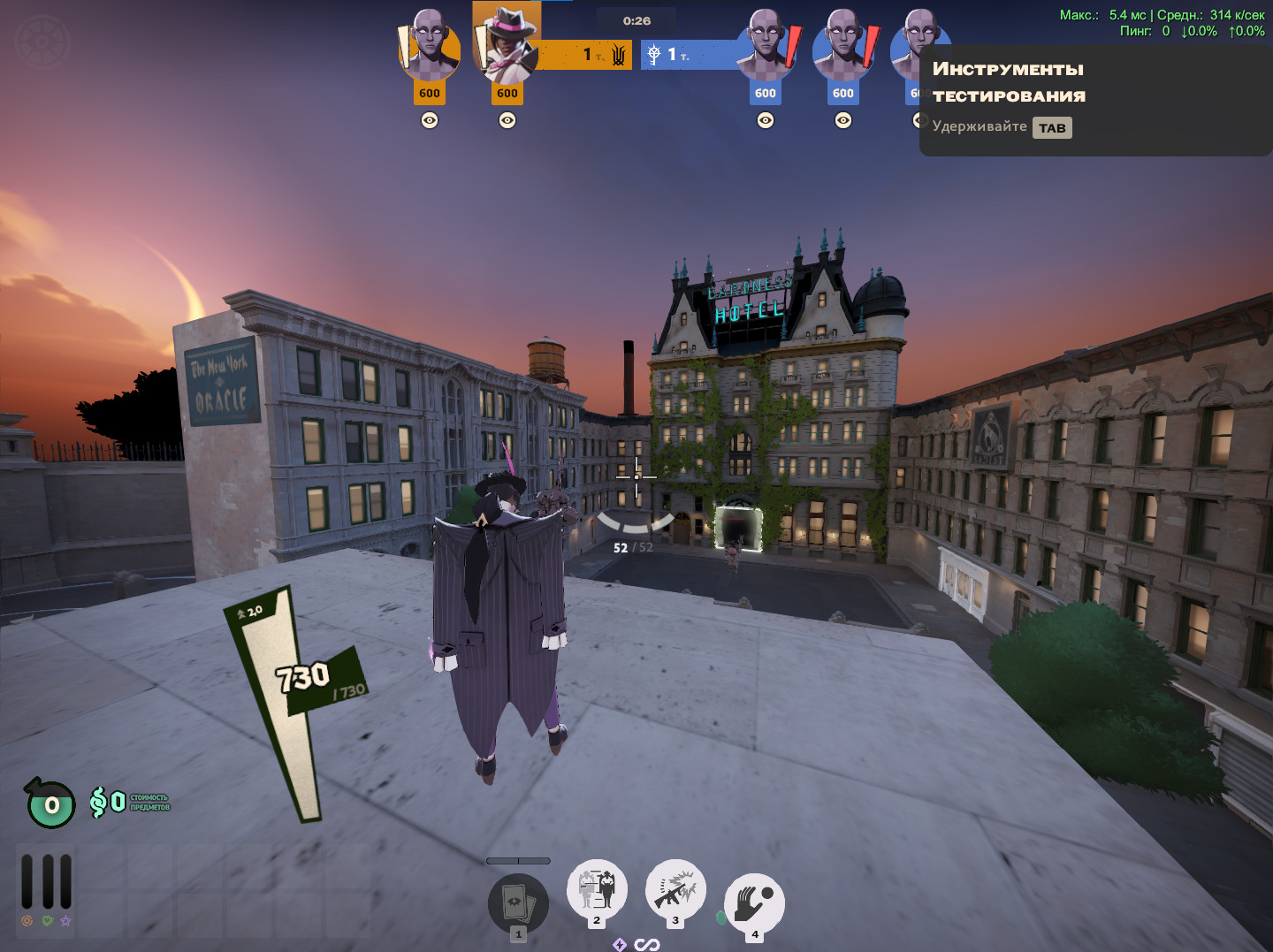
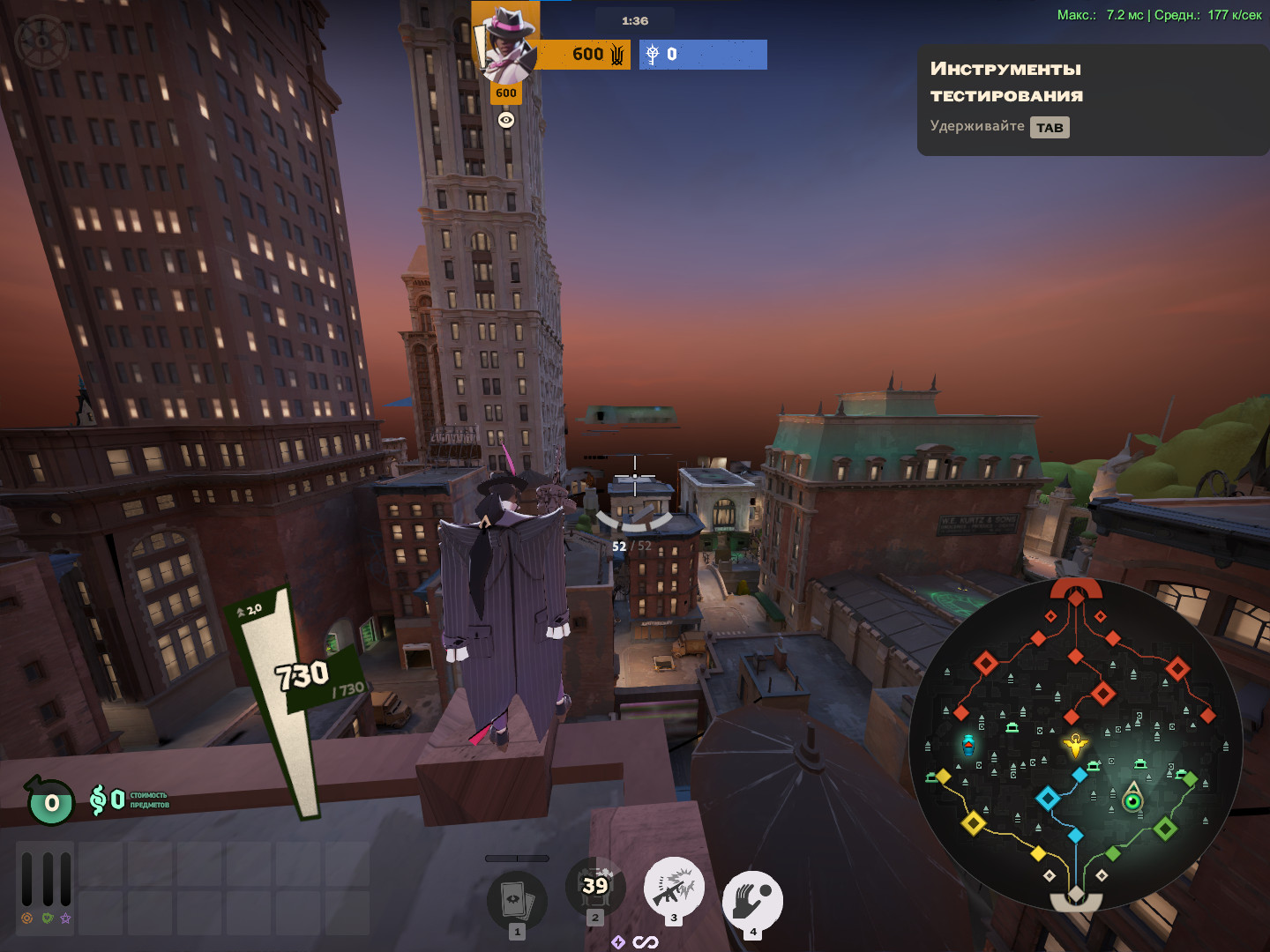
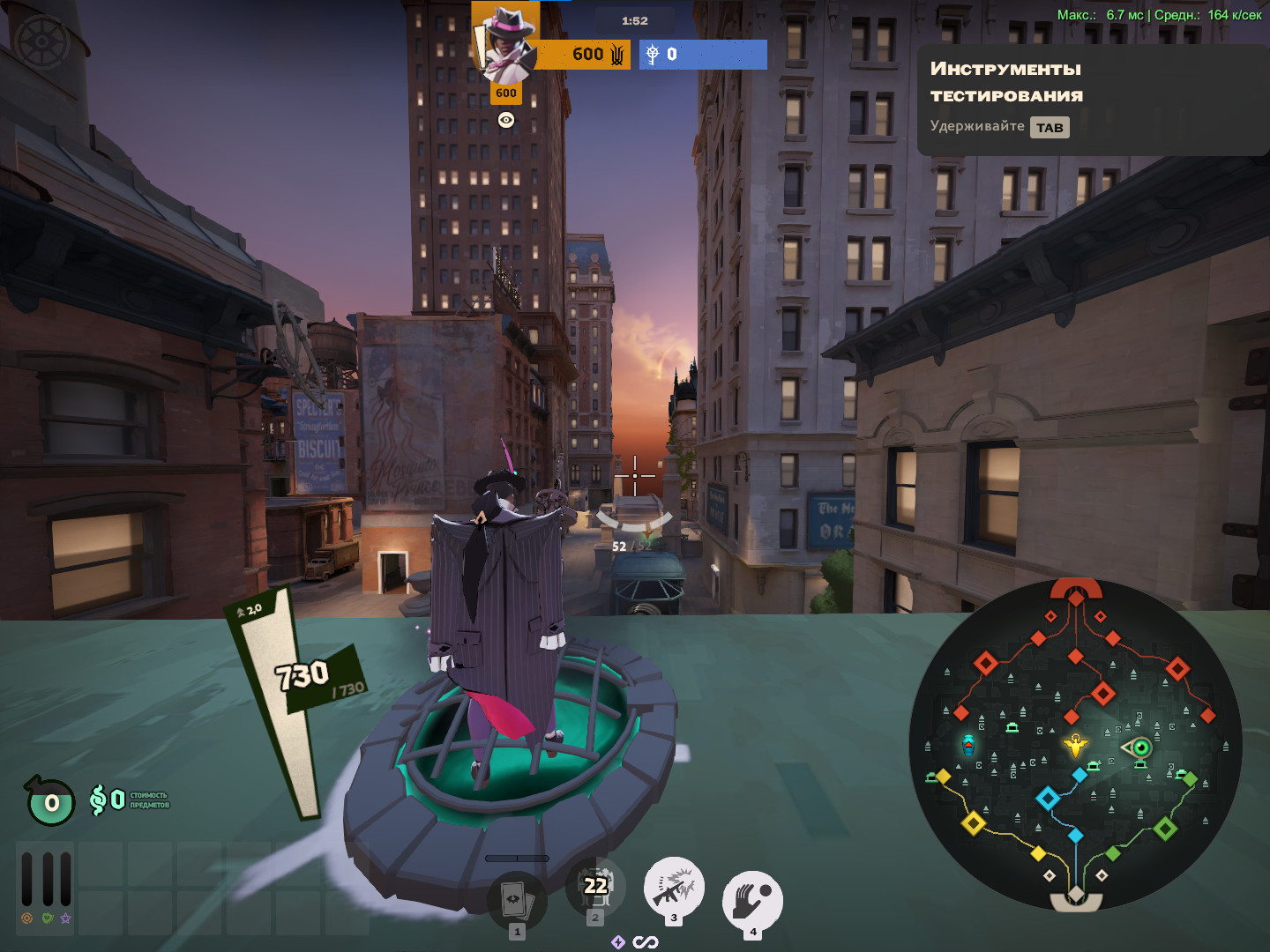

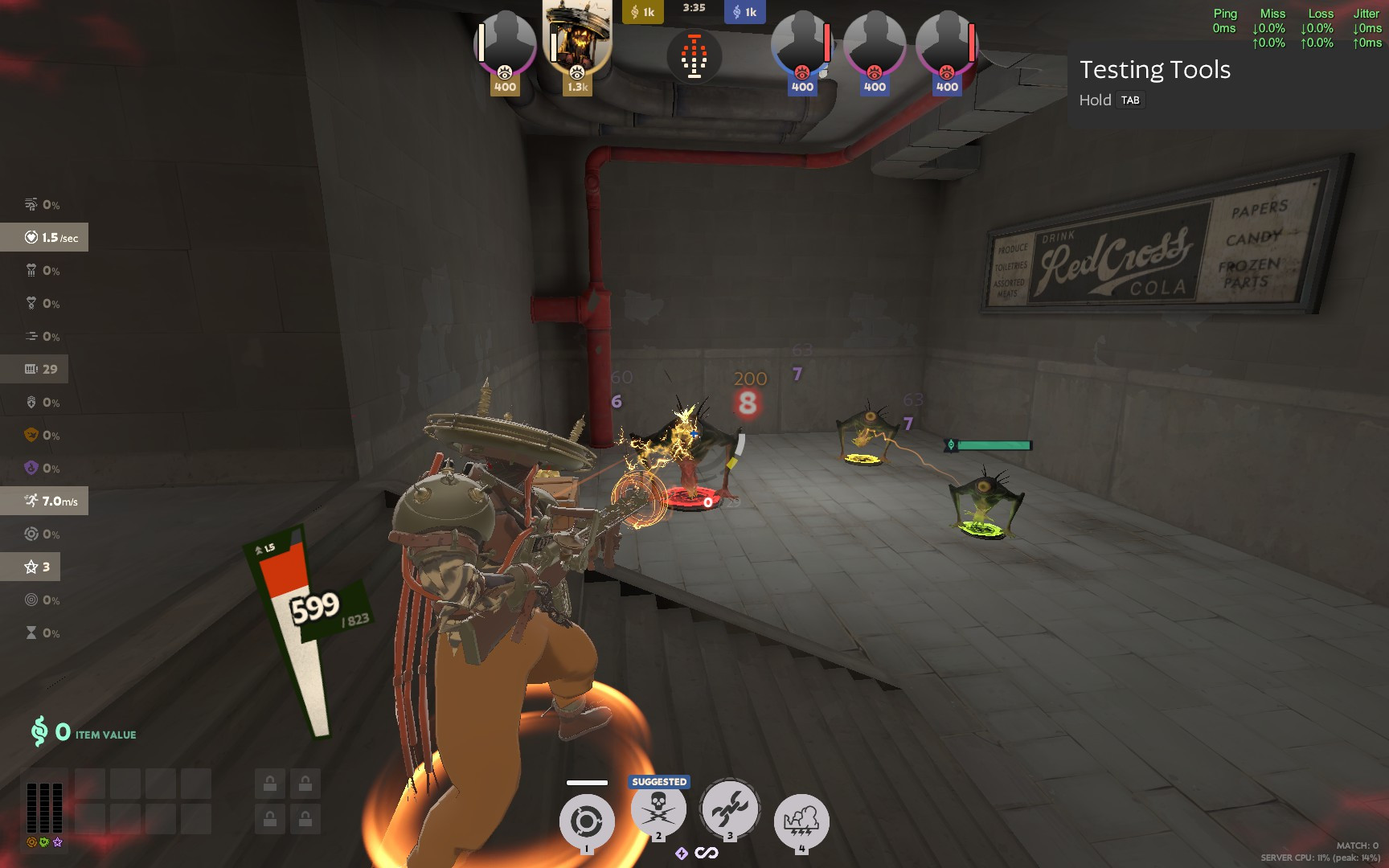
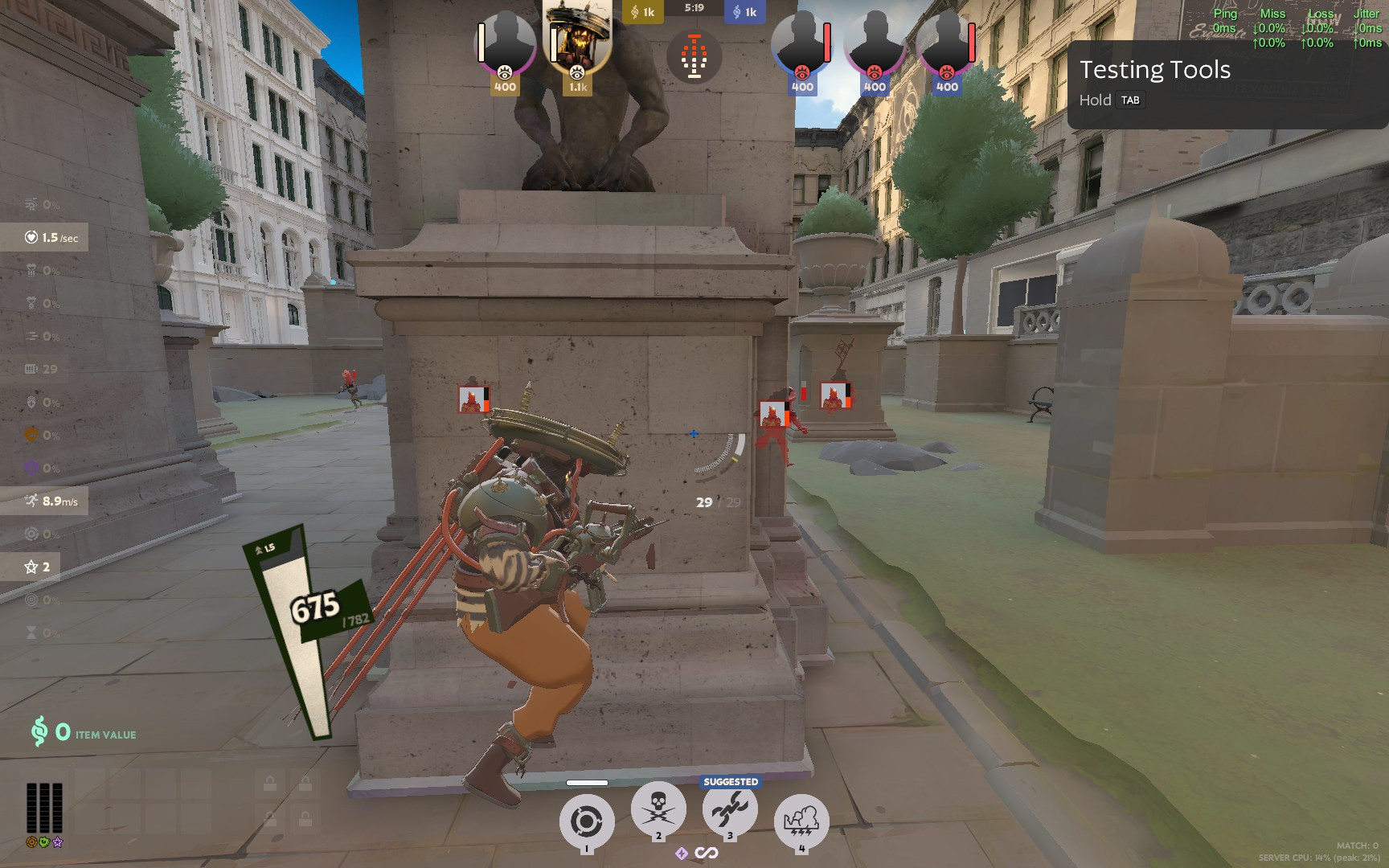
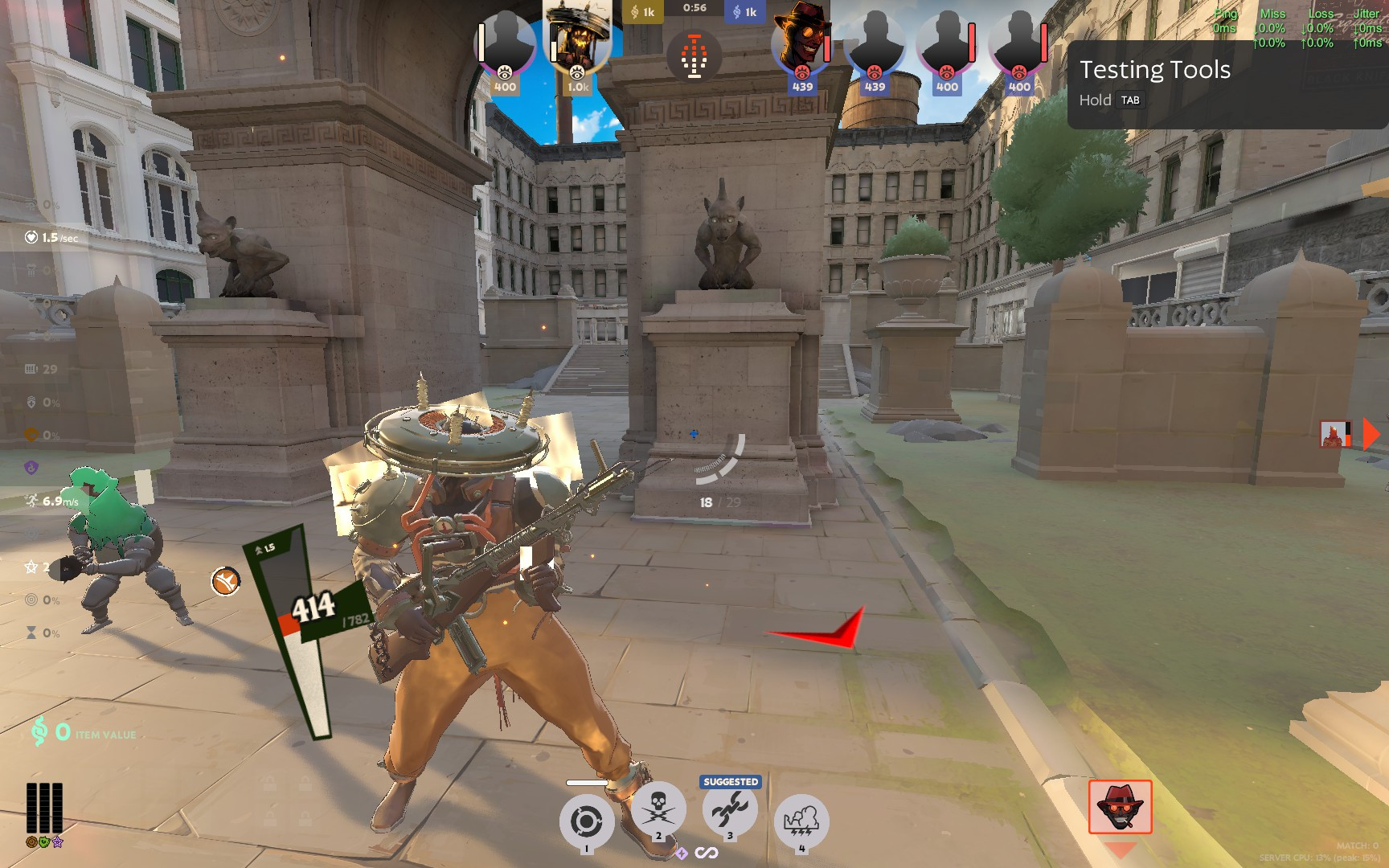
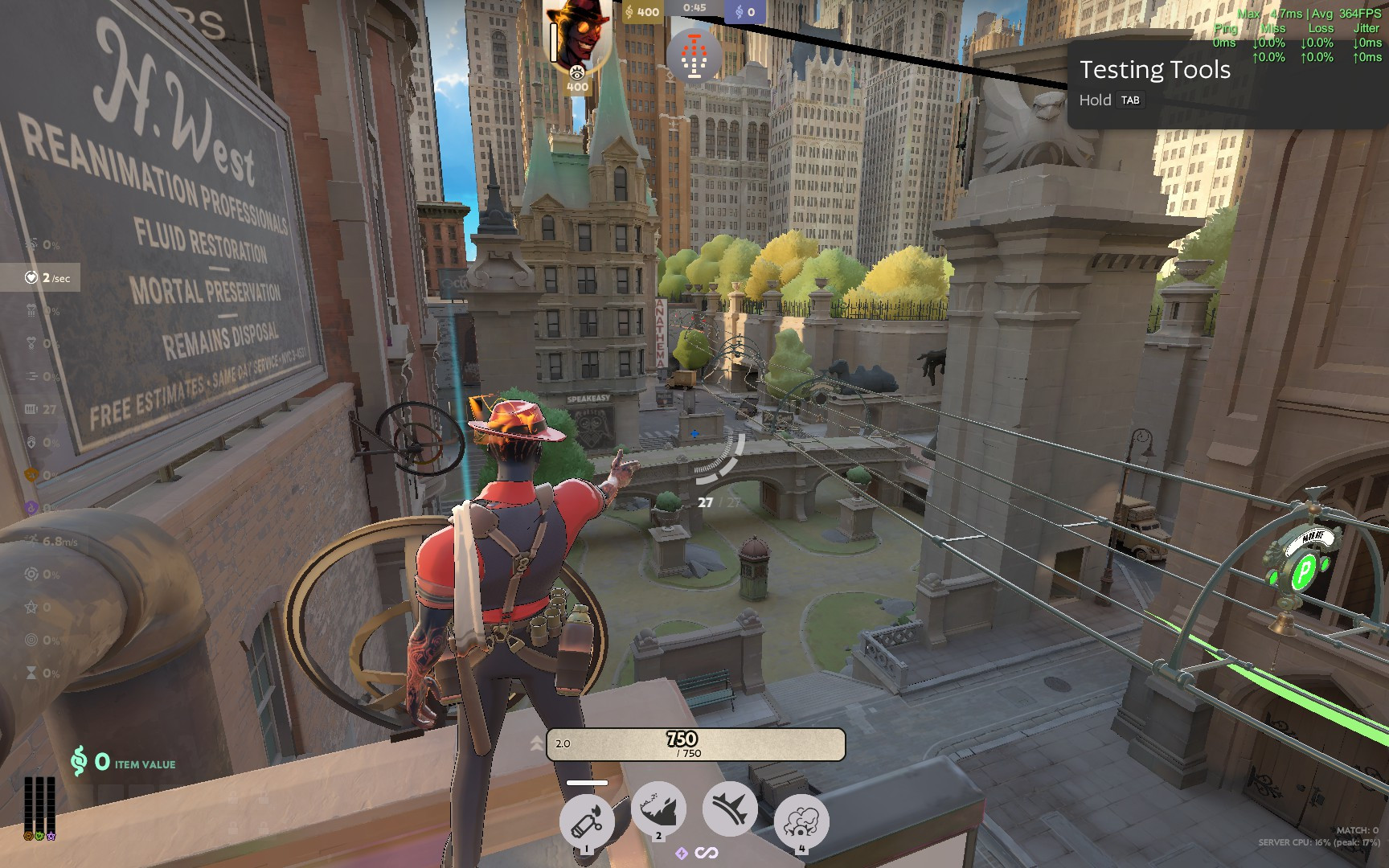
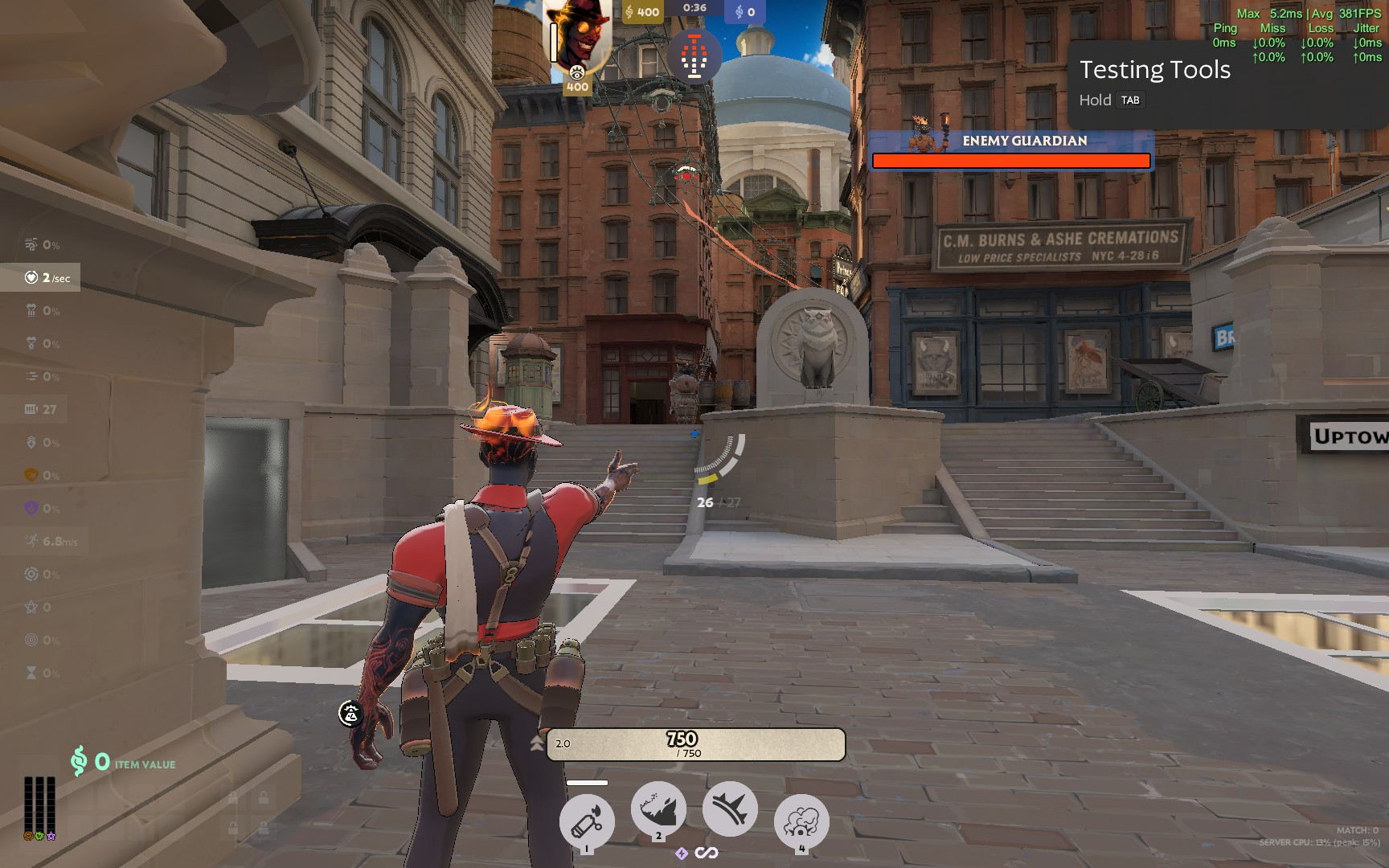
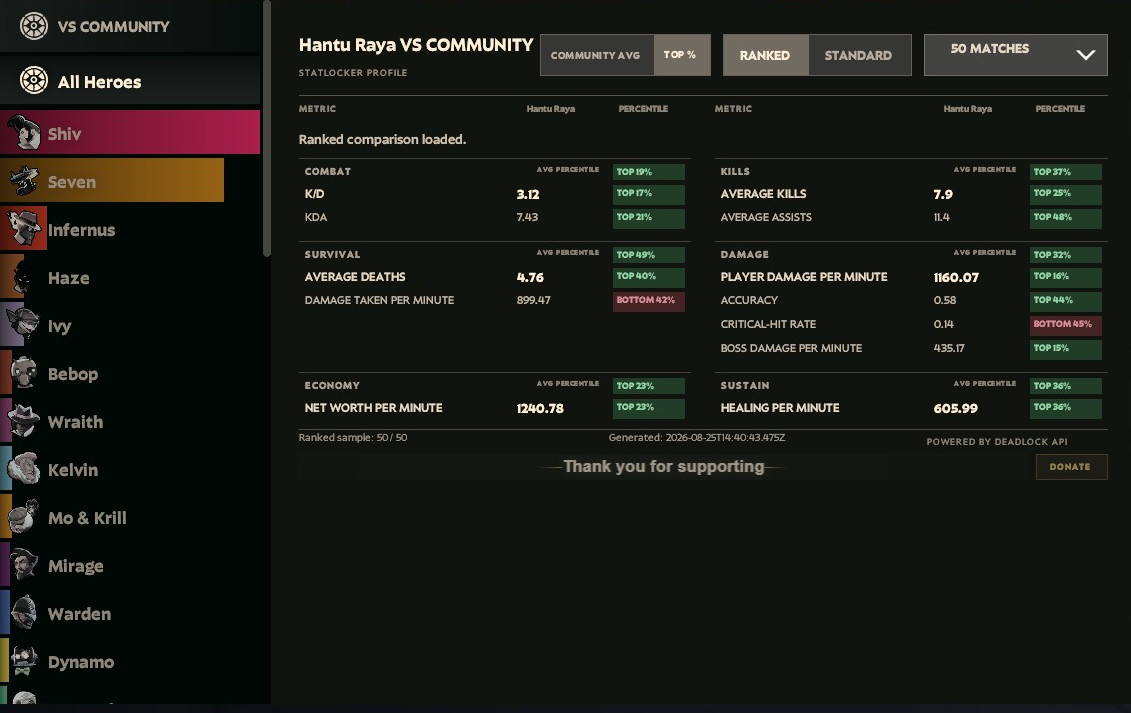
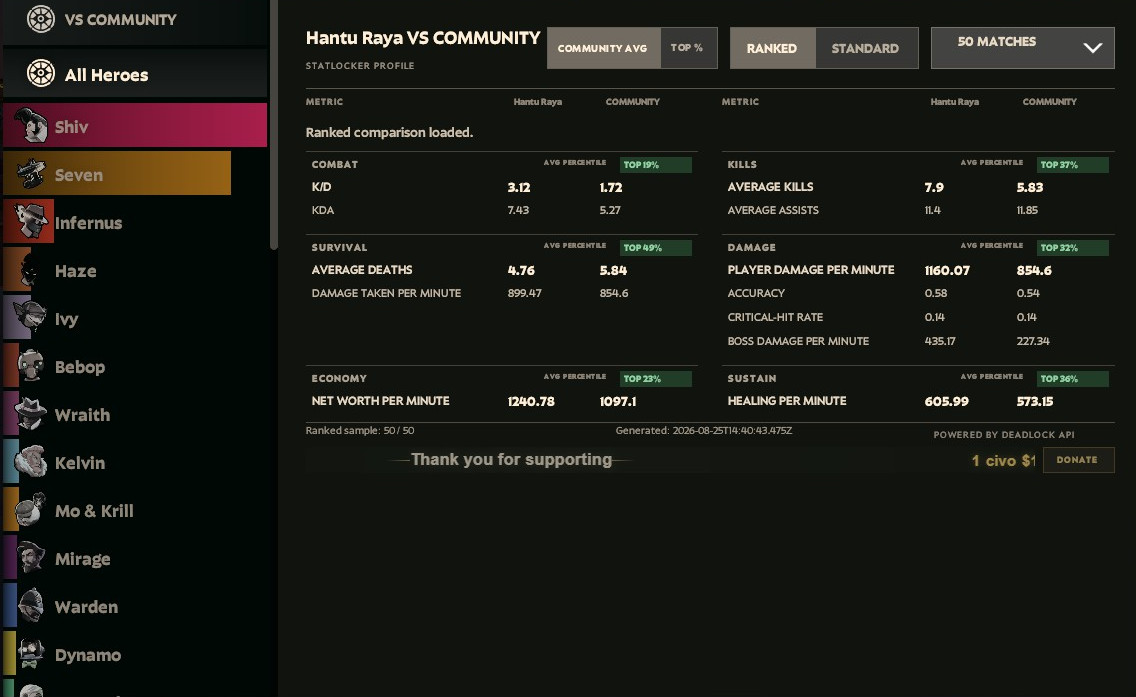
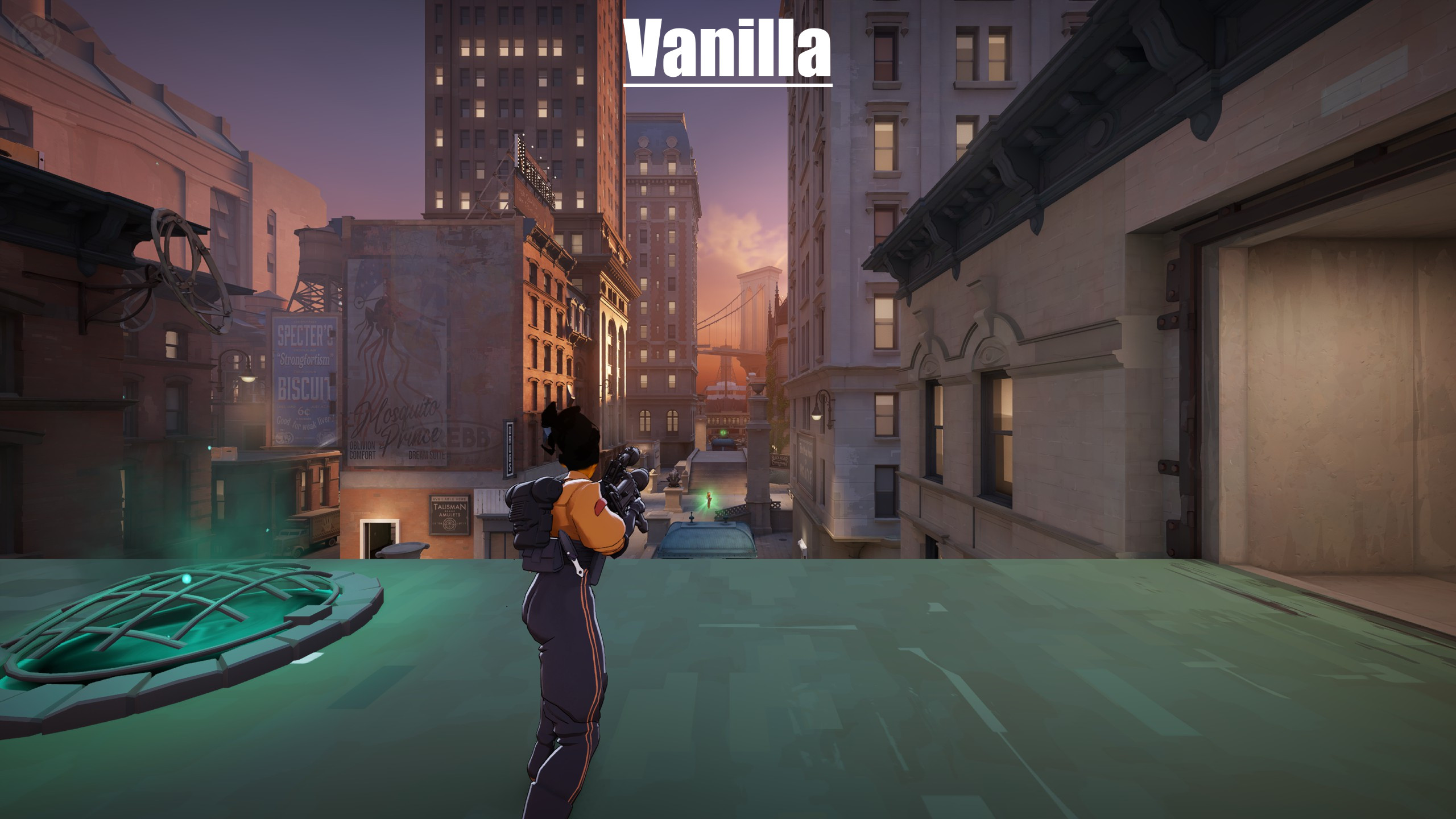
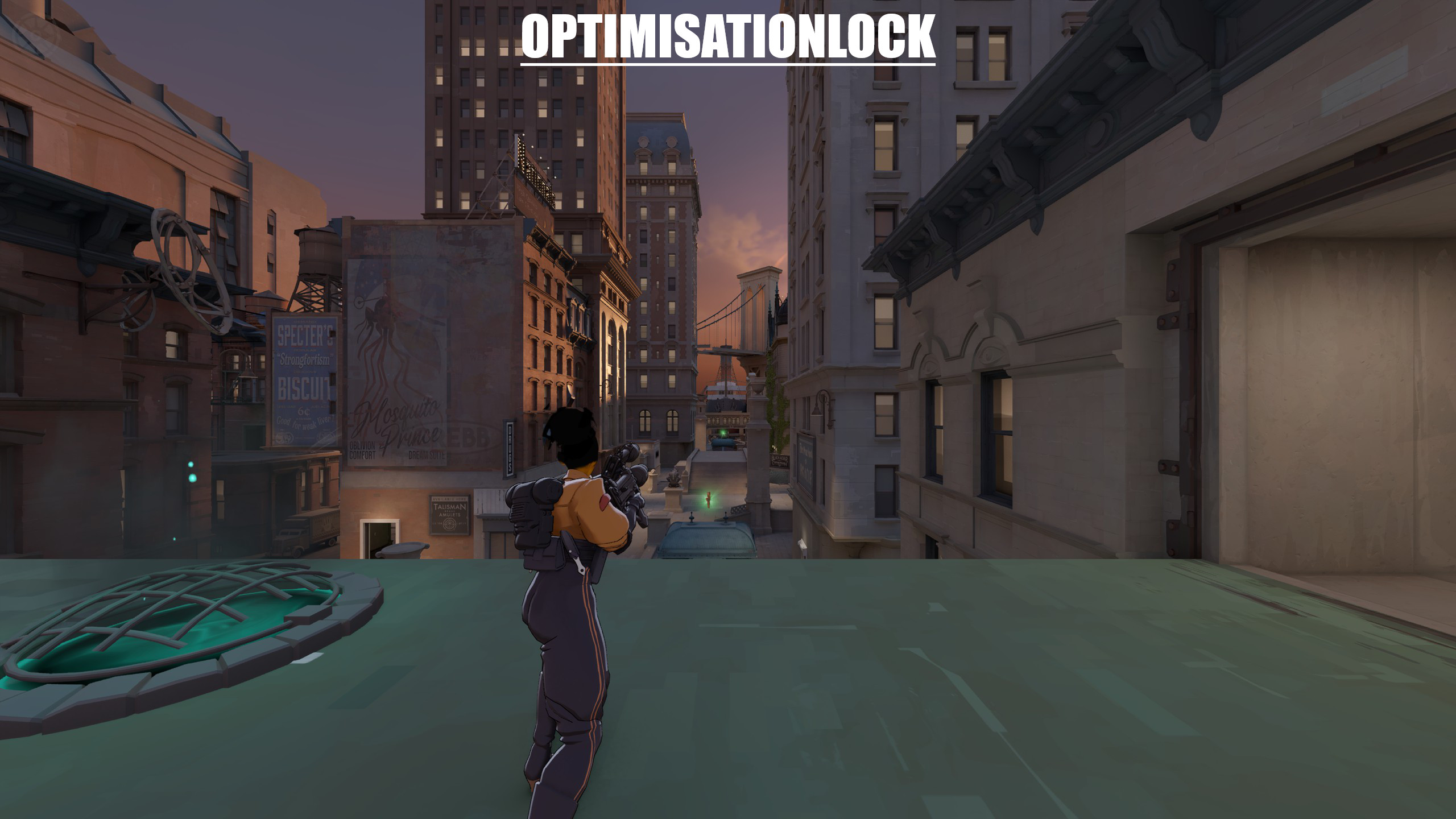


About Deadlock Competitive Config
Deadlock Competitive Config is a community Quality of Life in Deadlock.
Creation
Deadlock Competitive Config was made by the community. The current version is 1.0.
Popularity
Deadlock Competitive Config has been downloaded 9.1k times, liked 3 times and viewed 20k times on GameBanana.
Installation
The Open with button hands Deadlock Competitive Config to Deadlock Mod Manager or Grimoire; without a manager installed, the 25 KB archive's files go into the game's addons folder by hand.
How to install a Deadlock mod.
Availability
Deadlock Competitive Config is a free Deadlock mod; downloading and installing it costs nothing.
Read the Deadlock skin price forecast.
Updates
Deadlock Competitive Config was last updated May 31, 2026.
Frequently asked questions
How do I install Deadlock Competitive Config?
Press Open with to hand Deadlock Competitive Config to Deadlock Mod Manager or Grimoire, or download the 25 KB archive and copy its files into the game's addons folder.
Is Deadlock Competitive Config free?
Yes. Deadlock Competitive Config costs nothing to download or install.
How popular is Deadlock Competitive Config?
Deadlock Competitive Config has been downloaded 9.1k times and liked 3 times on GameBanana.