3D model coming soon
In-game UI
Replaced by this mod (48)
 absorbing_full_8x
 absorbing_full_8x_container
 absorbing_half_8x
 absorbing_half_8x_container
 absorbing_hardcore_full_8x
 absorbing_hardcore_full_8x_container
 absorbing_hardcore_half_8x
 absorbing_hardcore_half_8x_container
 absorption_full_8x
 absorption_half_8x
 container_8x
 container_blinking_8x
 container_blinking_half_8x
 container_half_8x
 container_hardcore_8x
 container_hardcore_blinking_8x
 food_8x
 food_empty_8x
 food_half_8x
 frozen_full_8x
 frozen_full_8x_container
 frozen_half_8x
 frozen_half_8x_container
 frozen_hardcore_full_8x
 frozen_hardcore_full_8x_container
 frozen_hardcore_half_8x
 frozen_hardcore_half_8x_container
 full_8x
 full_8x_container
 green_full_8x
 green_half_8x
 half_8x
 half_8x_container
 hardcore_full_8x
 hardcore_full_8x_container
 hardcore_half_8x
 hardcore_half_8x_container
 hotbar_8x
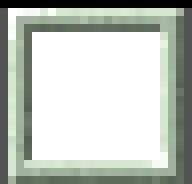 hotbar_selection_8x
 experience_bar_background_8x
 experience_bar_progress_8x
 orange_full_8x
 orange_half_8x
 poisoned_full_8x
 poisoned_full_8x_container
 poisoned_half_8x
 poisoned_half_8x_container
 poisoned_hardcore_full_8x
 bytenodeMain Author
Description
FONT INSTALLATION INSTRUCTIONS:
1) Unzip the minecraft_fonts.zip file. Inside, there should be a single folder labeled "game".
2) Drag the "game" folder into the folder that opens when you right-click the game in your Steam library and go to "Manage > Browse local files".
3) It might tell you that the file already exists. Override the existing file if this happens.
4) Font installation should be complete.
I'm working with the Deadlock Mod Manager devs to make this process automatic, but this should work in the meantime.
"Yeah, but your scientists were so preoccupied with whether or not they could, they didn't stop to think if they should." -- Dr. Ian Malcolm (Jurassic Park, 1993)
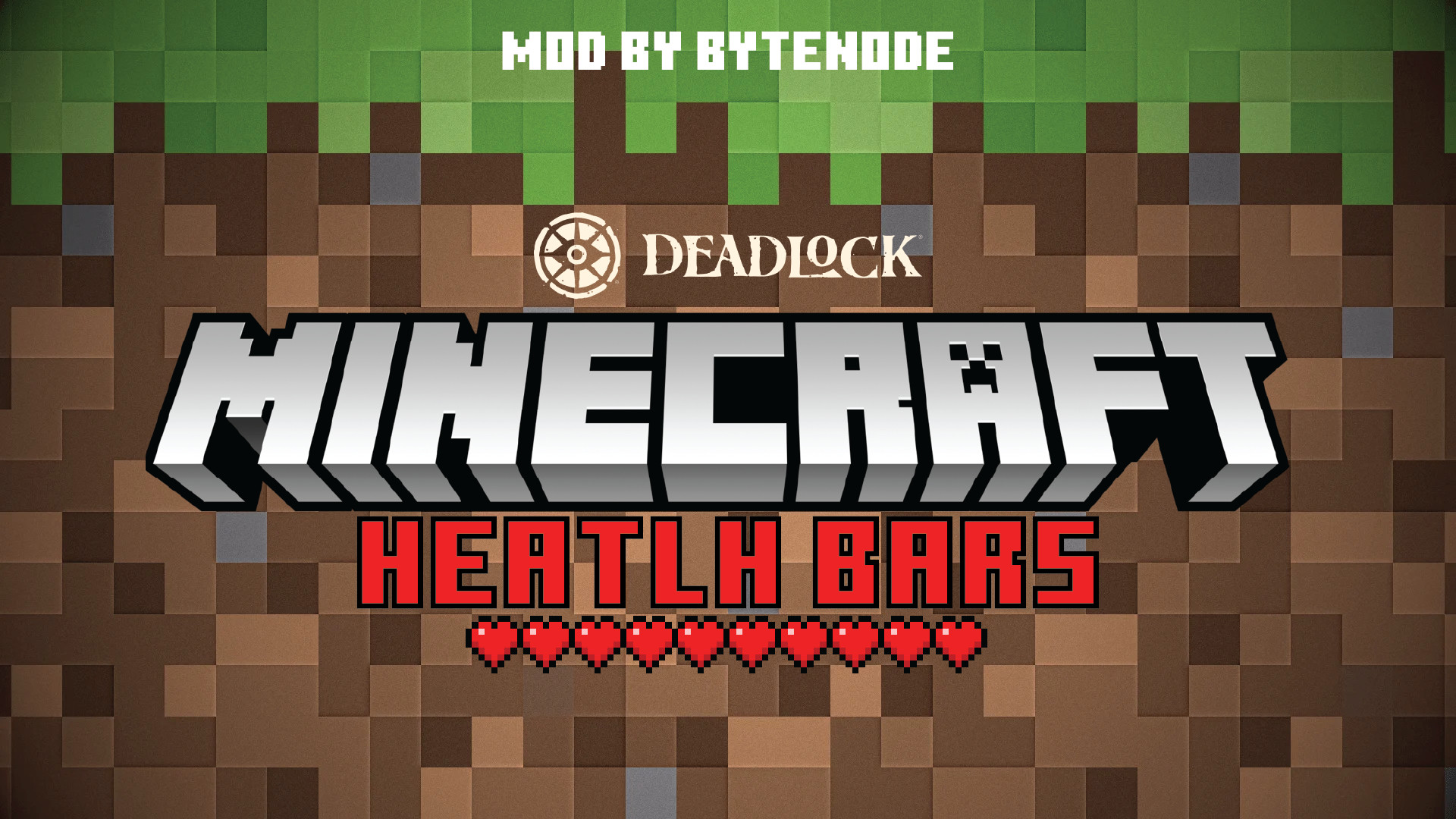
Have you ever thought to yourself, "Man, Deadlock is nice, but I wish the health bar was replaced with a Minecraft one?" You haven't thought that? Well, too bad! Introducing...
Minecraft Health Bar: RESPAWNED
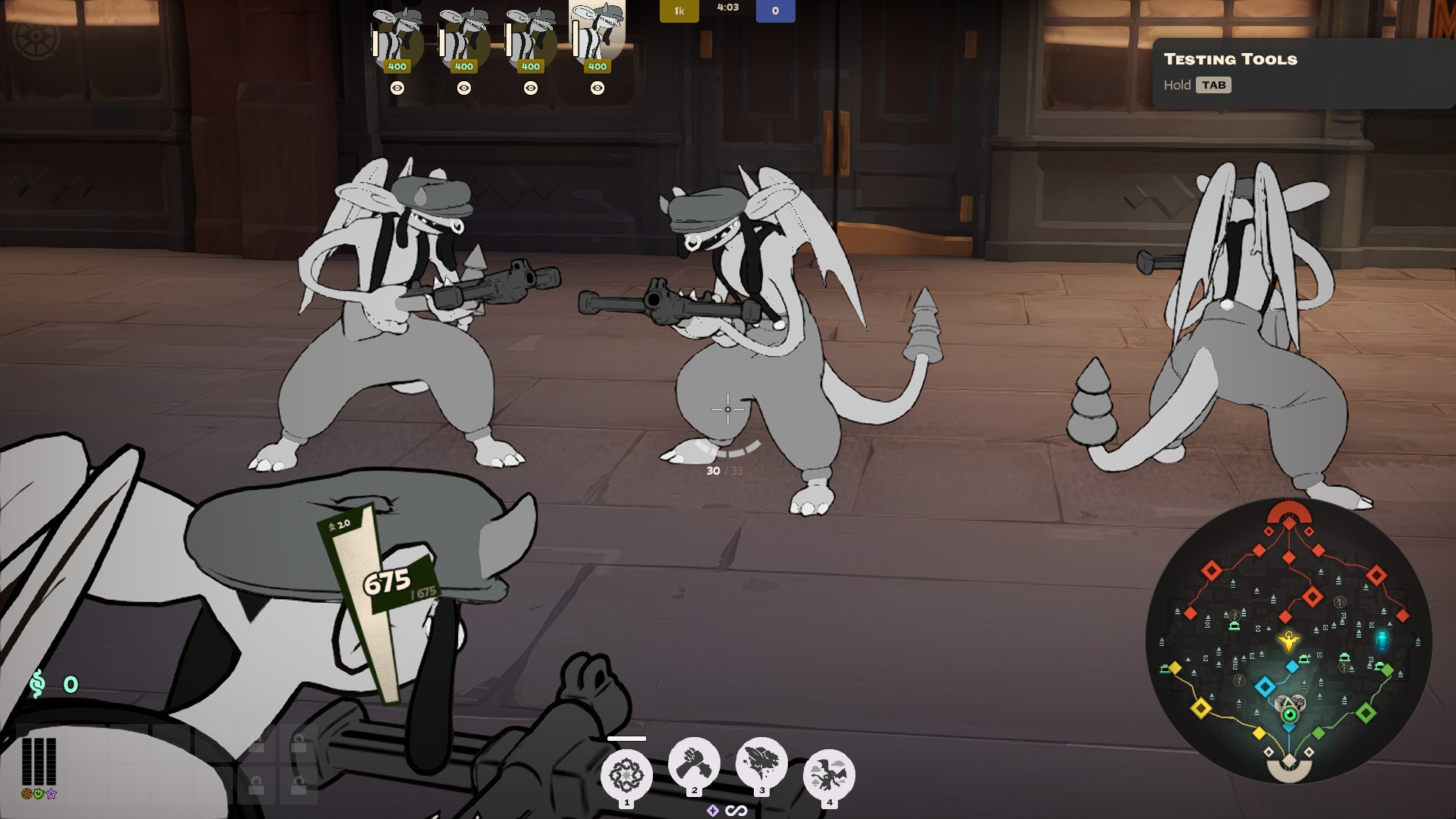
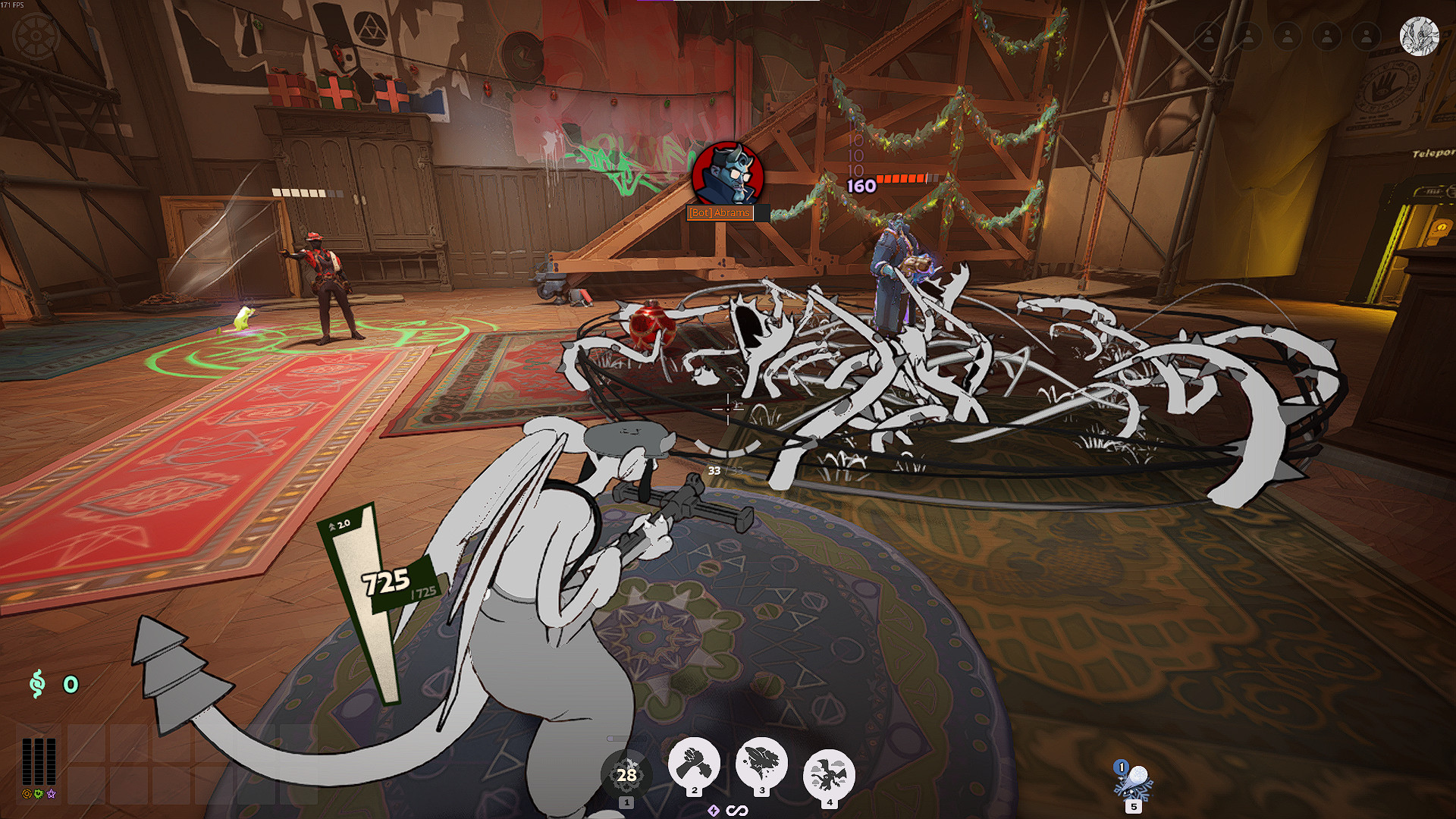
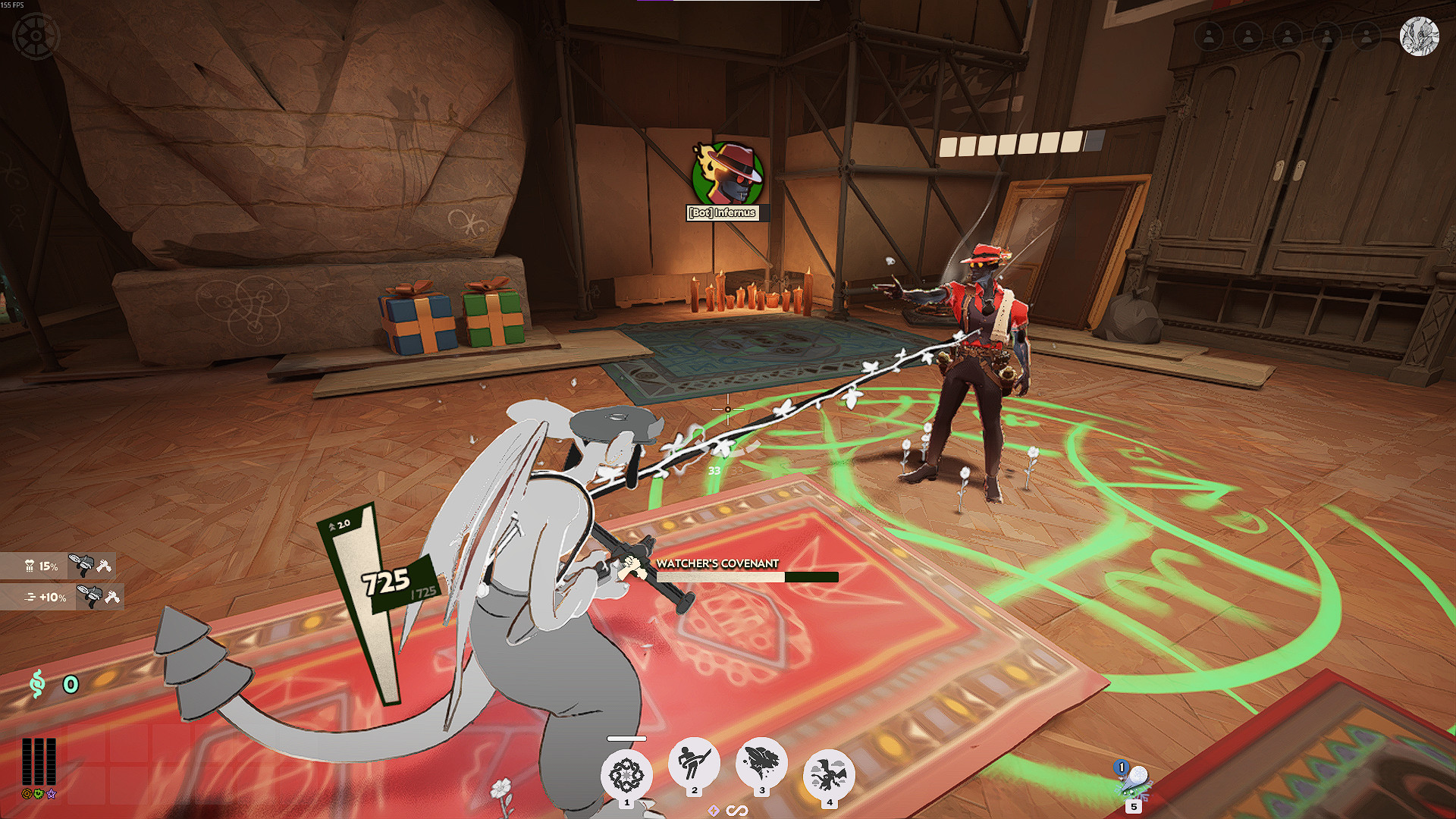
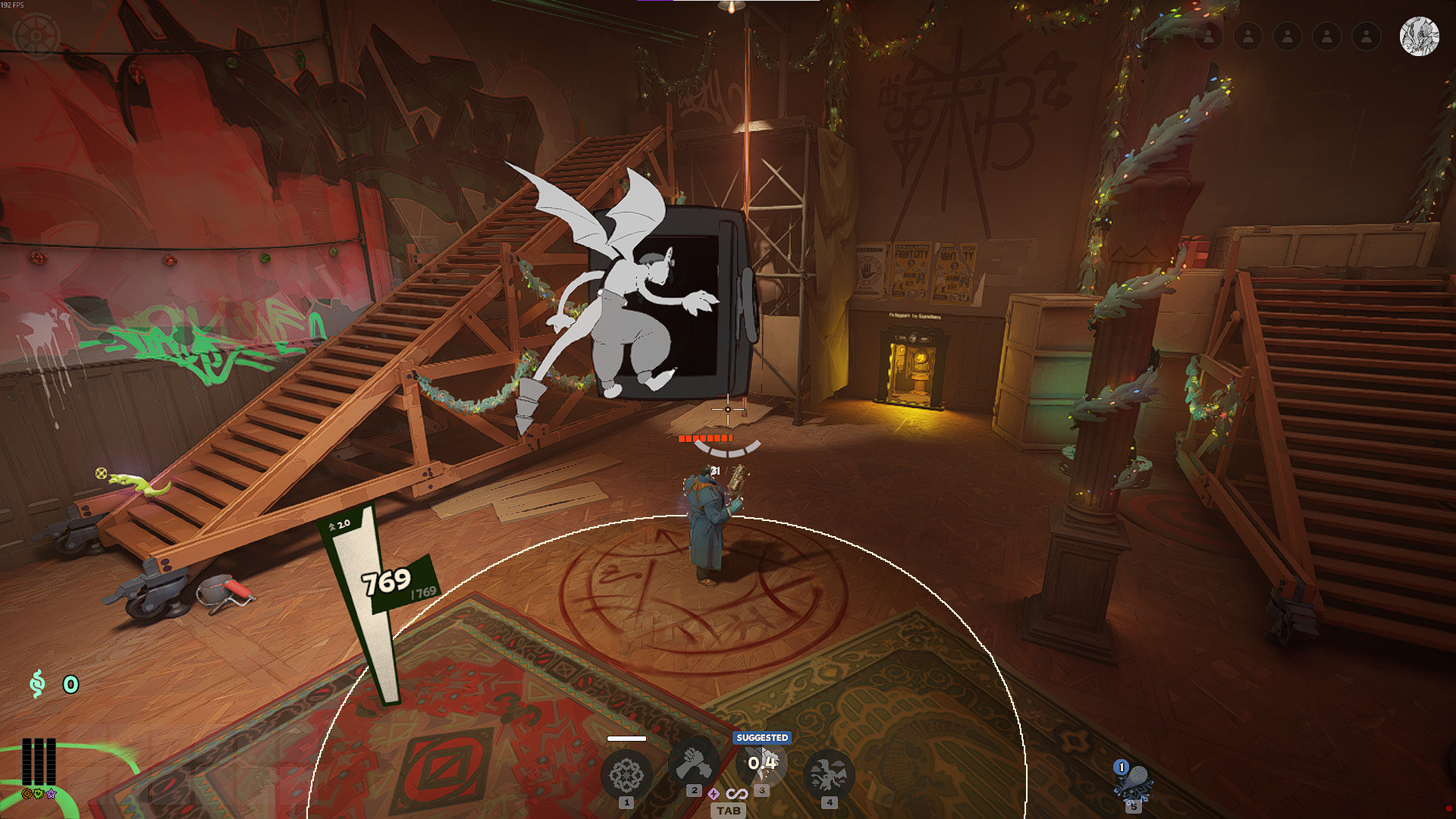
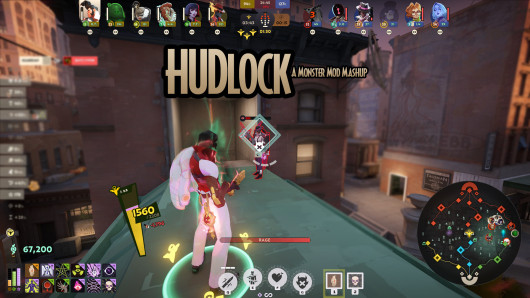
This mod Minecraft-izes various parts of the Deadlock HUD. Features include, but are not limited to:- Health Bar converted to Minecraft hearts (works with regen health from Healing Rite as well as deferred health from Shiv)
- Barrier Bar converted to absorption hearts
- Hunger bar displays stamina
- XP bar displays boon level and progress towards next level
- Ability and active items displayed in inventory hotbar
This mod should work properly on 16x9, 16x10, and 21x9 aspect ratios. If you have any issues or suggestions, please leave a comment. I'll try to read as many as I can.
If you have screenshots you would like to share, please send them to me over Discord at @bytenode. I might add them to the mod page!
Special Thanks starlyn.
Files




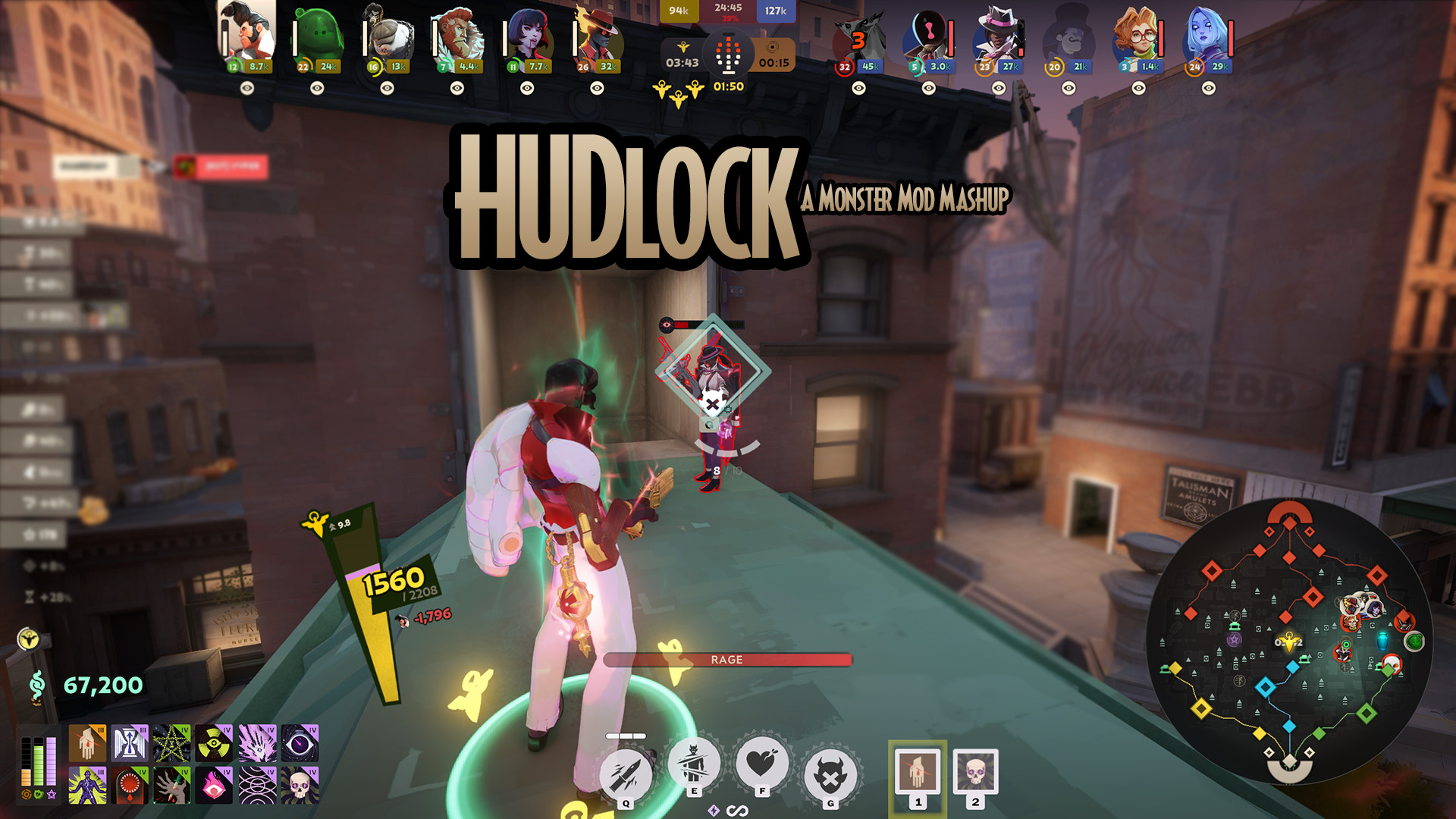
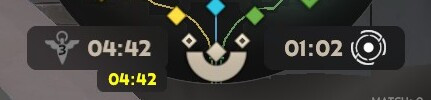
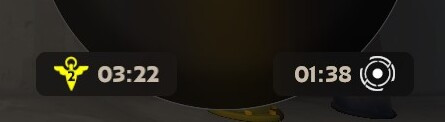
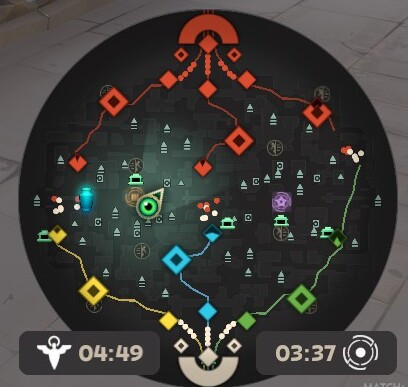
![Top Bar Plus [Beta]](https://assets.skintel.gg/upstream/gamebanana/a0c59bd1eed304e1ed21899b4d6e78f1969c6839668649ddfd5518d023811391.jpg)
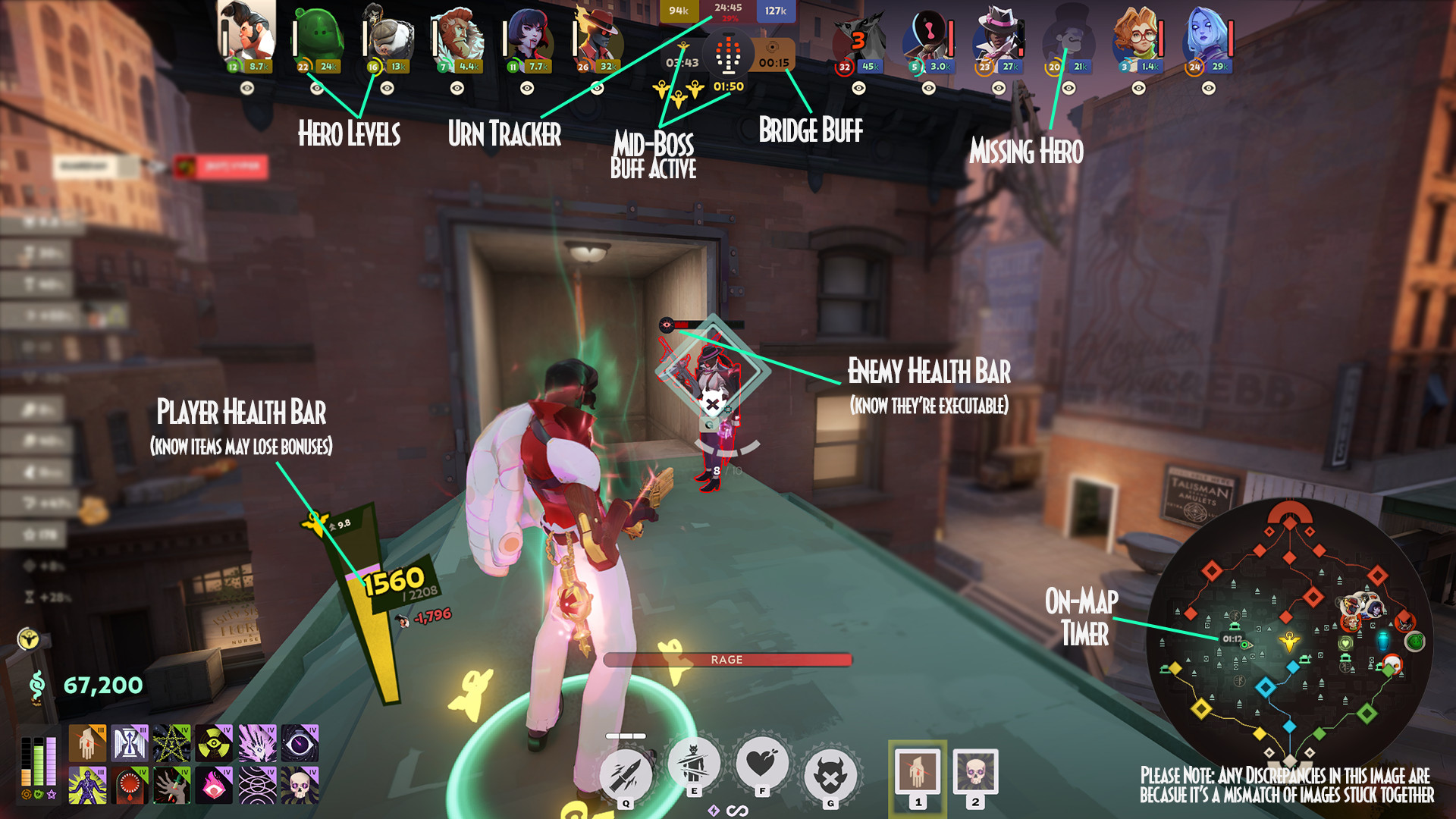
![Top Bar Plus [Beta] image 2](https://assets.skintel.gg/upstream/gamebanana/29674b96150aa66b8d6018424419c8a78007235d8d328d00b4e7883ad7a43575.jpg)
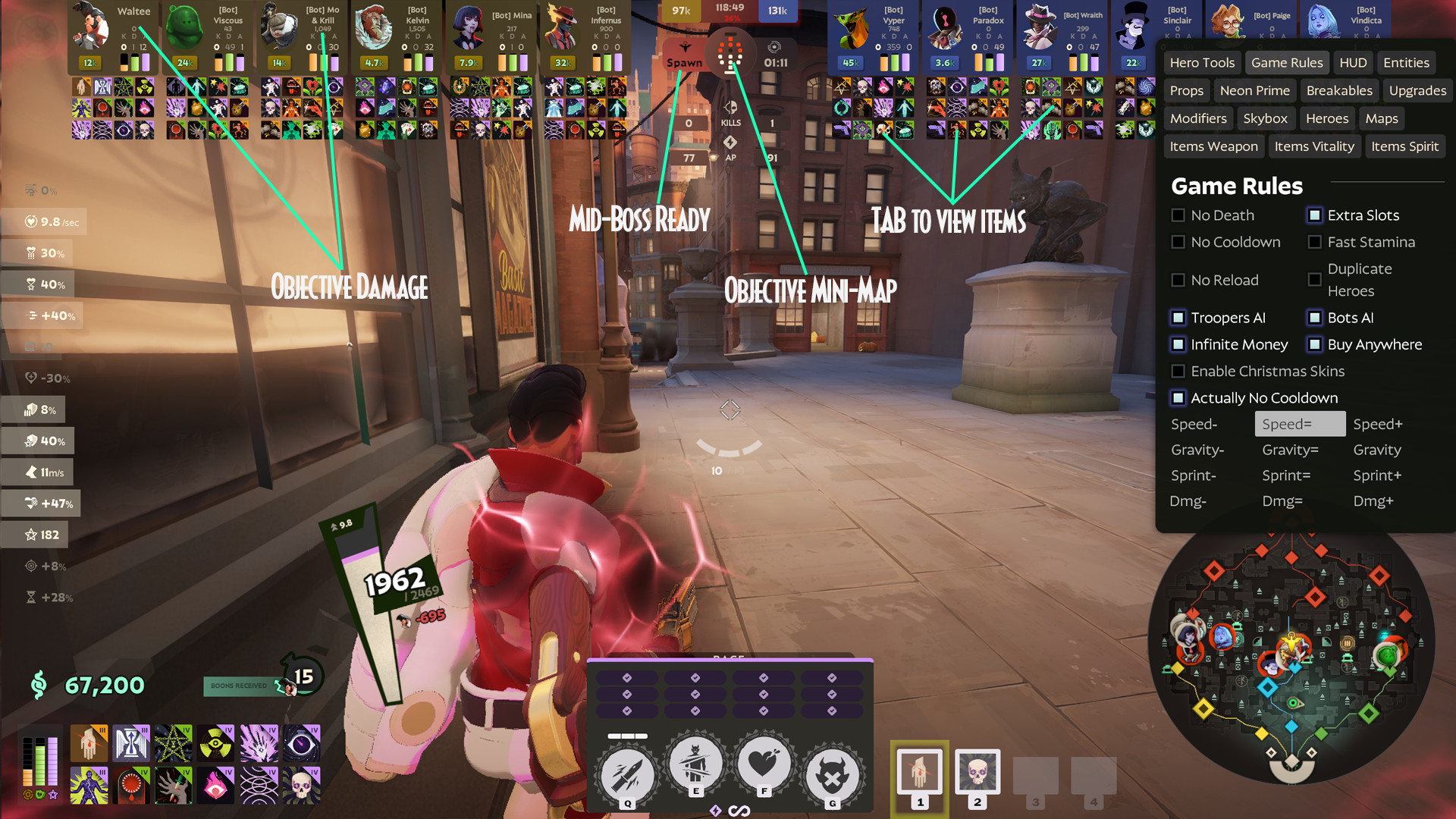
![Top Bar Plus [Beta] image 3](https://assets.skintel.gg/upstream/gamebanana/5c66ea0fed88b2849a06ac464bfac8ee1a0c81bda4ddb1555532d43fdd497ffa.jpg)
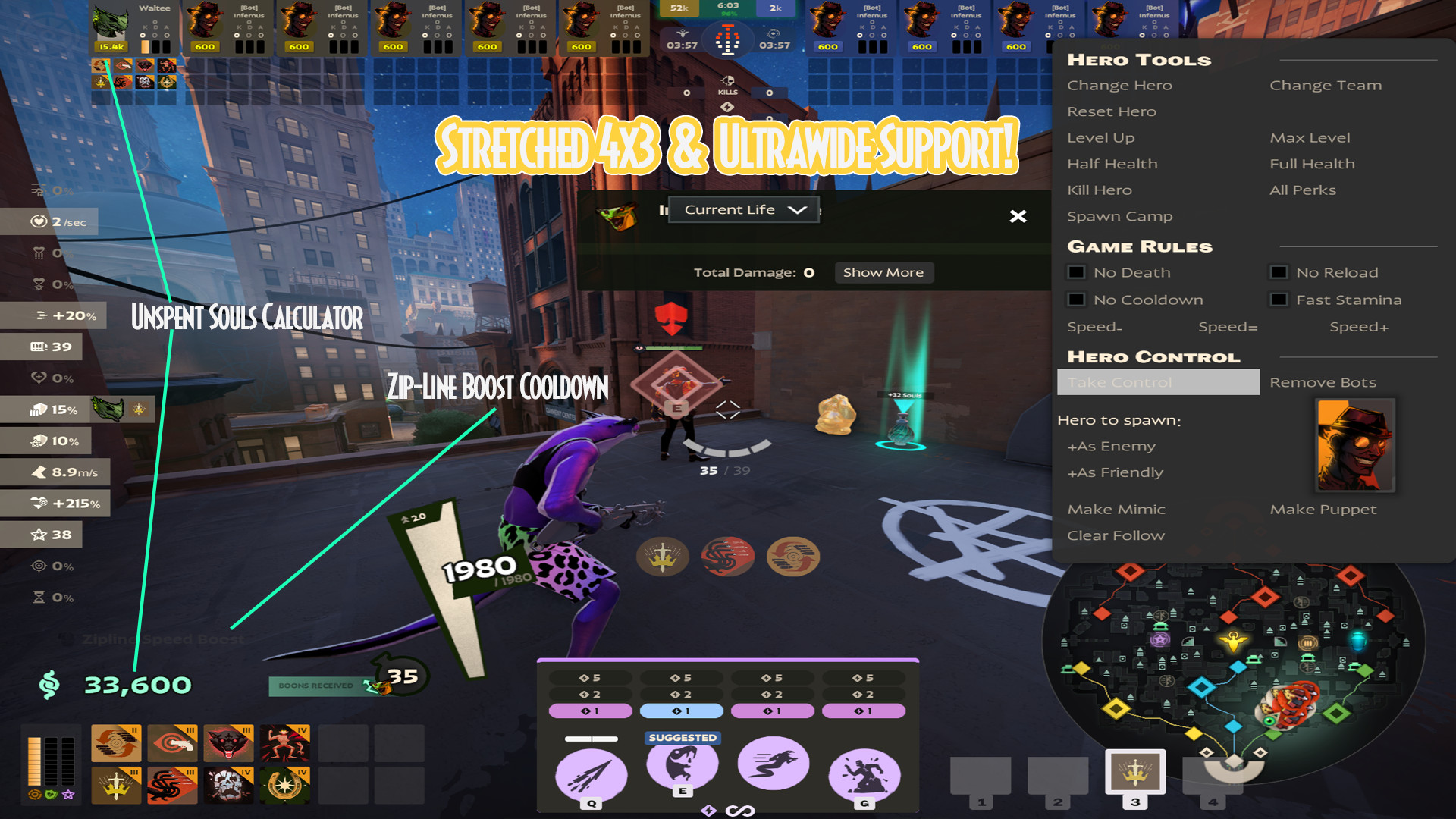
![Top Bar Plus [Beta] image 4](https://assets.skintel.gg/upstream/gamebanana/4d036ffd43a30d28a373be9c675648905e44a5677ab6eef84e4ca5fc9a379b0e.jpg)
![Top Bar Plus [Beta] image 5](https://assets.skintel.gg/upstream/gamebanana/8e0484c084c0e4be8f50fb6bff9dd607e15034752078118eff637d9193c330f5.jpg)



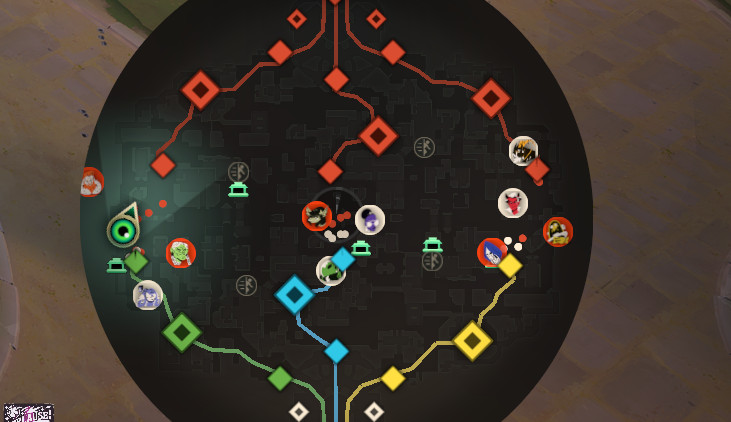
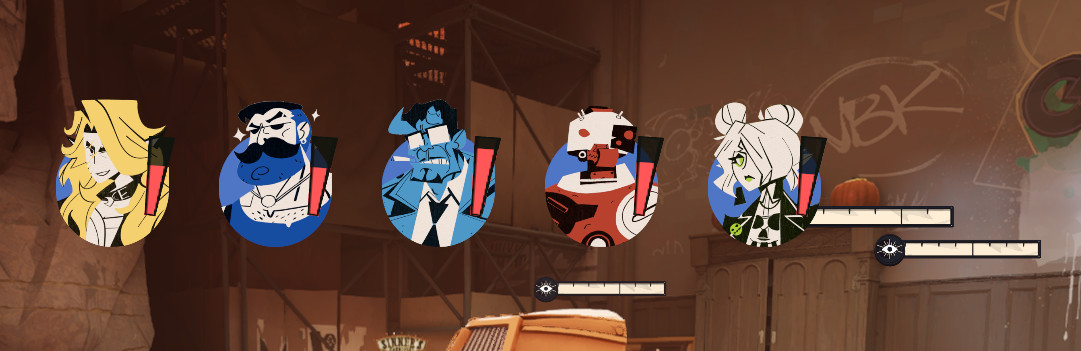
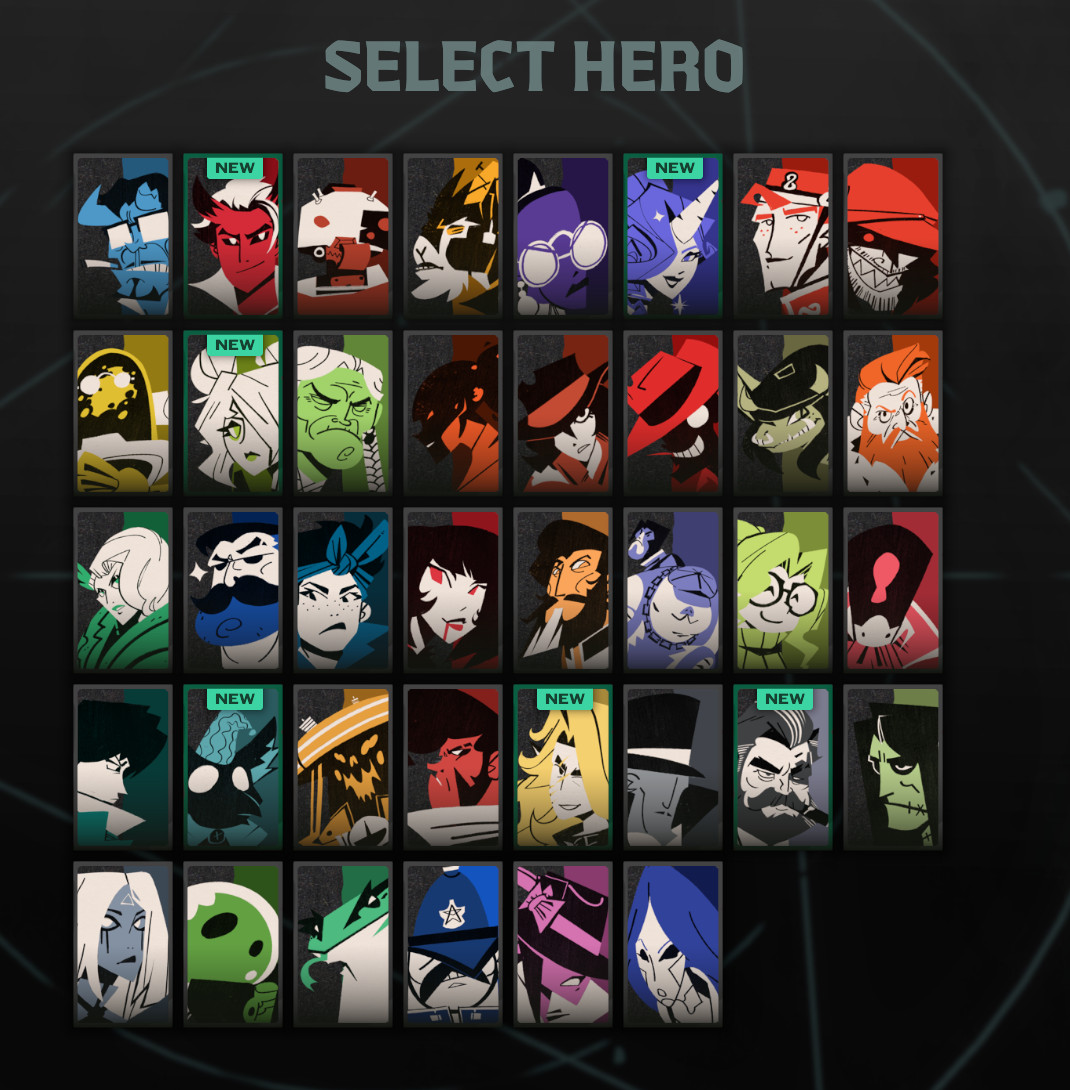
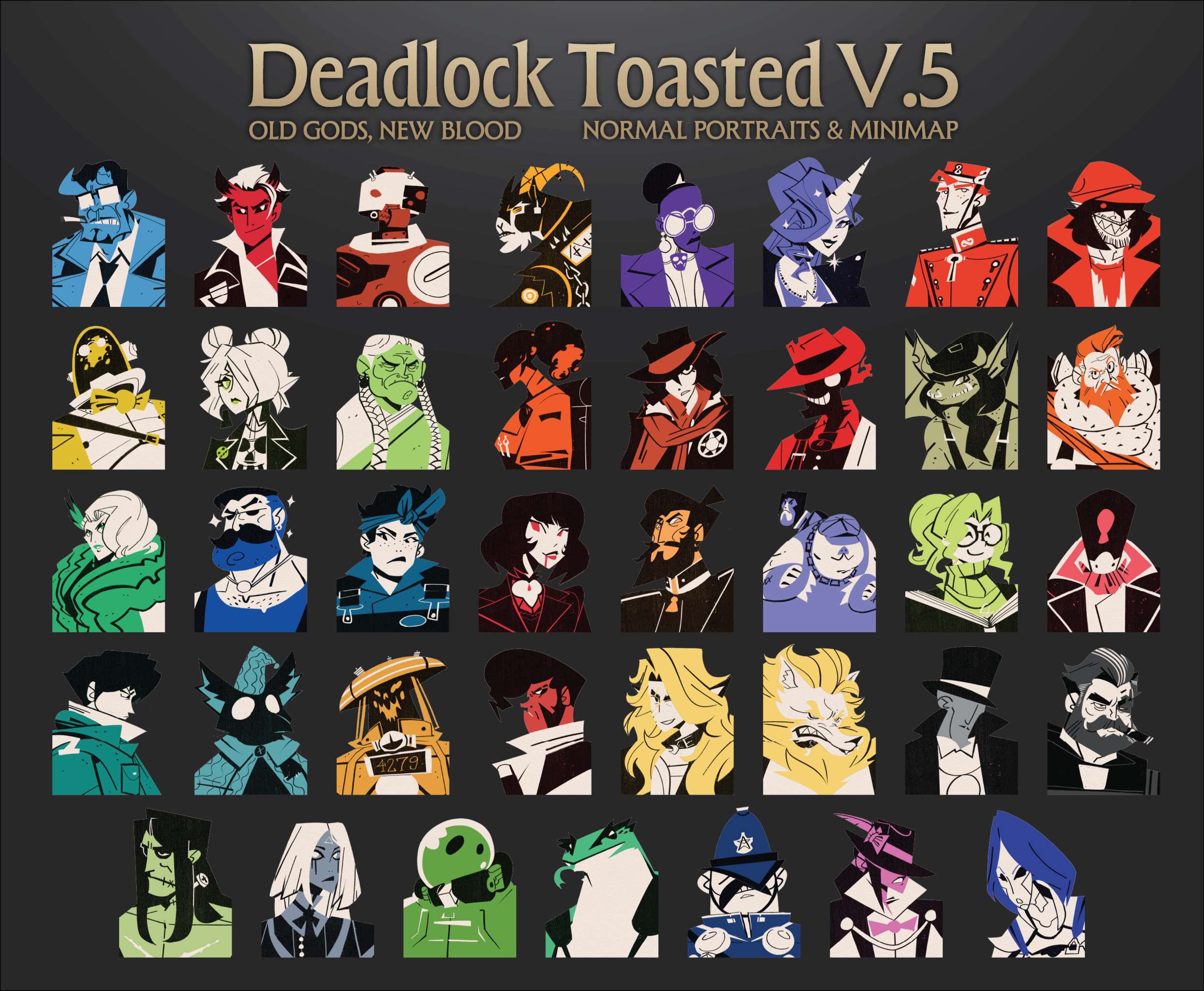
![[OLD GODS NEW BLOOD] DARKEST DEADLOCK Portraits](https://assets.skintel.gg/upstream/gamebanana/678089821b6baed29ec029529582de5f5eacb40a8b74f29d086eb5bdb6319225.jpg)
![[OLD GODS NEW BLOOD] DARKEST DEADLOCK Portraits image 2](https://assets.skintel.gg/upstream/gamebanana/eecb6672adc7f5717dcfdd60ca922cf98b70ca80758a67c1a427072edfec9332.jpg)
![[OLD GODS NEW BLOOD] DARKEST DEADLOCK Portraits image 3](https://assets.skintel.gg/upstream/gamebanana/a890a9becabdee04a01511f9e22ea5aa4e53c61fe857c995331fad813e1d28ac.jpg)
![[OLD GODS NEW BLOOD] DARKEST DEADLOCK Portraits image 4](https://assets.skintel.gg/upstream/gamebanana/3ea1d86c17d353a2b65effe9ec609aa7a8bcd6e2f9f26ec2f392d25b22a62825.jpg)
![[OLD GODS NEW BLOOD] DARKEST DEADLOCK Portraits image 5](https://assets.skintel.gg/upstream/gamebanana/615ad94d0c6bb40d77129f80ba95e34cb8585b9d13ec8d84a3d17fedbb950a40.jpg)
![[OLD GODS NEW BLOOD] DARKEST DEADLOCK Portraits image 6](https://assets.skintel.gg/upstream/gamebanana/3ca8b489c746d109168376599f7286ce77a37c763f4e4c1771565ec21b4beb72.jpg)
![[OLD GODS NEW BLOOD] DARKEST DEADLOCK Portraits image 7](https://assets.skintel.gg/upstream/gamebanana/f3e89e1cba8dc54d38d8444b33b8a2a136cec6b56e443bdb1d59fdbbdaa1e545.jpg)
![robo's Deadlock Portraits [V3 UPDATE! NEW HEROES!]](https://assets.skintel.gg/upstream/gamebanana/92c9d6bc7c56055fa9fedd90d8e78b0d21a184b0ff3c9da01a6bef2921358339.jpg)
![robo's Deadlock Portraits [V3 UPDATE! NEW HEROES!] image 2](https://assets.skintel.gg/upstream/gamebanana/45455033ea8aaa3f7390e6922edf21ce0aa8aebf0ba260fc6a489049ab4b6b1e.jpg)
![robo's Deadlock Portraits [V3 UPDATE! NEW HEROES!] image 3](https://assets.skintel.gg/upstream/gamebanana/5609b175042be7643a85390230ace4db64dddc8c3435288ccb015993e19f2e08.jpg)
![robo's Deadlock Portraits [V3 UPDATE! NEW HEROES!] image 4](https://assets.skintel.gg/upstream/gamebanana/cd3f5b146466d7bea51727facc5593da211ff2d73c8d74f285a44944d9a4fd6d.jpg)
![robo's Deadlock Portraits [V3 UPDATE! NEW HEROES!] image 5](https://assets.skintel.gg/upstream/gamebanana/7728887fbeda3067002fcd88502a242f056fe81ee4f836aca4fc59f776005b87.jpg)
![robo's Deadlock Portraits [V3 UPDATE! NEW HEROES!] image 6](https://assets.skintel.gg/upstream/gamebanana/8bb09869aa54fb1ed0d96fdf63d09abb8d271d52115076dc63ff6a8cb0d35814.jpg)
About Minecraft Health Bar: RESPAWNED
Minecraft Health Bar: RESPAWNED is a community HUD in Deadlock.
Popularity
Minecraft Health Bar: RESPAWNED has been downloaded 31k times, liked 26 times and viewed 12k times on GameBanana.
Installation
The Open with button hands Minecraft Health Bar: RESPAWNED to Deadlock Mod Manager or Grimoire; without a manager installed, the 239 KB archive's files go into the game's addons folder by hand.
How to install a Deadlock mod.
Availability
Minecraft Health Bar: RESPAWNED is a free Deadlock mod; downloading and installing it costs nothing.
Read the Deadlock skin price forecast.
Updates
Minecraft Health Bar: RESPAWNED was last updated Jun 5, 2026.
Frequently asked questions
How do I install Minecraft Health Bar: RESPAWNED?
Press Open with to hand Minecraft Health Bar: RESPAWNED to Deadlock Mod Manager or Grimoire, or download the 239 KB archive and copy its files into the game's addons folder.
Is Minecraft Health Bar: RESPAWNED free?
Yes. Minecraft Health Bar: RESPAWNED costs nothing to download or install.
How popular is Minecraft Health Bar: RESPAWNED?
Minecraft Health Bar: RESPAWNED has been downloaded 31k times and liked 26 times on GameBanana.