In-game UI
Game defaults (11)
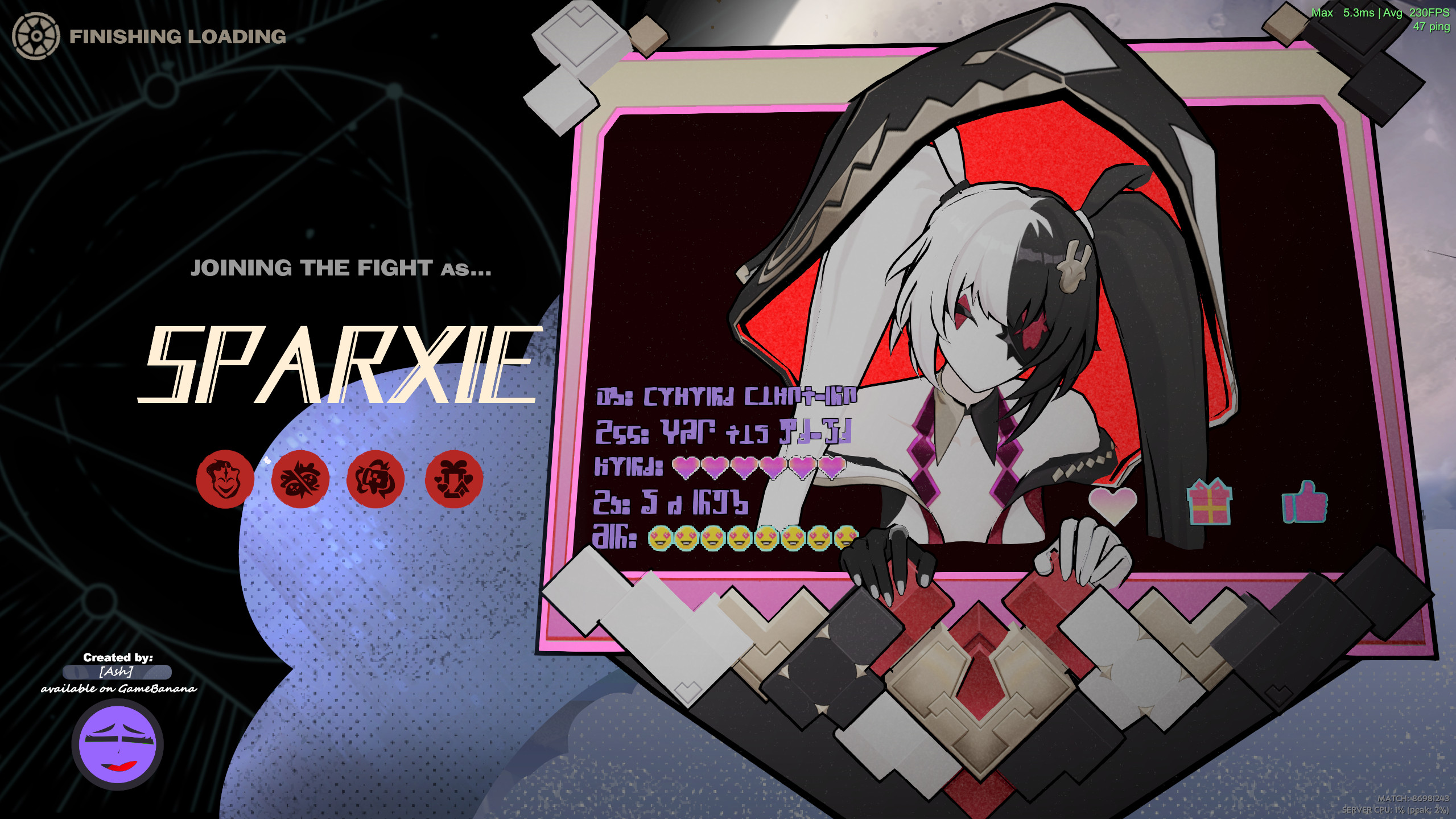
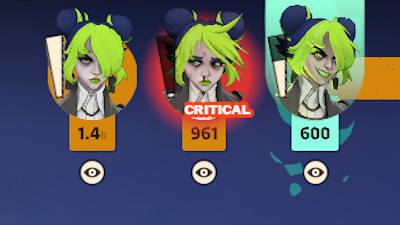
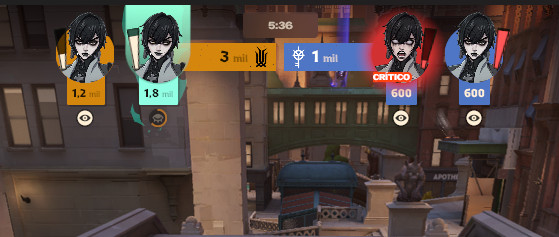
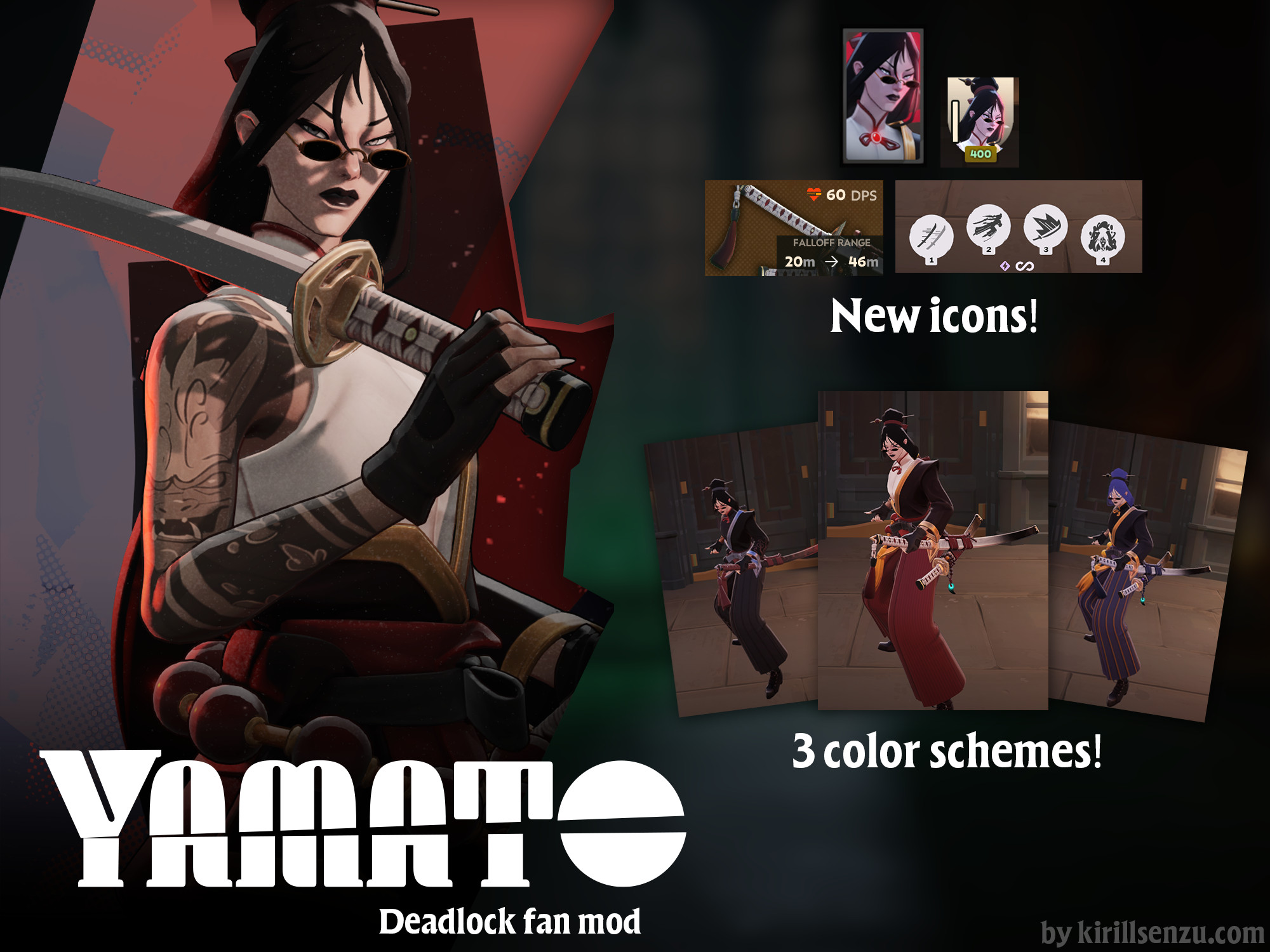
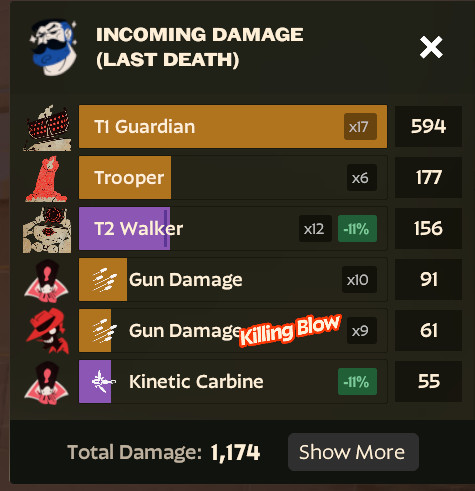
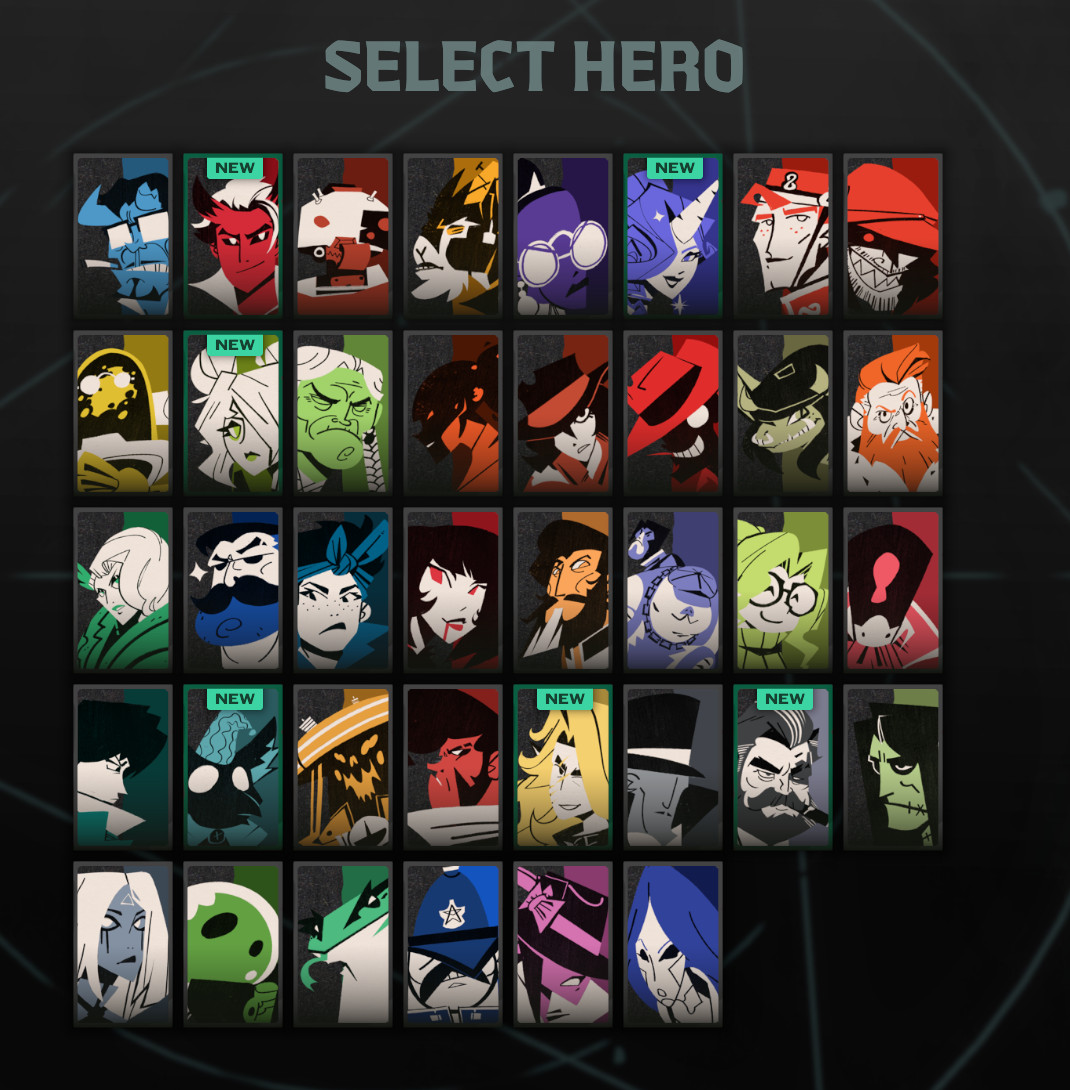
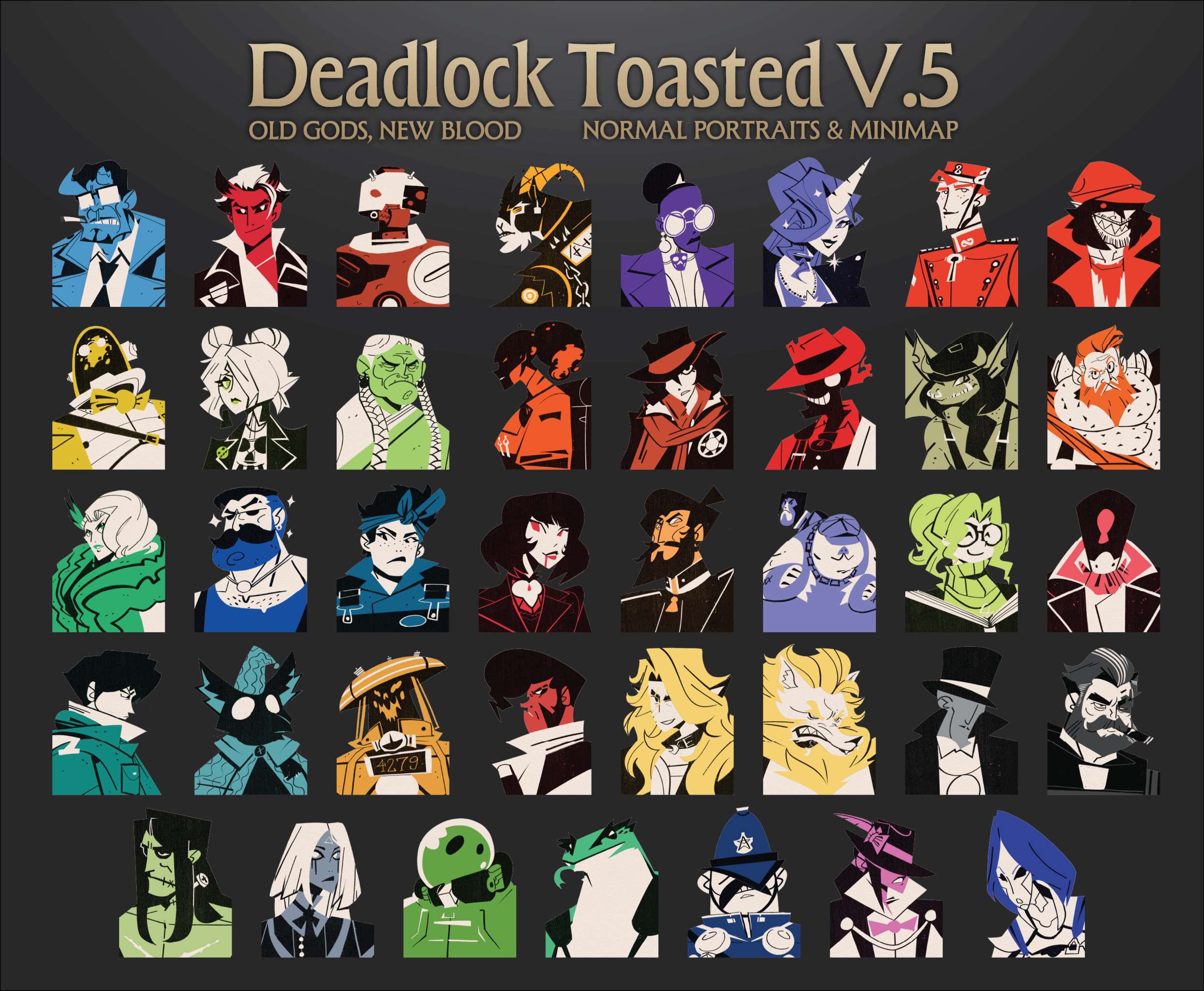
 Hero Card
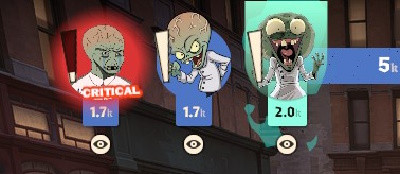
 Gloat
Gloat Critical
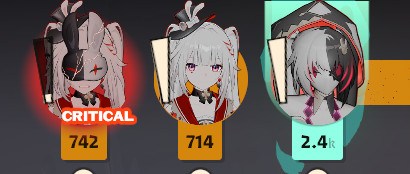
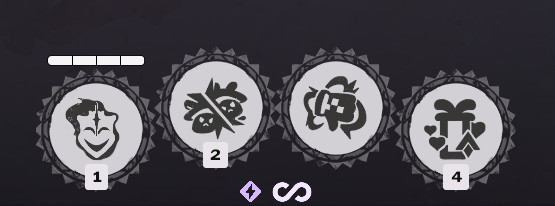
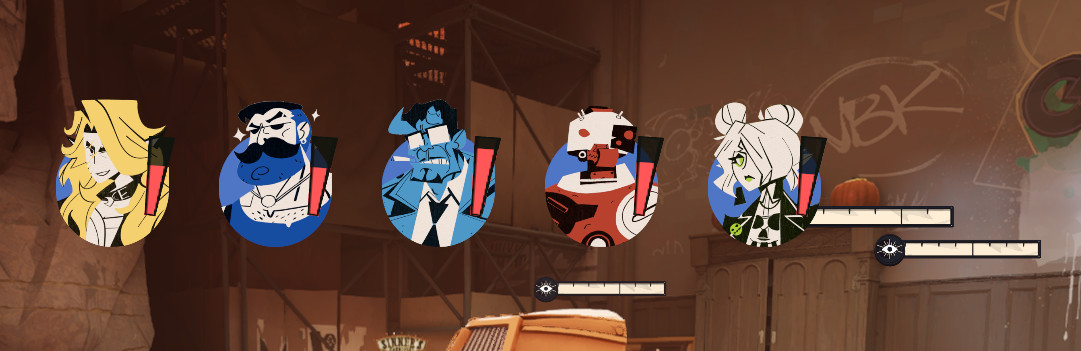
 Top Bar
 Small Icon
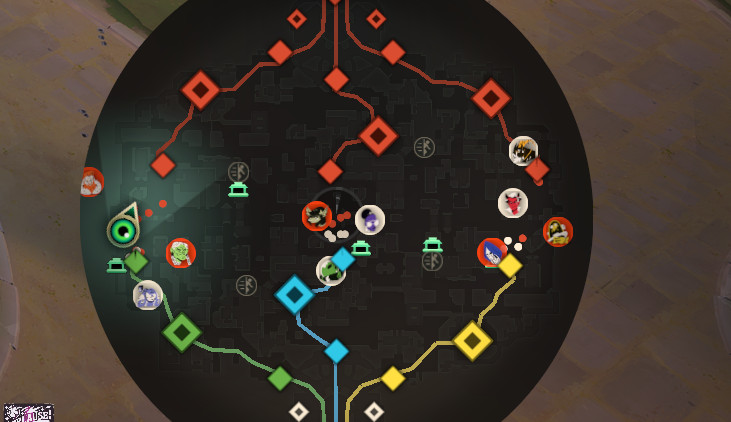
 Minimap
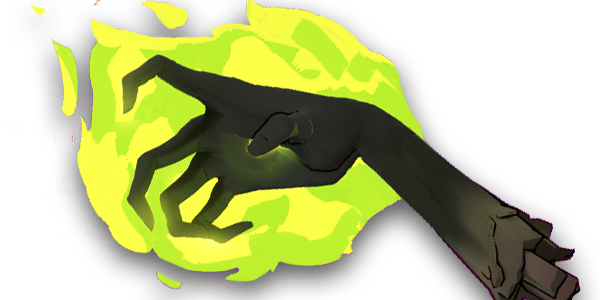 Weapon
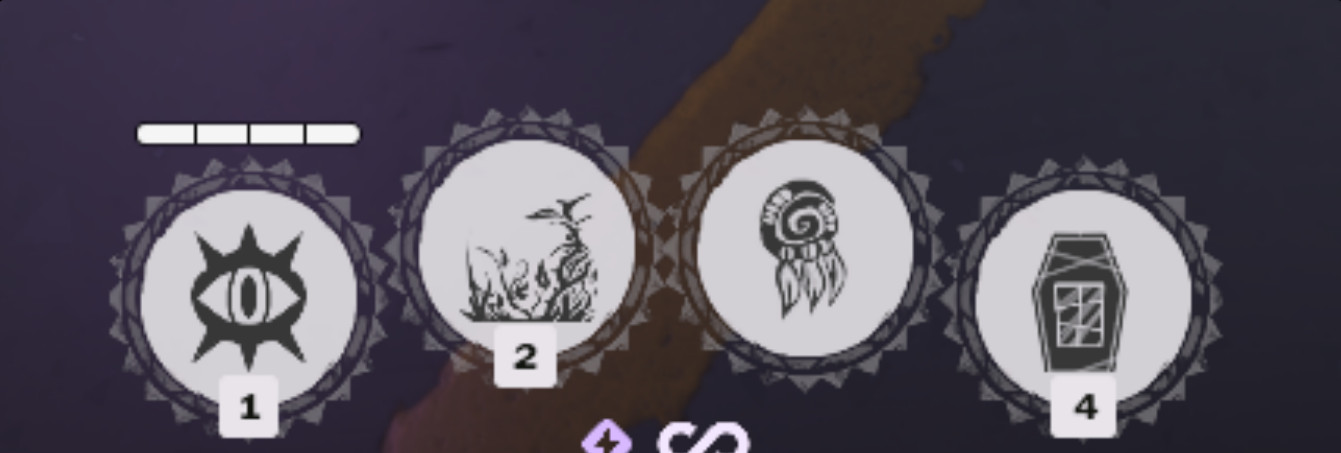
 Grasping Hands
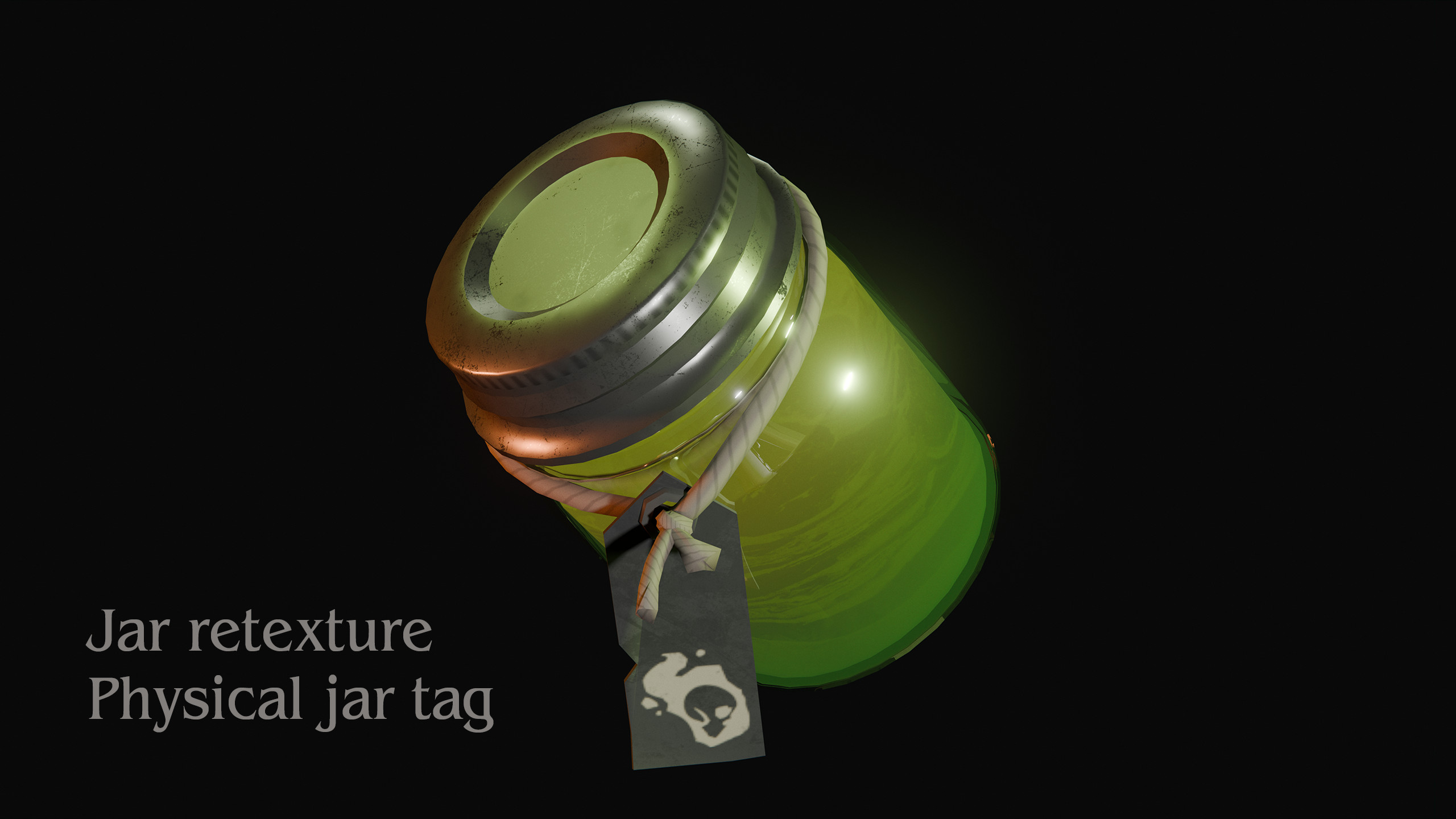
 Jar of Dead
 Borrowed Decree
 Essence Theft

Description
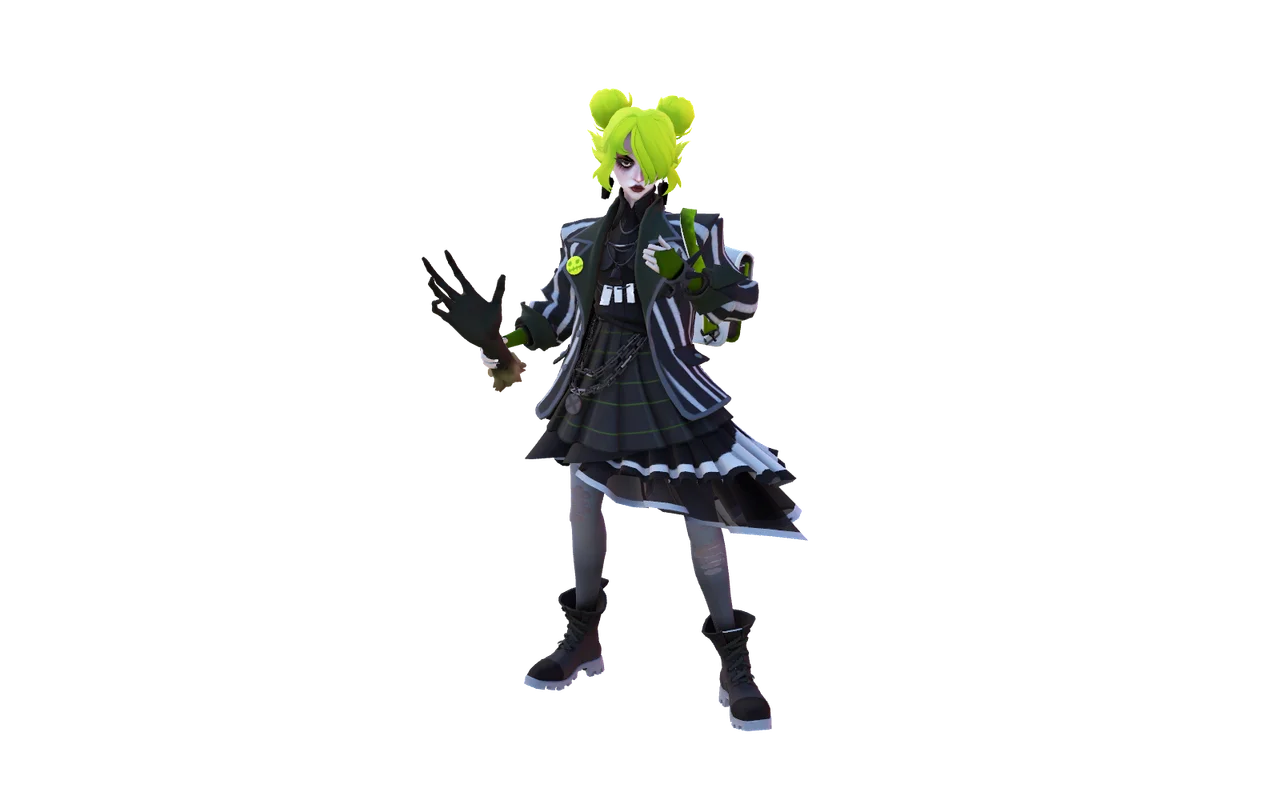
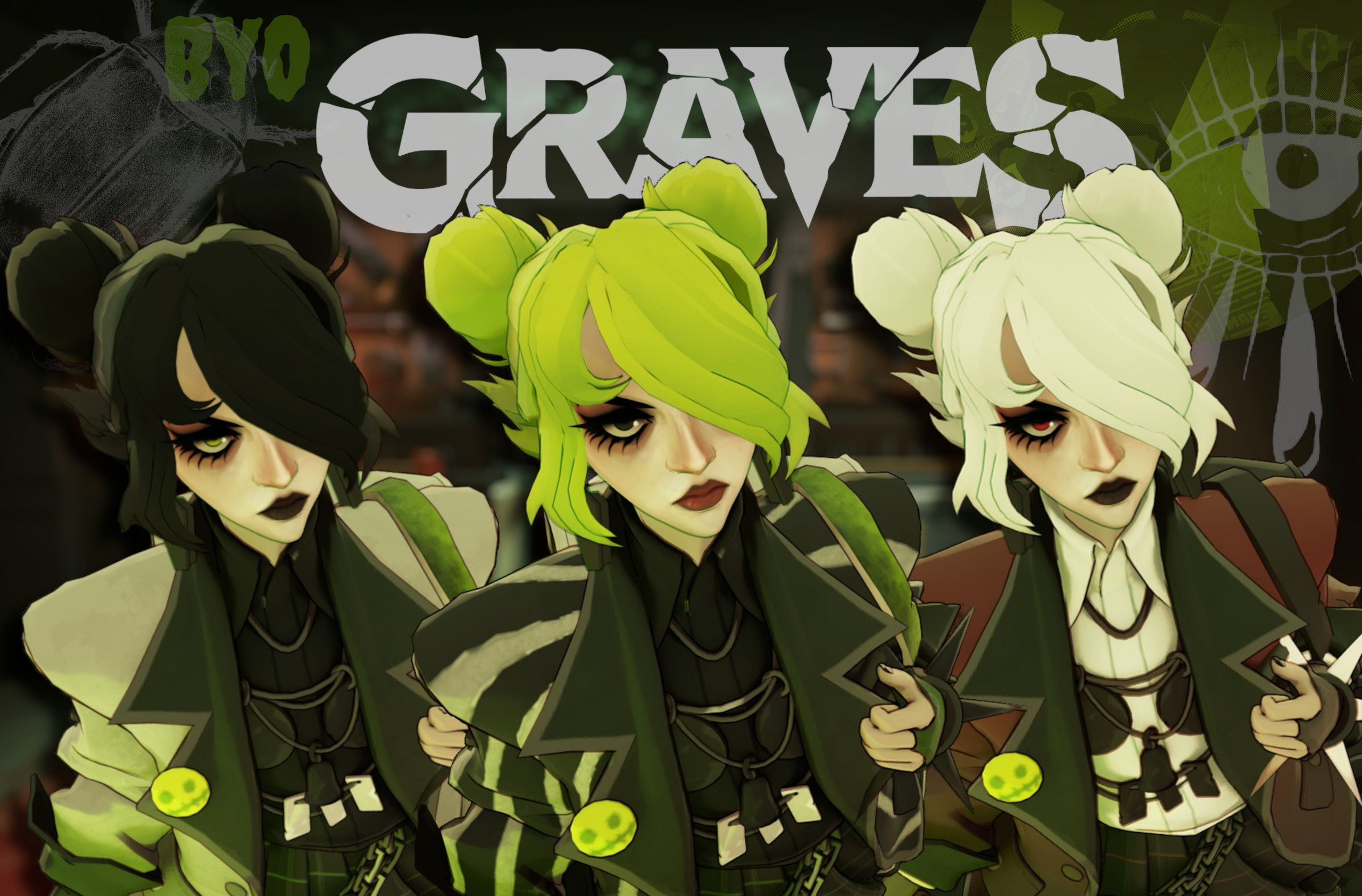
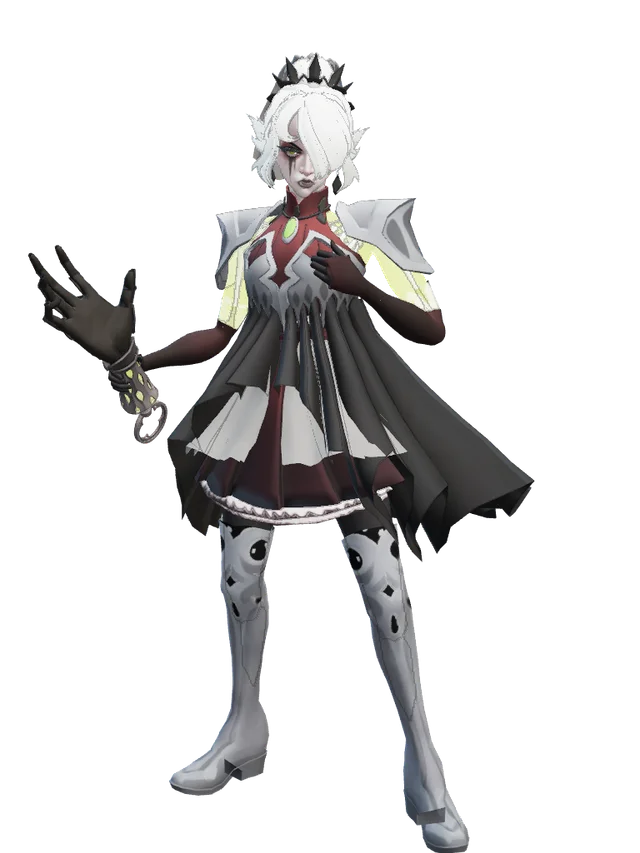
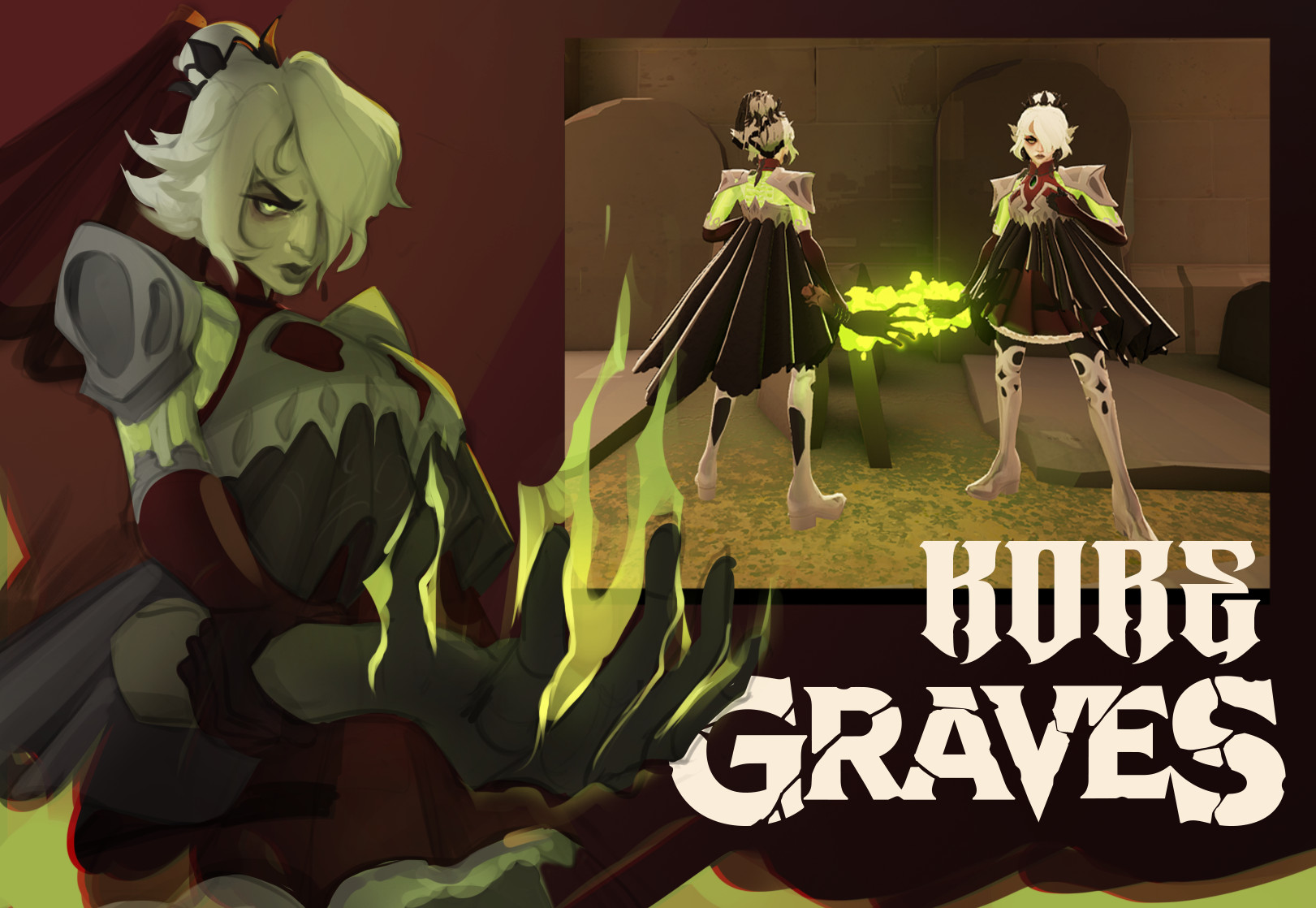
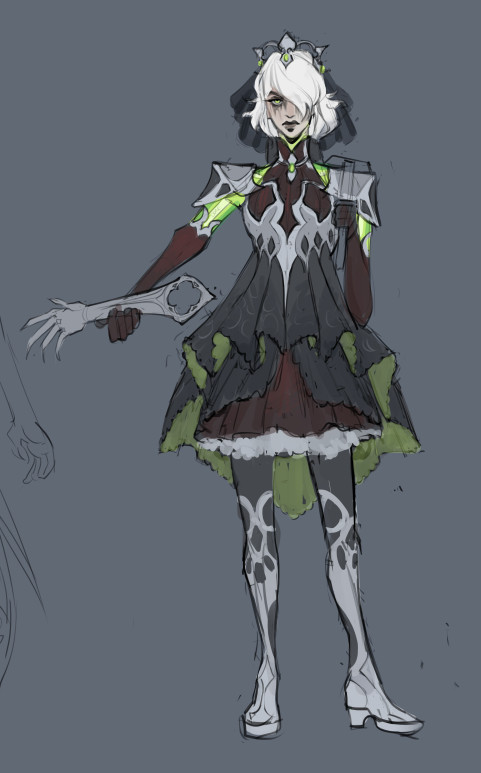
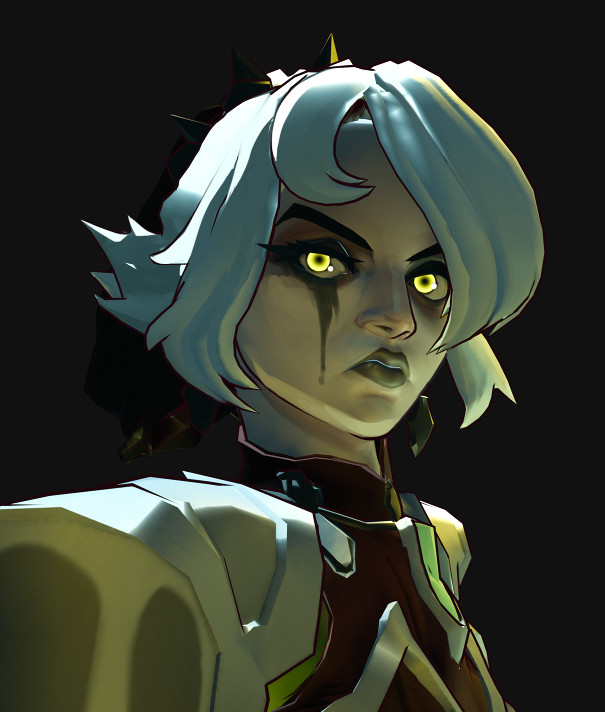
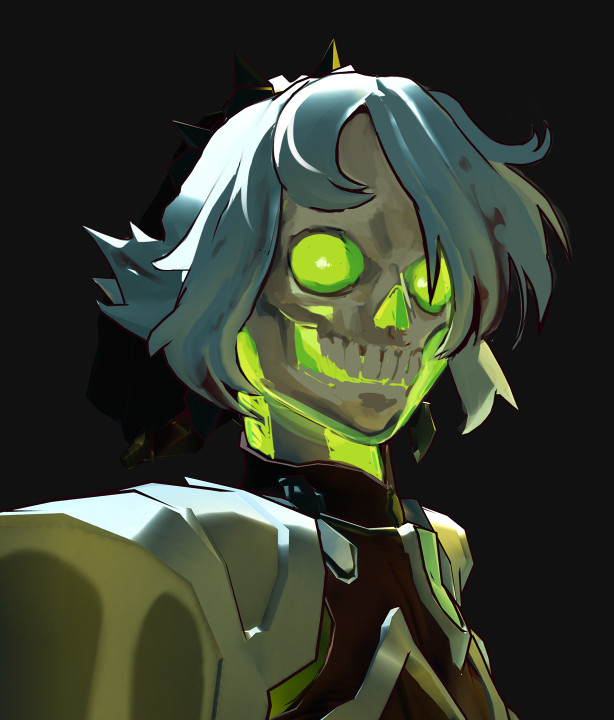
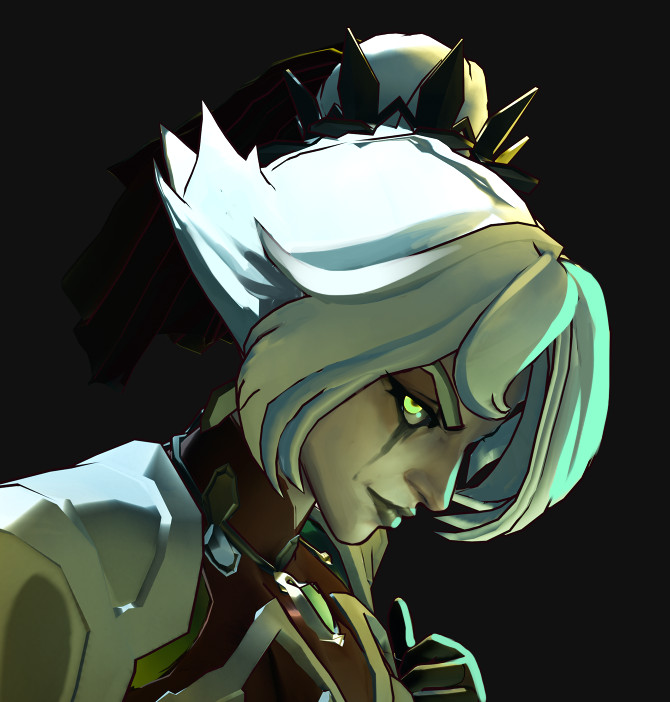
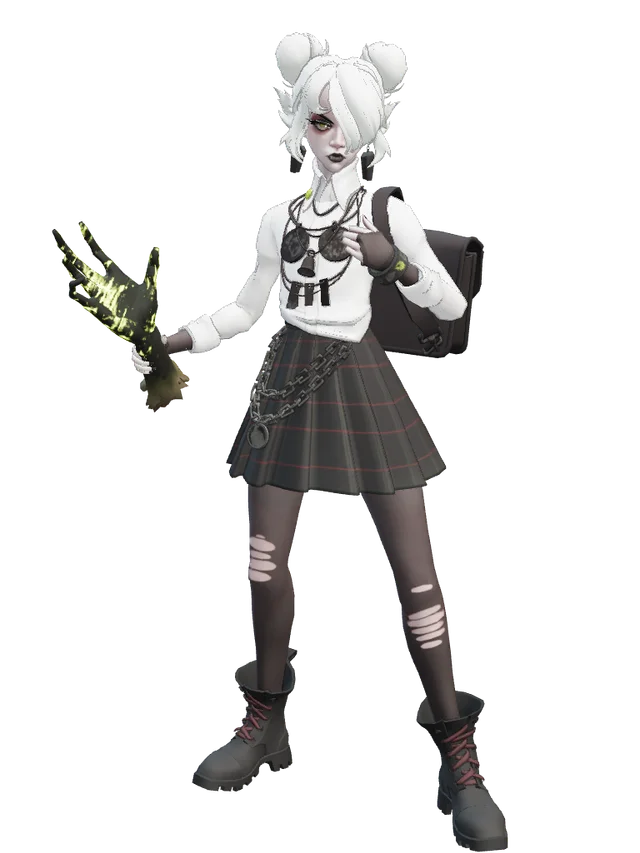
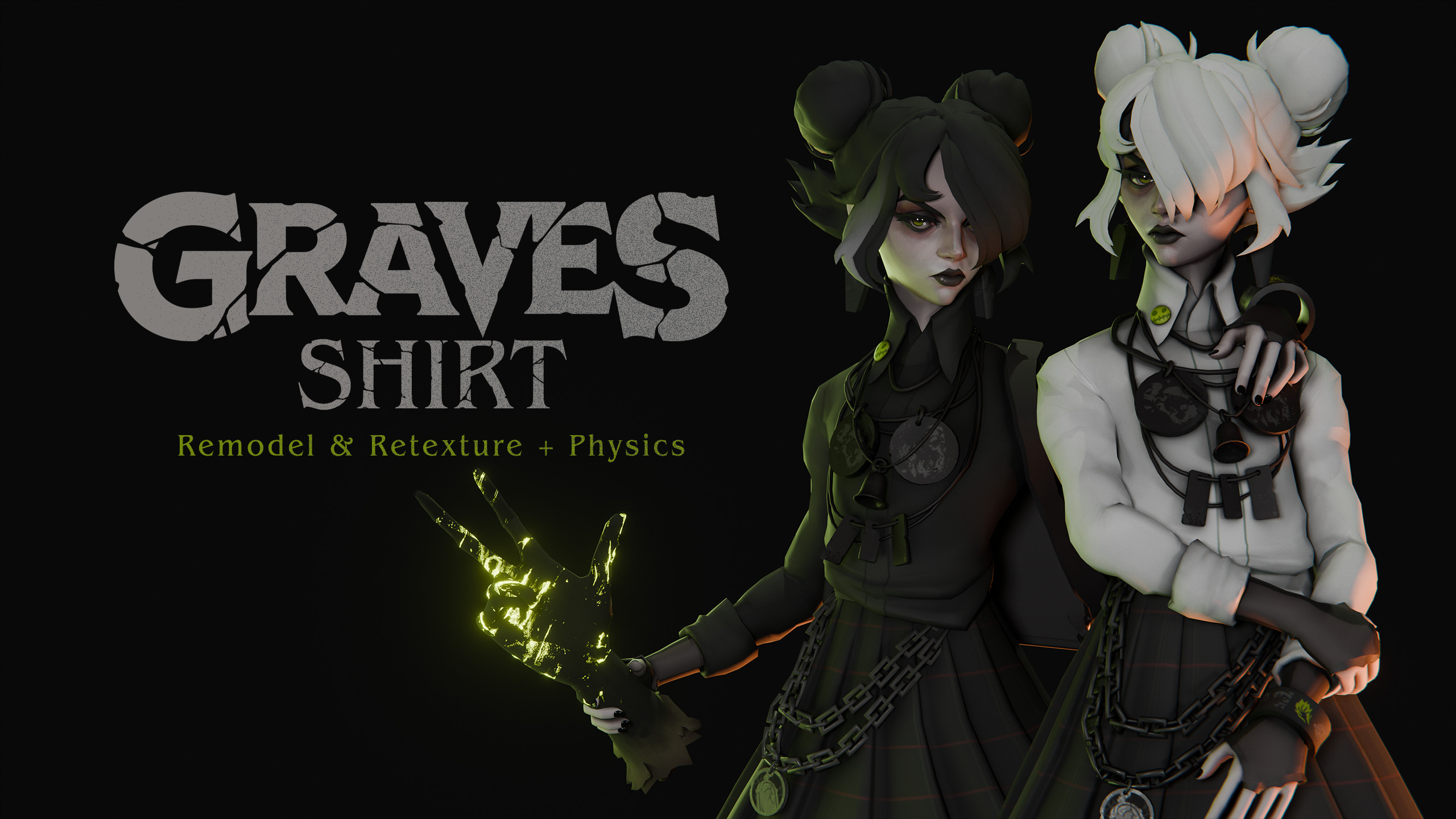
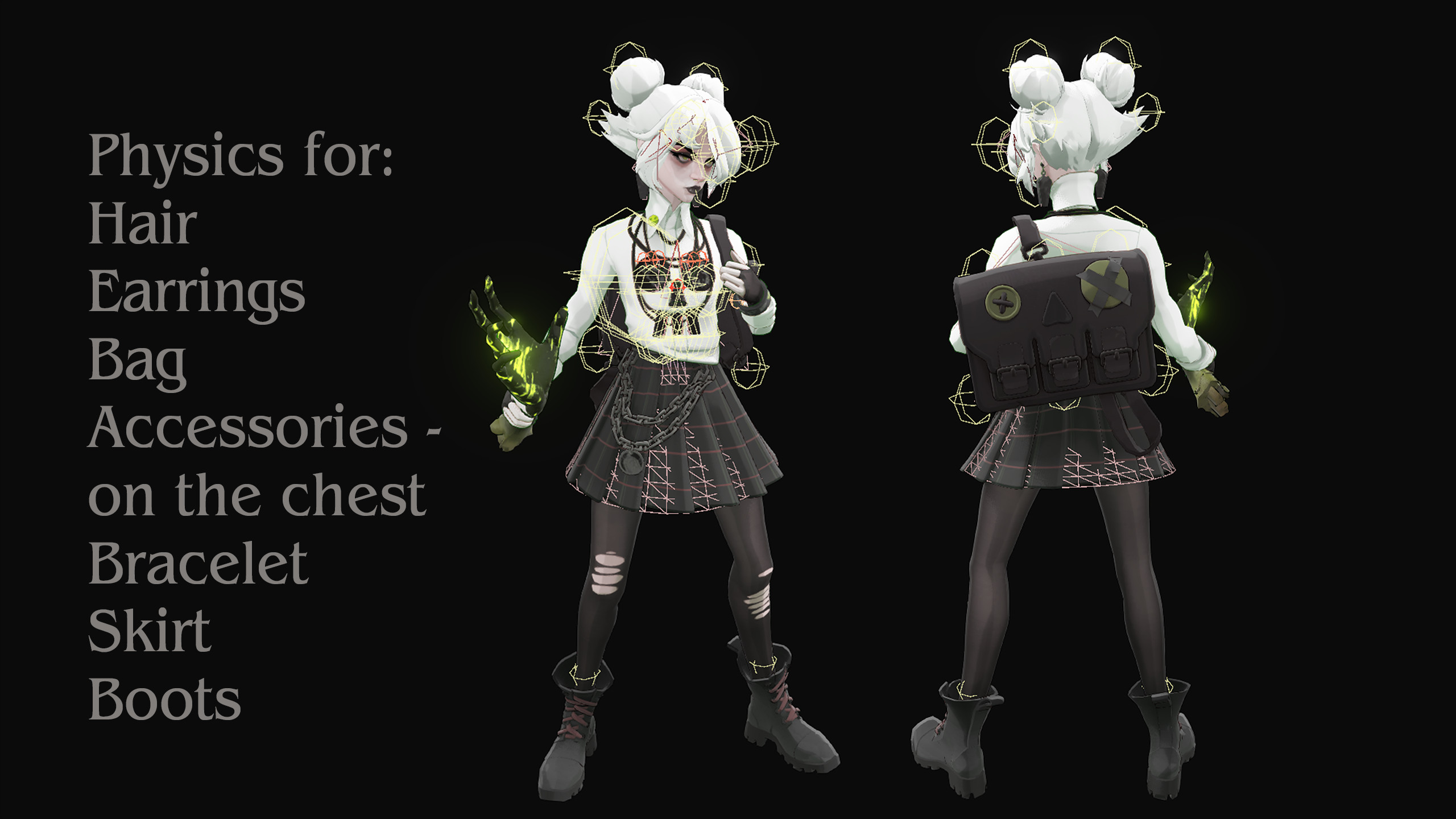
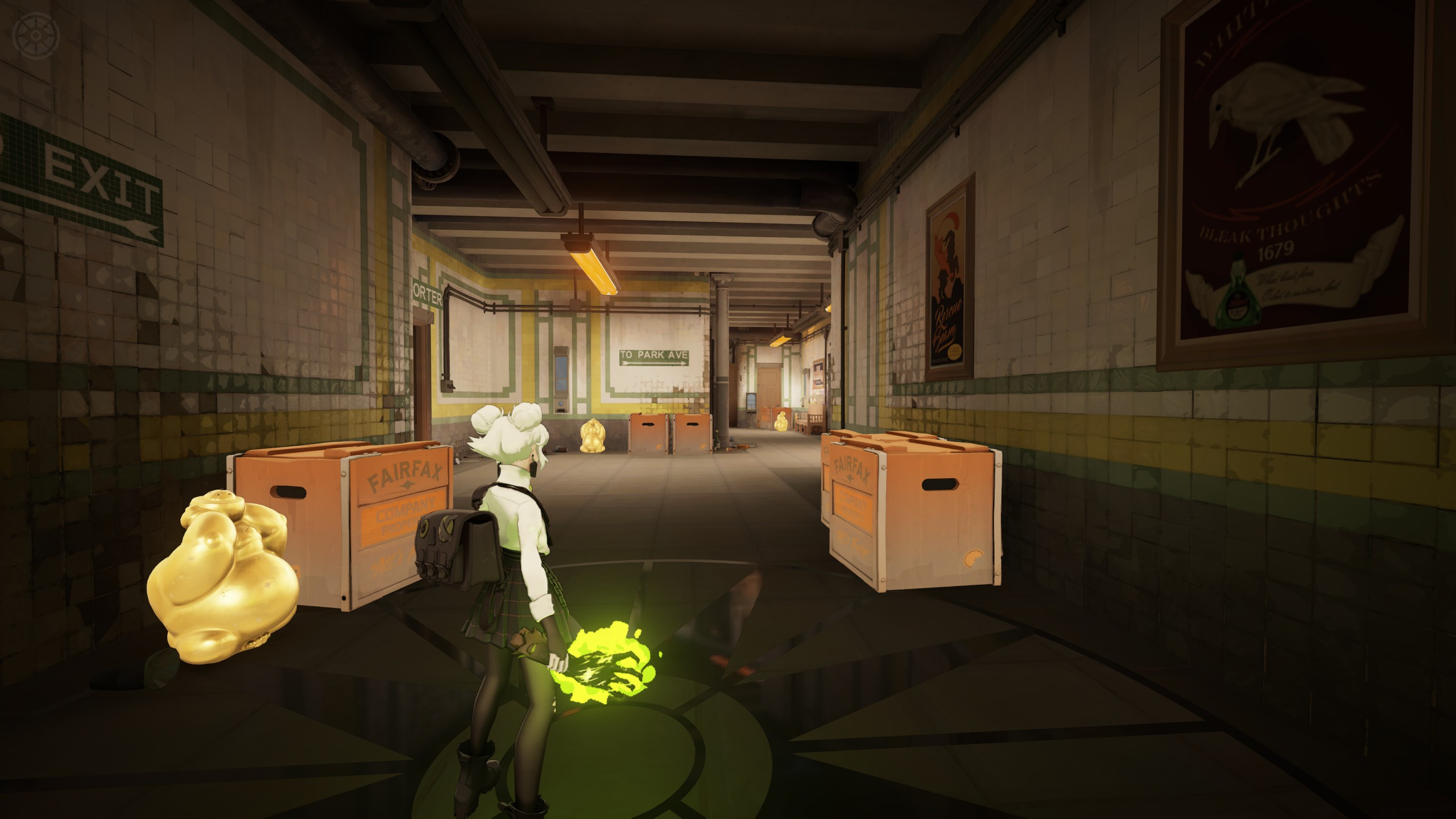
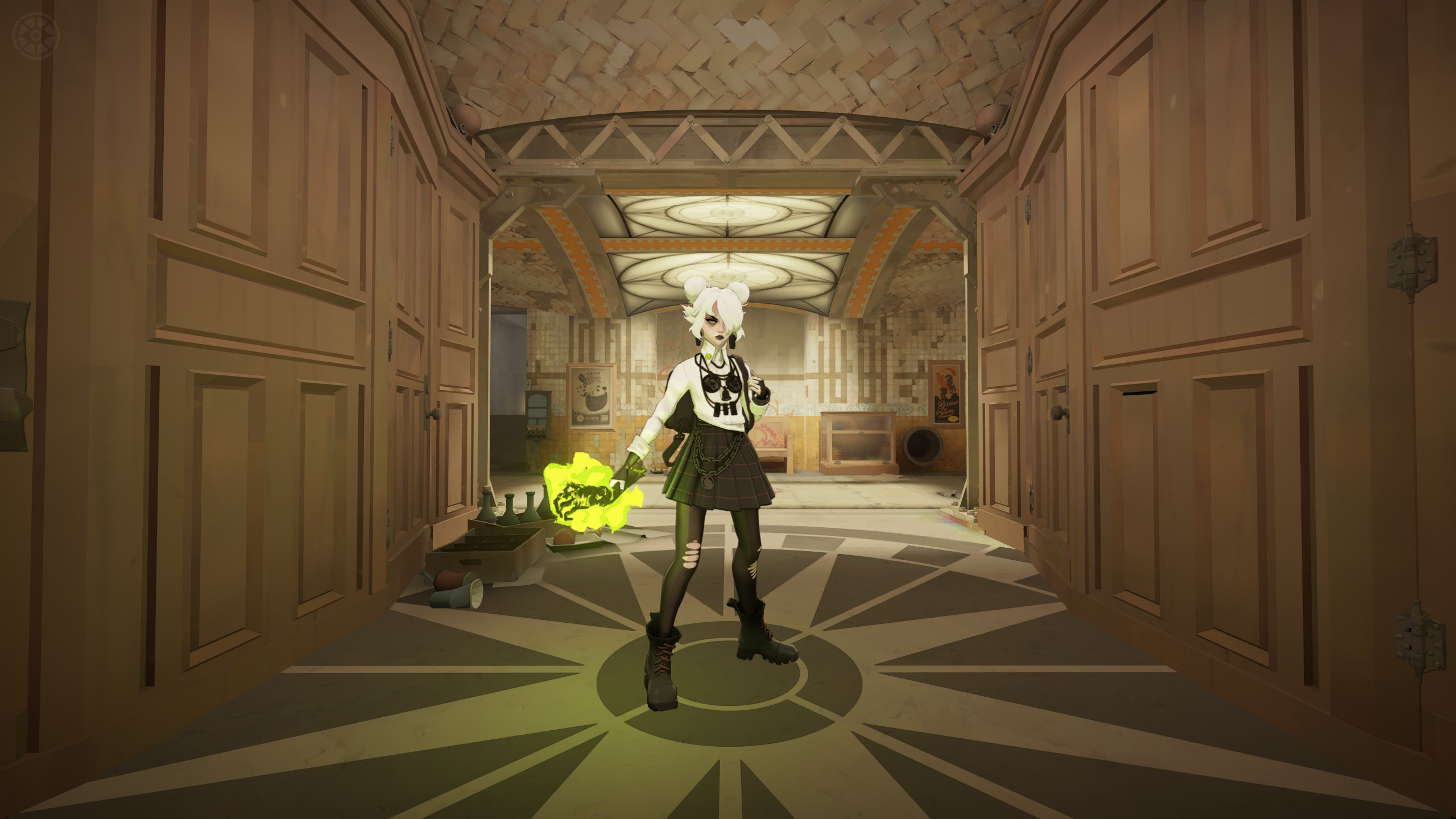
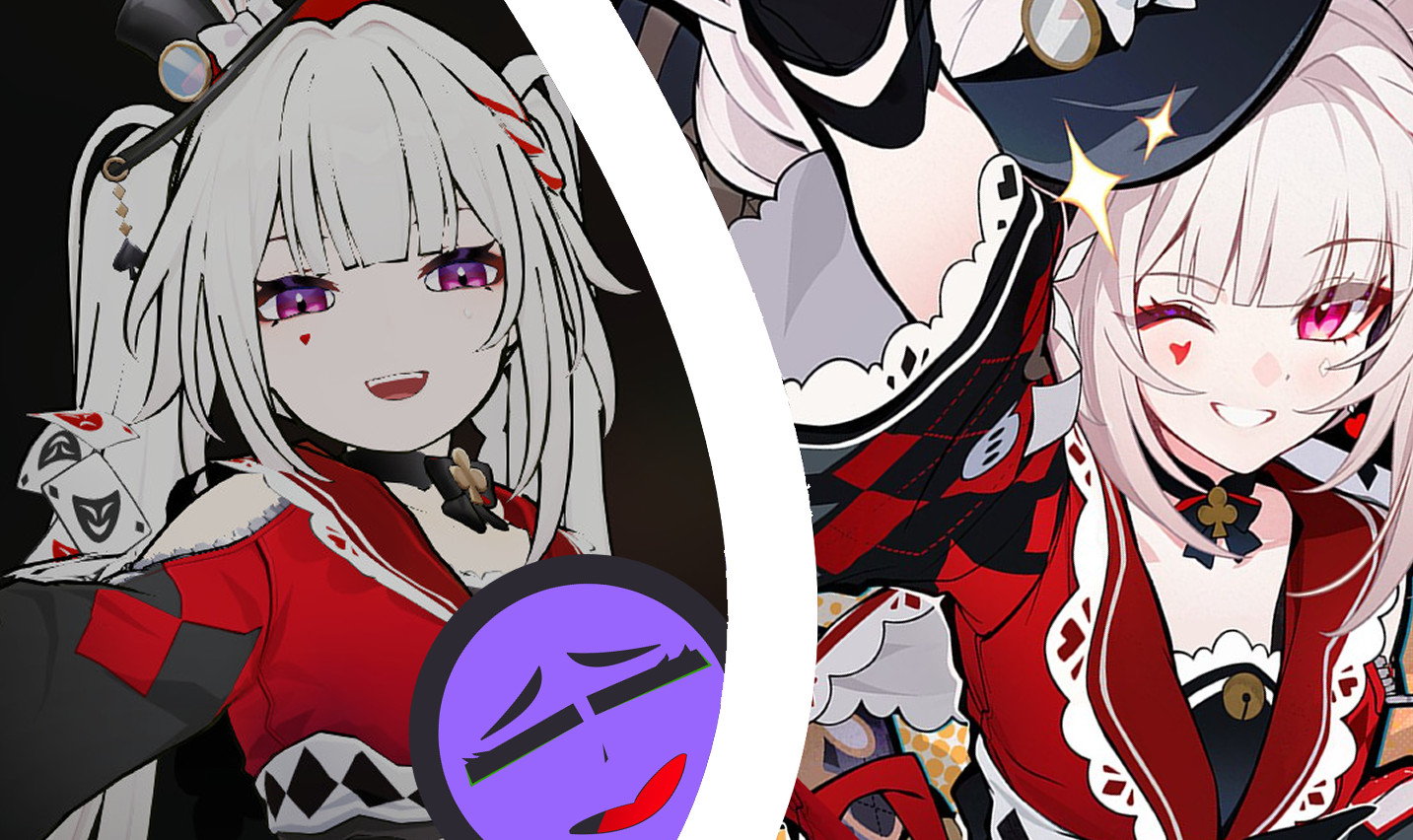
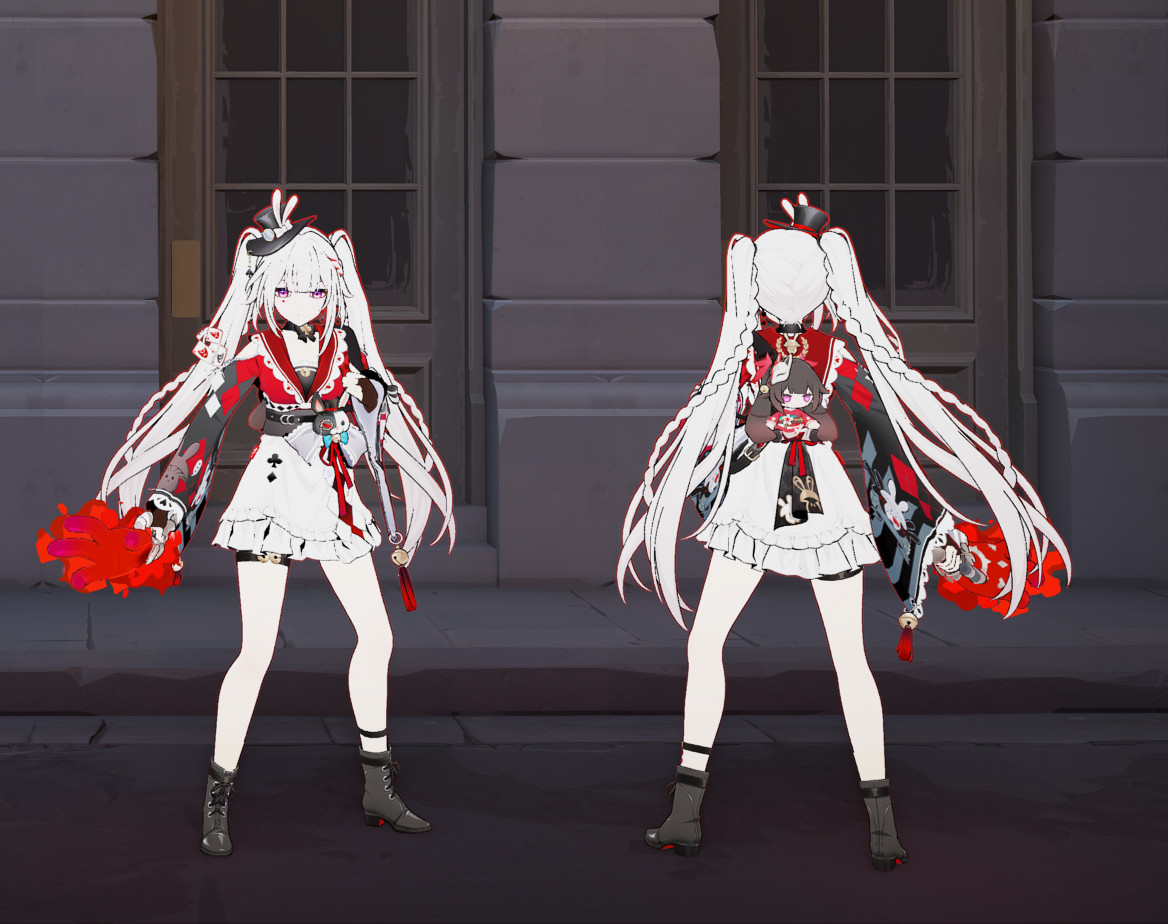
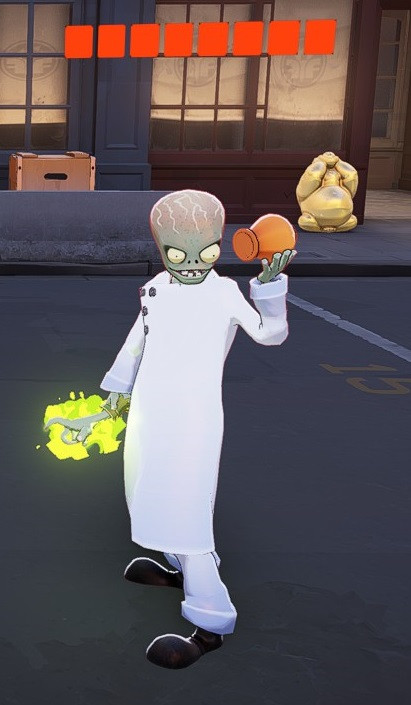
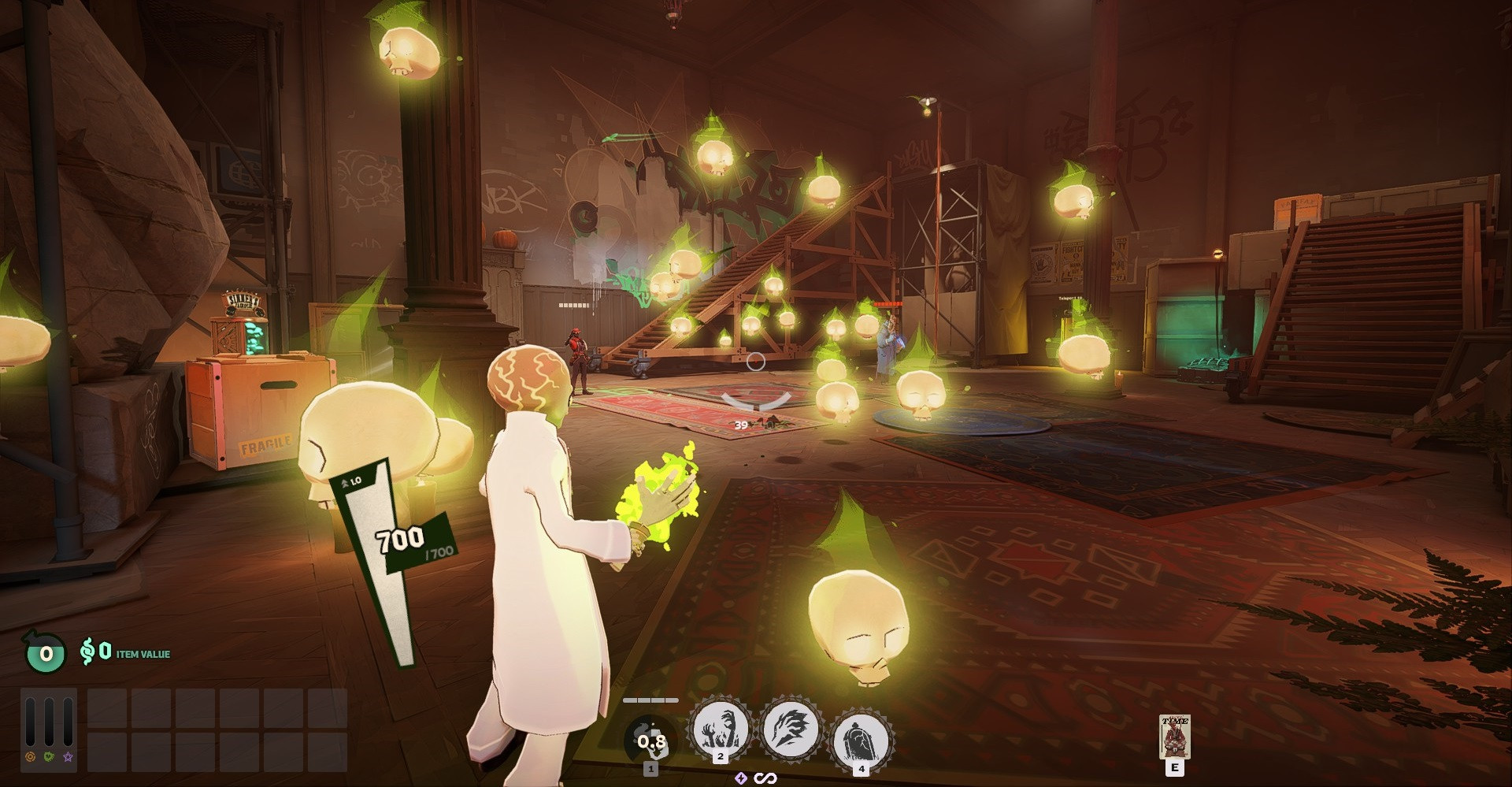
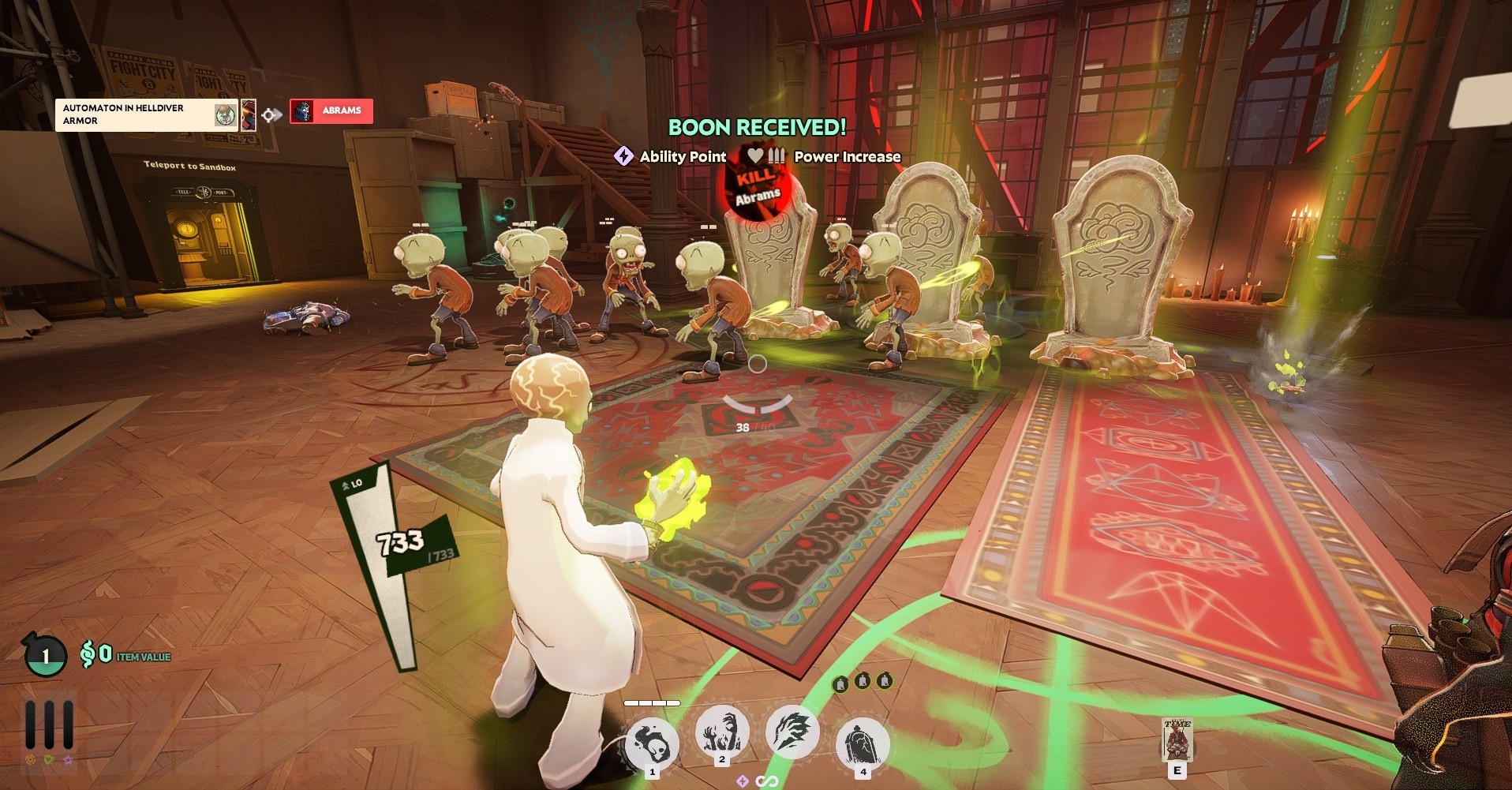
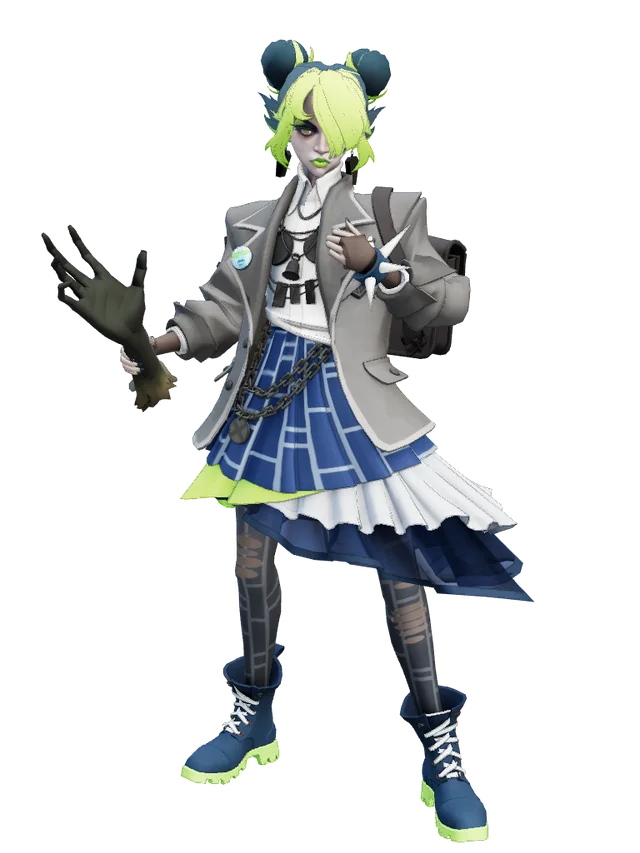
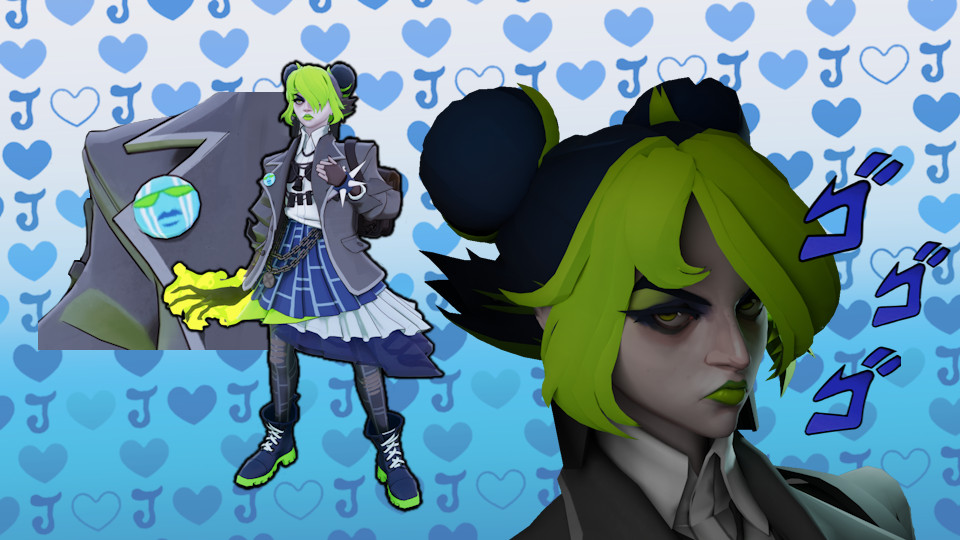
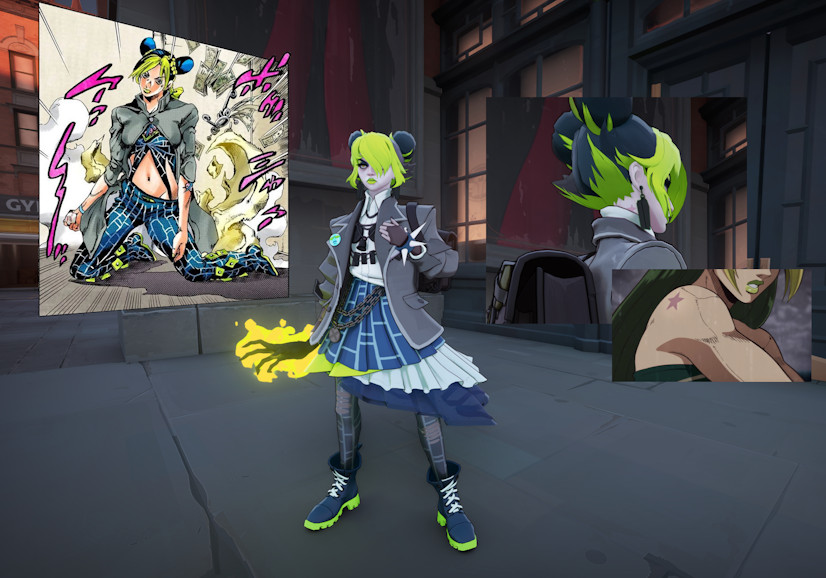
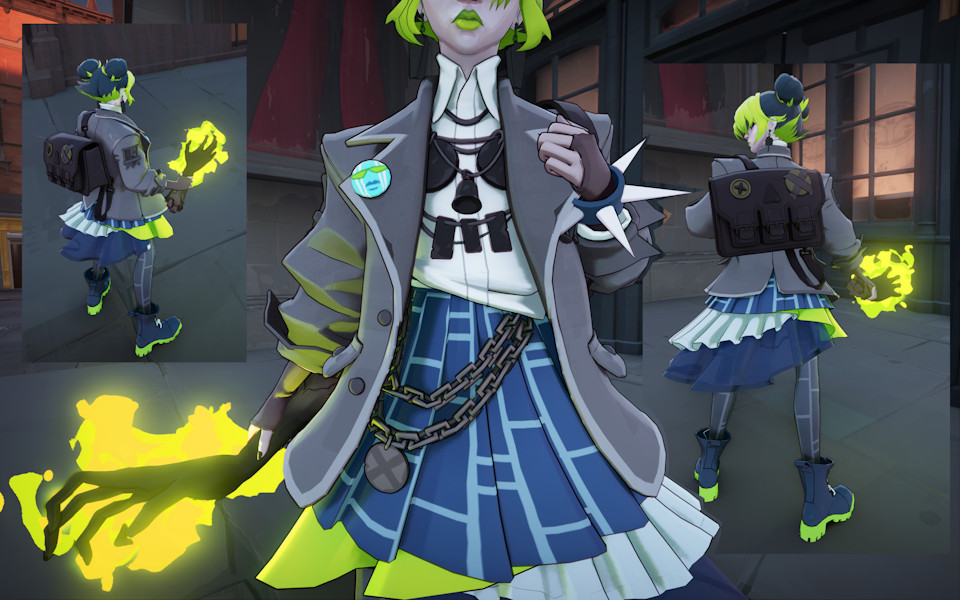
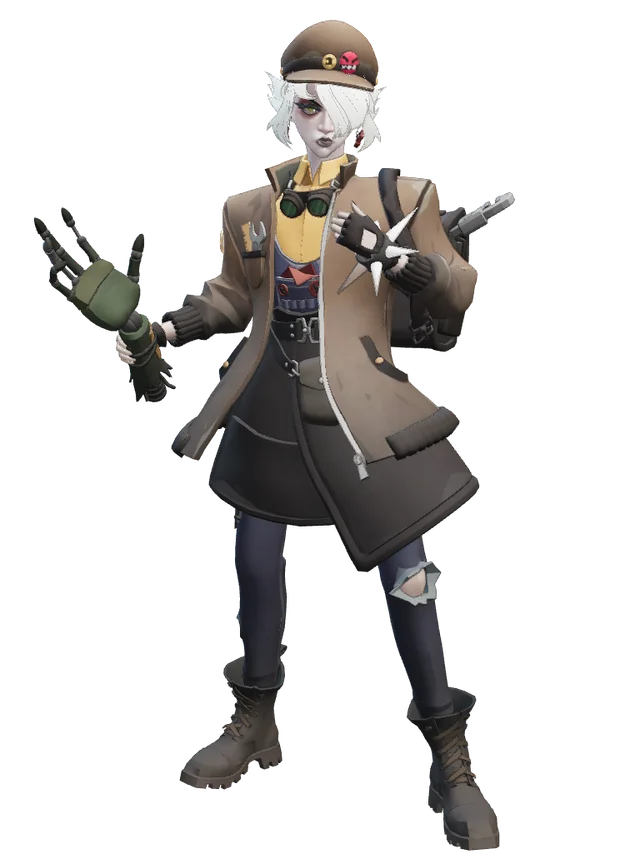
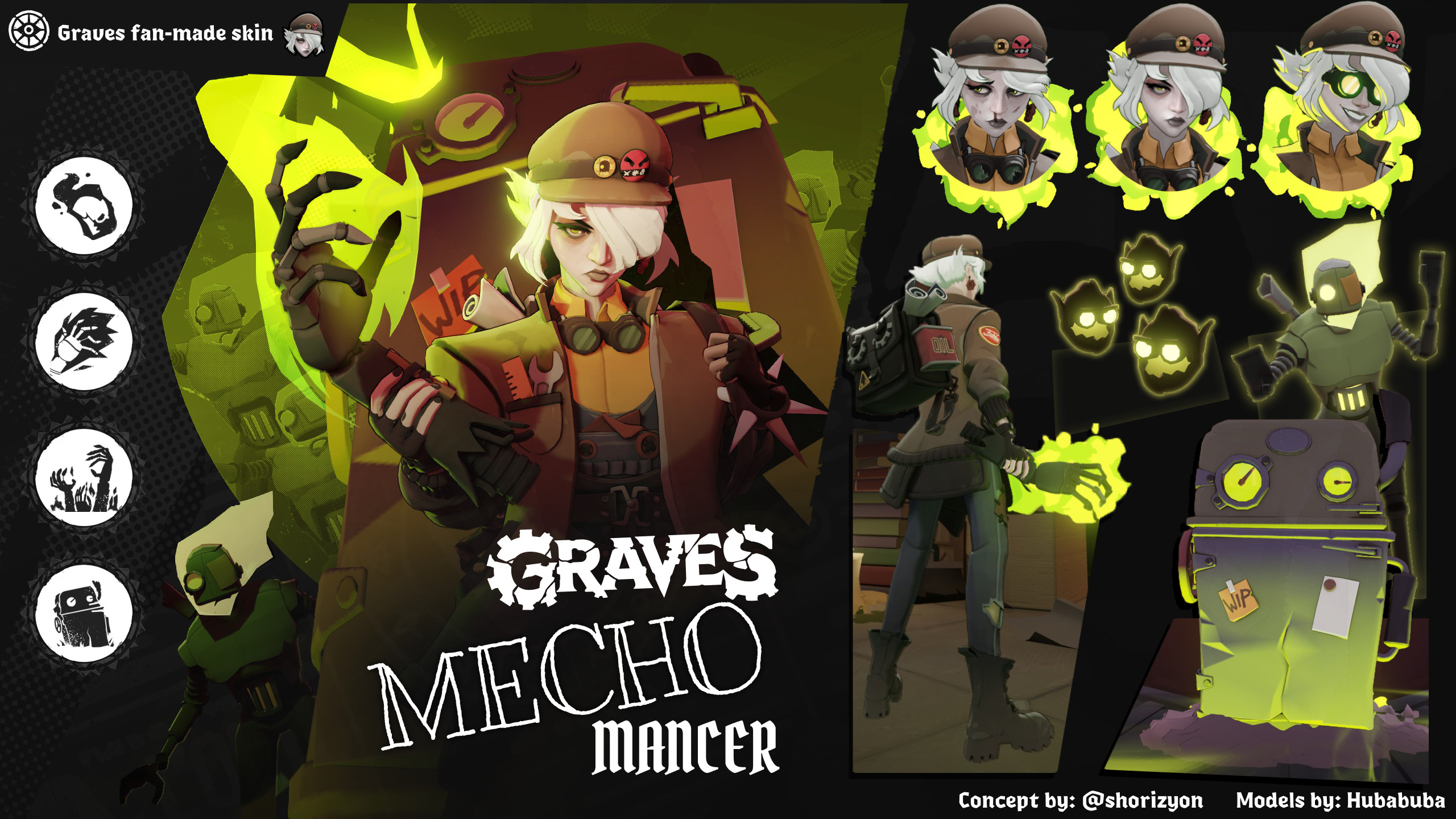
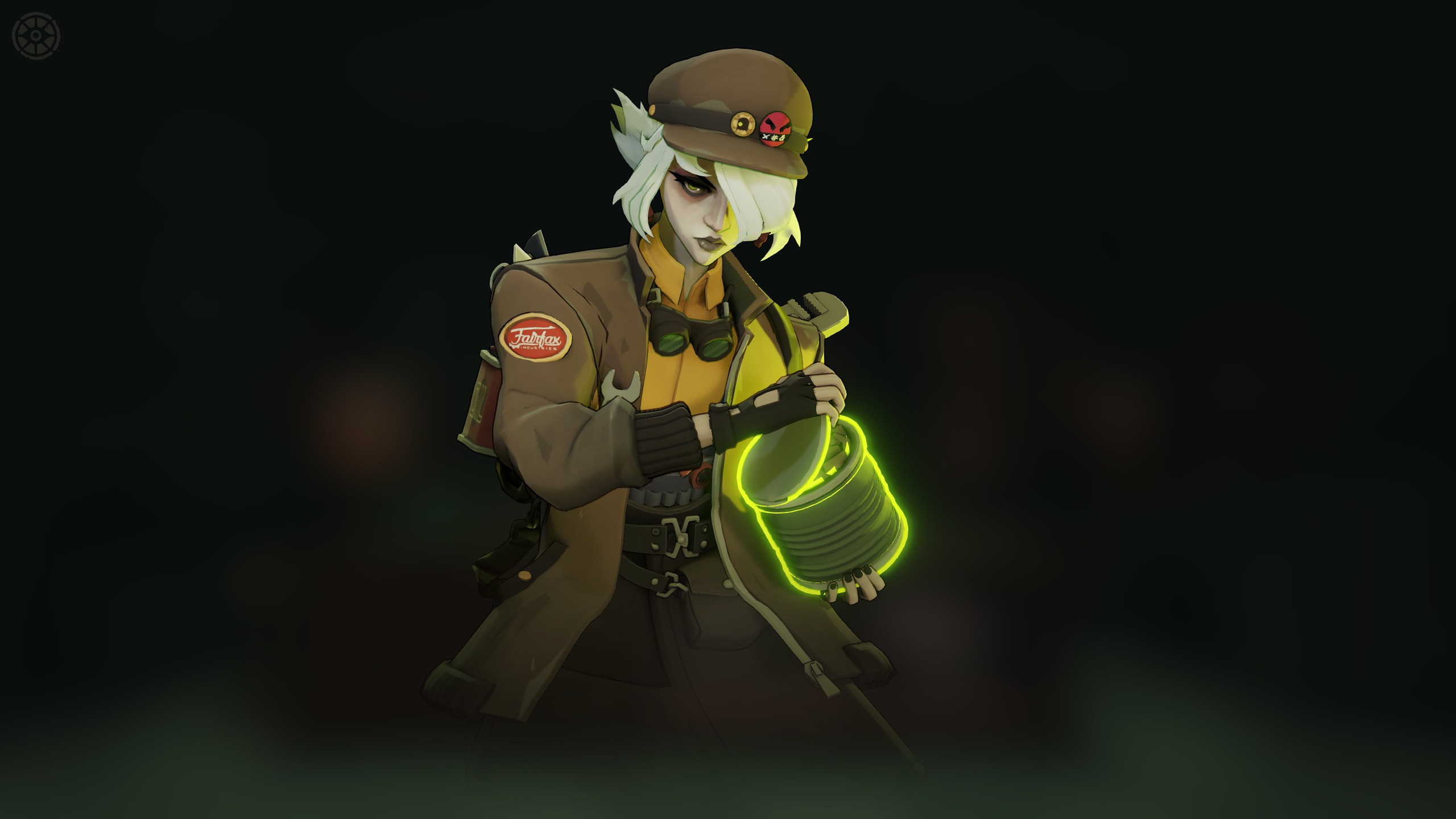
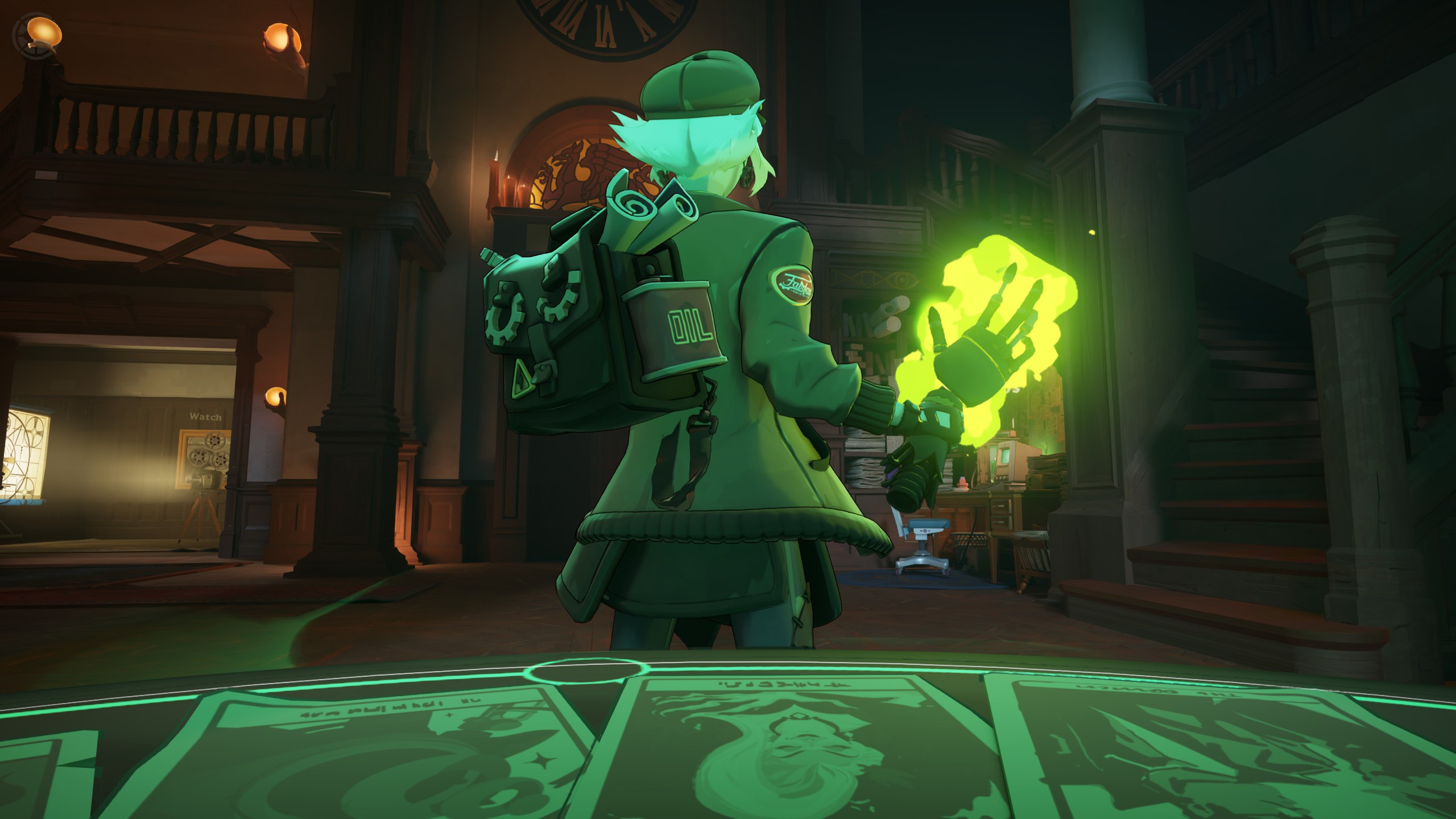
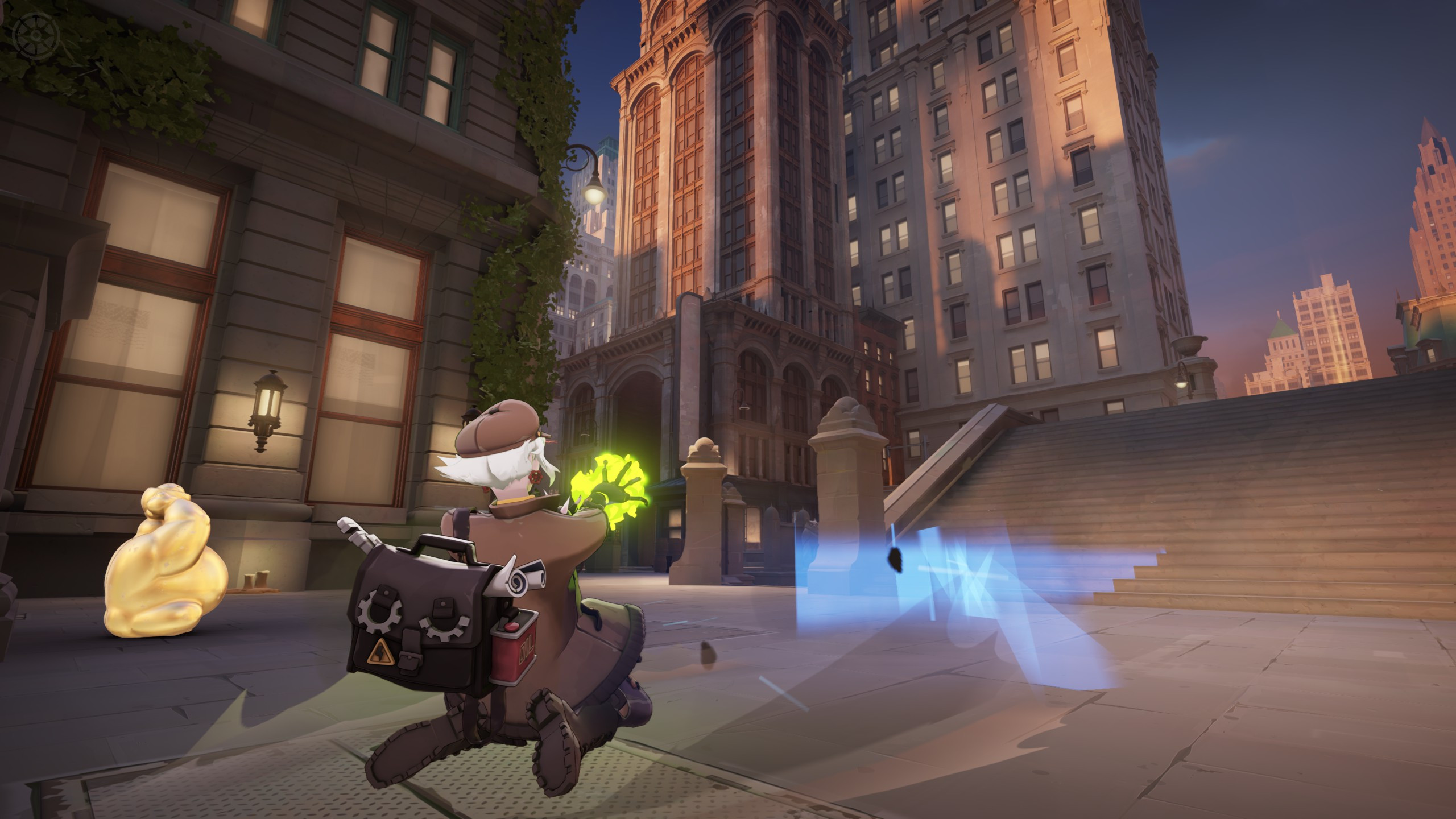
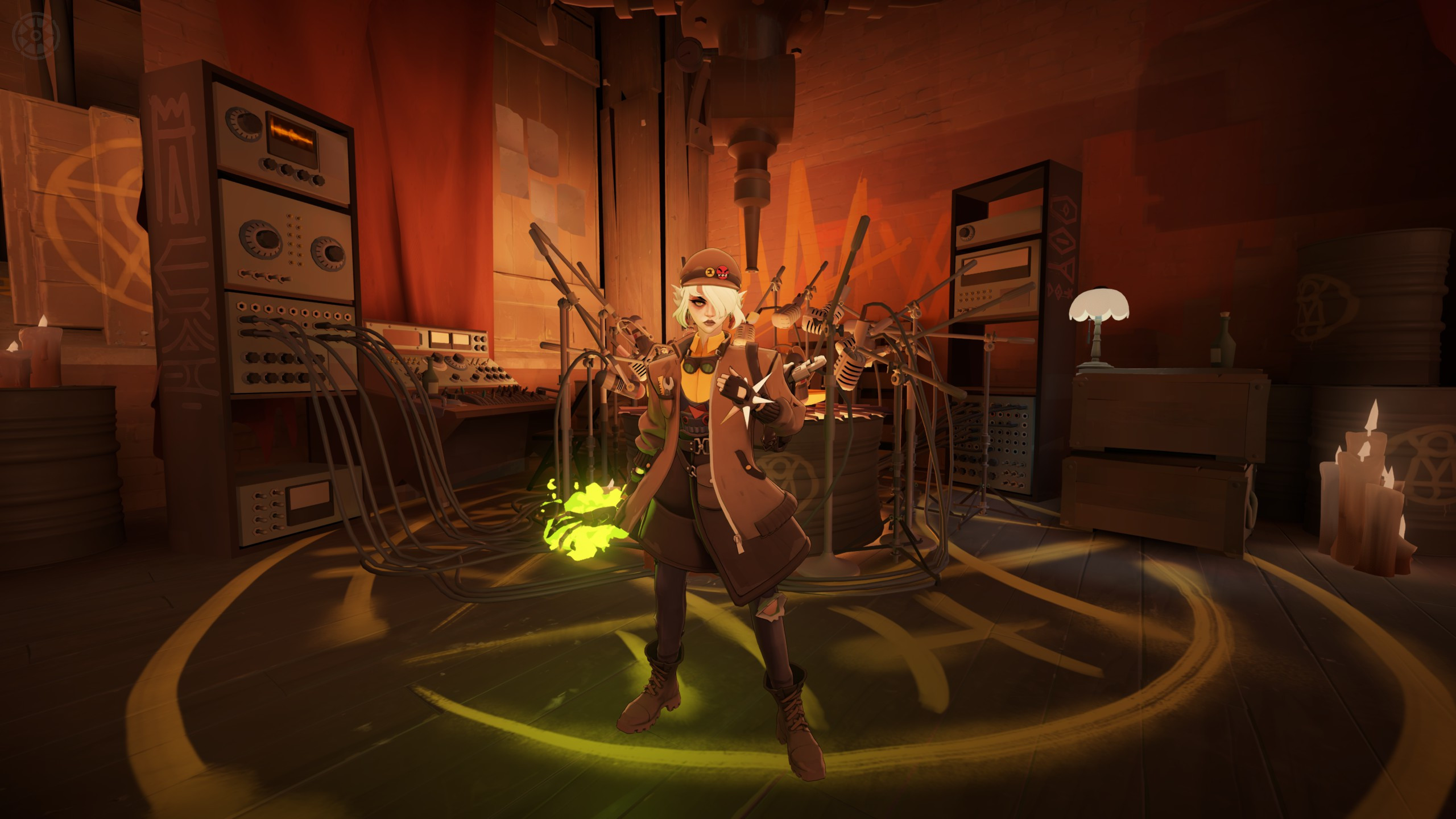
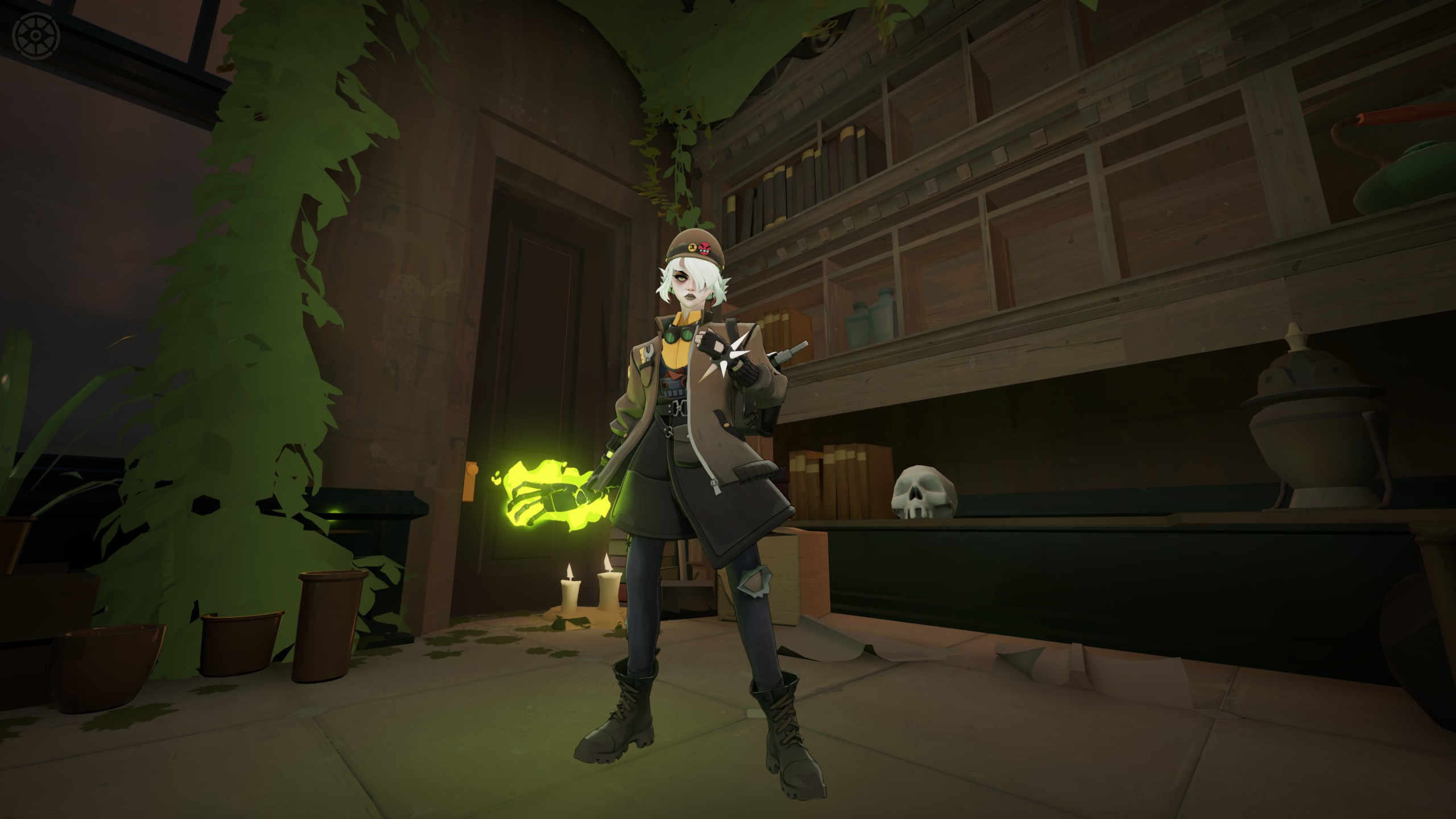
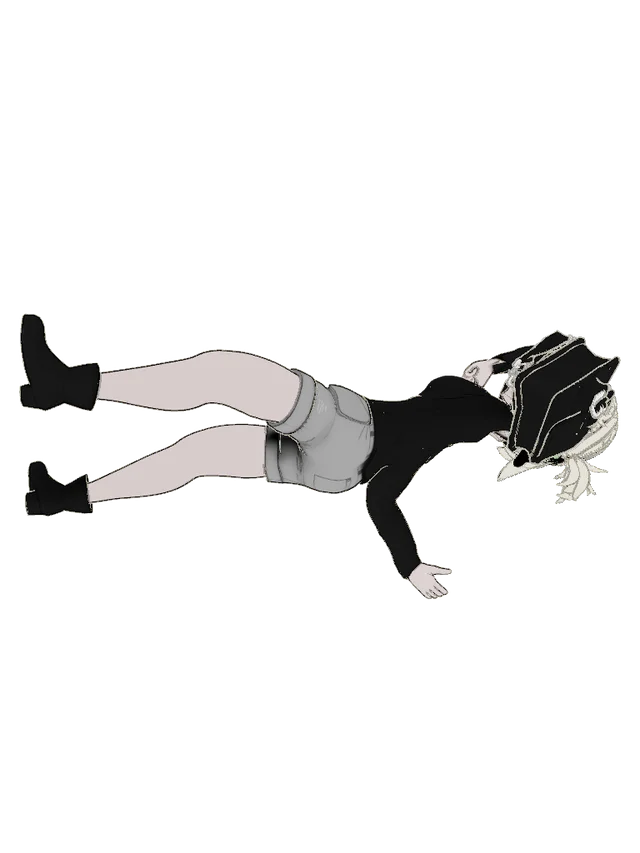
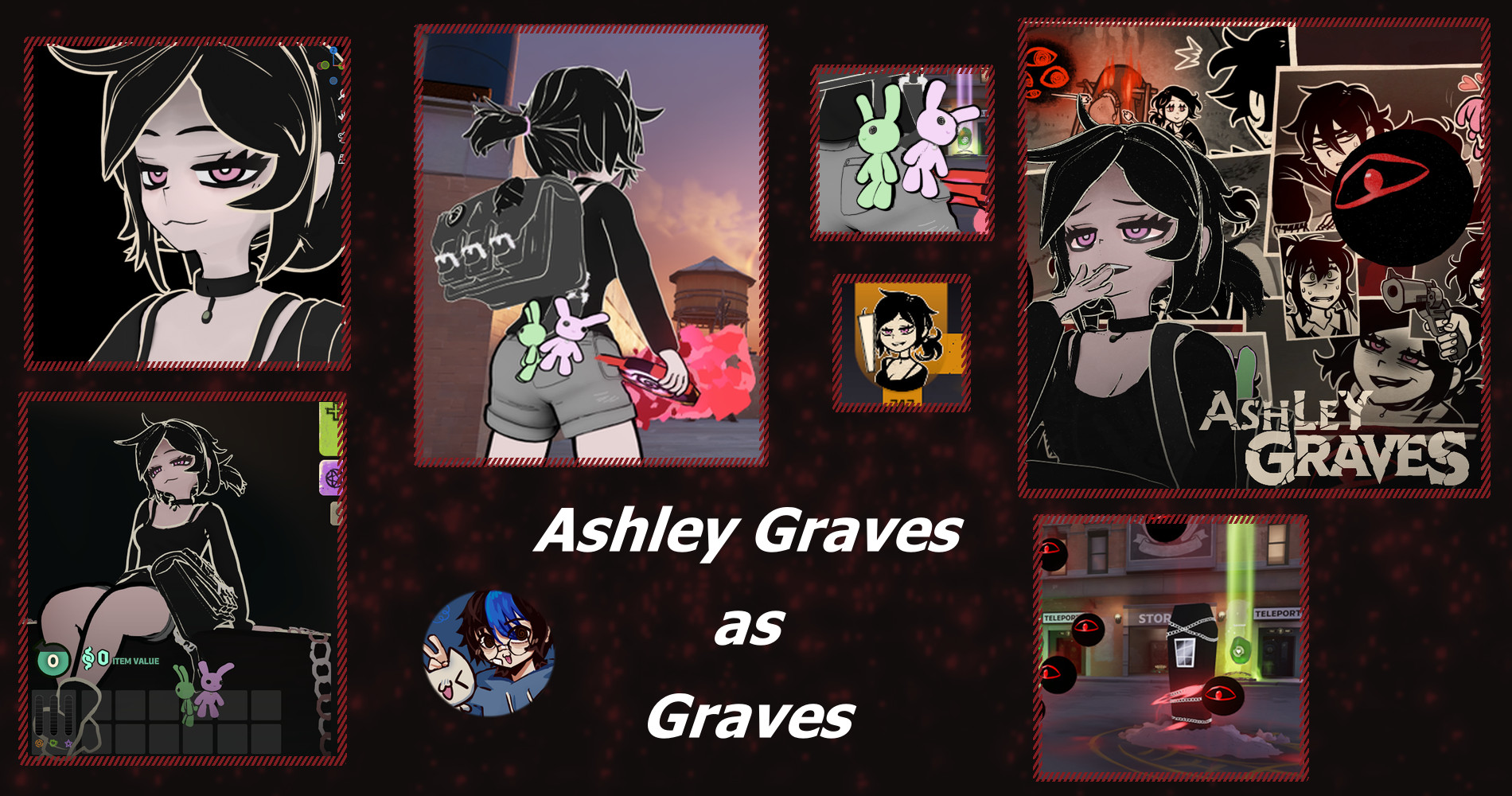
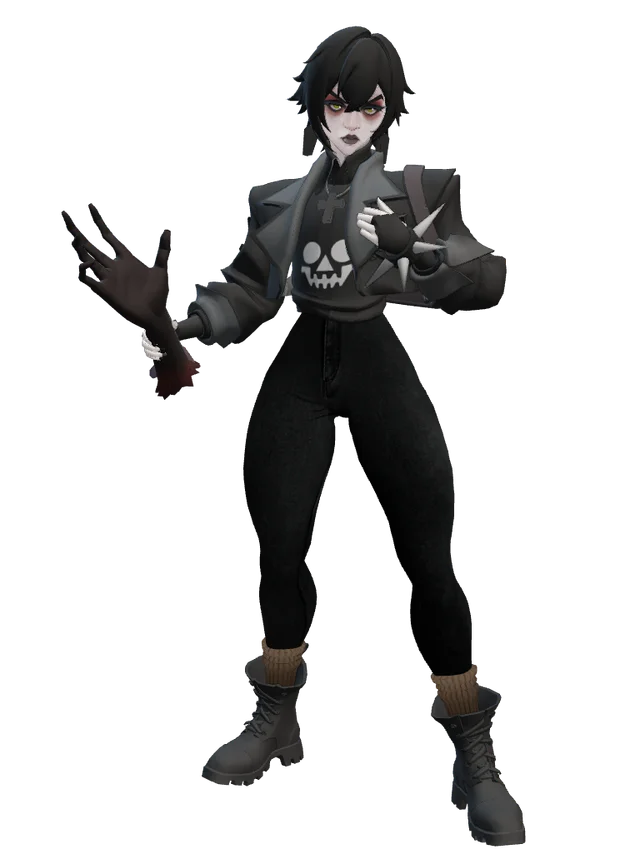
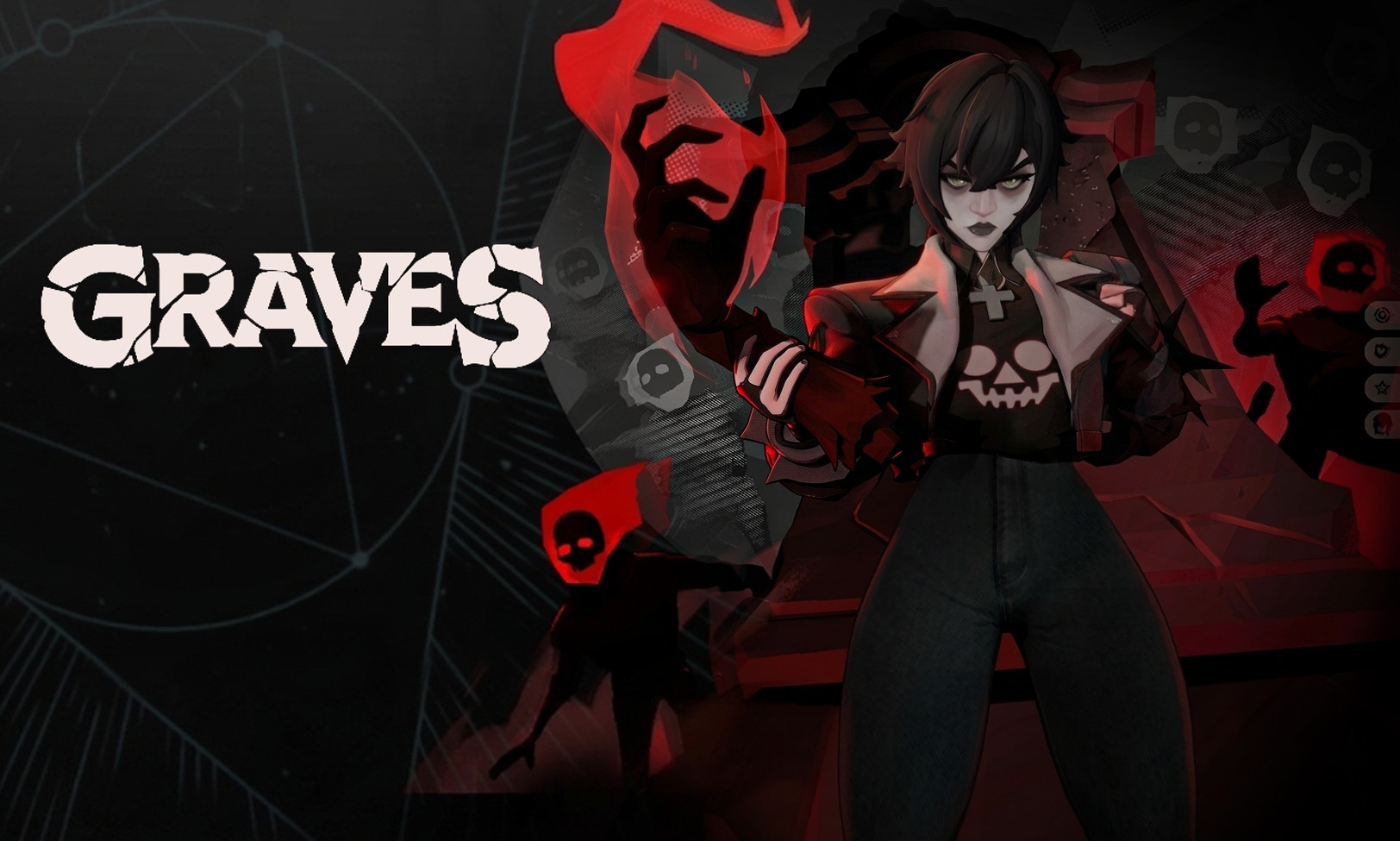
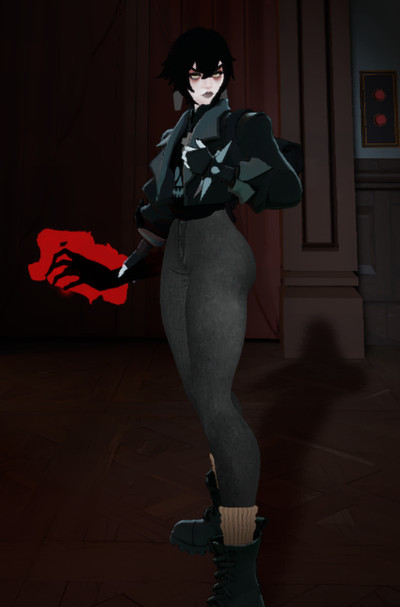
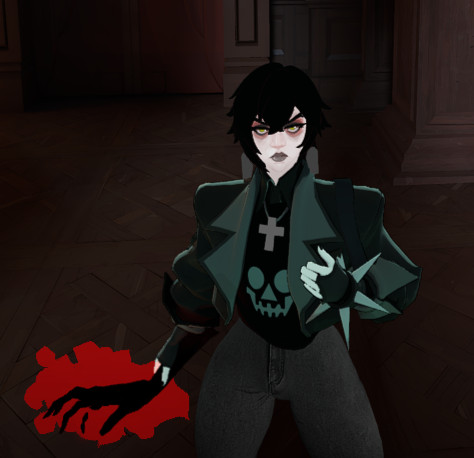
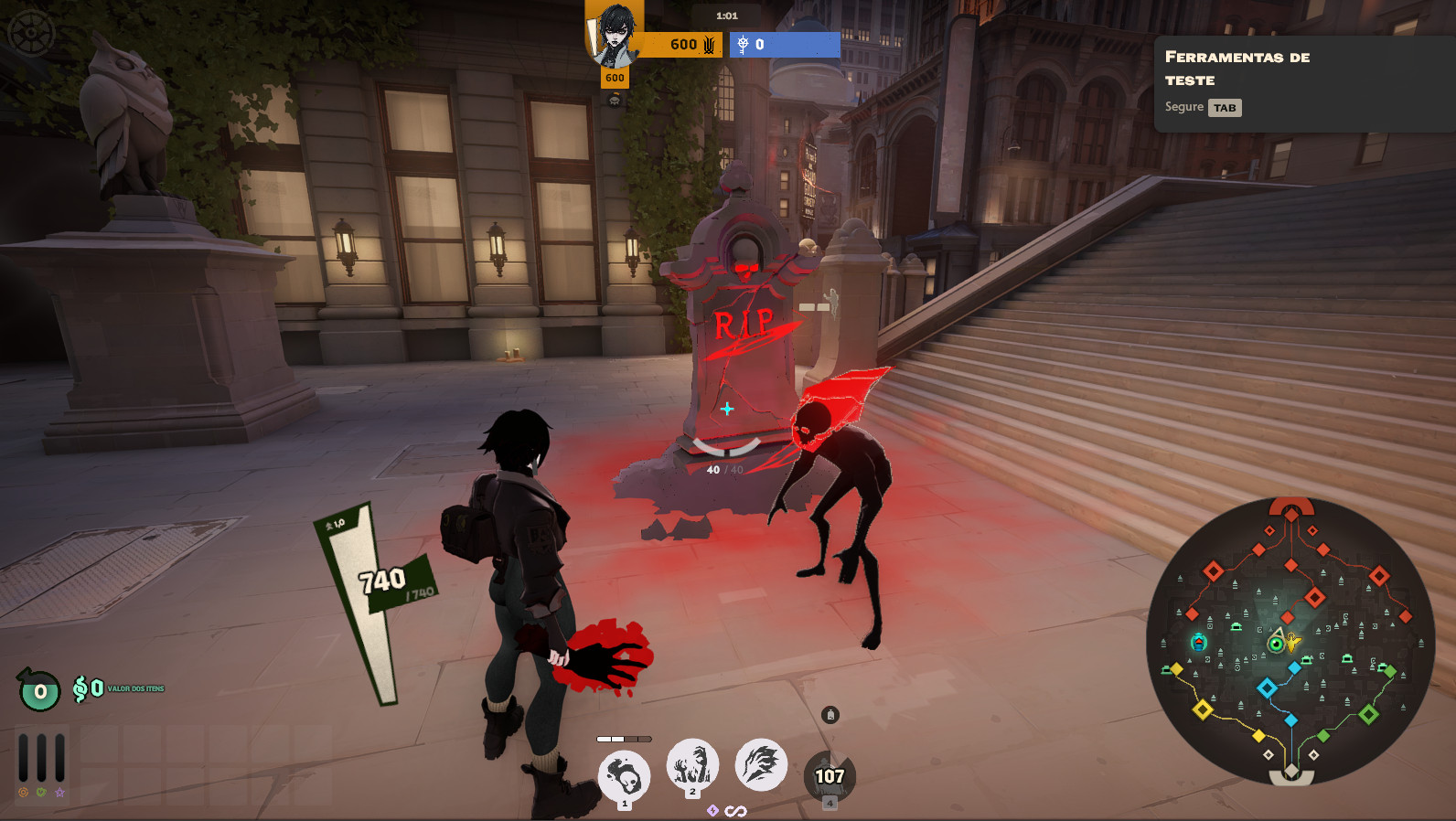
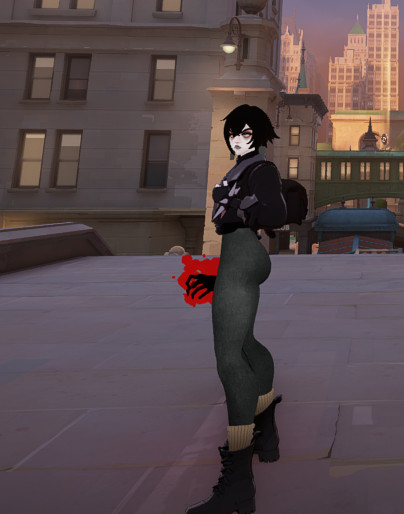
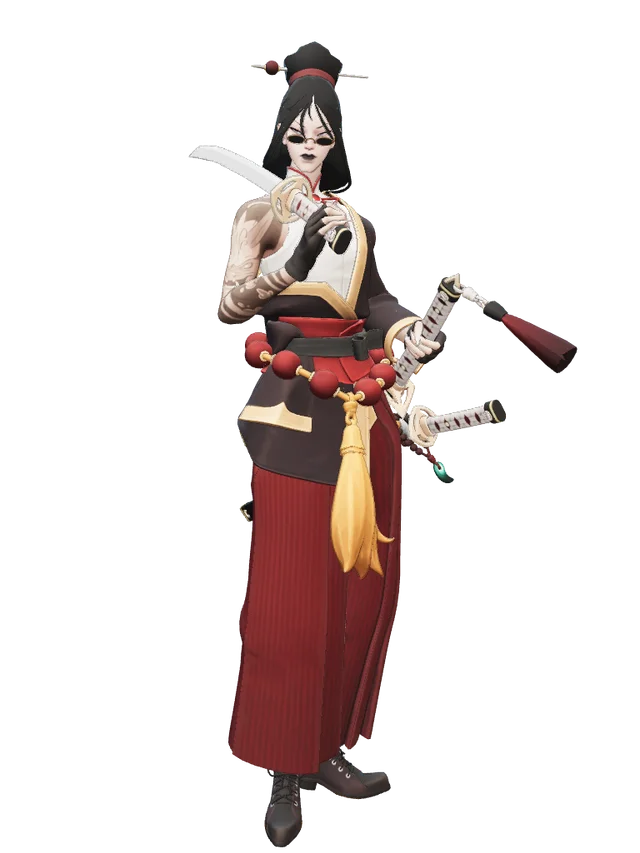
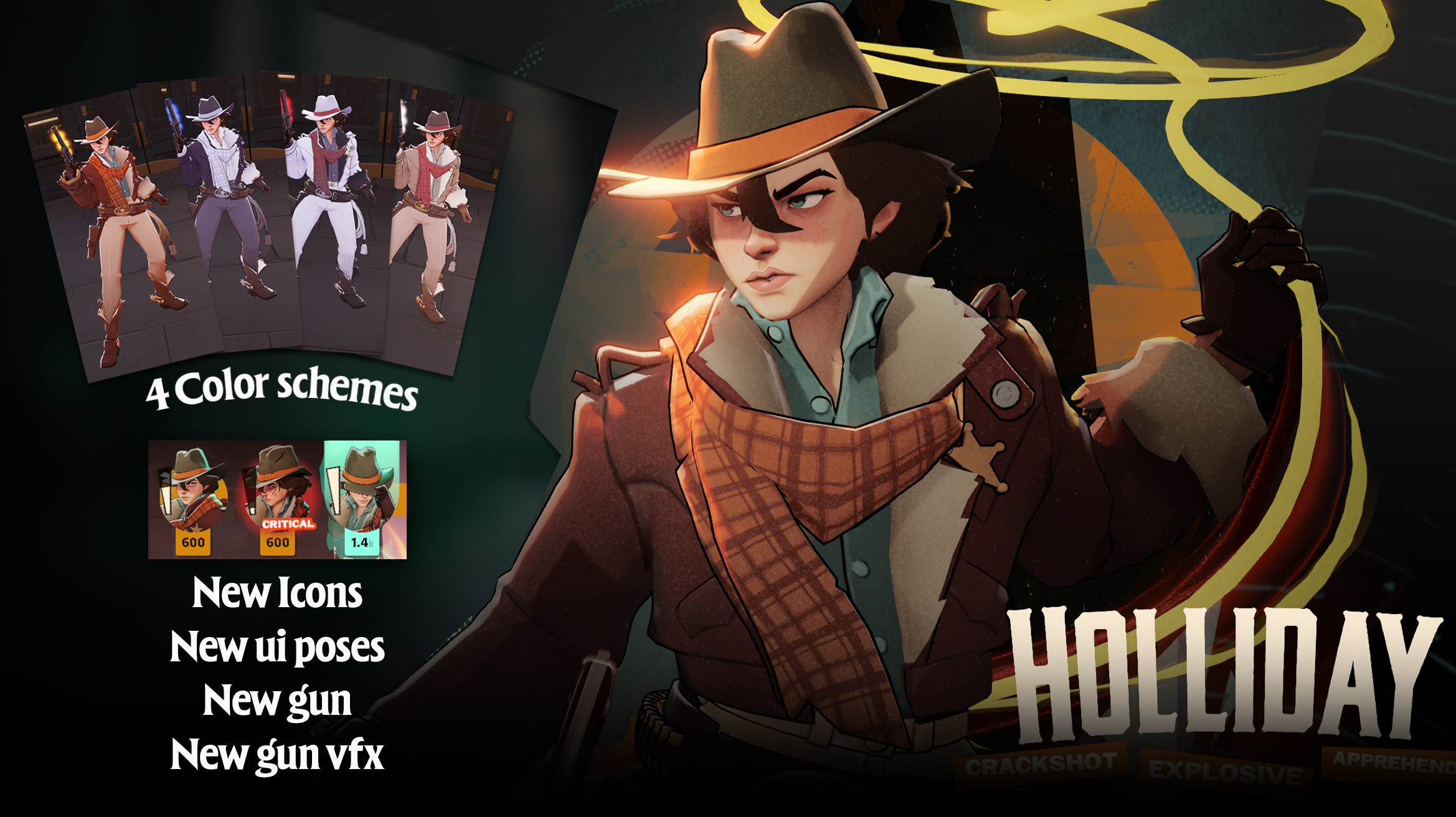
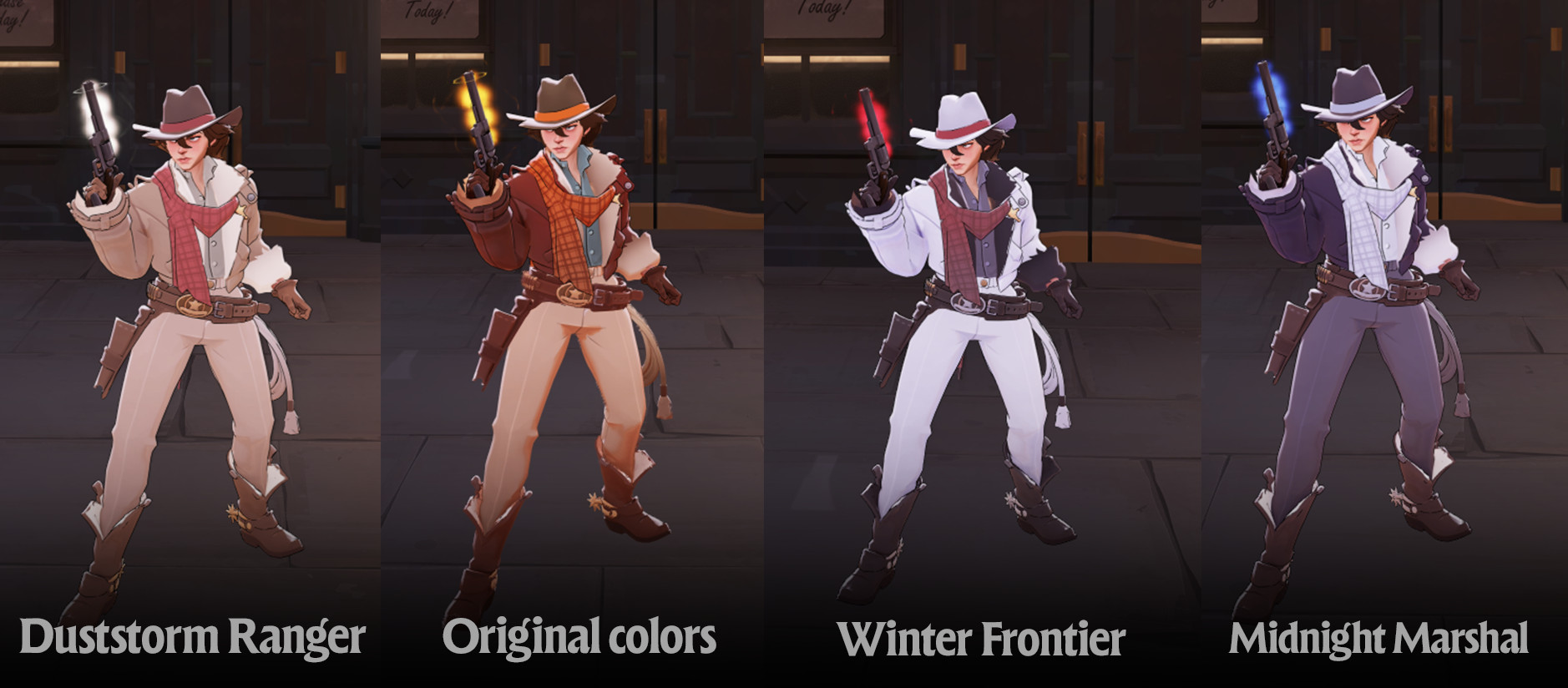
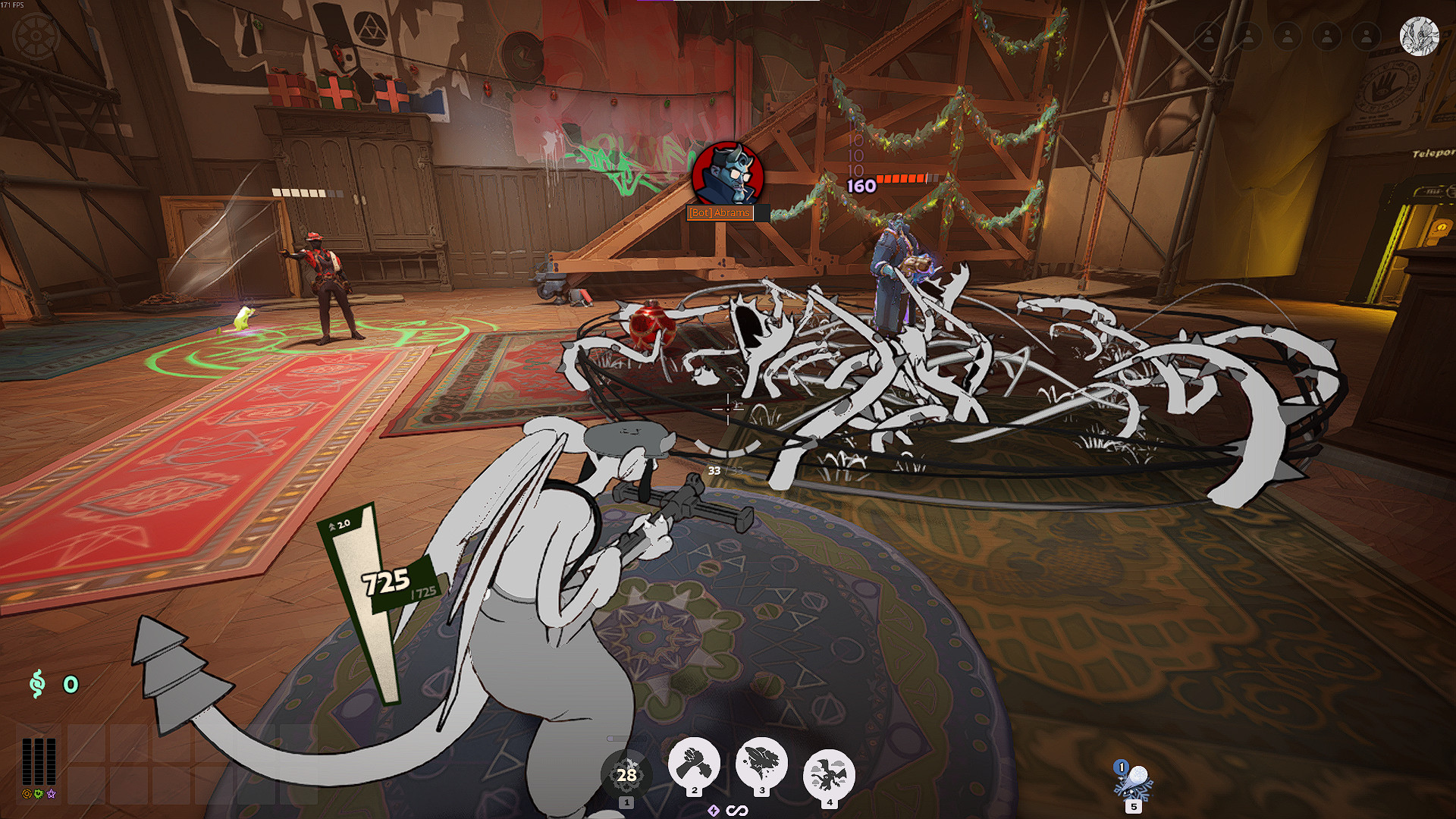
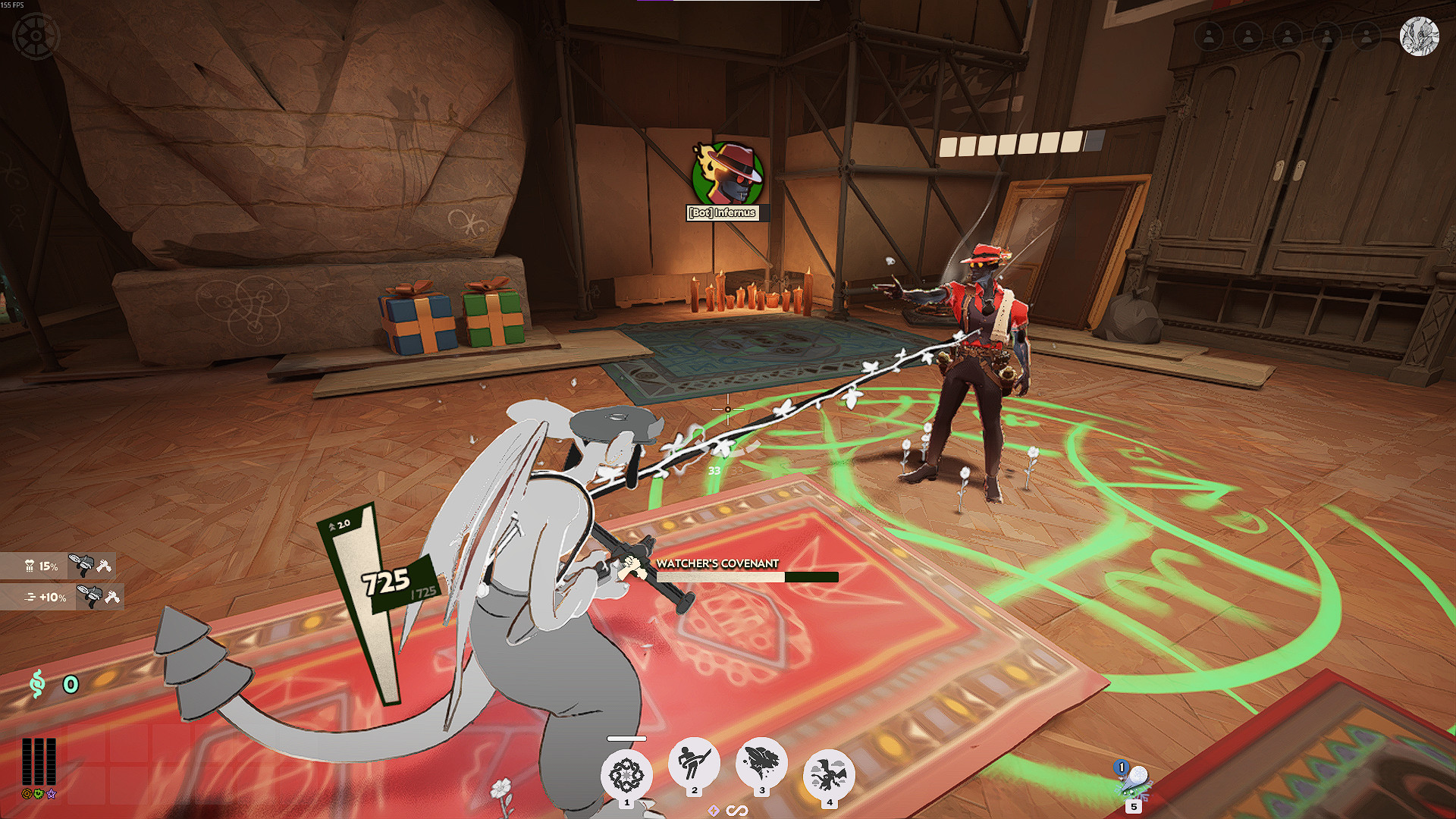
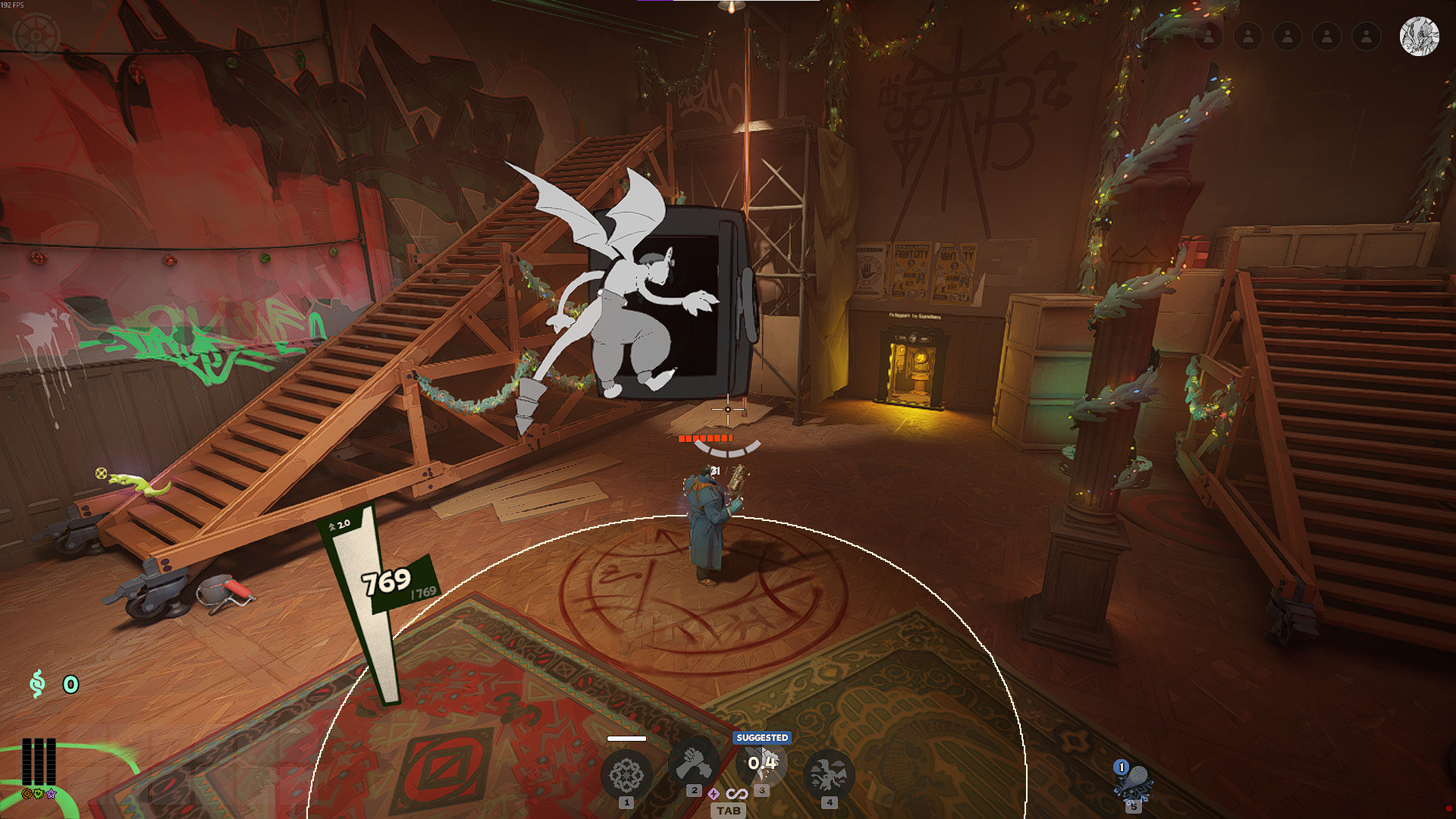
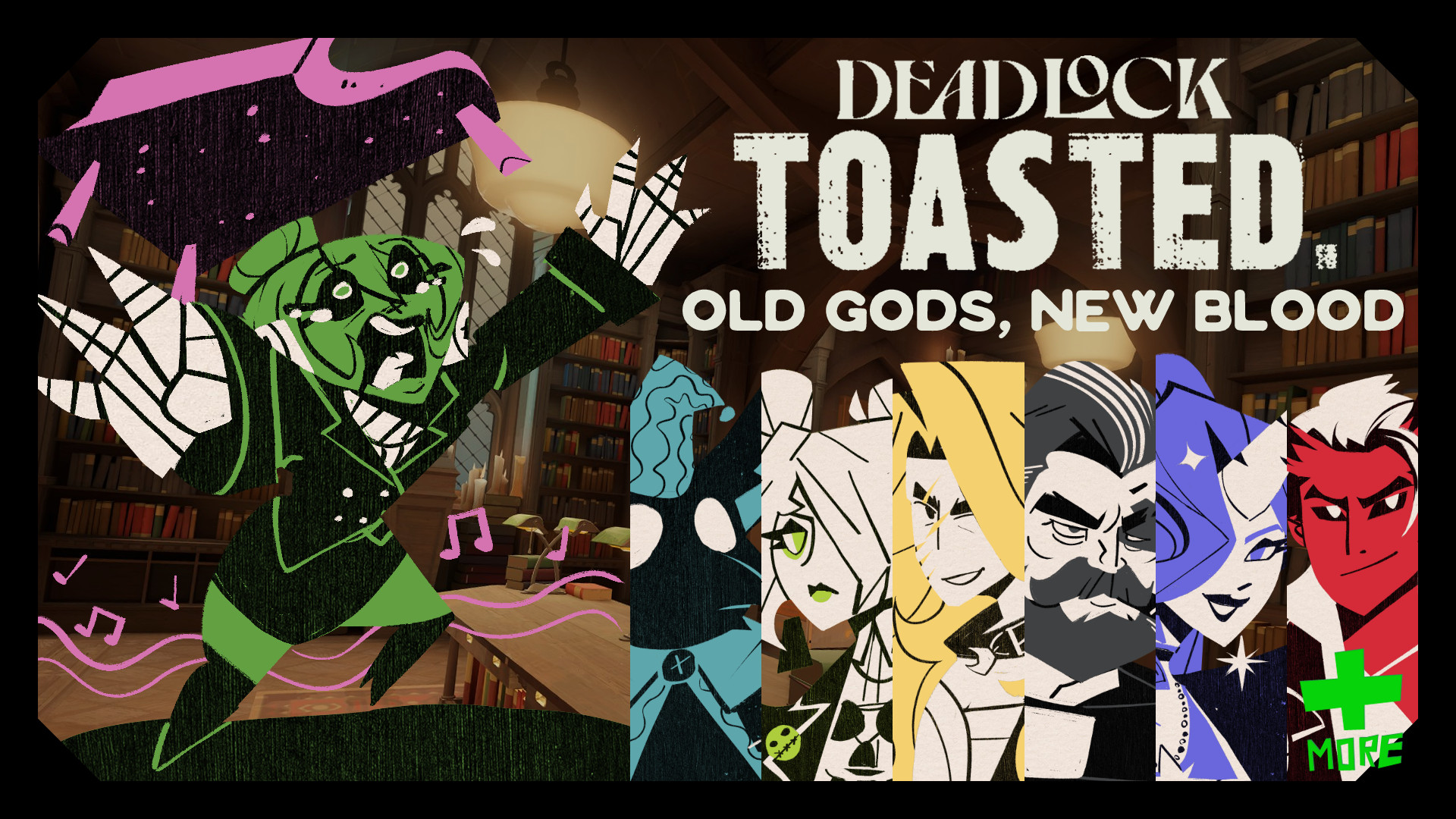
Comes with the custom makeup from my Scarlet Graves mod slighlty altered with less blush and two new lip color options! Black and red eyes! Green and black hair! and two new styles for her outfit!
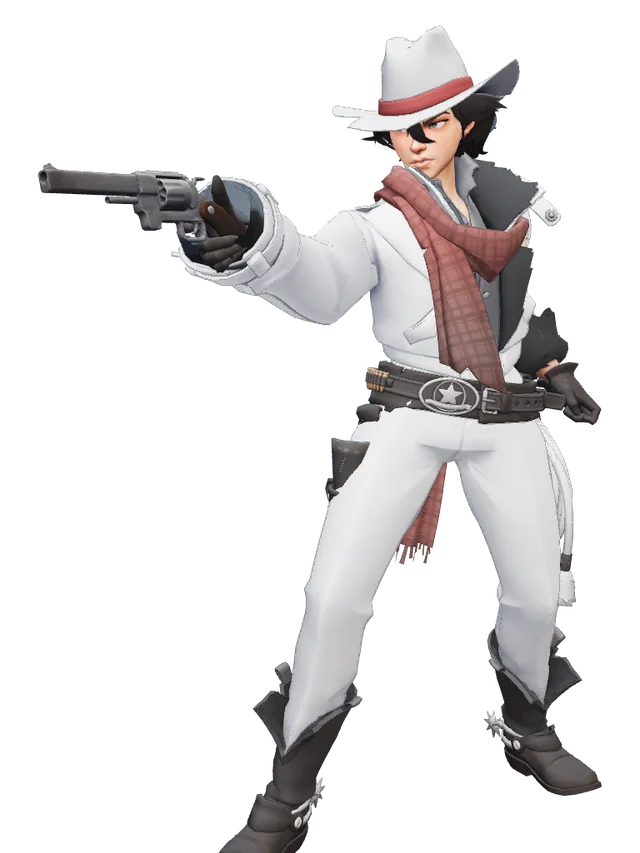
2 Combos conveniently available if you want one easy install , each showcased in the preview images, one for her white set and one for her striped set.
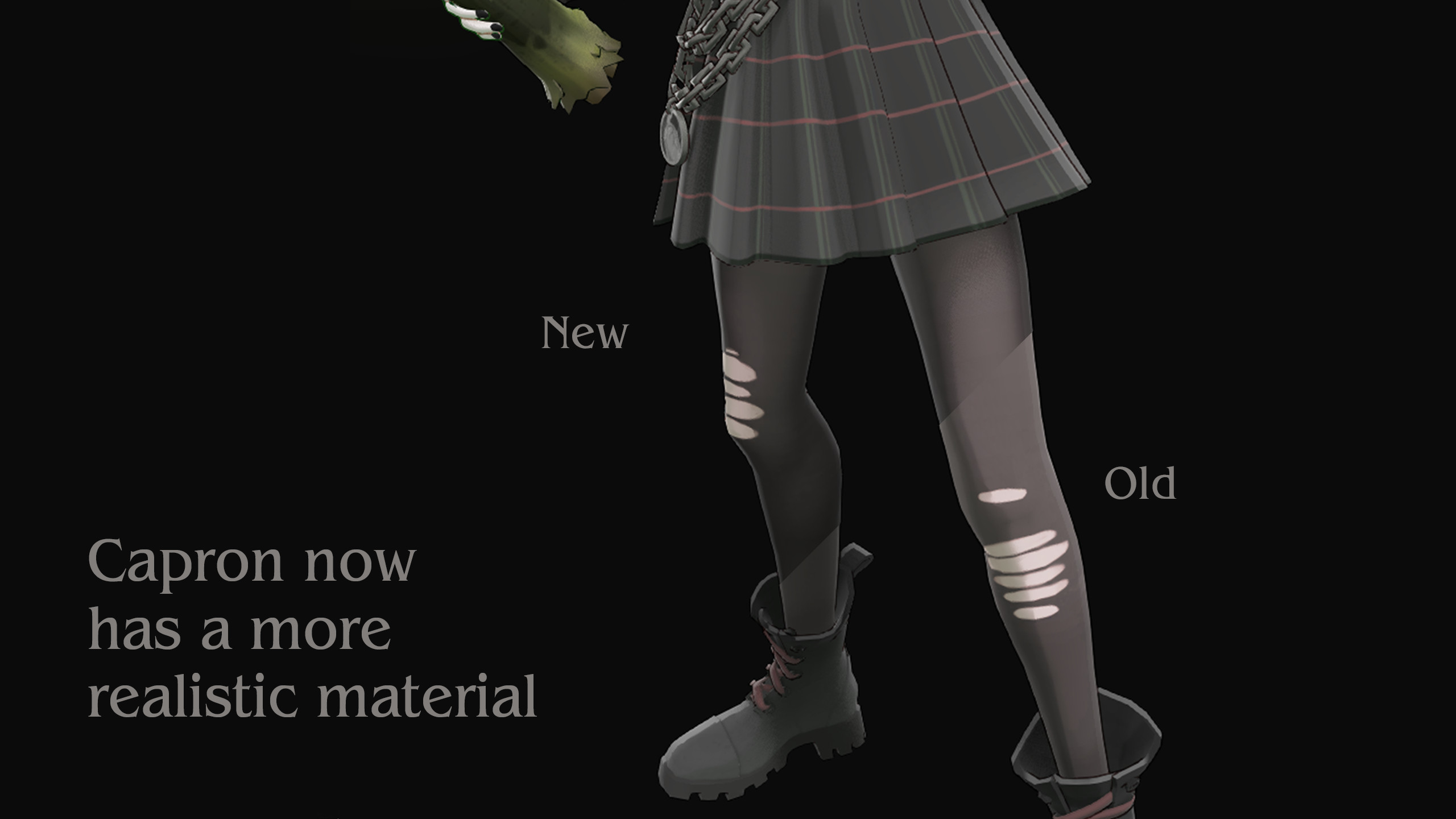
All hair, eye, makeup and outfit options come separately so you can mix and match as you please or just spice up your default look!
(Please keep in mind these separated files will take up more space in your modification limits if you use Deadlock Mod Manager if you use multiple options at once. Only relevant if you have a large number of mods installed.)
Files



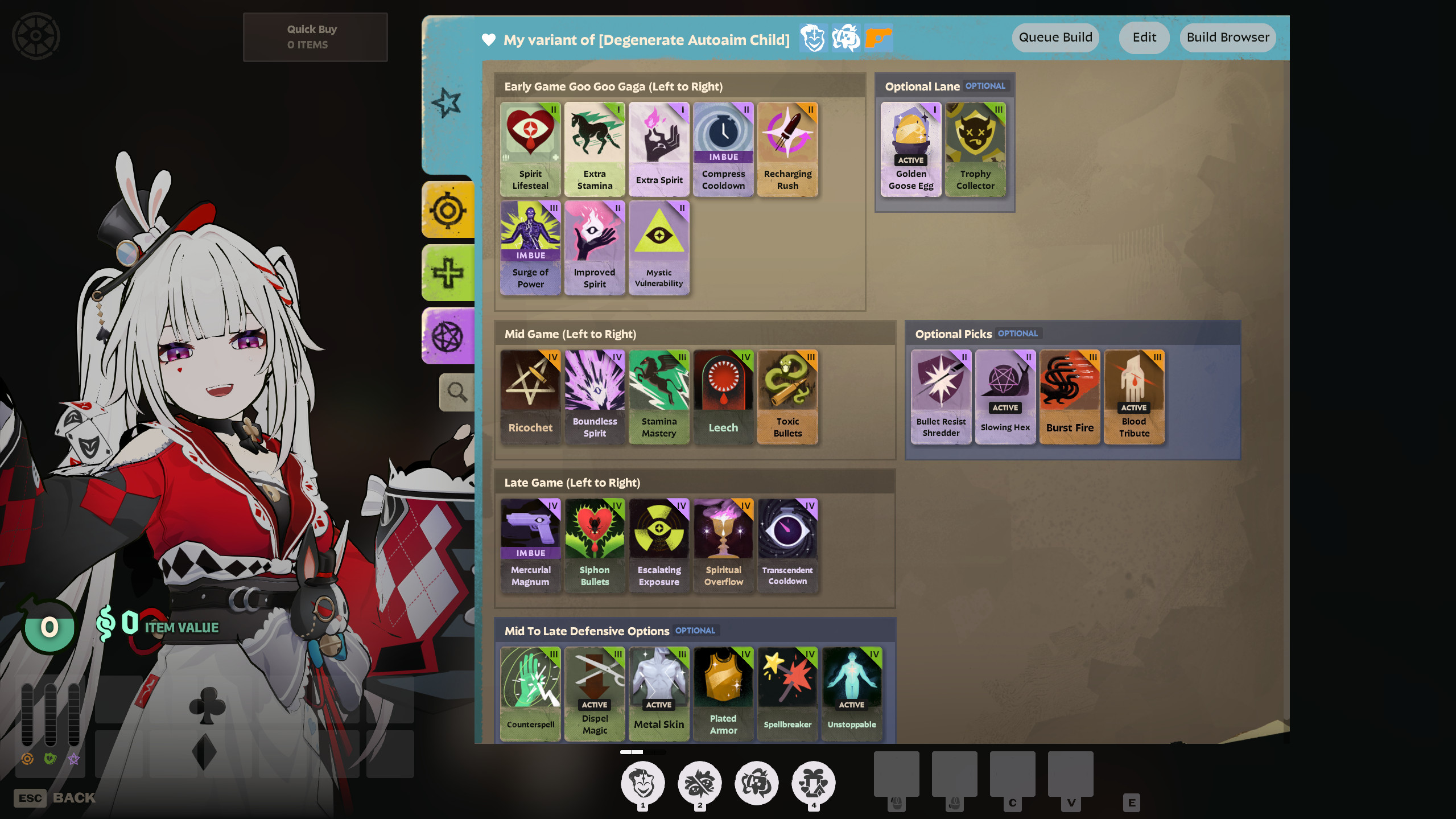

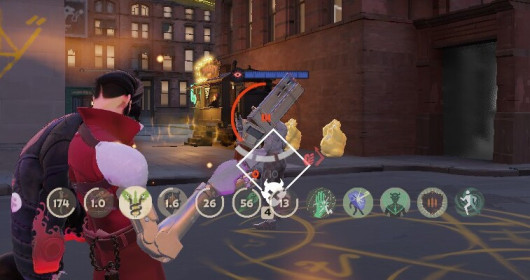
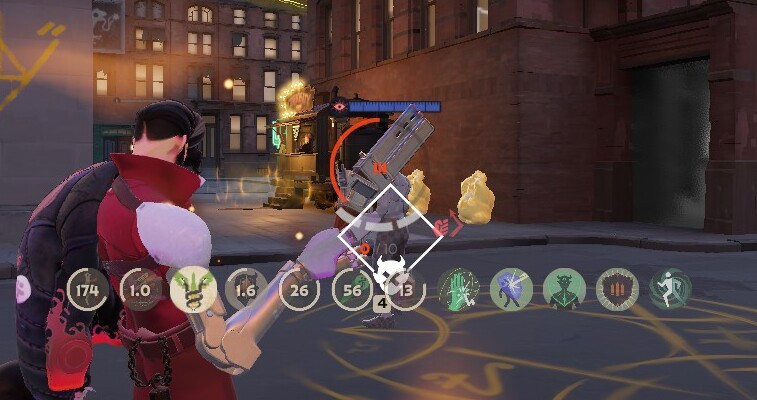
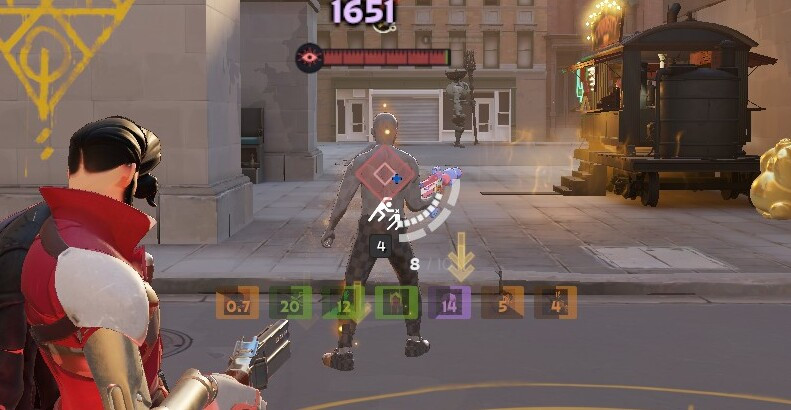

![Top Bar Plus [Beta]](https://assets.skintel.gg/upstream/gamebanana/a0c59bd1eed304e1ed21899b4d6e78f1969c6839668649ddfd5518d023811391.jpg)
![Top Bar Plus [Beta] image 2](https://assets.skintel.gg/upstream/gamebanana/29674b96150aa66b8d6018424419c8a78007235d8d328d00b4e7883ad7a43575.jpg)
![Top Bar Plus [Beta] image 3](https://assets.skintel.gg/upstream/gamebanana/5c66ea0fed88b2849a06ac464bfac8ee1a0c81bda4ddb1555532d43fdd497ffa.jpg)
![Top Bar Plus [Beta] image 4](https://assets.skintel.gg/upstream/gamebanana/4d036ffd43a30d28a373be9c675648905e44a5677ab6eef84e4ca5fc9a379b0e.jpg)
![Top Bar Plus [Beta] image 5](https://assets.skintel.gg/upstream/gamebanana/8e0484c084c0e4be8f50fb6bff9dd607e15034752078118eff637d9193c330f5.jpg)



About build.your.own Graves
build.your.own Graves is a community Hero Skin for Graves in Deadlock.
Hero
build.your.own Graves equips on Graves. Browse more Graves mods to complete the loadout.
Popularity
build.your.own Graves has been downloaded 287 times, liked 8 times and viewed 413 times on GameBanana.
Installation
Deadlock Mod Manager and Grimoire both take build.your.own Graves from this page and put its files where the game reads them. Without one of them installed, the archive downloads and the files go in by hand. Community mods on Skintel are free, and Skintel's install guide covers both routes on Windows.
Availability
build.your.own Graves is a free Deadlock skin. Community mods on Skintel are free to download and install, so you can get build.your.own Graves without spending anything.
Read the Deadlock skin price forecast.
Updates
build.your.own Graves was last updated Aug 25, 2026.
Frequently asked questions
How do I install build.your.own Graves?
Press Open with on this page to hand it to Deadlock Mod Manager or Grimoire, whichever one is installed. Otherwise download the 14 MB archive and copy its files into the game's addons folder yourself.
Is build.your.own Graves free?
Yes. Community mods on Skintel are free to download and install.
How popular is build.your.own Graves?
build.your.own Graves has been downloaded 287 times and liked 8 times on GameBanana.