3D model coming soon
 dacooderrOptiLock Creator
- BootConfig Contribution
- KaizuchaneruConfig Contribution
- pidjanConfig Contribution
- piggyxddConfig Contribution
 Artemon121Cvar Unhider Creator
 MochaccinaVindicta Scope Downscale
- h56566nr6Clean Doorway
 JayieOptimized Soul Containers
 AminsxOptimized McGinnis Wall
 bytenode4:3 Fix
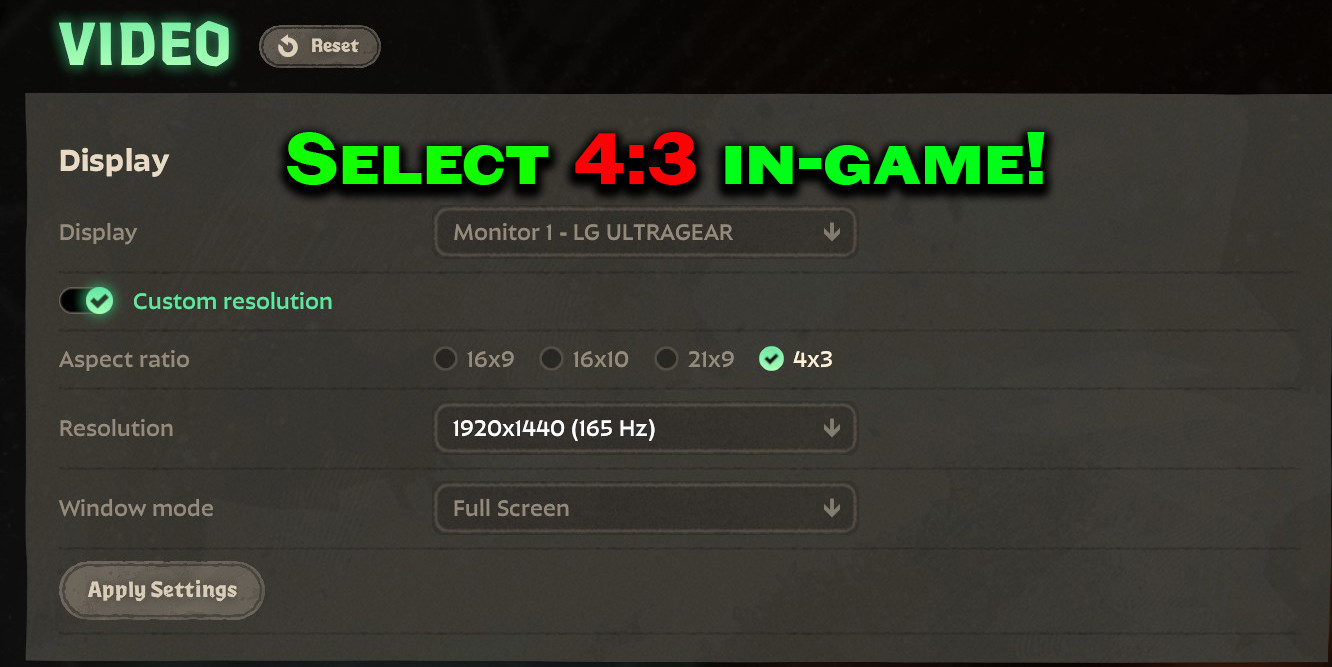
 Bezna4:3 in Video Settings
Description
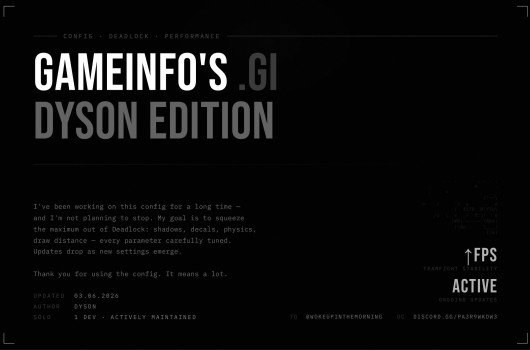
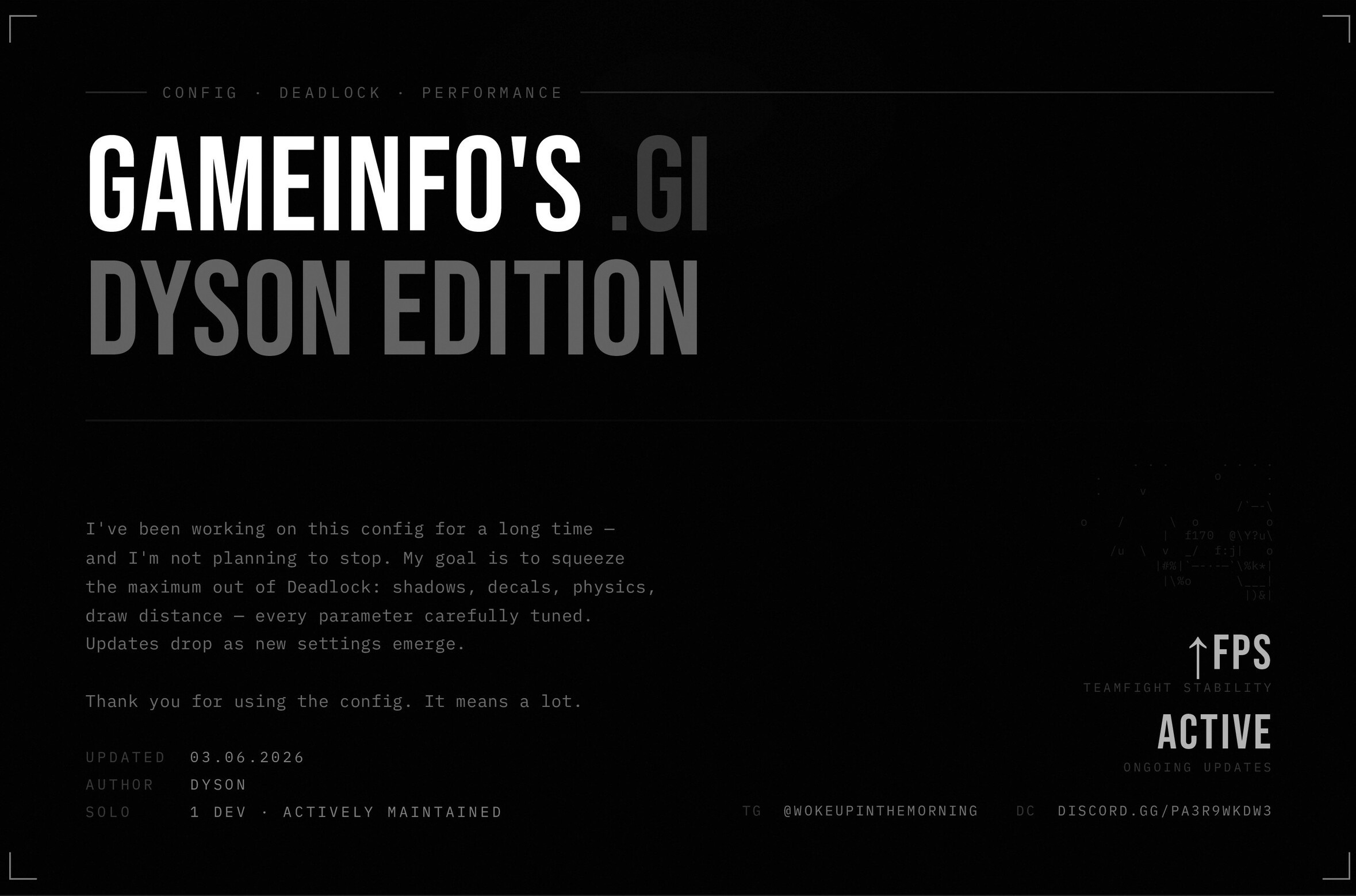
This is a collection of performance and FPS config related fixes for Deadlock without the need for QOL Lite.
Join the Largest Deadlock Optimization Discord!
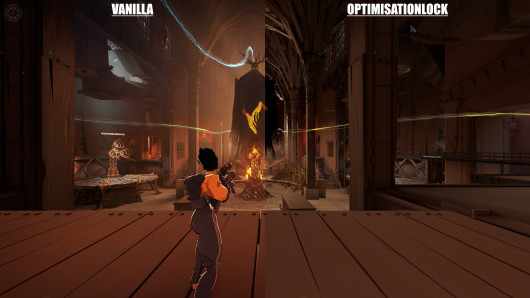
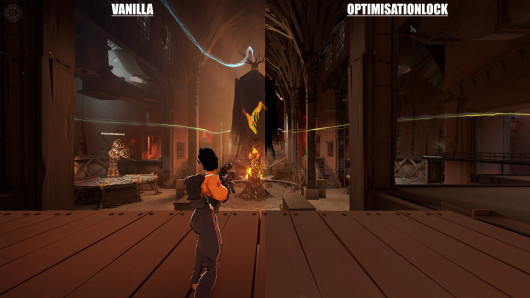
I have done 700+ hours of research, benchmarking, documentation on Windows and Linux Optimization, and I've been optimizing Deadlock since December 2025. We are provably, the best performing FPS configs.
GitHub to keep up to date and read text instructions.
Directions:
- Manually Download the OptiLock FPS Configs section of this mod
- Replace your gameinfo.gi entirely with the FPS Config of your choice in the provided file at steamapps/common/deadlock/game/citadel (OptiLock Max FPS Preset is recommended)
- Open the provided video.txt and copy all of the text
- Open your video.txt in C:\Program Files (x86)\Steam\steamapps\common\Deadlock\game\citadel\cfg
- Delete everything under deviceid (See Screenshots for Reference)
- Paste what you copied earlier (It should look like this)
- Save and Exit and you are done. (Your game MAY crash on first load, this is normal. Just open the game again. If it continues to crash you did something wrong and will need to try again)
When updating your config, it is best to first reinstall/verify game files, and delete your Deadlock games Shader Cache folder. Typically located at "C:\Program Files (x86)\Steam\steamapps\shadercache\1422450" but ultimately it'll be where you installed steam. So workflow goes like - Look for Steam Installation folder, then go to steamapps\shadercache and delete the 1422450 folder.
Thank you @gooster for bringing this to my attention!
Follow my Twitch! And check out my YouTube!
Mods Included:
- Sinner's Light Fix
- Vindicta Scope Downscale
- Optimized Soul Containers
- Optimized McGinnis Wall
- Clean Doorman Doorway
- 4:3 Fix
- 4:3 in Video Settings
Go here to install Black Skybox if you'd like.
Files





![Top Bar Plus [Beta]](https://assets.skintel.gg/thumb/quality-of-life-gb623518?w=640)
![Top Bar Plus [Beta] image 2](https://assets.skintel.gg/upstream/gamebanana/29674b96150aa66b8d6018424419c8a78007235d8d328d00b4e7883ad7a43575.jpg)
![Top Bar Plus [Beta] image 3](https://assets.skintel.gg/upstream/gamebanana/5c66ea0fed88b2849a06ac464bfac8ee1a0c81bda4ddb1555532d43fdd497ffa.jpg)
![Top Bar Plus [Beta] image 4](https://assets.skintel.gg/upstream/gamebanana/4d036ffd43a30d28a373be9c675648905e44a5677ab6eef84e4ca5fc9a379b0e.jpg)
![Top Bar Plus [Beta] image 5](https://assets.skintel.gg/upstream/gamebanana/8e0484c084c0e4be8f50fb6bff9dd607e15034752078118eff637d9193c330f5.jpg)





![Sqooky's FPS Config [UPDATE COMPATIBLE]](https://assets.skintel.gg/thumb/quality-of-life-gb656341/revisions/f2fa36f6e8527d9abe3beb7e9f932785665df057eabb65dc753468a9b057a6ca/640.webp)
![Sqooky's FPS Config [UPDATE COMPATIBLE] image 2](https://assets.skintel.gg/upstream/gamebanana/0bf157aa0f0d822063915200ef5f1c1fbb8fcbd5cc468c38b05900335399e39e.jpg)
![Sqooky's FPS Config [UPDATE COMPATIBLE] image 3](https://assets.skintel.gg/upstream/gamebanana/fa4a8a7c52c61d95ece5fd1b88783f002b69a684a9fb66730113314a3a049c7f.jpg)
![Sqooky's FPS Config [UPDATE COMPATIBLE] image 4](https://assets.skintel.gg/upstream/gamebanana/98e667f6c5a6414e83d43f6f0d5b7338539bb0e011dc8fe918995b28ec04aa96.jpg)
![Sqooky's FPS Config [UPDATE COMPATIBLE] image 5](https://assets.skintel.gg/upstream/gamebanana/6078b39a37d98fef0078fb35bde094d722f88d13e5ef00b50dcc4d06a8b24217.jpg)
![Sqooky's FPS Config [UPDATE COMPATIBLE] image 6](https://assets.skintel.gg/upstream/gamebanana/03ed85dc63c323504d87b571ec9c8e09cb06d0939ec3396056fc87cf3a986711.jpg)
![Sqooky's FPS Config [UPDATE COMPATIBLE] image 7](https://assets.skintel.gg/upstream/gamebanana/8fa33bdfe4e6f0b3403893bb75ef04a1943269982e03ce3d3c6c6fb8a2c47f50.jpg)
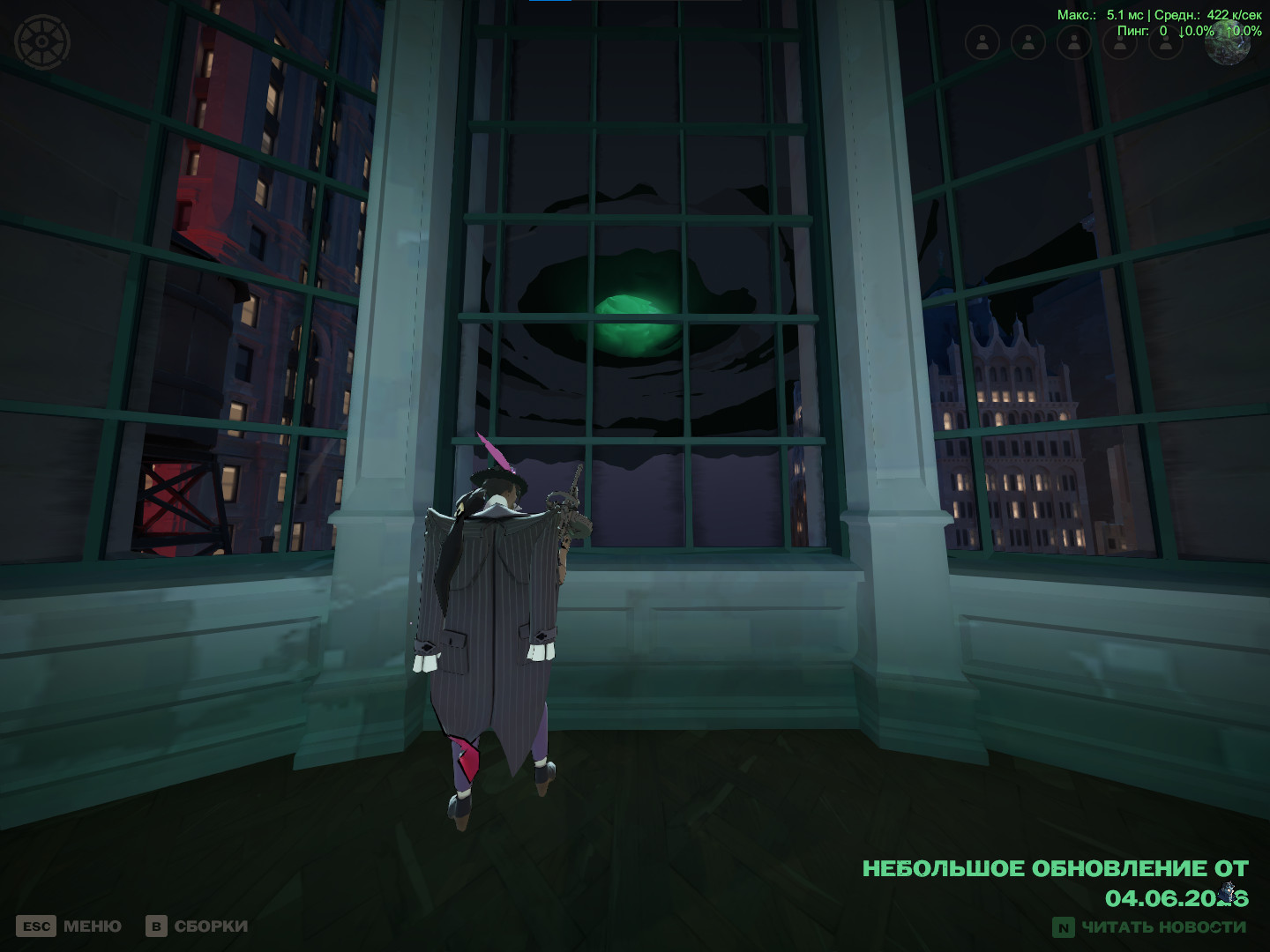
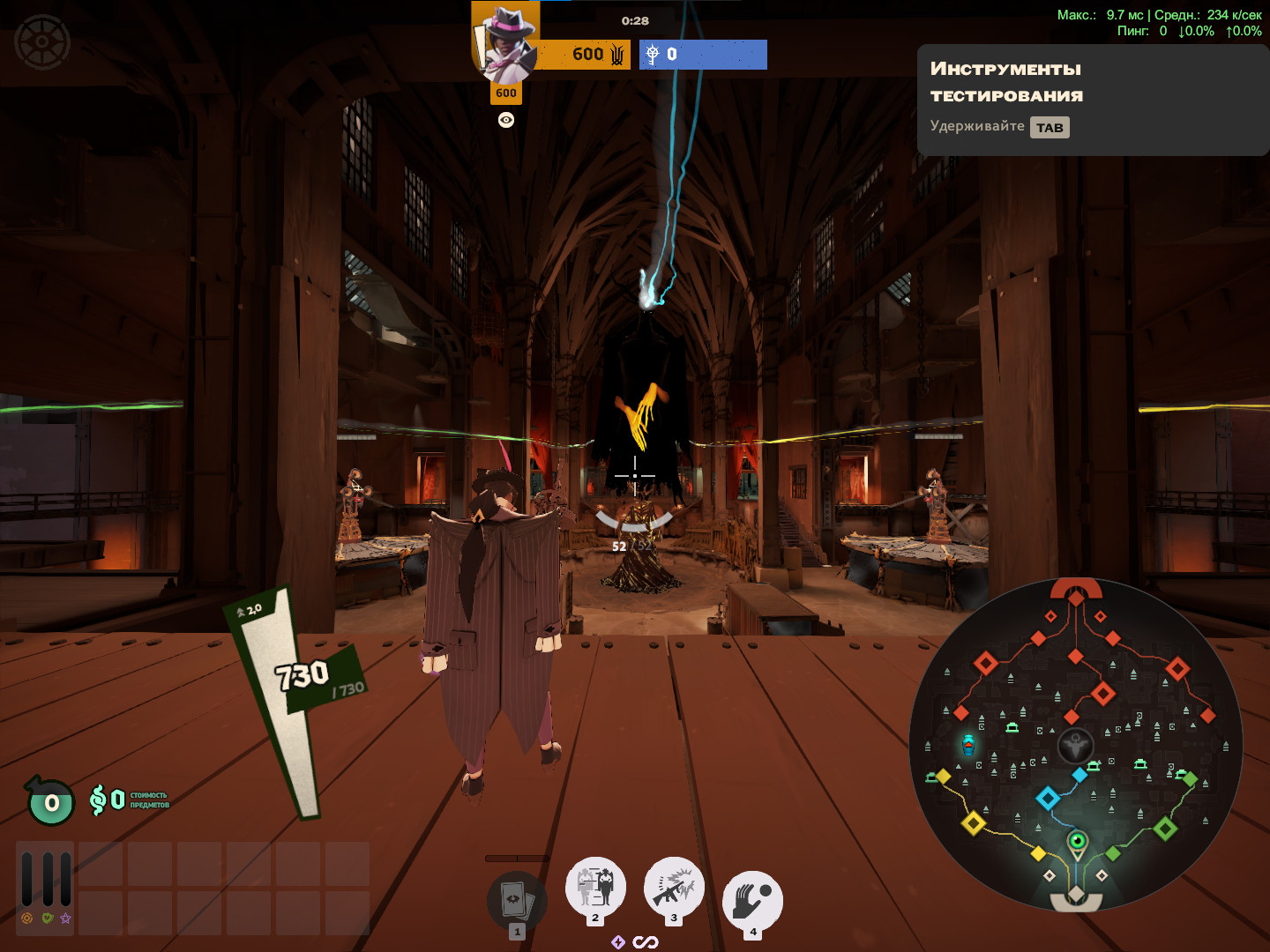
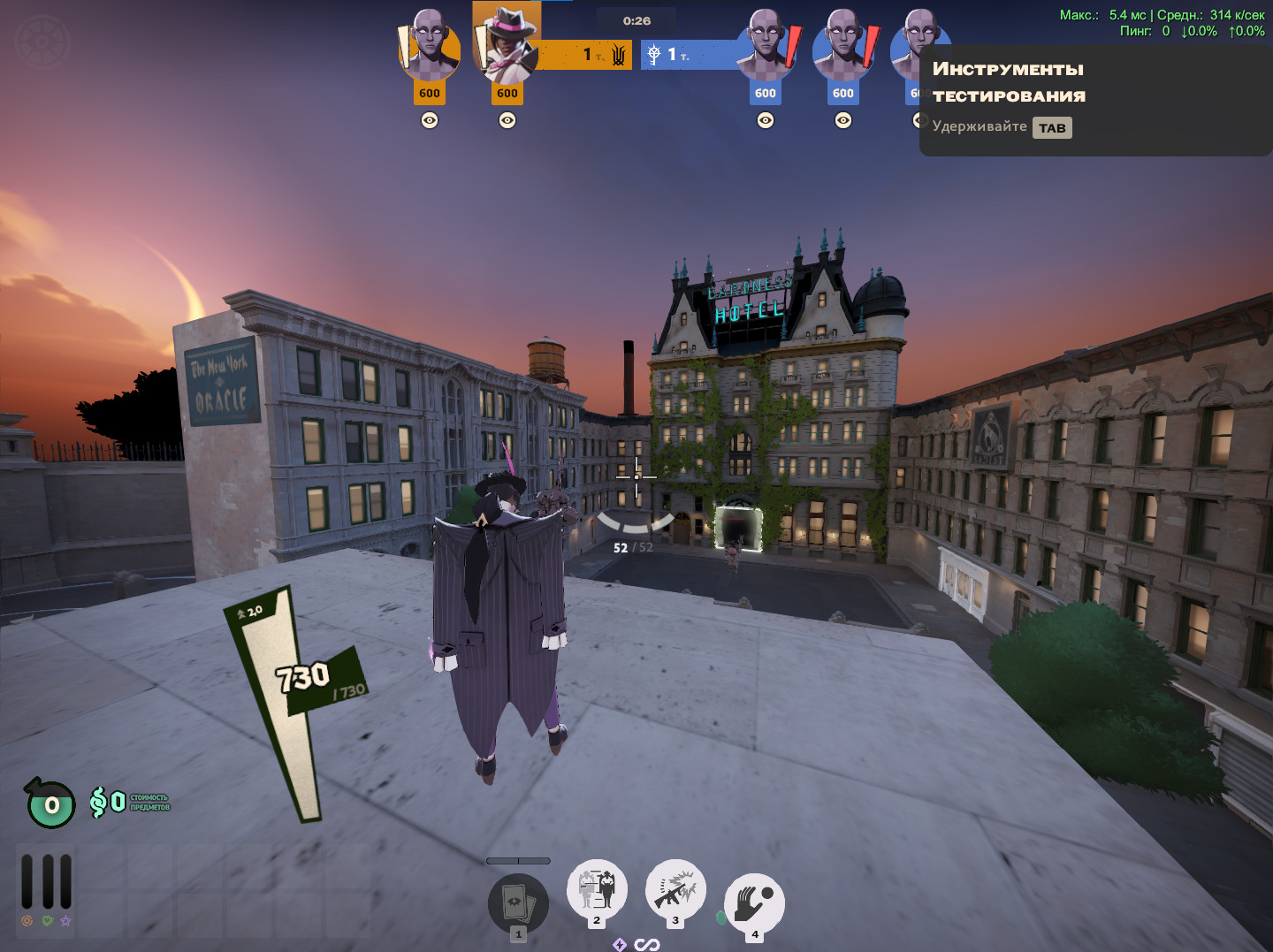
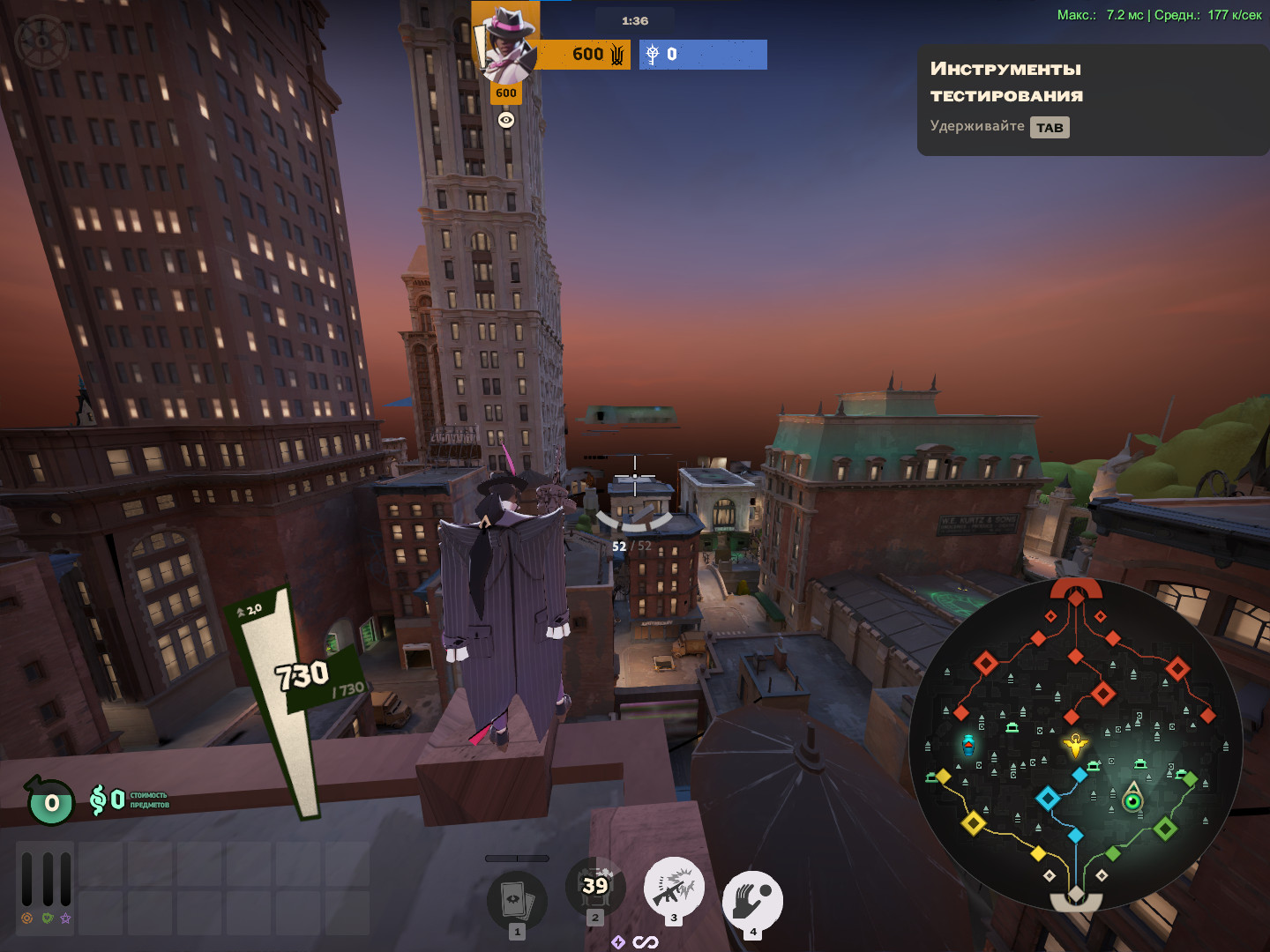








About OptiLock FPS Configs + Essential Performance Fixes
OptiLock FPS Configs + Essential Performance Fixes is a community Quality of Life in Deadlock.
Creation
OptiLock FPS Configs + Essential Performance Fixes was made by the community. The current version is 4.6.
Popularity
OptiLock FPS Configs + Essential Performance Fixes has been downloaded 26k times, liked 10 times and viewed 13k times on GameBanana.
Installation
Install OptiLock FPS Configs + Essential Performance Fixes in one click with the Deadlock Mod Manager, or download the files and install it manually. Community mods on Skintel are always free.
Availability
OptiLock FPS Configs + Essential Performance Fixes is a free Deadlock mod. Community mods on Skintel are free to download and install, so you can get OptiLock FPS Configs + Essential Performance Fixes without spending anything.
Updates
OptiLock FPS Configs + Essential Performance Fixes was last updated Aug 15, 2026.
Frequently asked questions
How do I install OptiLock FPS Configs + Essential Performance Fixes?
Use Install with Mod Manager to open the Deadlock Mod Manager, or download the 11 MB archive.
Is OptiLock FPS Configs + Essential Performance Fixes free?
Yes. Community mods on Skintel are free to download and install.
How popular is OptiLock FPS Configs + Essential Performance Fixes?
OptiLock FPS Configs + Essential Performance Fixes has been downloaded 26k times and liked 10 times on GameBanana.