3D model coming soon

Description
Required Launch Option
Add "citadel_unit_status_use_new" "1" to your Deadlock launch options. The mod may not show the new health bars without it.
Preset Builder Early ver. : https://hantu-raya.github.io/hp-colors-preset-builder/
The preset builder lets you create your own HP color settings and export them as a preset VPK.
Install Order
- First install the base mod: HP Colors Full or HP Colors Minimal.
- Then install the preset VPK made by the builder.
- The preset VPK must have a lower pak number than the base mod.
- Example: preset as pak96_dir.vpk, HP Colors Minimal as pak97_dir.vpk.
How To Build The Preset VPK
1. Open the preset builder.
2. Create your settings or paste your saved code.
3. Click Build VPK at the top right.
4. In the warning window, click Validate install.
5. If you have not installed the base mod yet, use the Download this mod button under Full mod or Minimal mod.
6. After validation, choose the mod you installed: Full mod or Minimal mod.
7. Click Confirm build.
8. Put the generated preset VPK in your addons folder.
If you have problems, feedback, or suggestions, DM me on Discord: aspick3416.
HP Colors Minimal - Performance-Focused Preset Runtime
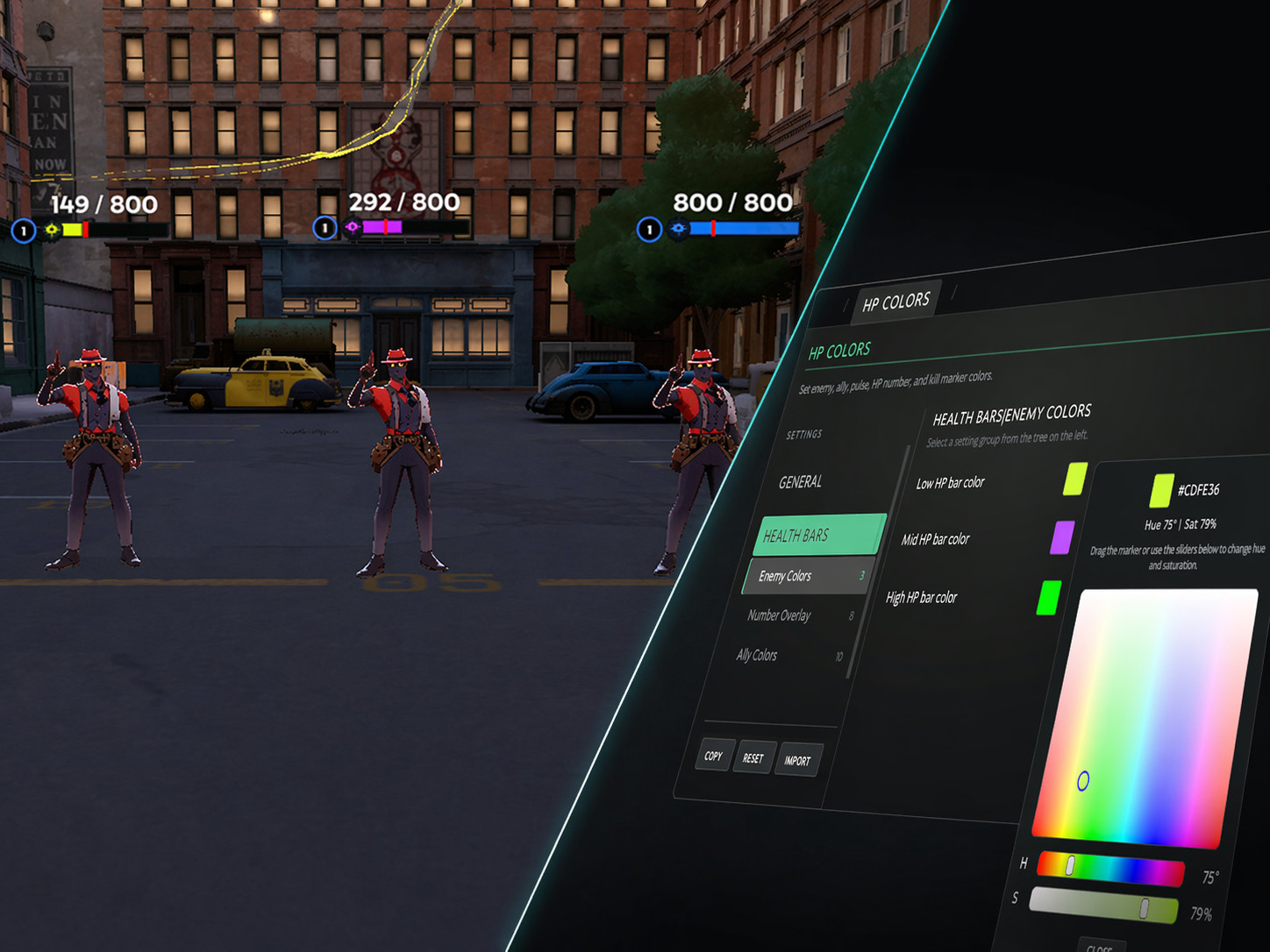
HP Colors Minimal is the lighter version of HP Colors. It removes the in-game settings menu and keeps only the runtime needed to read your web-builder preset and apply it to health bars.
Use this version if you already know your settings and want a cleaner HUD runtime with fewer extra UI files running in-game.
Minimal Keeps
- Enemy HP percentage colors.
- Ally HP colors.
- HP counter settings.
- BPM pulse settings.
- Kill-zone marker.
- Level indicator colors and visibility.
- Cached preset settings for HP bars created after players join.
Minimal Removes
- No Anita settings panel.
- No live color picker.
- No in-game import/export menu.
- No convar settings menu.
- No mid-match customization UI.
HP Colors v3 Full - In-Game Settings Version
Use the full version if you want to edit settings while playing. It adds a star button on the top-right HUD that opens the settings panel.
Full Version Features
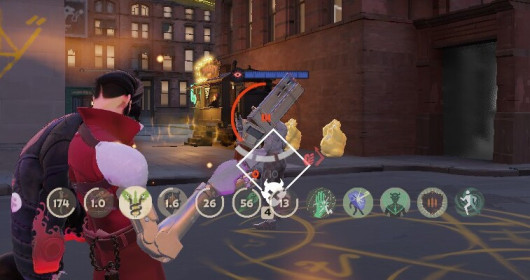
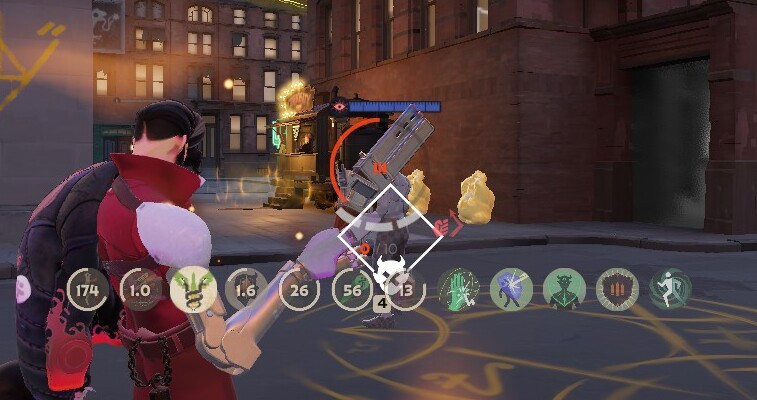
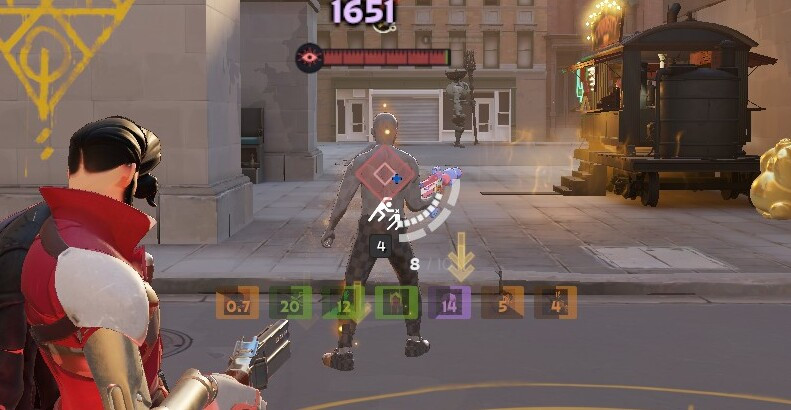
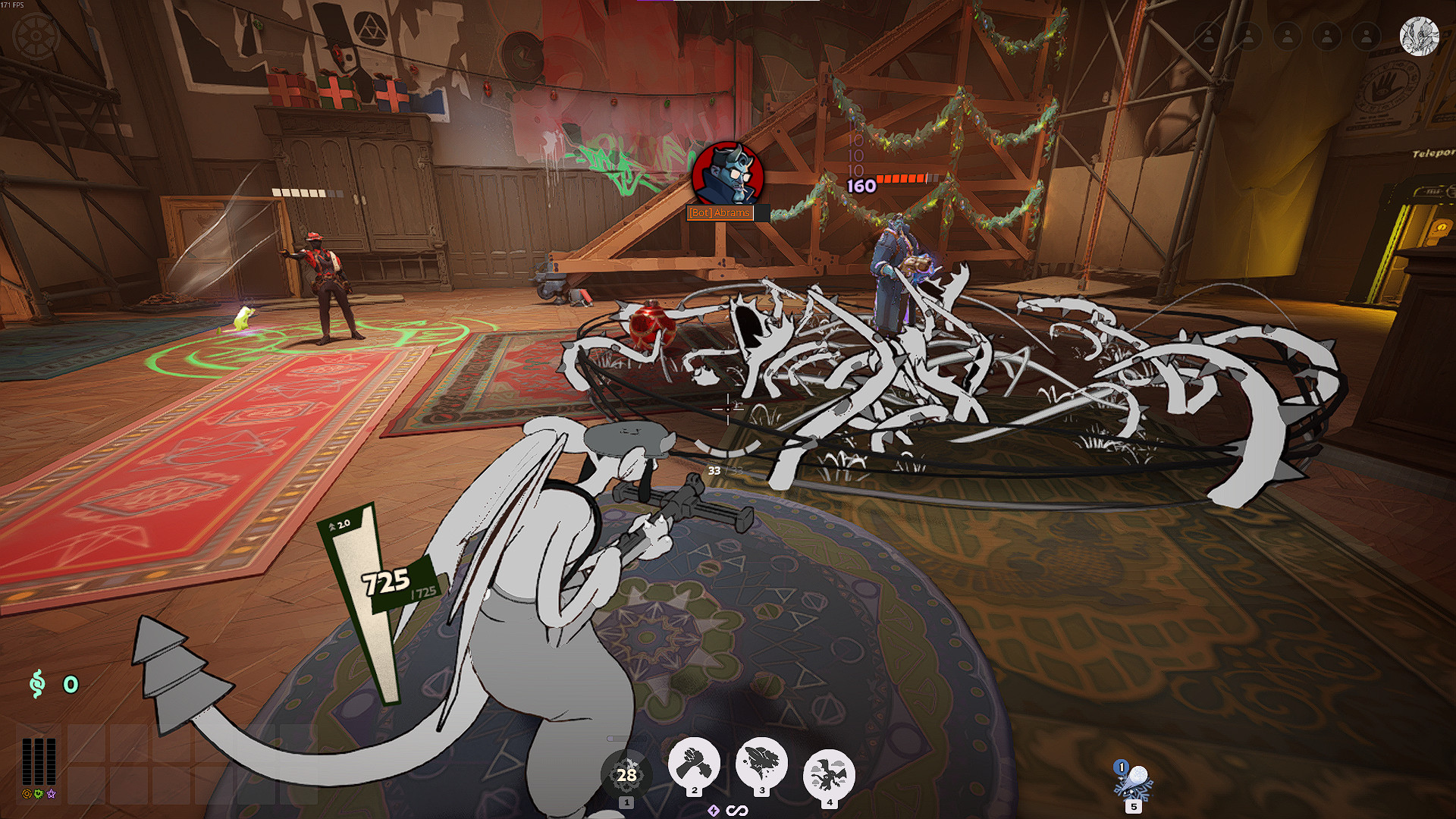
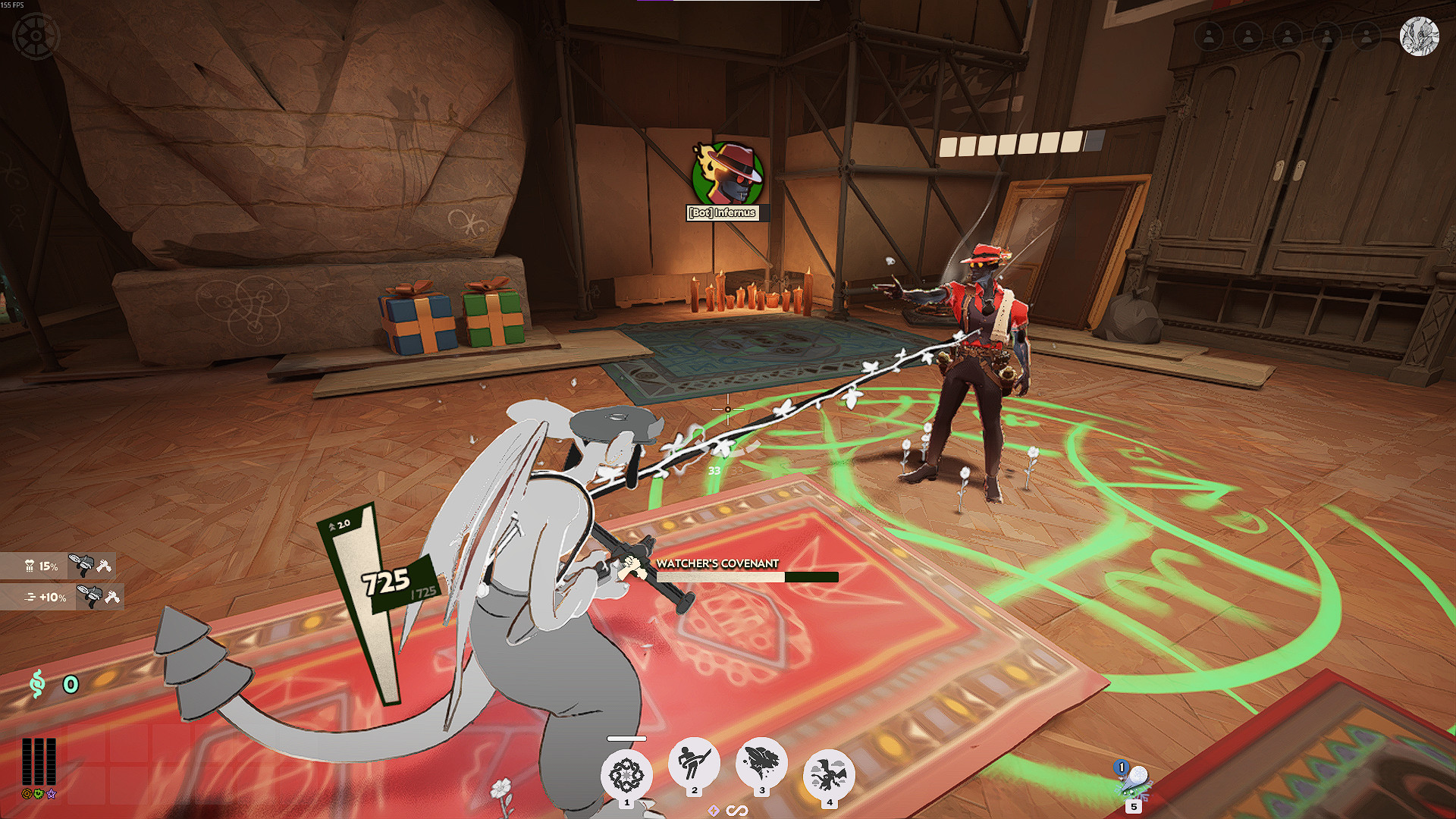
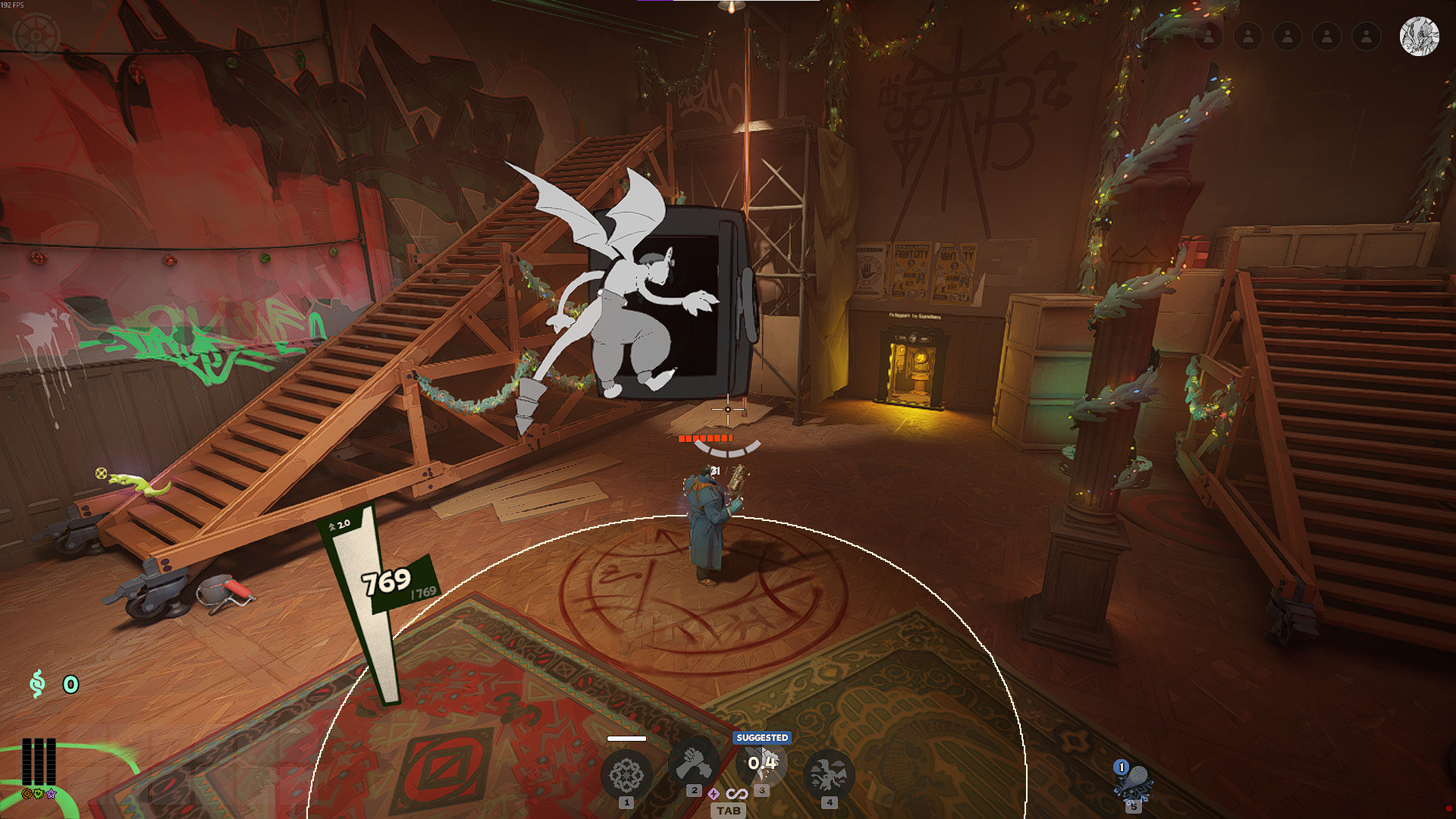
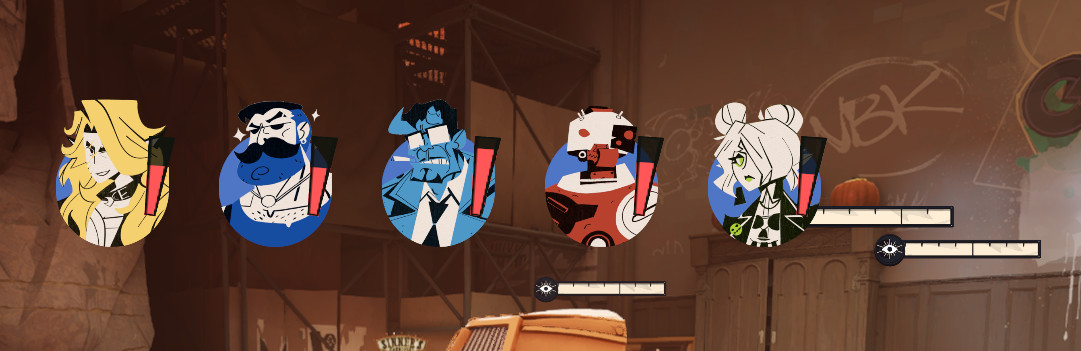
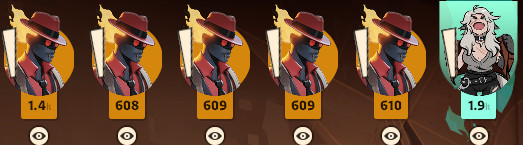
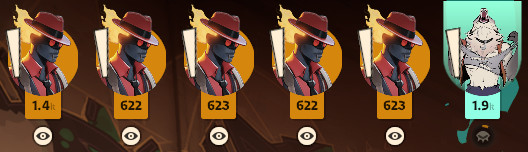
- Enemy health bars change color by HP percent.
- Low, mid, and high HP color zones.
- Team-color mode for high HP enemies.
- Kill-zone marker for low HP targets.
- BPM pulse for low HP enemies and allies.
- HP counter with current / max HP or percent mode.
- Ally health bar colors.
- Level border colors by tier.
- Settings save between sessions.
- Copy and paste config tokens.
Which Version Should I Use?
- Use HP Colors Minimal if you want the lighter preset-based version.
- Use HP Colors Full if you want to edit settings in-game.
Credits
Anita UI framework by iAfar.
Max HP detection based on code by ninjabladeJr.
Files




![Top Bar Plus [Beta]](https://assets.skintel.gg/upstream/gamebanana/a0c59bd1eed304e1ed21899b4d6e78f1969c6839668649ddfd5518d023811391.jpg)
![Top Bar Plus [Beta] image 2](https://assets.skintel.gg/upstream/gamebanana/29674b96150aa66b8d6018424419c8a78007235d8d328d00b4e7883ad7a43575.jpg)
![Top Bar Plus [Beta] image 3](https://assets.skintel.gg/upstream/gamebanana/5c66ea0fed88b2849a06ac464bfac8ee1a0c81bda4ddb1555532d43fdd497ffa.jpg)
![Top Bar Plus [Beta] image 4](https://assets.skintel.gg/upstream/gamebanana/4d036ffd43a30d28a373be9c675648905e44a5677ab6eef84e4ca5fc9a379b0e.jpg)
![Top Bar Plus [Beta] image 5](https://assets.skintel.gg/upstream/gamebanana/8e0484c084c0e4be8f50fb6bff9dd607e15034752078118eff637d9193c330f5.jpg)



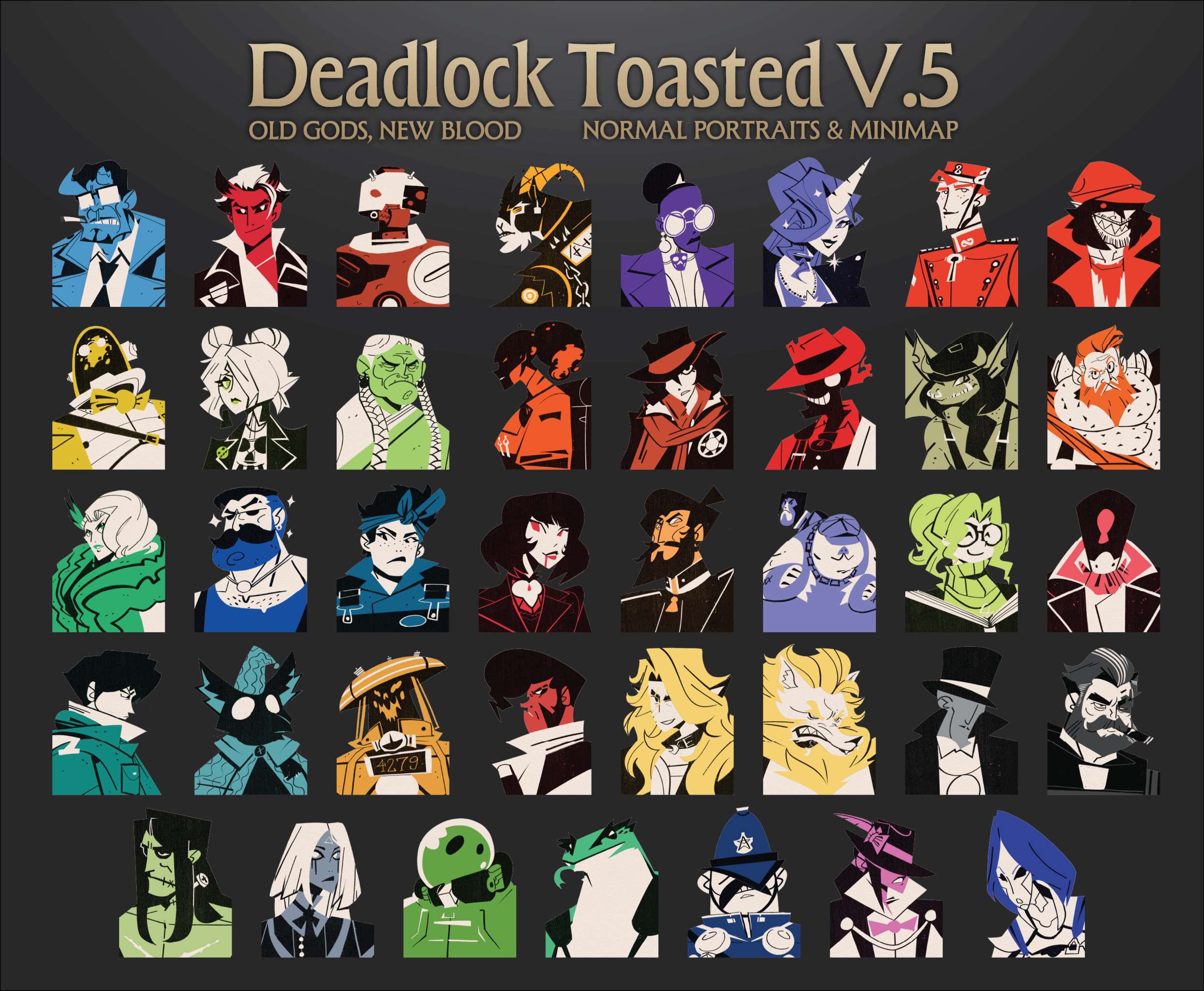

![[OLD GODS NEW BLOOD] DARKEST DEADLOCK Portraits](https://assets.skintel.gg/upstream/gamebanana/678089821b6baed29ec029529582de5f5eacb40a8b74f29d086eb5bdb6319225.jpg)
![[OLD GODS NEW BLOOD] DARKEST DEADLOCK Portraits image 2](https://assets.skintel.gg/upstream/gamebanana/eecb6672adc7f5717dcfdd60ca922cf98b70ca80758a67c1a427072edfec9332.jpg)
![[OLD GODS NEW BLOOD] DARKEST DEADLOCK Portraits image 3](https://assets.skintel.gg/upstream/gamebanana/a890a9becabdee04a01511f9e22ea5aa4e53c61fe857c995331fad813e1d28ac.jpg)
![[OLD GODS NEW BLOOD] DARKEST DEADLOCK Portraits image 4](https://assets.skintel.gg/upstream/gamebanana/3ea1d86c17d353a2b65effe9ec609aa7a8bcd6e2f9f26ec2f392d25b22a62825.jpg)
![[OLD GODS NEW BLOOD] DARKEST DEADLOCK Portraits image 5](https://assets.skintel.gg/upstream/gamebanana/615ad94d0c6bb40d77129f80ba95e34cb8585b9d13ec8d84a3d17fedbb950a40.jpg)
![[OLD GODS NEW BLOOD] DARKEST DEADLOCK Portraits image 6](https://assets.skintel.gg/upstream/gamebanana/3ca8b489c746d109168376599f7286ce77a37c763f4e4c1771565ec21b4beb72.jpg)
![[OLD GODS NEW BLOOD] DARKEST DEADLOCK Portraits image 7](https://assets.skintel.gg/upstream/gamebanana/f3e89e1cba8dc54d38d8444b33b8a2a136cec6b56e443bdb1d59fdbbdaa1e545.jpg)



![robo's Deadlock Portraits [V3 UPDATE! NEW HEROES!]](https://assets.skintel.gg/upstream/gamebanana/92c9d6bc7c56055fa9fedd90d8e78b0d21a184b0ff3c9da01a6bef2921358339.jpg)
![robo's Deadlock Portraits [V3 UPDATE! NEW HEROES!] image 2](https://assets.skintel.gg/upstream/gamebanana/45455033ea8aaa3f7390e6922edf21ce0aa8aebf0ba260fc6a489049ab4b6b1e.jpg)
![robo's Deadlock Portraits [V3 UPDATE! NEW HEROES!] image 3](https://assets.skintel.gg/upstream/gamebanana/5609b175042be7643a85390230ace4db64dddc8c3435288ccb015993e19f2e08.jpg)
![robo's Deadlock Portraits [V3 UPDATE! NEW HEROES!] image 4](https://assets.skintel.gg/upstream/gamebanana/cd3f5b146466d7bea51727facc5593da211ff2d73c8d74f285a44944d9a4fd6d.jpg)
![robo's Deadlock Portraits [V3 UPDATE! NEW HEROES!] image 5](https://assets.skintel.gg/upstream/gamebanana/7728887fbeda3067002fcd88502a242f056fe81ee4f836aca4fc59f776005b87.jpg)
![robo's Deadlock Portraits [V3 UPDATE! NEW HEROES!] image 6](https://assets.skintel.gg/upstream/gamebanana/8bb09869aa54fb1ed0d96fdf63d09abb8d271d52115076dc63ff6a8cb0d35814.jpg)


About Overhaul Heath Color Based on %
Overhaul Heath Color Based on % is a community HUD in Deadlock.
Creation
Overhaul Heath Color Based on % was made by the community. The current version is 3.8.1.
Popularity
Overhaul Heath Color Based on % has been downloaded 65k times, liked 25 times and viewed 60k times on GameBanana.
Installation
Install Overhaul Heath Color Based on % in one click with the Deadlock Mod Manager, or download the files and install it manually. Community mods on Skintel are always free.
Availability
Overhaul Heath Color Based on % is a free Deadlock mod. Community mods on Skintel are free to download and install, so you can get Overhaul Heath Color Based on % without spending anything.
Updates
Overhaul Heath Color Based on % was last updated Jul 18, 2026.
Frequently asked questions
How do I install Overhaul Heath Color Based on %?
Use Install with Mod Manager to open the Deadlock Mod Manager, or download the 31 KB archive.
Is Overhaul Heath Color Based on % free?
Yes. Community mods on Skintel are free to download and install.
How popular is Overhaul Heath Color Based on %?
Overhaul Heath Color Based on % has been downloaded 65k times and liked 25 times on GameBanana.